
Description
Cockpit Repaint for A2A Piper PA-24-250 Comanche
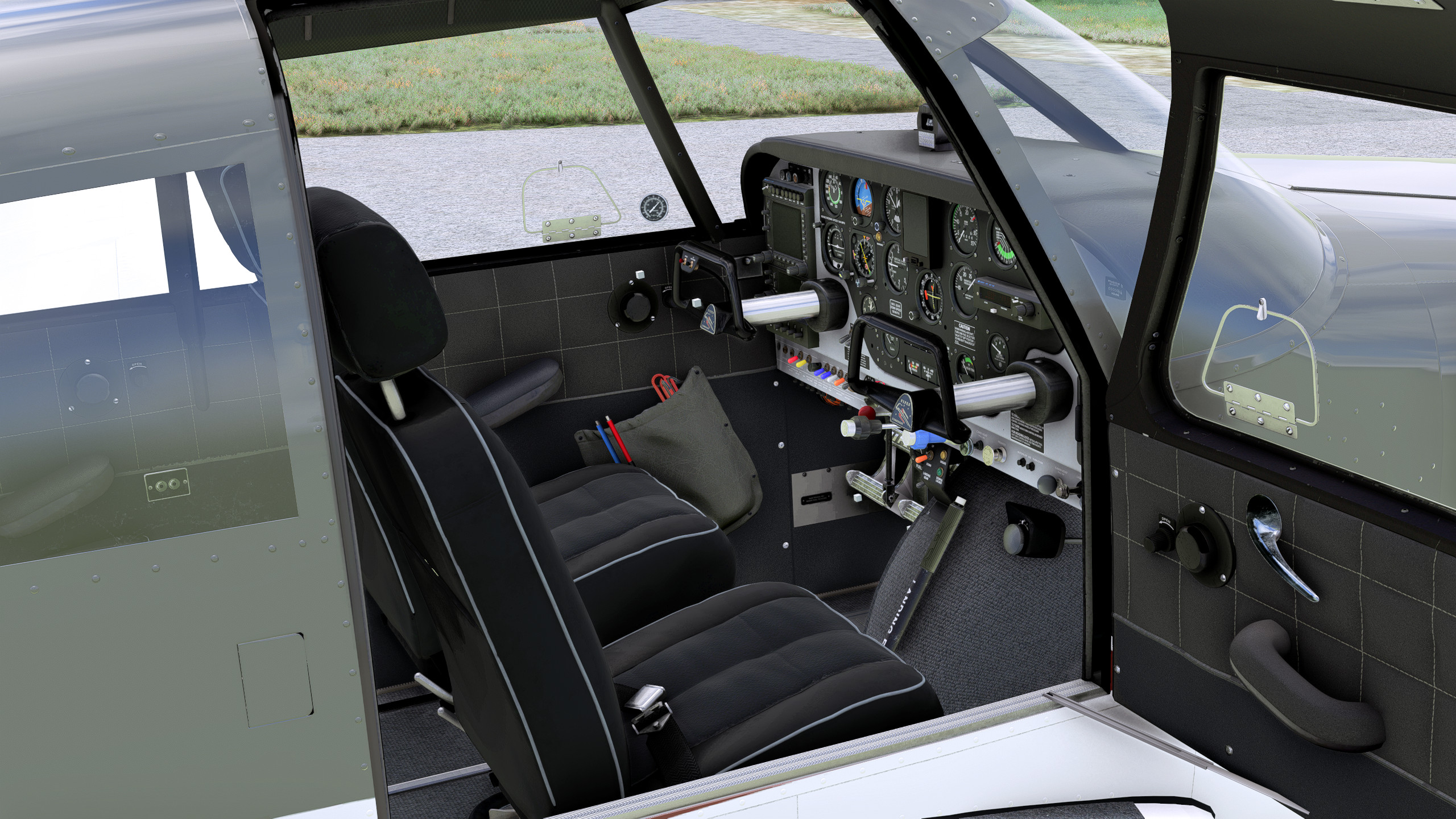
This repaint changes A2A Piper Comanche interior look. I never was a fan of beige interiors, so i decided to repaint this interior to match my taste.
Update 1.2
- Added Black Panel version to package
Package contains following modifications:
- Grey ceiling
- Grey side panels
- Changed material on side panels (no more old worn leather, instead of it more elegant dark material)
- Changed seats materials and colors (including light outline of seats)
- Changed colors of some beige details
- Changed colors of sunshades
- Removed biggest scratches and corrosion from cockpit panel (There are still some scratches, but not as many as in default cockpit textures)
- Retextured flaps lever, emergency gear lever cover and some other details
Cockpit looks now like used one, but in reasonably good condition. It's not meant to be brand new.
In sunny weather some of dark blue color will be visible on materials.
Mod works only with liveries that are using white cockpit panel.
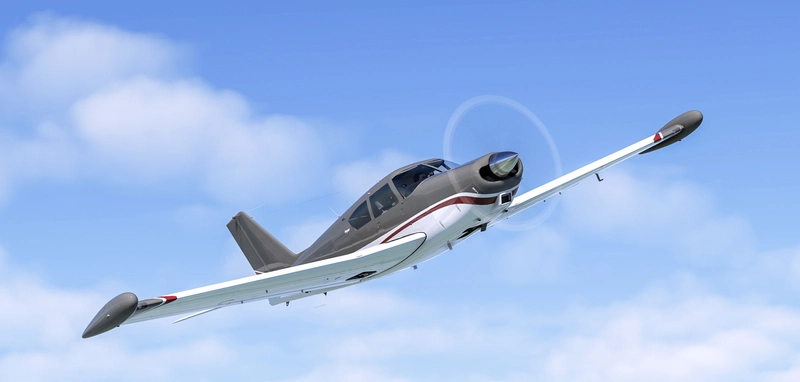
You can use it with my livery for Comanche -> Piper Comanche | Modern Glossy Livery
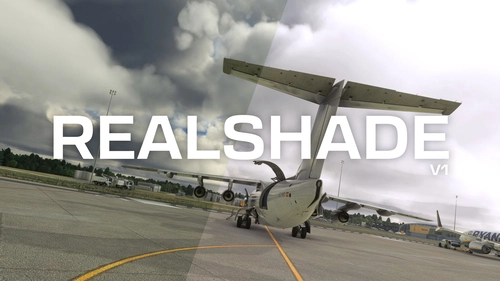
My Reshade Preset used on screenshots -> Realshade V1
Simply unzip downloaded file, and drop desired version to community folder.
Only one folder should be in use! Choose either normal or black cockpit panel version.
Mod doesn't overwrite any aircraft files, so you can turn it off by removing it from community folder or unlink in Addons Linker.
A2A Piper PA-24 Comanche | Dark/Grey Interior & Less Worn Textures
A subtle cockpit repaint for the A2A Piper PA-24 Comanche, featuring dark and grey interior textures to replace the original beige look. This modification includes changes to various elements such as the ceiling, side panels, seats, and more, aiming for a used yet well-maintained appearance. Compatible with liveries utilizing white cockpit panels, offering a refreshed visual experience for virtual pilots.

User Reviews
7 reviews
Version History
Added black panel version
Related
Realshade | Reshade Profile
Reshade preset that corrects MSFS exposure, brightness and color grading at no FPS cost. Main goal of this preset is to achieve as natural look for human eye as possible without affecting performance of the simulator. Look for installation instructions in description.
by tomgol
EDAH | Heringsdorf Airport
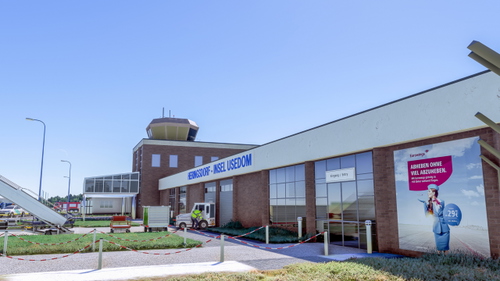
Explore the regional Heringsdorf Airport located on the island of Usedom in Germany. This add-on features a detailed recreation of the airport, including custom-made main buildings and enhanced scenery elements. Easy installation by moving files to your community folder for an immersive experience in Microsoft Flight Simulator.
by tgolab
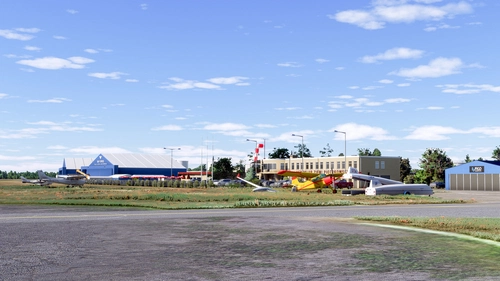
EPPT | Piotrków Trybunalski - Aeroklub Ziemi Piotrkowskiej
Experience EPPT, the general aviation airfield in Piotrków Trybunalski, Poland. Home to Aeroklub Ziemi Piotrkowskiej, this scenery features custom-made buildings and two runways - asphalt and grass. Enjoy enhanced depth and immersion with updated aerial images. Simply unzip and install to your community folder for a seamless experience.
by tgolab
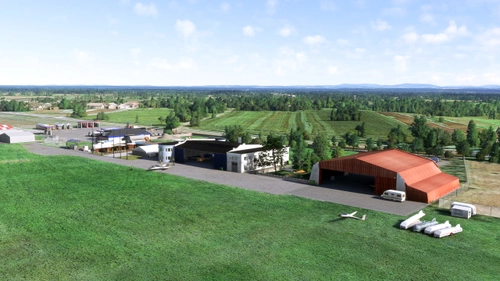
EPKP | Kraków-Pobiednik Wielki Aeroklub Krakowski
Discover EPKP - Kraków-Pobiednik Wielki Aeroklub Krakowski, a small general aviation airfield near Kraków, Poland. Founded in 1938 as a military airfield, now serving as a civil airfield since 1952. Features two grass runways, custom-made buildings, and enhanced scenery for an immersive flying experience in Microsoft Flight Simulator.
by tgolab
Log in to join the discussion
Log InComments(21)
3 months ago
6 months ago
about 3 years ago
about 3 years ago
about 3 years ago
1. Copy TEXTURES folder from this package (zzz_a2a-comanche-tg-cockpit\SimObjects\Airplanes\pa24-250) to your livery folder (yourlivery\SimObjects\Airplanes\yourlivery)
2. Use MSFS Layout Generator
Paste MSFS Layout Generator .exe in your livery main folder (where Layout and Manifest files are), then drag Layout.xml file over MSFS Layout Generator .exe file.
And it should work 😊 Here you can download Layout Generator -> https://github.com/HughesMDflyer4/MSFSLayoutGenerator
about 3 years ago
about 3 years ago
about 3 years ago
about 3 years ago
about 3 years ago
about 3 years ago
I used drone camera for some of those shots.
about 3 years ago
about 3 years ago
about 3 years ago
By the way, can you make a version of the Modern Glossy Livery with this cockpit as standalone mod?
IMO they will fit very well together. Many thanks in advance
about 3 years ago
1. Copy TEXTURES folder from this package (zzz_a2a-comanche-tg-cockpit\SimObjects\Airplanes\pa24-250) to your livery folder (yourlivery\SimObjects\Airplanes\yourlivery)
2. Use MSFS Layout Generator
Paste MSFS Layout Generator .exe in your livery main folder (where Layout and Manifest files are), then drag Layout.xml file over MSFS Layout Generator .exe file.
And it should work :) Here you can download Layout Generator -> https://github.com/HughesMDflyer4/MSFSLayoutGenerator
about 3 years ago
about 3 years ago
about 3 years ago
about 3 years ago
about 3 years ago