
Description
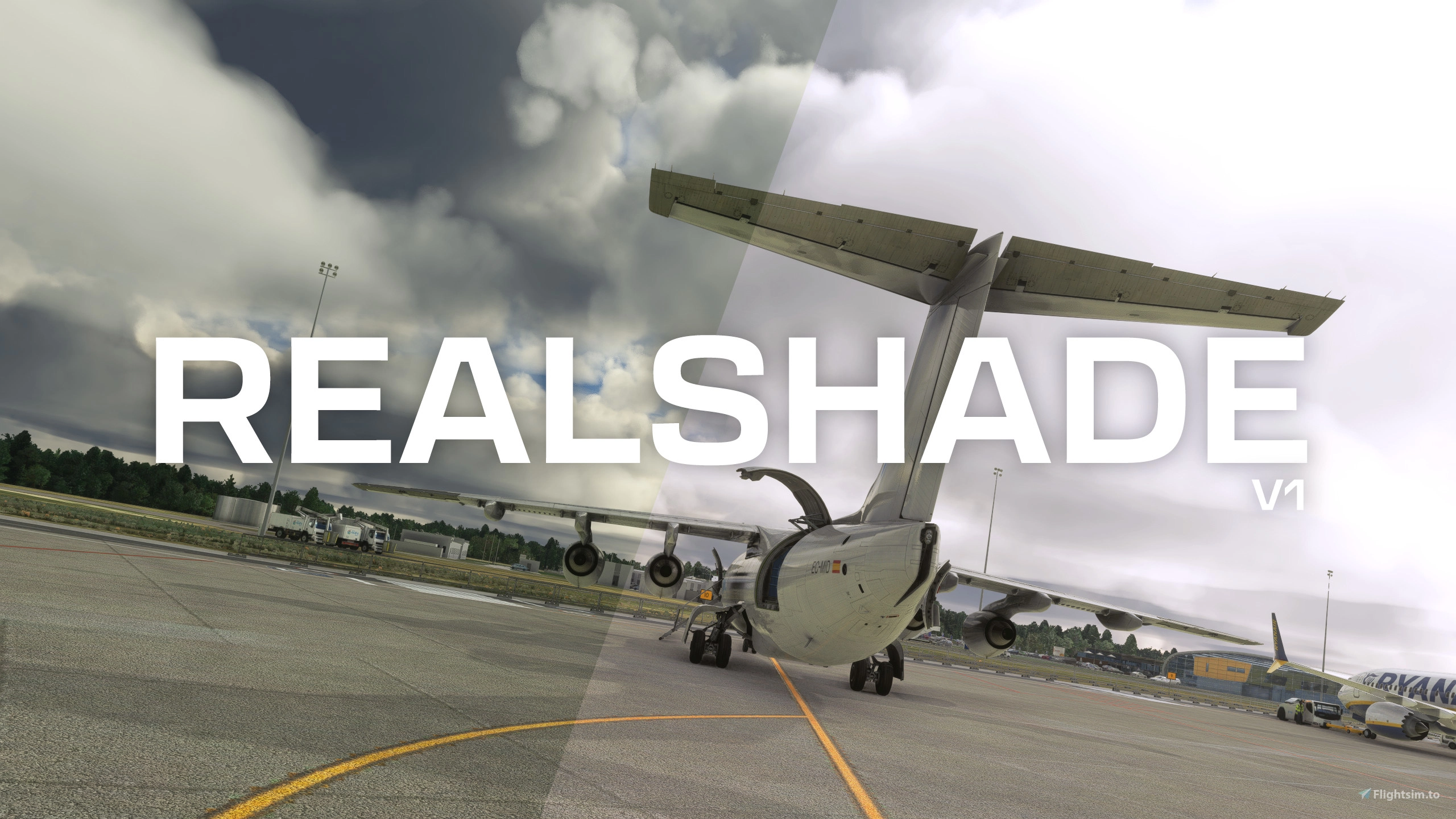
Reshade preset that corrects MSFS exposure, brightness and color grading at no FPS cost. Main goal of this preset is to achieve as natural look for human eye as possible without affecting performance of the simulator.
REALSHADE V1
Realshade is a Reshade preset that corrects most annoying shading issues in Microsoft Flight Simulator.
- Brightness and Exposure
By default, MSFS is too dark, especially with overcast/cloudy weather. This preset corrects brightness and exposure, without overexposing bright parts of image. Overcast doesn't feel like night anymore, and sunny weather doesn't feel like late evening. Cockpit is also not underexposed, which makes reading gauges, screens and buttons easier. - Color grading
We all know famous yellow/green tint in MSFS. Say goodbye to it. Colors are finally more natural, with more purple/red tint, like in real life.
Requirements
- Microsoft Flight Simulator (Steam or Microsoft Store/Game Pass version)
- Reshade
Reshade installation instructions are made for MS Store/Game Pass version. For steam version instructions please use Youtube or Google.
- Install Reshade. (Skip this step if you have Reshade already installed)
- Download installer from Reshade Website
- Open installer, click on BROWSE button, and go to MSFS installation location ( default location: C:\XboxGames\Microsoft Flight Simulator\Content ) and select "gamelaunchhelper.exe" file.
- Select DirectX 10/11/12
- Press "Skip" button
- Uncheck all possible shaders packs and click next
- Reshade will be installed
- Download installer from Reshade Website
- Extract Realshade archive
- Paste Realshade_v1.ini file and reshade-shaders folder into your MSFS installation folder ( default location: C:\XboxGames\Microsoft Flight Simulator\Content )
- Launch Microsoft Flight Simulator, wait until it will load to main screen
- Reshade config window can be enabled by pressing "Home" button. I recommend setting "Effect toggle key" to some button on your keyboard so you will be able to quickly enable/disable reshade in future.
- Select Realshade_v1 preset, and make sure that Technicolor2, Apply LUT and Tonemap shaders are enabled. If those shaders aren't enabled, it means that something went wrong with installation.
- HAVE FUN ;)
If you already have Reshade installed, copy Realshade_v1.ini preset to folder where reshade is installed. Copy shaders files into shaders folder of your reshade installation. Copy LUT files from textures folder to your reshade installation texture folder. Then launch Flight Simulator and select Realshade_v1 preset.
Realshade | Reshade Profile
Reshade preset that corrects MSFS exposure, brightness and color grading at no FPS cost. Main goal of this preset is to achieve as natural look for human eye as possible without affecting performance of the simulator. Look for installation instructions in description.

Supporters
User Reviews
23 reviews
Version History
Updated shaders - fixed issue with shaders not compiling correctly.
Related
EDAH | Heringsdorf Airport
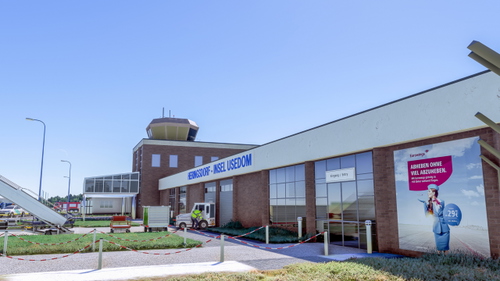
Explore the regional Heringsdorf Airport located on the island of Usedom in Germany. This add-on features a detailed recreation of the airport, including custom-made main buildings and enhanced scenery elements. Easy installation by moving files to your community folder for an immersive experience in Microsoft Flight Simulator.
by tgolab
EPPT | Piotrków Trybunalski - Aeroklub Ziemi Piotrkowskiej
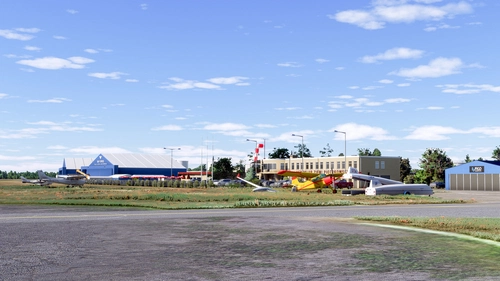
Experience EPPT, the general aviation airfield in Piotrków Trybunalski, Poland. Home to Aeroklub Ziemi Piotrkowskiej, this scenery features custom-made buildings and two runways - asphalt and grass. Enjoy enhanced depth and immersion with updated aerial images. Simply unzip and install to your community folder for a seamless experience.
by tgolab
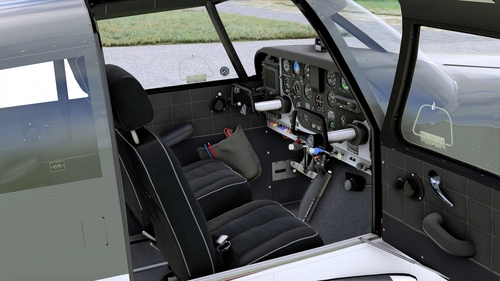
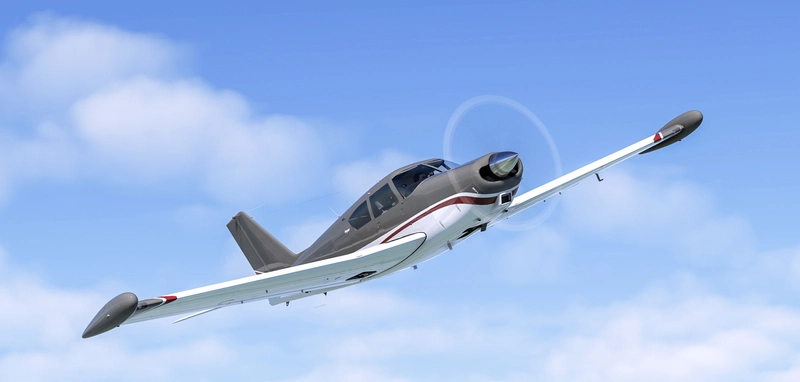
A2A Piper PA-24 Comanche | Dark/Grey Interior & Less Worn Textures
A subtle cockpit repaint for the A2A Piper PA-24 Comanche, featuring dark and grey interior textures to replace the original beige look. This modification includes changes to various elements such as the ceiling, side panels, seats, and more, aiming for a used yet well-maintained appearance. Compatible with liveries utilizing white cockpit panels, offering a refreshed visual experience for virtual pilots.
by tomgol
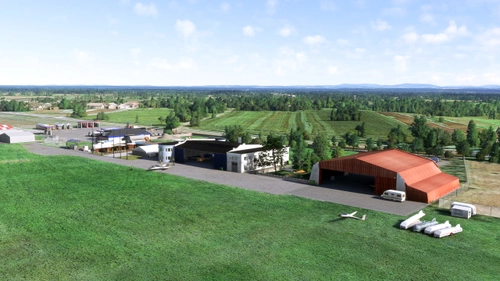
EPKP | Kraków-Pobiednik Wielki Aeroklub Krakowski
Discover EPKP - Kraków-Pobiednik Wielki Aeroklub Krakowski, a small general aviation airfield near Kraków, Poland. Founded in 1938 as a military airfield, now serving as a civil airfield since 1952. Features two grass runways, custom-made buildings, and enhanced scenery for an immersive flying experience in Microsoft Flight Simulator.
by tgolab
Log in to join the discussion
Log InComments(77)
about 7 hours ago
3 months ago
4 months ago
für alle Objekte!
Habe das sowohl mit Community als auch Official Effektdateien versucht
8 months ago
12 months ago
about 1 year ago
about 1 year ago
7 months ago
about 1 year ago
over 1 year ago
10 months ago
10 months ago
over 1 year ago
over 1 year ago
about 2 years ago
about 2 years ago
"FXAA.fx" fallo al compilar
over 2 years ago