
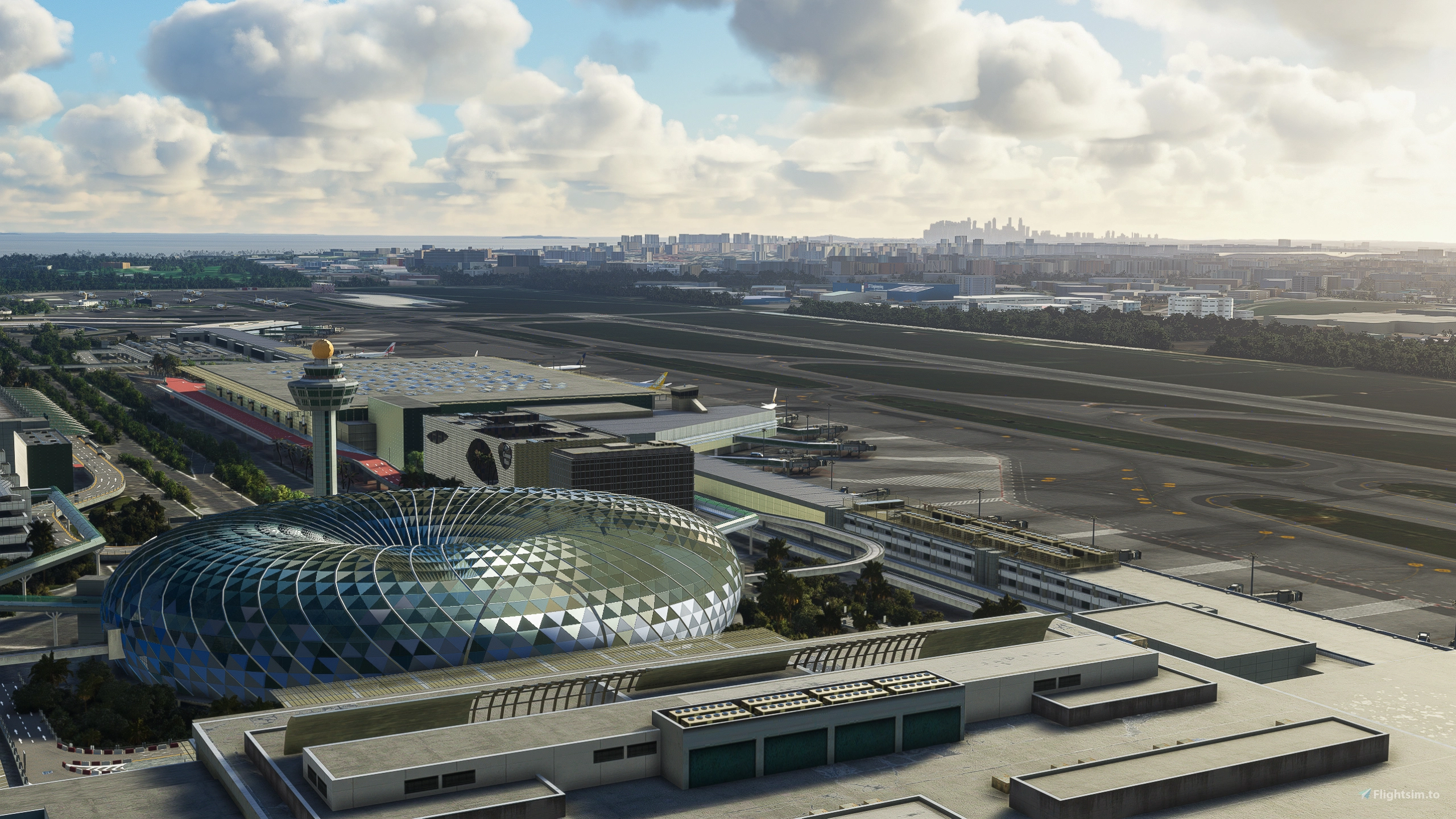
Description
GSX Profile - WSSS Singapore Changi - Cloudsurf Asia
Profile Includes -
- Vehicle Positions
- VDGS
- Pushbacks
- Jetway Floor Heights
- Most Handling Ops
This profile I edited off the original made from another created who abandoned the project less than half way through. I plan to finish handling operators and refine pushback names, as they are basic L/R atm. But besides this, all commercial stands are done. Let me know any feedback, but keep in mind im still refining the profile. Thank you and happy Flying!
To Install:
(Make sure to have SU10 Navdata turned on in the FSDT Installer under GSX Config)
Copy the downloaded file, ICAO-xxxxxx.ini, and place it in the GSX Config
directory. Typically found in:
C:\Users\\AppData\Roaming\virtuali\GSX\MSFS
Comments(37)
Log in to join the discussion
Log Inover 2 years ago
over 2 years ago
over 2 years ago
over 2 years ago
thank you
over 2 years ago
- A1
- B1
- C11
- The D-gate opposite to C11
- A21: this one is a special pushback path, where you pushback first tail left, then turn tail right into that tiny alley, then you pull out nose left and then stop
Thanks!
over 2 years ago
Fran here at imaginesim. We are hoping to get a GSX profile ready for our soon to be released version of WSSS for MSFS. If you'd like to help please contact me at info@imaginesim.com
Many thanks and regards,
Fran
over 2 years ago
over 2 years ago
over 2 years ago
over 2 years ago
almost 3 years ago
Works great, thank you.
GSX Profile - WSSS Singapore Changi - Cloudsurf Asia
Enhance your GSX experience at WSSS Singapore Changi with this Cloudsurf Asia profile, featuring vehicle positions, VDGS, pushbacks, jetway floor heights, and more handling ops. This edited profile aims to provide comprehensive coverage of commercial stands, with ongoing refinements for a seamless ground handling experience. Simply install the file and start enjoying a more realistic and detailed airport environment.

User Reviews
9 reviews
More Information
Version History
Changed wingspan restrictions
Related
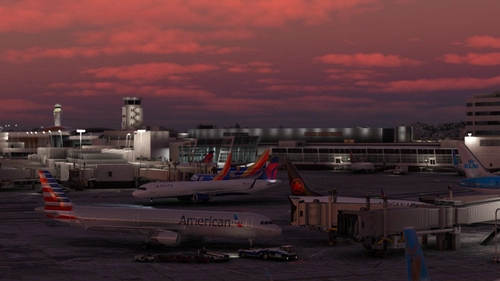
GSX Profile - KSEA Seattle Tacoma (bmworld & amsim)
Enhance your GSX experience with this KSEA Seattle Tacoma Airport Profile by BMWorld and AMSIM. Includes detailed terminal models for a realistic ground handling simulation. Simply download and copy the ICAO-xxxxxx.ini file to your GSX Config directory to enjoy this completed airport profile. Terminals A, B, C, D, N, Q, and S are all modeled for your immersion. Happy flying!
by Jqro
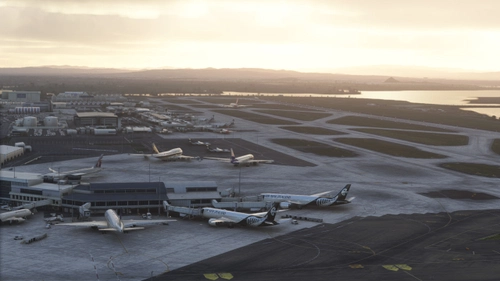
GSX Profile - NZAA Auckland - Flightbeam
Enhance your airport operations with the GSX Pro Profile for NZAA Auckland by Flightbeam. This detailed profile replaces default VDGS, featuring realistic vehicle positions, pax waypoints, pushbacks, jetway floor heights, and handling operators. Simply copy the downloaded file to your GSX Config directory for easy installation.
by Jqro
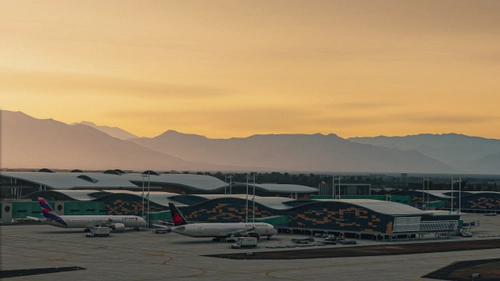
GSX Profile - SCEL Santiago - LVFR
GSX Pro Profile for SCEL Santiago Chile by Latin VFR. Enjoy realistic vehicle and stop positioning, pushbacks, VDGS placement, and jetway floor heights. All gates are included with ongoing updates planned. Simply copy the downloaded file to your GSX Config directory to install. Happy flying!
by Jqro
GSX Profile - TJSJ San Juan
Enhance your ground handling experience at San Juan TJSJ Airport with this GSX Profile by LatinVFR. This profile includes vehicle placements, pushbacks, jetway floor heights, handling ops, and cargo gates. Simply copy the downloaded file into the GSX Config directory to enjoy these features.
by Jqro

almost 2 years ago