
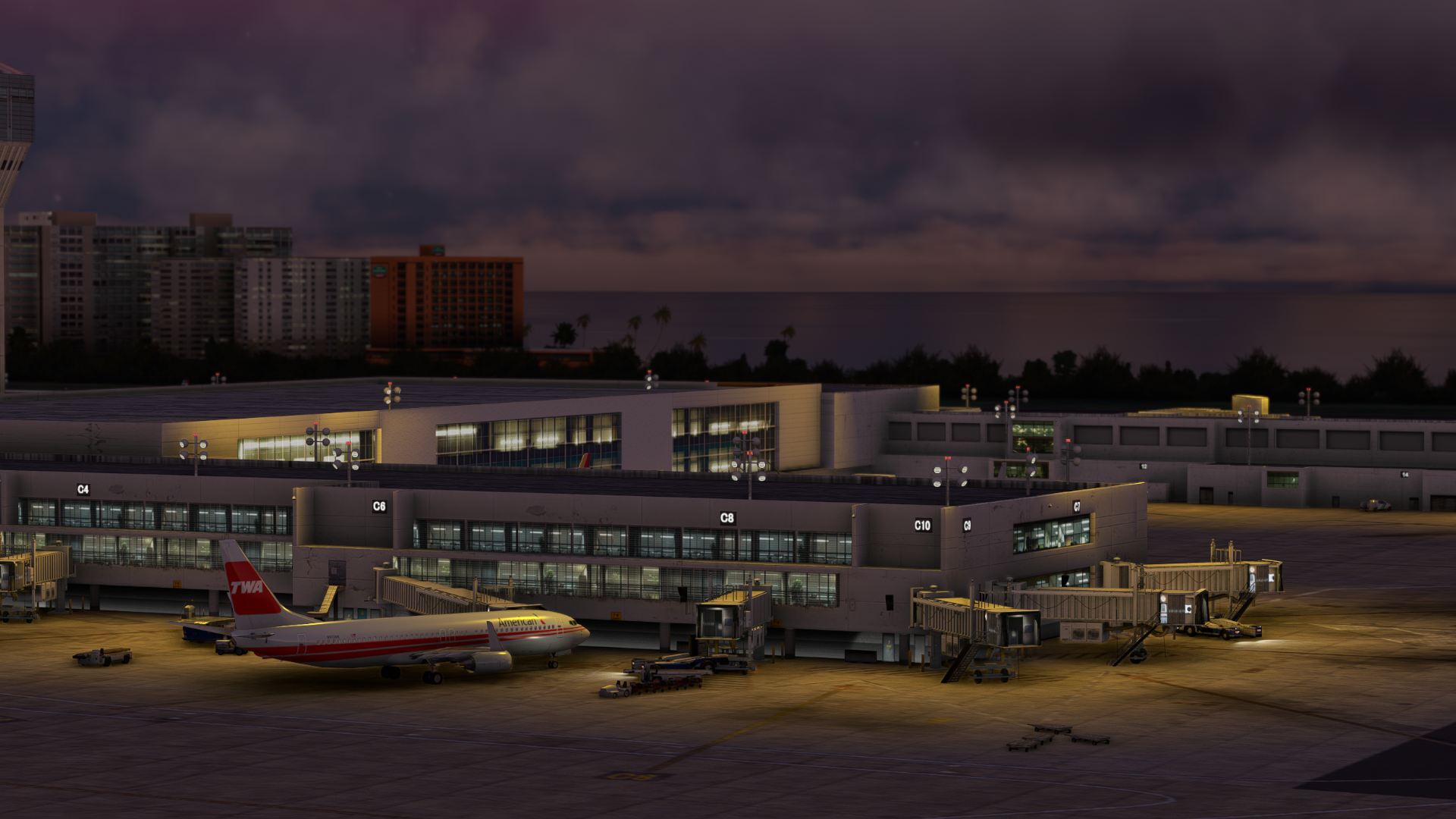
Description
San Juan TJSJ Puerto Rico GSX Profile - LatinVFR
Hey everyone, long time in the works for this airport. All parking spots have been done with safedocks, vehicle positions, and pushbacks with some taxi directions. Cargo Ramps Have not been done, and if you would like it, please let me know by commenting or messaing me, happy flying everyone!
For the ATR Gates, As of 4/26/23, I have asked the developer if they could impliement a better terminal for these turboprop gates. As of now, the default spawn locations, terminal and apron are not modeled sufficiently to even think of making GSX Integrated here, Hopfully they can get back to me and update it soon.
Profile Includes:
- Vehicle Placements
- Pushbacks
- Jetway Floor Heights
- Handling Ops
- Cargo Gates
To Install:
Copy the downloaded file, ICAO-xxxxxx.ini, and place it in the GSX Config
directory. Typically found in:
C:\Users\\AppData\Roaming\virtuali\GSX\MSFS
Make sure it is loaded by opening up the GSX gate config menu when at your airport, and checking at the top of the screen if the file shown next to user customization is the same one you dowloaded for it
Let me know any issues - Happy Flying!
GSX Profile - TJSJ San Juan
Enhance your ground handling experience at San Juan TJSJ Airport with this GSX Profile by LatinVFR. This profile includes vehicle placements, pushbacks, jetway floor heights, handling ops, and cargo gates. Simply copy the downloaded file into the GSX Config directory to enjoy these features.


User Reviews
2 reviews
Version History
- Added custom Jetway floor height - Minor improvements
Related
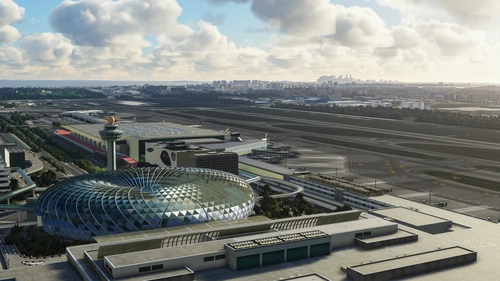
GSX Profile - WSSS Singapore Changi - Cloudsurf Asia
Enhance your GSX experience at WSSS Singapore Changi with this Cloudsurf Asia profile, featuring vehicle positions, VDGS, pushbacks, jetway floor heights, and more handling ops. This edited profile aims to provide comprehensive coverage of commercial stands, with ongoing refinements for a seamless ground handling experience. Simply install the file and start enjoying a more realistic and detailed airport environment.
by Jqro
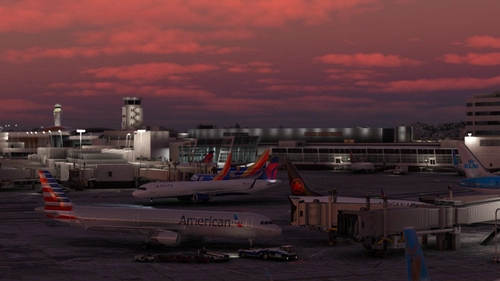
GSX Profile - KSEA Seattle Tacoma (bmworld & amsim)
Enhance your GSX experience with this KSEA Seattle Tacoma Airport Profile by BMWorld and AMSIM. Includes detailed terminal models for a realistic ground handling simulation. Simply download and copy the ICAO-xxxxxx.ini file to your GSX Config directory to enjoy this completed airport profile. Terminals A, B, C, D, N, Q, and S are all modeled for your immersion. Happy flying!
by Jqro
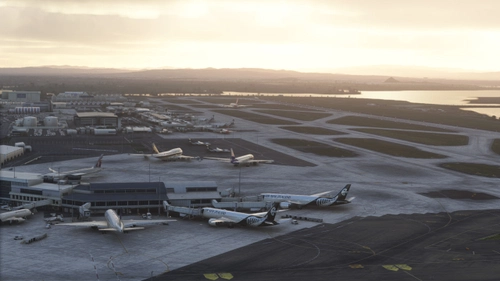
GSX Profile - NZAA Auckland - Flightbeam
Enhance your airport operations with the GSX Pro Profile for NZAA Auckland by Flightbeam. This detailed profile replaces default VDGS, featuring realistic vehicle positions, pax waypoints, pushbacks, jetway floor heights, and handling operators. Simply copy the downloaded file to your GSX Config directory for easy installation.
by Jqro
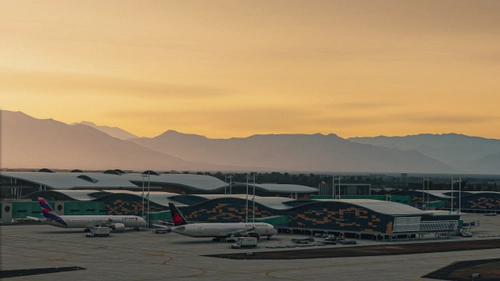
GSX Profile - SCEL Santiago - LVFR
GSX Pro Profile for SCEL Santiago Chile by Latin VFR. Enjoy realistic vehicle and stop positioning, pushbacks, VDGS placement, and jetway floor heights. All gates are included with ongoing updates planned. Simply copy the downloaded file to your GSX Config directory to install. Happy flying!
by Jqro
Log in to join the discussion
Log InComments(6)
over 3 years ago
any chance you'll add walk-in gates for ATR ops?
over 3 years ago
The scenery has these gatex extremely poorly integrated. no stop positions, terrible terminal and apron modeling, only a basic walkway model just plopped in. I will write LatinVFR Asking if this can be updated, with the credibility of LVFR Im not sure if they will care though.
over 3 years ago
very good job, thank you
almost 4 years ago
Thanks a lot, would like to use the cargo ramps too for UPS and FEDEX flights that go to San Juan. Thanks for all the work
almost 4 years ago
Yea me as well, I am away at the moment but I will send out the email when cargo is finished, thank you for letting me know, happy holidays!
over 3 years ago
Gates 34-43 Cargo are done :)