
Description
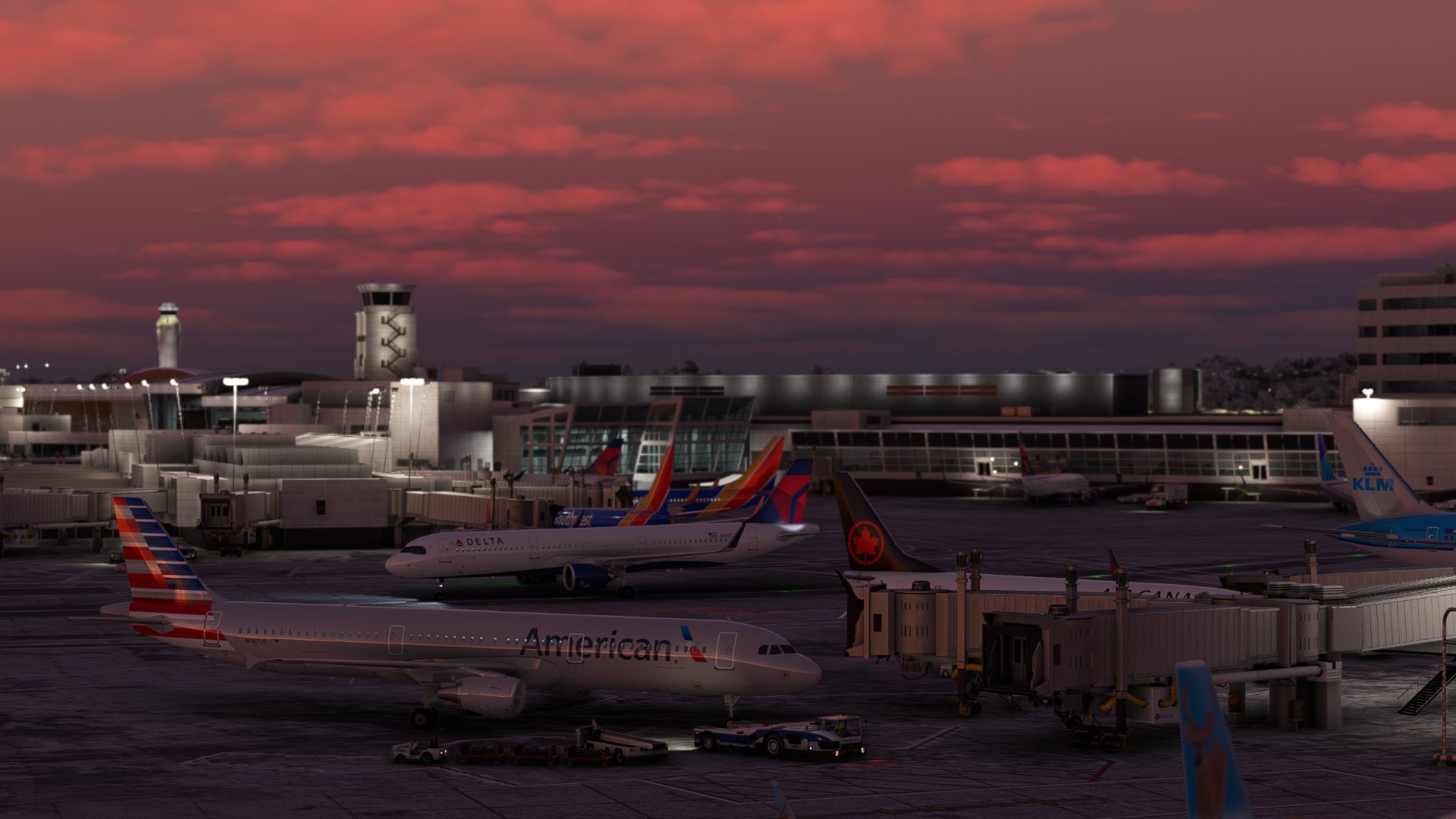
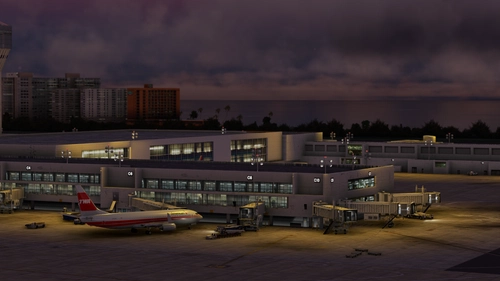
KSEA By BMWorld And AMSIM Seattle Tacoma Airport For MSFS
The Airport Profile is now finished as of 12/15/22 🎉
Thanks for the dowloads
Let me know any issues you encounter
To Install:
Copy the downloaded file, ICAO-xxxxxx.ini, and place it in the GSX Config
directory. Typically found in:
C:\Users\\AppData\Roaming\virtuali\GSX\MSFS
Make sure it is loaded by opening up the GSX gate config menu when at your airport, and checking at the top of the screen if the file shown next to user customization is the same one you dowloaded for it
We I highly reccomend turning SU10 Navdata on, before it becomes mandatory, and it will help with other sceneries and Marketplace airports - If you would like to enable it, to make newer profiles work and marketplace airports with with gsx, open the fsdt installer, go into the GSX Pro config menu, and check the box that says "Use SU11 Navdata"
Terminals That Are Modeled:
A
B
C
D
N
Q
S
Thank you everyone, Happy Flying!
GSX Profile - KSEA Seattle Tacoma (bmworld & amsim)
Enhance your GSX experience with this KSEA Seattle Tacoma Airport Profile by BMWorld and AMSIM. Includes detailed terminal models for a realistic ground handling simulation. Simply download and copy the ICAO-xxxxxx.ini file to your GSX Config directory to enjoy this completed airport profile. Terminals A, B, C, D, N, Q, and S are all modeled for your immersion. Happy flying!


User Reviews
3 reviews
Version History
Updated all N gates to comply with position changes and added clutter around the terminal
Featured in Collections(1)

Related
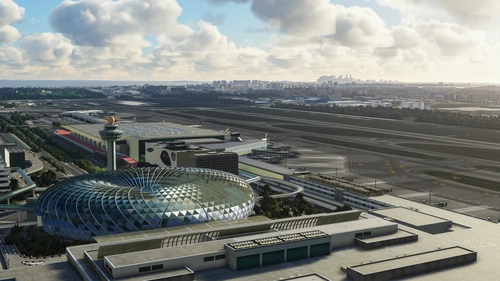
GSX Profile - WSSS Singapore Changi - Cloudsurf Asia
Enhance your GSX experience at WSSS Singapore Changi with this Cloudsurf Asia profile, featuring vehicle positions, VDGS, pushbacks, jetway floor heights, and more handling ops. This edited profile aims to provide comprehensive coverage of commercial stands, with ongoing refinements for a seamless ground handling experience. Simply install the file and start enjoying a more realistic and detailed airport environment.
by Jqro
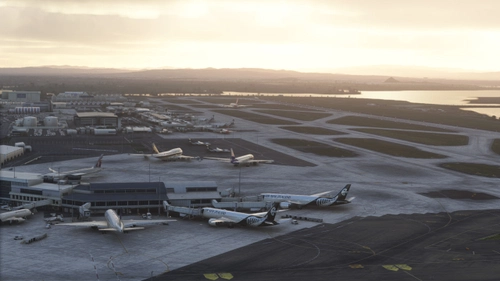
GSX Profile - NZAA Auckland - Flightbeam
Enhance your airport operations with the GSX Pro Profile for NZAA Auckland by Flightbeam. This detailed profile replaces default VDGS, featuring realistic vehicle positions, pax waypoints, pushbacks, jetway floor heights, and handling operators. Simply copy the downloaded file to your GSX Config directory for easy installation.
by Jqro
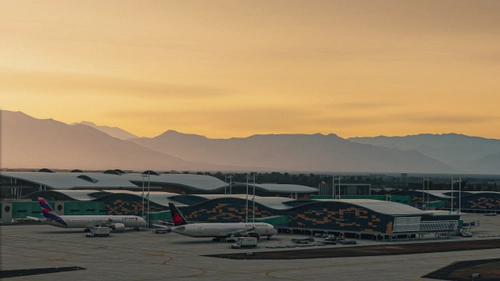
GSX Profile - SCEL Santiago - LVFR
GSX Pro Profile for SCEL Santiago Chile by Latin VFR. Enjoy realistic vehicle and stop positioning, pushbacks, VDGS placement, and jetway floor heights. All gates are included with ongoing updates planned. Simply copy the downloaded file to your GSX Config directory to install. Happy flying!
by Jqro
GSX Profile - TJSJ San Juan
Enhance your ground handling experience at San Juan TJSJ Airport with this GSX Profile by LatinVFR. This profile includes vehicle placements, pushbacks, jetway floor heights, handling ops, and cargo gates. Simply copy the downloaded file into the GSX Config directory to enjoy these features.
by Jqro
Log in to join the discussion
Log InComments(33)
about 2 years ago
EDIT: Actually the other terminals aren't as bad, but still great room for improvement. Took some days to improve the whole airport myself.
almost 2 years ago
almost 2 years ago
over 2 years ago
about 3 years ago
about 3 years ago
about 3 years ago
about 3 years ago
over 3 years ago
Hello! Not sure if others are having the same issue but in the last few days, the GSX profile seems to be having issues with all gates. For example, if I spawn in at the N Terminal, the GSX menu doesn't know I am at a gate. If I try to warp to one, the aircraft is not parked correctly. Today, I started at C15, but all of my ground vehicles were stationed on at Q15. When attempting a pushback it spun me around 360 degrees and pushed me through the terminal. Everthing was working fine a few weeks ago but GSX did update recently. Could you take a look?
over 3 years ago
I beleive these are GSX Limitations. On C15/Q15, there is something bugged that makes mopst parking spots occupy the same area. Ive tried to fix it but it doesnt work. Just use Q15. For the other comments on N gates, I beleive its GSX Mixing up parking radii for other spots, I will see how widespread this problem is but it seems small
over 3 years ago
Thanks for looking into it.
over 3 years ago
Got the same issue with N gates, esp N1, N2, N3 being really off.
over 3 years ago
Just fixed it. Some KSEA update completely re-did the N gates, presumably for accuracy. It shows how little attention BMWorld and Amsim put into these sceneries when they come out, a disgrace of developers just going for cash grabs along with orbs
over 3 years ago
Thank you so much for the attention to our comments and quick action to address them!
over 3 years ago
Are the N gates matching the BMWorld properly in this version? They appear to be the same as the Asobo scenery and BMWorld's N gate positions are very different from the Asobo scenery. Or have I missed a step?
Edit: I did miss a step, I needed to disable the default KSEA in GSX Installer. All good now. Thanks for the file!
over 3 years ago
Hey I'm having this exact issue and for the life of me can't figure out how to disable asobo SEA in gsx installer, may you briefly instruct me please, or do you know of any tutorial out there?
over 3 years ago
Go into your profile in the top menu bar in msfs home screen. From there, go to the content manager. Search up KSEA in the content manager. It will probably come up with the USA world update. Just expand on this and scroll down until you see Asobo KSEA and select it, and hit uninstall.
over 3 years ago
Hmmm I already had it uninstalled from when I purchased the new scenery, and the issues persist. Thanks for the help though :)
over 3 years ago
Thank you for this, you have done a great job with KSEA. Is there any chance that you could do one for the ASOBO KATL? Atlanta now has Visual Docking Systems at the gates and the pushback is normally just a straight back with a slight turn to the North or South (As seen in this Video https://www.youtube.com/watch?v=37C1ig8UWek). The default is set to nodes so the Push is way too long. Thank you so much and keep up the great work!