
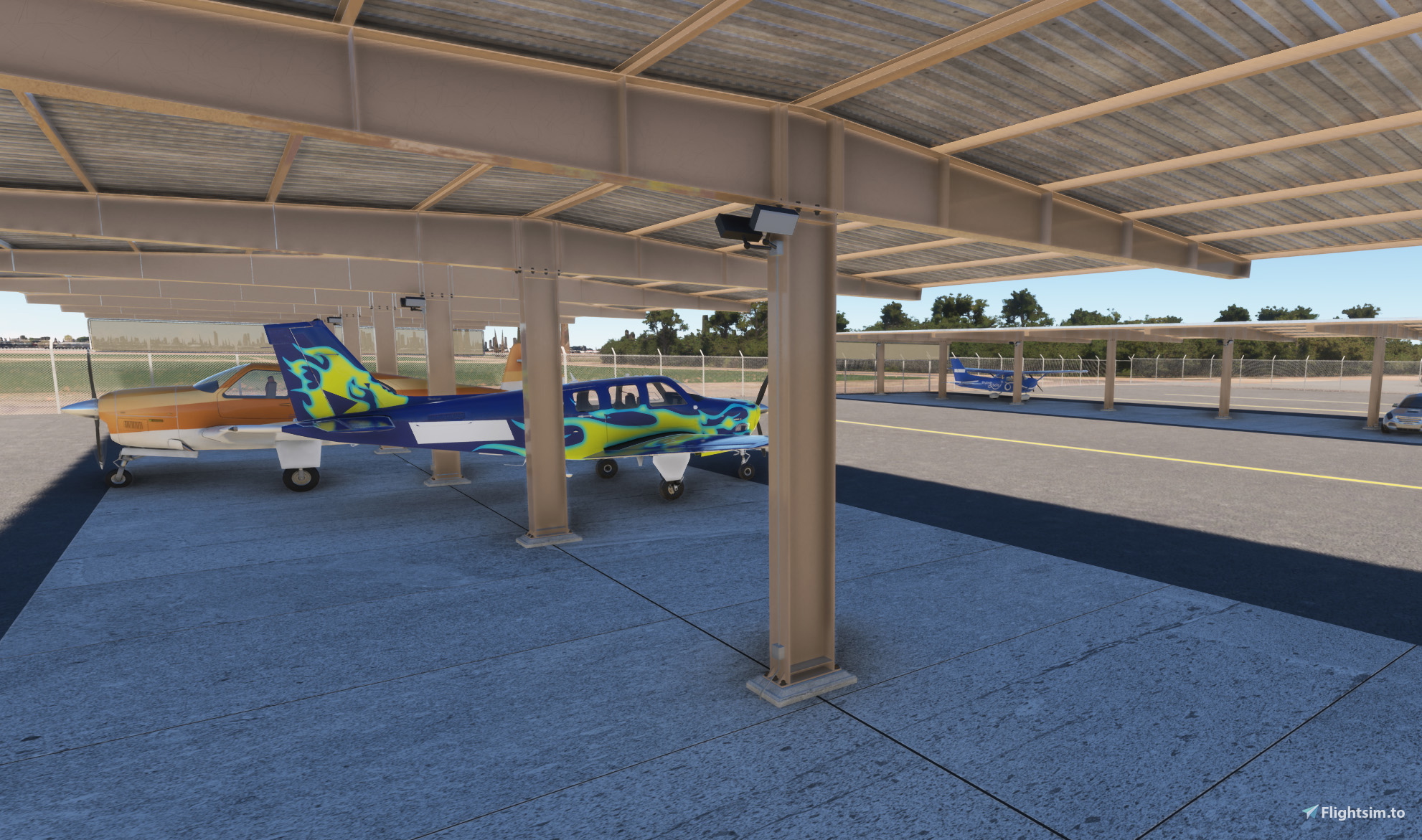
Description
Library contains Tee Shade scenery model files for MSFS. Tee Shade model is my own creation.Textures used for this model are credited to Sharetextures.com (CC0), CGBookcase.com (CC0), and AmbientGC.com (CC0).
Place the downloaded TeeShadeSS1 folder in the modelLib folder corresponding to the airport you are working on. Place the individual Tee Shade textures (not the entire folder) into the texture folder that can be found within that modelLib folder.
Build the airport scenery that you are working on. Load that new scenery into the SDK editor and the TeeShadeSS1 model should be available for use from your airport modelLib directory in the SDK editor.
Tee Shade Model Library
This library contains Tee Shade scenery model files for use in Microsoft Flight Simulator. Included in this library are texture files used and available from Sharetextures.com (CC0), CGBookcase.com (CC0), and AmbientGC.com (CC0).


User Reviews
1 reviews
Version History
Significant improvement in detail and quality of model. This one download has all the model and texture files needed for this Tee Shade object. Handling of files is standard but please see instructions if not familiar with the process.
Related
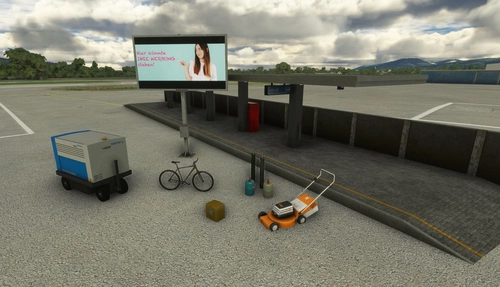
Mikea.at - AssetPack
Discover Mikea.at - AssetPack, a collection of assets for enhancing your scenery projects in Microsoft Flight Simulator. This pack includes a variety of objects like gliders, signs, vehicles, and more, all available for easy access in your community folder. Keep an eye out for regular updates and additions to this growing pack of detailed assets.
by Mikea.at
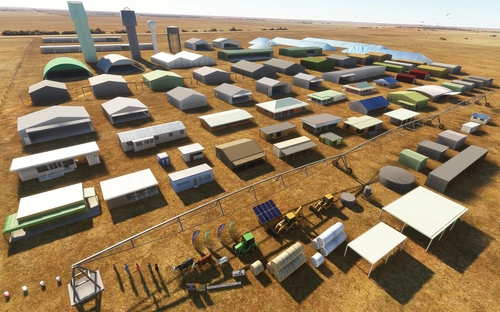
MSFS 2020 object library 200+ models - towers hangars to cones v14-11 UPDATE
Object library with a variety of useful objects designed to be frame rate friendly using LOD (level of detail) so simple models used in longer distances. Smaller objects will not disappear in short distance due to the addition of large triangles underground. Objects are high quality using PBR textures and with some animated.
by colinj
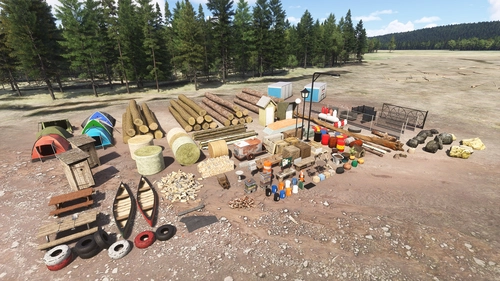
Emerald Object Library
A library for Emerald Scenery Design addons and freeware developers containing over 400 Models, Environmentally-Dynamic SimObjects, Visual Effects, Wwise Sounds, and Materials. Emerald Object Library is now available on the MSFS Marketplace for PC and Xbox!
by Emerald Scenery Design
Animated Human 3D Models Library
A library of nearly 300 animated human models and animals for Microsoft Flight Simulator, offering a variety of actions and colors. Models include civilians, business people, airport staff, animals, and more. Includes SDK object search guidelines and a separate section for developers with tutorials on creating custom content. Version 1.3 update brings new models and props like cyclists, wheelchair users, and livestock for enhanced realism.
by superspud
Log in to join the discussion
Log InComments(7)
about 6 hours ago
1 day ago
2 days ago
over 3 years ago
Cool! I'm editing my home airport currently, so this will really help! Does this just go in the community folder?
over 3 years ago
Yes
over 3 years ago
As rasa stated, you should be able to put the model file folder in your community folder and access it from there in the SDK editor. I have mine in my airport's: package sources - model library folder.
I think the advantage of putting it and other buildings in the airport package is that it will upload right along with the airport package without other steps. If this and other buildings are placed in the community folder, I think you'd need to have two uploads - one for the airport and another for the Tee Shade (and other buildings if you choose to do it that way).
If it goes with the airport package, you'd be uploading a full airport file even if you make a small edit to a building. If you use two uploads, you only have to upload the package you might change later.
I personally keep everything with my airport package but I'm pretty new to this process and there may be some better ways to process these things.
2 days ago