
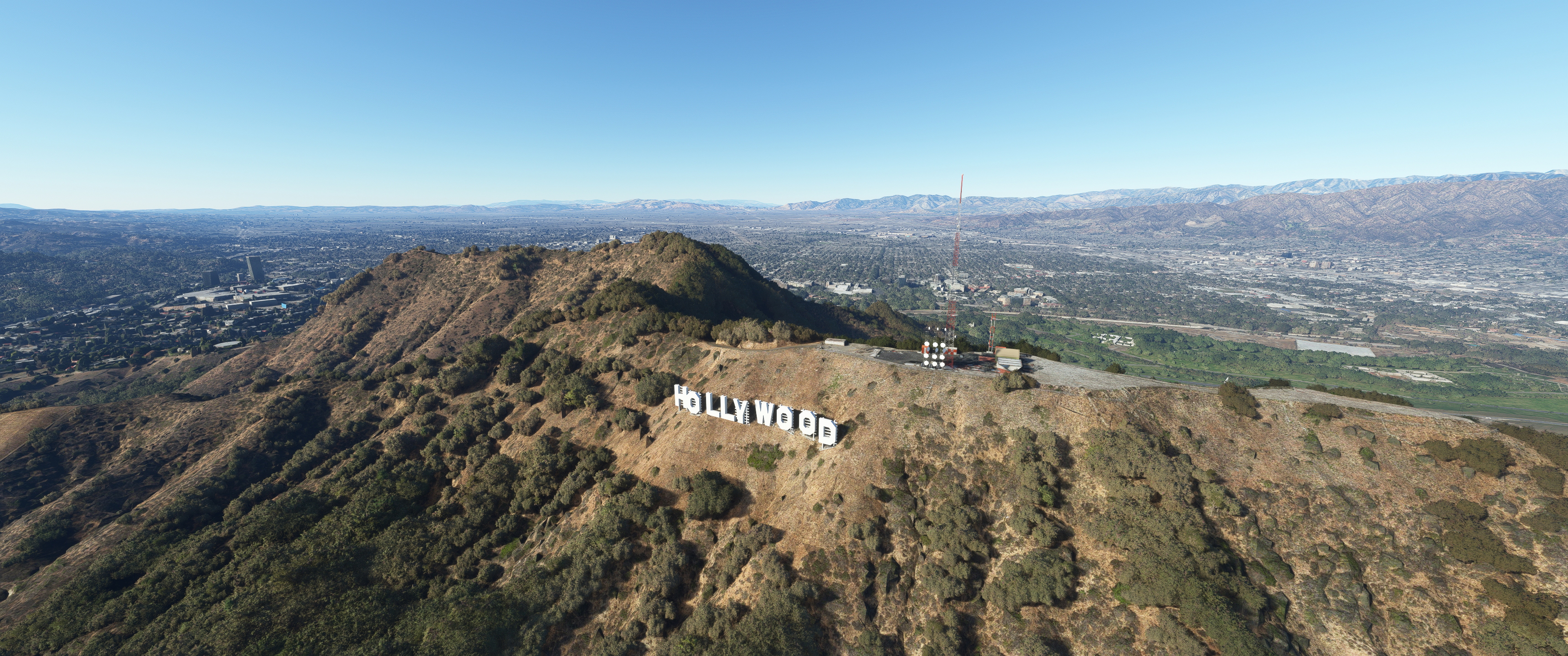
Description
V2.0 - Made compatible with MSFS2024. Small blender model corrections. V2.0 works with MSFS2020 and MSFS2024.
V1.01 - I was able to figure out some trickery in blender that allows the Hollywood sign to spawn in from farther away. So this version has that new model incorporated. Also added PBR textures to sign.
Replaces stock photogrametry Hollywood sign with hand modeled blender version. Also adds stock library assets (antennas etc.) to the antenna farm on the top of Mt Lee just above the Hollywood sign.
Location
Hollywood Sign, Hollywood CA USA V2.0
Experience the iconic Hollywood Sign in a whole new way with this Microsoft Flight Simulator add-on. Version 1.01 features a new model with enhanced visibility from afar and PBR textures, replacing the stock photogrammetry version. Additionally, stock library assets have been added to the antenna farm near the sign for added realism.
User Reviews
4 reviews
Version History
Made compatible with MSFS2024 Blender model fixes
Featured in Collections(1)

Related
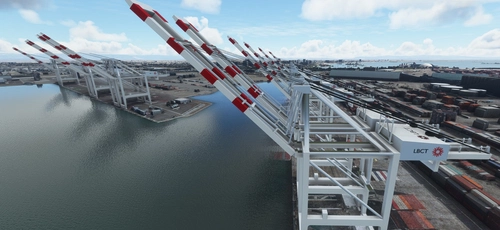
San Pedro Bay Port Facilities, Los Angeles & Long Beach CA USA (V3.0 MSFS2020) / (V1.3 MSFS2024)
This add-on provides detailed scenery enhancements for the San Pedro Bay port facilities in Los Angeles and Long Beach, California, specifically optimized for both MSFS2020 and MSFS2024. Version 3.0 for MSFS2020 features improved models, with significant updates including new cargo crane designs and streamlined asset management. The MSFS2024 version introduces additional upgrades and new details while ensuring compatibility with the latest simulator features.
by FreakyD
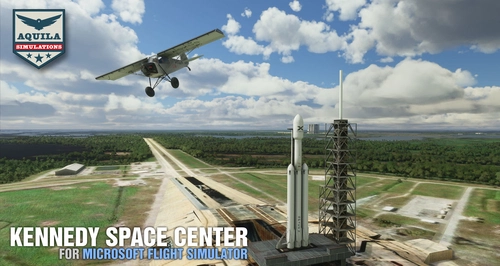
Kennedy Space Center
Explore the iconic Kennedy Space Center in Microsoft Flight Simulator with this detailed add-on, featuring key landmarks such as the VAB Building, Launch Control Building, and Launch Complexes 39A & 39B. Witness the impressive Falcon Heavy Rocket and SpaceX Rocket Assembly building as you embark on virtual space missions. Additional updates promise more buildings and assets to enhance your experience.
by Acktu
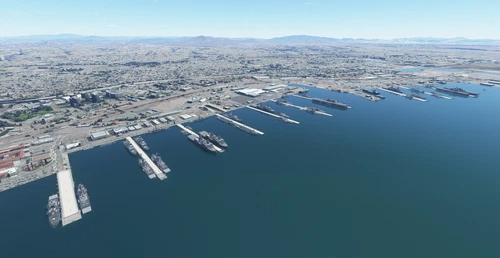
US Navy - San Diego V3.0.1
The US Navy - San Diego V3.0.1 add-on enhances the naval scenery around San Diego in Microsoft Flight Simulator. It includes a variety of updated ship models and improved textures, ensuring compatibility with both MSFS2020 and MSFS2024. Key features include detailed representations of the Rosecrans Submarine Base, multiple naval shipyards, and various classes of ships, including attack submarines and aircraft carriers. Recent updates have focused on model clean-up and the addition of interactive landing pads for helicopters.
by FreakyD
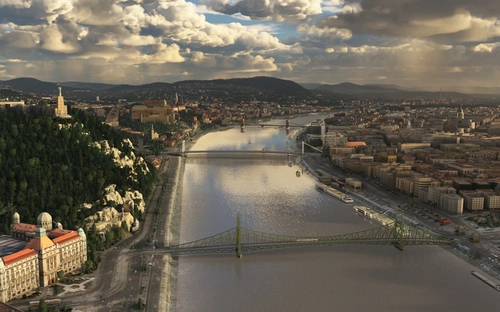
HungaryVFR FS2020
HungaryVFR is a package covering Hungary with airports and landmark sceneries, with its own library. The main goal is to bring as many airports and landmarks to Hungary as many we can, to have an authentic library for the are. The library can be used by other 3rd party scenery developers!
by ekre
Log in to join the discussion
Log InComments(11)
9 months ago
over 3 years ago
thanks, its a must in the area! pls, could you fix the lod issue?
over 3 years ago
Great add on!!! The only critique is that at least on my rig and settings, the LOD setting seems like the letters disappear too short of a distance away? I noticed the "L"s were missing then zoomed in a bit and they reappeared - and not too far away the letters go away completely. My LOD is set to 100 for smoothness. But looks great as I fly over it thank you!
over 3 years ago
That's a combination of your LOD setting and the scale factor of the model (which I always set to 1:1). The L's have much less surface area then the other letters, so the sim's graphic engine I believe renders based on surface area or volume of individual assets. Thus, the L's get screwed.
over 3 years ago
Out of curiosity, would connecting the models below ground or adding some area below ground on the Ls help?
over 3 years ago
yep, adding a node under ground and connecting them to be one will fix this lod isue
over 3 years ago
Does it work with, /replace the Hollywood Sign from the LA Downtown scenery up here at flightsim.to? Because there Sign does not blent well with the terrain.
over 3 years ago
Don't know, I don't use that add on. Try it and see real quick and let me know. You can't hurt your sim by having both installed and run a quick test. If they do conflict, just delete mine... you next sim session will be fine.
over 3 years ago
Awesome add on. Like the lighted sign at night.
1 critique add an obstruction light on the tip of the tall tower, like the lower tower has, and its perfect!!
over 3 years ago
It does have a beacon light... because it's so small, it won't spawn in until your at a certain distance. Fly closer, you'll see it. When you do, can I get a 5 star-er from you?