
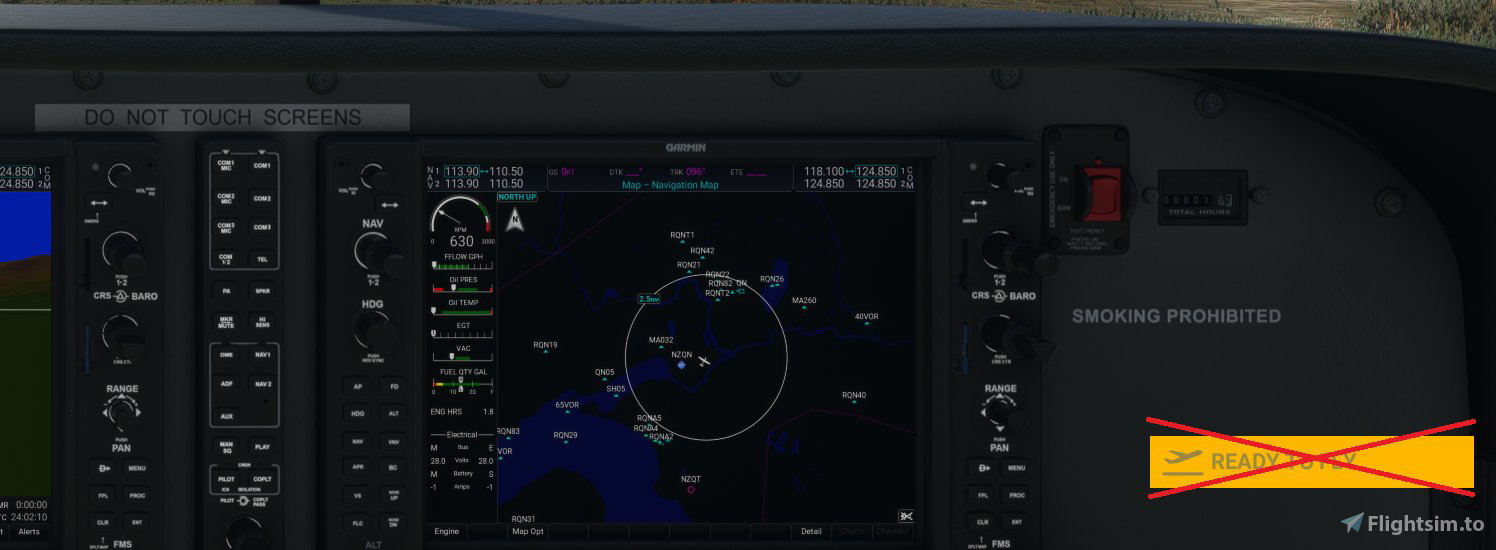
Description
As I'm trying to find a better way to automatically click the "Ready to Fly" button at the beginning of each flight session to automated the panel pop out process in my other project "MSFS Pop Out Panel Manager", I can't believe I didn't ask myself this simple question. Why can't I just skip the "Ready to Fly" button all together?
So if you're tired of waiting and clicking the "Ready to Fly" button at the beginning of each flight, just unzip the package into your community folder. This tweak just adds couple lines of code into MissionStartup.html page to bypass the "Ready to Fly" button until Asobo creates a permanent solution.
The folder name must begin with "zzz-" to avoid conflict with Wingmans Modern UI so the modifed MissionStartup.html page is loaded last when MSFS starts.
Tips: To adjust the time delay in how quickly the "Ready to Fly" button is clicked, you can open MissionStartup.html inside the package in a text editor. Search for the variable "READY_TO_FLY_BUTTON_SKIP_DELAY" and set it to a number from 0 to any number. This is the button skip time delay in seconds.
Happy Flying!
Ready to Fly Button Skipper
Avoid the hassle of clicking the "Ready to Fly" button at the start of each flight with the Ready to Fly Button Skipper add-on. By simply adding a few lines of code, this tweak allows you to skip the button and jump straight into your missions. Customize the time delay for skipping the button by editing the MissionStartup.html file. Make your flight sim experience more seamless and efficient with this convenient mod.


User Reviews
6 reviews
Version History
Added a variable declaration in file to allow user to easily adjustment Ready to Fly button skip delay. To adjust the time delay, you can open MissionStartup.html inside the package in a text editor. Search for the variable "READY_TO_FLY_BUTTON_SKIP_DELAY" and set it to a number from 0 to any number. This is the button skip time delay in seconds.
Featured in Collections(1)

Related
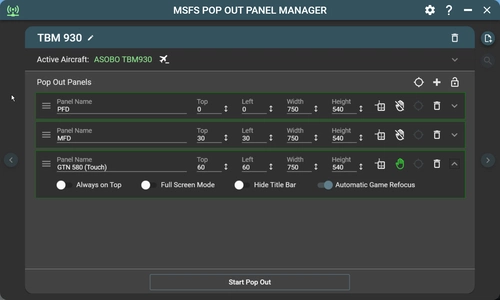
MSFS Pop Out Panel Manager
MSFS Pop Out Panel Manager (with Touch Support) is an application for MSFS 2020 which helps pop out, save and position pop out panels onto your screen or another monitor at predetermined locations automatically. It can be used in conjunction with tool such as Sim Innovations Air Manager to simplify pop out placements.
by Hawkeyesk
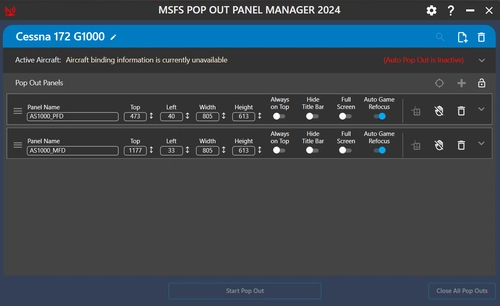
MSFS Pop Out Panel Manager 2024
The MSFS Pop Out Panel Manager 2024 is a utility designed for Microsoft Flight Simulator 2024, allowing users to efficiently pop out, save, and position instrument panels on their screens. Key features include support for creating aircraft profiles, configuring panel settings, and enabling touch functionality on compatible displays. The application also introduces simple auto pop-out capabilities, although some functionalities from the previous version may not yet be operational in this beta release.
by Hawkeyesk
Log in to join the discussion
Log InComments(14)
5 months ago
P.S.: I'll delete this post later and come back and rewrite it with the star rating.
5 months ago
about 1 year ago
You can do it manually with a simple edit of a file. It’s explained well here:
https://www.avsim.com/forums/topic/674579-skip-the-ready-to-fly-button/
over 1 year ago
about 1 year ago
https://www.avsim.com/forums/topic/674579-skip-the-ready-to-fly-button/
about 1 year ago
almost 2 years ago
over 3 years ago
I used this add-on for a long time and I like it very much. However, with the MSFS AAU2 public beta (1.33.5.0; Steam Standard edition, empty community folder except for ready to fly button skipper) it causes my ATR to jump on the runway when I start the first flight of the plane after loading the sim. After that, the jumping is gone until I restart the sim the next time. I would be cool if you could have a look into this. Maybe the click just comes too early for this version. Thank you.
over 3 years ago
Currently, I'm not on AAU2 beta since I'm currently working on getting my other program which targeted SU12. I'll take a look at it as soon as I can. In the meantime, there is a way to lengthen the delay. Go into ready to fly button skipper folder in your community plugin folder. Navigate to the following folder within it "html_ui\Pages\MissionStartup". Inside this folder, you'll find a file called "MissionStartup.html". Open it in notepad or your favorite text/code editor. Then search for the text "READY_TO_FLY_BUTTON_SKIP_DELAY". Set this to a higher number like 3 or 5 seconds. save it, and see if this resolves your issue.
over 3 years ago
This is incredible, great job! Be awesome if you could make something that would auto click world map, the airport and parking of your choosing and then ready to fly so you would automatically be in your plane waiting when launching the sim like you could do in FSX/P3D!
over 3 years ago
I believe the 1000 is milliseconds, so the default is one second.
5000 would be five seconds etc.
over 3 years ago
Thank you so much for this.
Not only does it eliminate the need to press the "Fly Now" button, which was difficult for me as it was hidden behind a radio stack on my benchtop.
But also I found that Pop-out panel manager now works flawlessly.
about 4 years ago
Its a useful Mod , Auto start instead of pressing start fly twice , many Thanks
about 4 years ago
Love it - many thanks for sharing this with the community