
Description
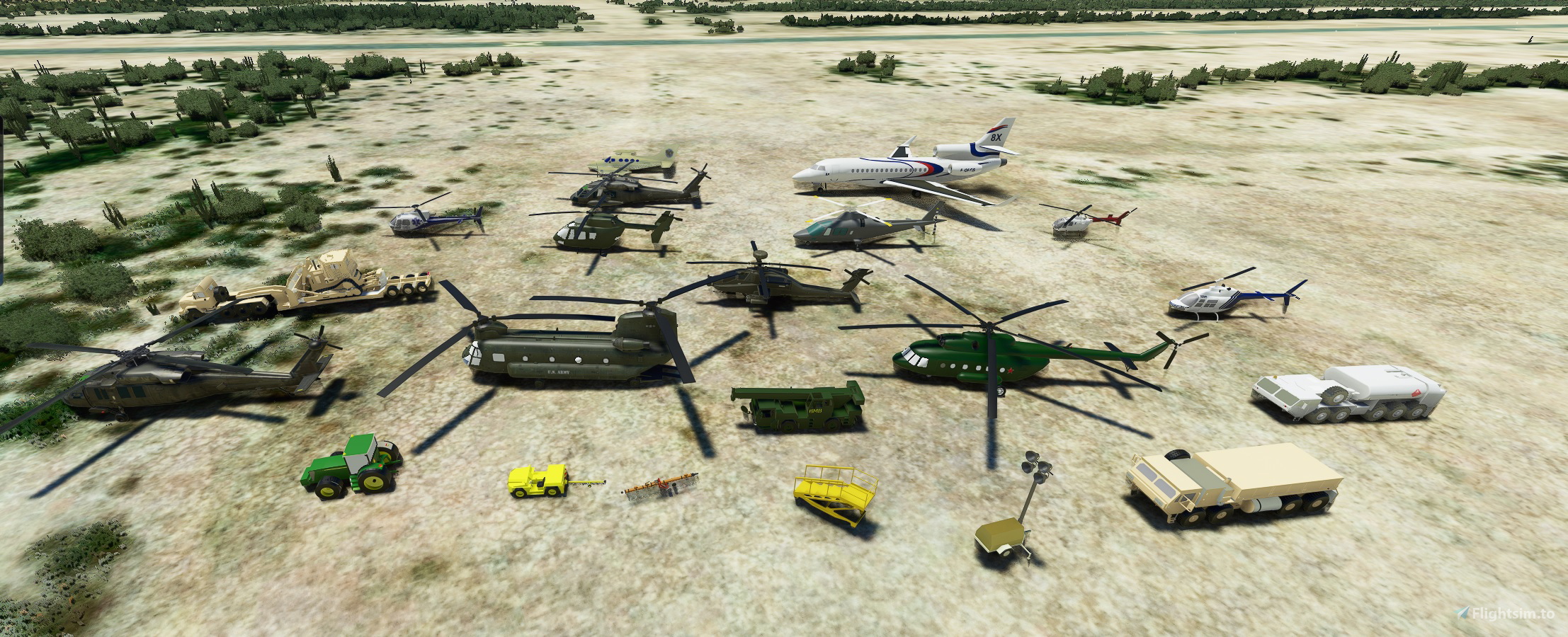
I wanted to share the static objects library that I have been creating for everyone to enjoy. All objects were sourced from online models under CC-BY-4.0 (http://creativecommons.org/licenses/by/4.0/) but I ask that the objects only be inlcuded in freeware or donation optional scenery. Blender files are included, feel free to change or paint files as you see fit. I am only moderately skilled with Blender so some items are better quality than others and some need to be scaled in the sim. I will add additional items as I create them. I hope to see some of these in sceneries the community creates!
Installation: this is only for scenery creator's, it cannot be placed into your community folder. Add the desired model folders and the texture folder into your model library while building sceneries.
Custom static models added:
CH-47 Chinook
UH-60 Blackhawk w/ and w/o external stores support system (ESSS) and tanks
AH-64
UH-72 Lakota
AW109
AS350 w/ medical paint scheme
Bell 206
MI-17
HH-65 Dauphin
mobile light tower
F-16 Fighting Falcon
Cessna 421
Dassault Falcon 8X
US Army HEMTT fueler
BO-105
US Army HEMTT logistics
US Army B-1 Maintenance Stand
John Deere 7920 tractor
US Army semi with lowboy trailer
US Army Self Propelled Crane Aircraft Maintenance and Positioning (SCAMP)
Tug w/ helicopter towbar
Large airplane towbar
V-22 Osprey
Items in work:
S-76
Boeing 727
Maule
JB's Scenery Models
A collection of custom static models for scenery creators to use, including various helicopters, aircraft, vehicles, and equipment. All objects are sourced from online models under CC-BY-4.0 and come with Blender files for customization. Perfect for enhancing freeware or donation-based sceneries in Microsoft Flight Simulator!


User Reviews
4 reviews
Version History
-at user request added the objects as a model library file
Related
Mikea.at - AssetPack
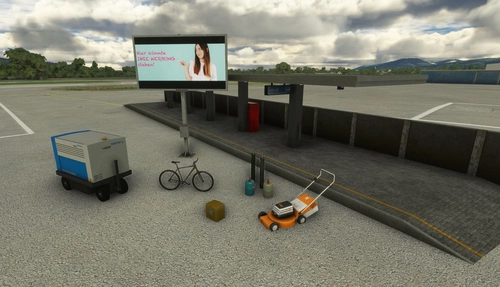
Discover Mikea.at - AssetPack, a collection of assets for enhancing your scenery projects in Microsoft Flight Simulator. This pack includes a variety of objects like gliders, signs, vehicles, and more, all available for easy access in your community folder. Keep an eye out for regular updates and additions to this growing pack of detailed assets.
by Mikea.at
MSFS 2020 object library 200+ models - towers hangars to cones v14-11 UPDATE
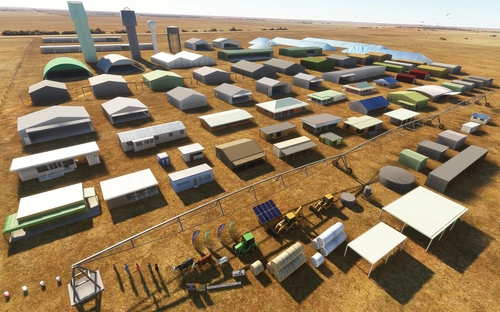
Object library with a variety of useful objects designed to be frame rate friendly using LOD (level of detail) so simple models used in longer distances. Smaller objects will not disappear in short distance due to the addition of large triangles underground. Objects are high quality using PBR textures and with some animated.
by colinj
Emerald Object Library
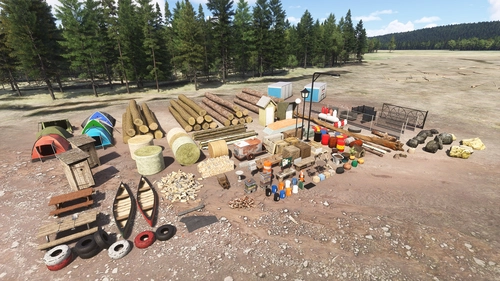
A library for Emerald Scenery Design addons and freeware developers containing over 400 Models, Environmentally-Dynamic SimObjects, Visual Effects, Wwise Sounds, and Materials. Emerald Object Library is now available on the MSFS Marketplace for PC and Xbox!
by Emerald Scenery Design
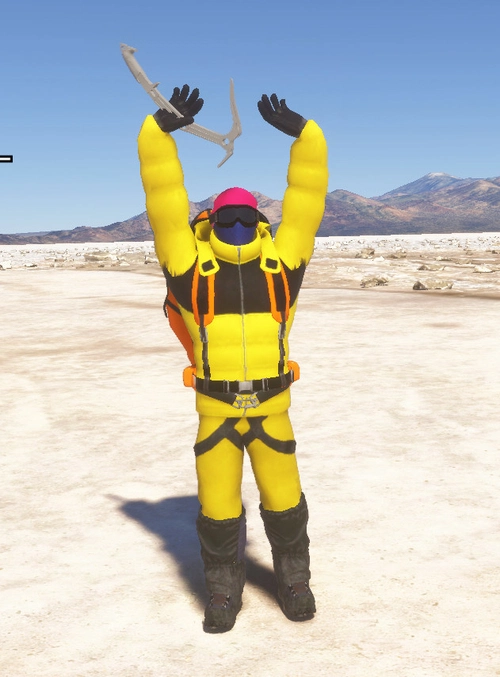
Animated Human 3D Models Library
A library of nearly 300 animated human models and animals for Microsoft Flight Simulator, offering a variety of actions and colors. Models include civilians, business people, airport staff, animals, and more. Includes SDK object search guidelines and a separate section for developers with tutorials on creating custom content. Version 1.3 update brings new models and props like cyclists, wheelchair users, and livestock for enhanced realism.
by superspud
Log in to join the discussion
Log InComments(17)
almost 3 years ago
almost 3 years ago
almost 5 years ago
Hello. thank's for this models. Is it possible to use the files with SDK ?
almost 5 years ago
Yes, these can be place into a ModelLib
about 5 years ago
Thank you so much for providing the actual assets for use. It is so much easier to create full scenery packages rather than have users download 4 different libraries from various sources! Great job!
over 5 years ago
It would be cool if you could compile these into a library. I don't have a clue about how to use models. It's actually more effecient to make a library out of them, otherwise lots of people will be using multiple copies of the same models instead of instancing them from a single location.
over 5 years ago
In order to use these in a scenery you must add a model library to your scenery. The files are placed into the package sources folder and the output is the scenery path in packages. I will add a fake airport that can be added to you community folder. This will make building airports easier, you can just add my community file as a dependency, but that is the less efficient method.
over 5 years ago
Thank you good job
over 5 years ago
Thank you...!!!SA 330 Puma...would be nice
over 5 years ago
Please confirm how we install this, doesn't look like the usual file structure.
over 5 years ago
these are for airport creators. they need to be placed into the simulator manually. They are not for the general user
over 5 years ago
This is a important information. Take it pls in the main information.
Good job, i hope to see the models soon in the world.
Sorry for my bad english
over 5 years ago
I agree, it's an important piece of information that should be included, otherwise only a few people will benefit from this. Thanks for sharing, looks good
over 5 years ago
im new to scenery making how do i use these in a scene
over 5 years ago
Do I need to Install FS2020 for these? Can you include instructions on how to install the main program?
over 5 years ago
Do I just stick it in the community folder?
over 5 years ago
thank you for allowing us to expand our scene! I will be sure to notice it once the time limit has passed! thank you !