
Description
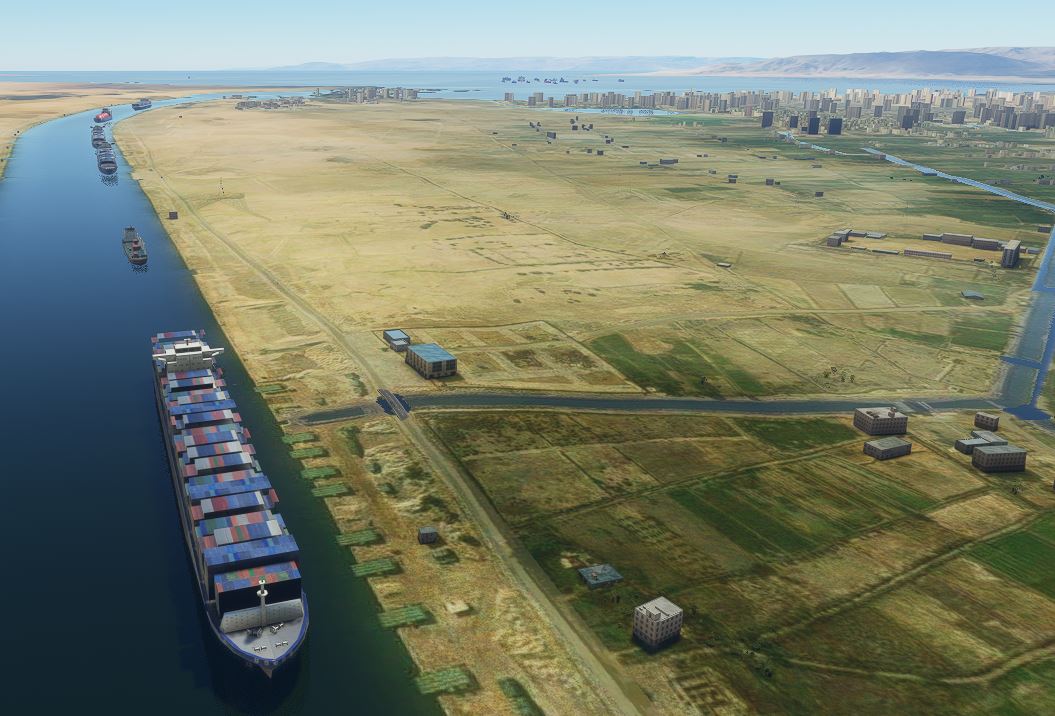
Inspired by Zepingouin35's scenery (LINK) I present to you a representation of the EverGreen Lines Ever Given, as it currently sits blocking the Suez Canal.
Features include:-
- Traffic to the north in the canal
- Traffic to the south in the canal
- Traffic parked in the Suez Gulf
- Several Tug boats trying to free the ship
- A pair of excavators trying to dig out the ship's bow
- Official cars parked adjacent to the ship
V2.0 Changes
- Ship now changed to be a version of the Ever Given - Model very kindly supplied by Henrik Nielsen and the Global AI Ship Traffic team
- More support vessels
- Better placed Support Vessels
- A representation of a dredger (It's a car ferry!)
V1.5 Changes
- Removed the errant boat stuck half a kilometer inland
- Added more ships to the flotilla in the Gulf of Suez
Please note - Global AI Ship Traffic by Henrik Nielsen and team is needed to have the principal ship which is stuck, as well as some of the other ships making up this scenery. To get the excellent Global AI Ship Traffic please follow this LINK.
Many Thanks to Henrik & Team for permission to link to their scenery. Please do go buy them a coffee!
To get the Excavator please also have installed Dave's Crooked Library LINK
Location
Ever Given - Suez Traffic Jam
Experience the famous Ever Given blockage in the Suez Canal with this detailed add-on. Watch as tug boats, excavators, and support vessels work tirelessly to free the colossal ship. Version 2.0 features an upgraded model of the Ever Given and enhanced support fleet, creating a truly immersive traffic jam simulation. The latest update, V1.5, includes fixes and additional ships for a more realistic representation of the event. Note: Global AI Ship Traffic and Daves Crooked Library are required for full functionality.

User Reviews
11 reviews
Version History
Correct Ship Model Better Tug and dredger placement
Related
San Pedro Bay Port Facilities, Los Angeles & Long Beach CA USA (V3.0 MSFS2020) / (V1.3 MSFS2024)
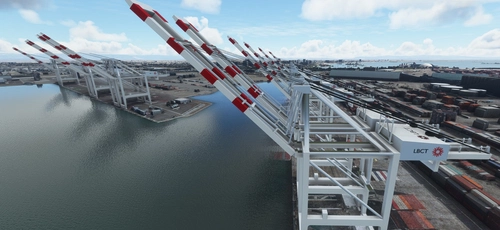
This add-on provides detailed scenery enhancements for the San Pedro Bay port facilities in Los Angeles and Long Beach, California, specifically optimized for both MSFS2020 and MSFS2024. Version 3.0 for MSFS2020 features improved models, with significant updates including new cargo crane designs and streamlined asset management. The MSFS2024 version introduces additional upgrades and new details while ensuring compatibility with the latest simulator features.
by FreakyD
Kennedy Space Center
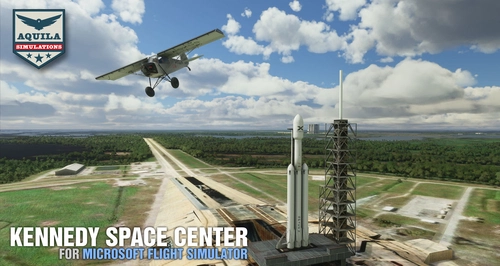
Explore the iconic Kennedy Space Center in Microsoft Flight Simulator with this detailed add-on, featuring key landmarks such as the VAB Building, Launch Control Building, and Launch Complexes 39A & 39B. Witness the impressive Falcon Heavy Rocket and SpaceX Rocket Assembly building as you embark on virtual space missions. Additional updates promise more buildings and assets to enhance your experience.
by Acktu
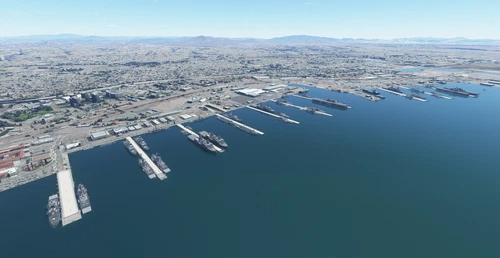
US Navy - San Diego V3.0.1
The US Navy - San Diego V3.0.1 add-on enhances the naval scenery around San Diego in Microsoft Flight Simulator. It includes a variety of updated ship models and improved textures, ensuring compatibility with both MSFS2020 and MSFS2024. Key features include detailed representations of the Rosecrans Submarine Base, multiple naval shipyards, and various classes of ships, including attack submarines and aircraft carriers. Recent updates have focused on model clean-up and the addition of interactive landing pads for helicopters.
by FreakyD
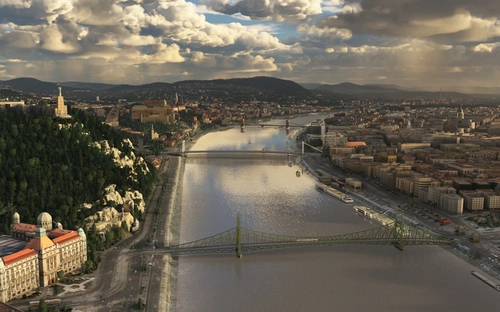
HungaryVFR FS2020
HungaryVFR is a package covering Hungary with airports and landmark sceneries, with its own library. The main goal is to bring as many airports and landmarks to Hungary as many we can, to have an authentic library for the are. The library can be used by other 3rd party scenery developers!
by ekre
Log in to join the discussion
Log InComments(71)
over 3 years ago
The new GAIST seems to have moved the 3D model anchor point from the center to the bow of the ship, with the result that ship is now beached with its stern.
almost 5 years ago
Downloaded latest "Main File" and when unzip I get two folders "Ever_Given_Red_Sea" and "evergiven_suezV2.0" Do I need both please?
almost 5 years ago
Yes, you do.
almost 5 years ago
Thankyou
about 5 years ago
I just found out that since WU5 when having this mod (and only this) in my community folder and loading a flight for example in Cairo, MSFS ist stuck on loading at about 50%. Removing it fixes it. Never had problems before, so I am pretty confident it has to do something with WU5. It is still likely that this is only a problem for me, so maybe someone else can try.
Thanks for doing this btw, I had a lot of fun flying around that area :-)
over 5 years ago
over 5 years ago
over 5 years ago