
Description
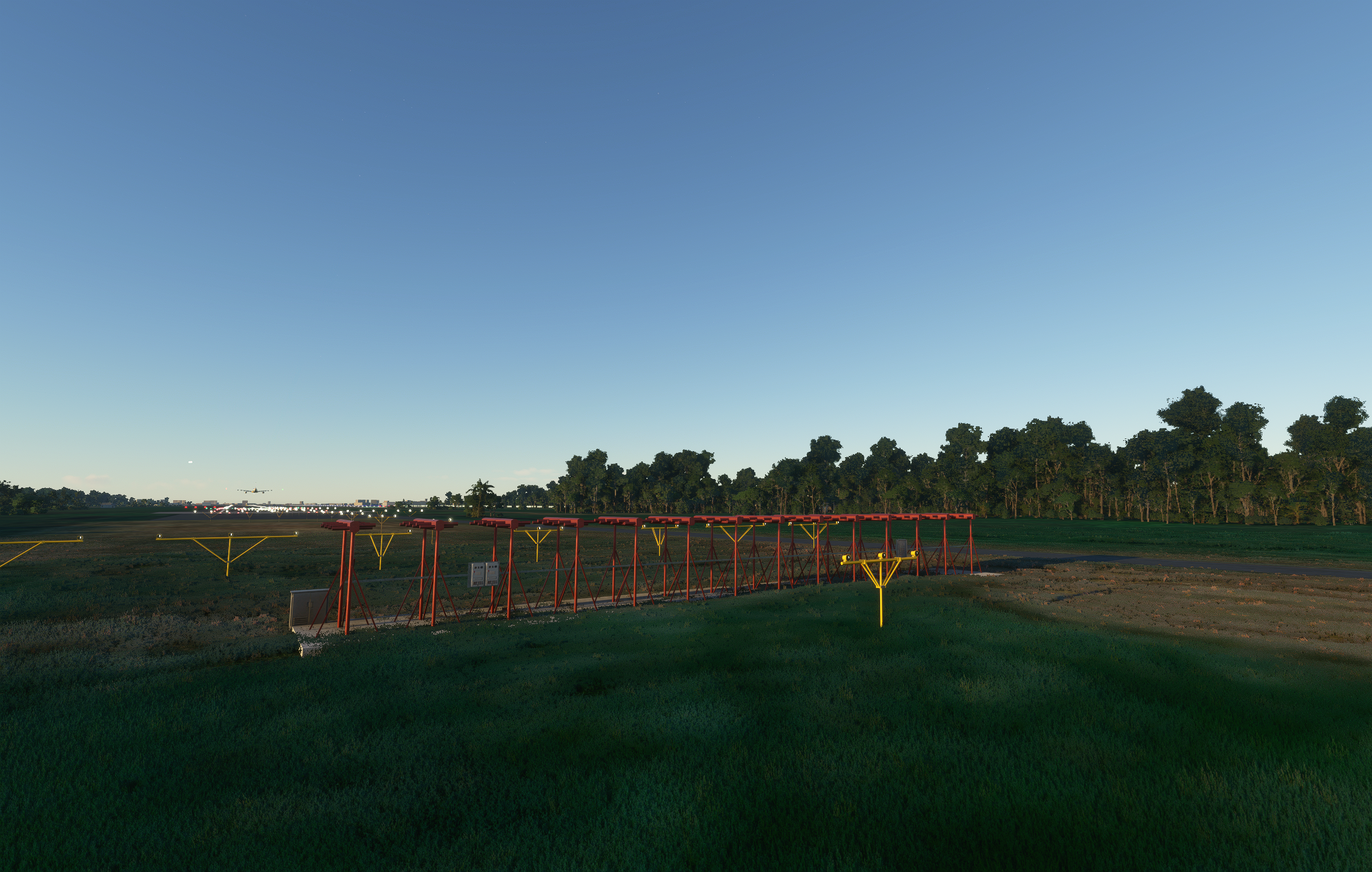
This mod places Navaid objects such as VOR and ILS antennas at default airports in MSFS.
Note: This does not create navdata in any form. It only adds the visual scenery objects for navaids at their correct locations around the world. There are no custom-made objects. I simply built this mod by writing a script that can autogenerate navaid scenery objects in an XML file that can be compiled by the MSFS SDK to a scenery package. This could have been easily provided as part of the base sim, but since it doesn't, I decided to make a mod for it.
This is a work in progress. Currently, there are several caveats to this mod:
- If you have addon airports that include navaid objects in the scenery, the mod will not replace them. You can end up with duplicate objects. However, the mod does not create any objects in the custom-made airports (Standard, Premium/Deluxe, WU USA/Japan/UK) already provided in the sim.
- This mod does not ship with any custom objects. It references default objects provided in the base sim, and as such are all identical.
- You must have the default KSEA and RJCK (Japan Update) scenery packages installed.
- The current version does not have any object exclusions. If MSFS created an autogenerated building in place of the antenna (lol), it will overlap with the object placed by this mod.
Installation:
Extract and place the fsfb-scenery-world-navaids folder in your community folder.
Acknowledgements/Credits:
- Navigraph - for coordinate and bearing information of navaids. This mod was created using location information from Navigraph databases. It is based on AIRAC 2102. No navdata, in part or full, from Navigraph has been compiled or packaged into this mod. That being said, if this violates usage rights in any way, I will take it down if requested by Navigraph.
- Microsoft/Asobo - for the default LOC and VOR objects.
Changelog:
v0.2.0 - Placed gildeslope antennas. Excluded object placement at airports from the World Updates.
v0.1.0 - Placed localizer antennas. Placed VOR antennas.
Enjoy!
World Navaids
Enhance your Microsoft Flight Simulator experience with the World Navaids mod, adding VOR and ILS antennas to default airports worldwide. This work-in-progress mod does not create custom objects, but accurately situates navaid scenery items. Note some caveats, such as potential duplication with addon airports, and ensure default scenery packages are installed. Installation is simple - just extract the folder to your community folder and explore the skies with enhanced navaid visuals.


User Reviews
5 reviews
Version History
Updated with newer data. Excluded airports from latest WUs.
Related
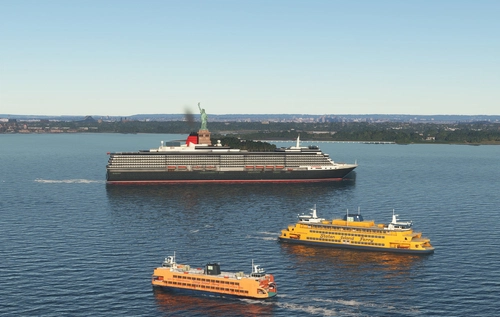
Global AI Ship Traffic Version 7.
Global AI Ship Traffic Version 7 enhances Microsoft Flight Simulator with over 1,000 unique ship models and more than 2,400 liveries, alongside 80,000 programmed ship movements. Compatible with both MSFS 2020 and MSFS 2024, this add-on includes a wide variety of vessels, ranging from cargo ships and fishing boats to luxury cruise liners and military ships. Users can experience a realistic global shipping simulation by utilizing preprogrammed traffic or real-time AIS data in MSFS 2024. The project is the result of collaboration among international developers and enthusiasts, providing an immersive maritime experience.
by Henrik Nielsen, KL791
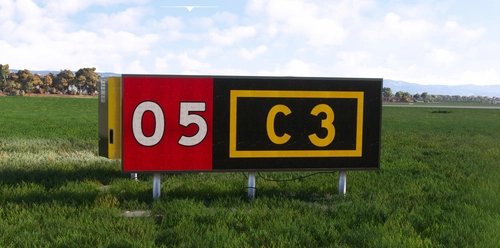
Realistic Taxi Signs Texture Pack
Enhance your taxiing experience with this Realistic Taxi Signs Texture Pack. This add-on provides higher resolution and realistic textures for taxiway signs in Microsoft Flight Simulator. Replace the original files in your Community folder for an improved visual experience. Remember to remove any other mods for taxi signs before installing this pack. Created by Pretzed, this pack aims to enhance the realism of your taxiing operations in the sim.
by PretZed

AirHispania - Libraries
Essential libraries containing objects necessary for displaying AirHispania sceneries. Required for enhancing the overall visual experience of AirSpain scenery addons.
by AirHispania
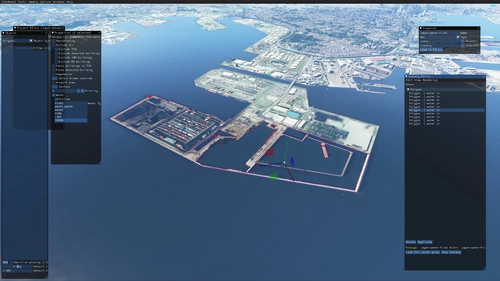
Japan world update scenery enhancement (no google imagery and no performance impact)
Enhance your Japan flying experience with this ongoing scenery update, featuring fixes for dark lines on river entrances, addition of cargo ships, and uncovering hidden features underwater. With no reported impact on performance, this add-on brings a more detailed and realistic landscape to explore in Microsoft Flight Simulator.
by DOR RAGER
Log in to join the discussion
Log InComments(12)
about 1 year ago
almost 4 years ago
Great mod! I fly a lot of VOR to VOR and this is an amazing add-on to actually see the VOR stations on the ground. But it would be even better if it shows the NDB stations as well! Maybe an idea for a next update? ;)
about 4 years ago
hello
very good idea to write a script to autogenerate navaid scenery objects in an XML file that can be compiled by the MSFS SDK to a scenery package
Do you think you can do the same to add light poles to all international airports and maybe all regional airports
autogen airports are too dark on ramps and aprons during night
instead of adding light to every airports manually, it can be done a lot faster if the Sim itself adds just one more parameters to the AI Generated default airports. By adding a single Light pole and lights on a specific parking type:
GA Ramp Small = No Light
GA Ramp Medium = No Light
GA Ramp Large = Light
Gate Small = Light
Gate Medium = Light
Gate Heavy = Light
If this logic applies to every parking type template, the AI could just generate lights at the entire default airports around the world in one go, since it will only load the parking spots for those aircrafts, and since the parking spot template is specified to load the single light pole with lights, then there would be lights at every airports or at least big ones
a solution would be to make a batch file or a script file to add a floodlight object to every parking spot so that in can be easily apply as a batch to all AI-generated airports as the parking spot objects are pretty much standardised across all of it without updating them one by one. (at least for all major and medium airport or regional airport)
over 4 years ago
Nice work!!!!
over 4 years ago
supergood mod, I never fly without it ! thanks for making this :)
about 5 years ago
Nice I'll have to try this. The main pic is of approach lights though, just to be clear! ;)
about 5 years ago
Haha.. I was trying to get a shot of the localizer antenna, but the approach lights were in the way :)
about 5 years ago
😝
about 5 years ago
Update to current MSFS releases if possible, as this is a favorite airport addition .
over 5 years ago
Great Job .. Much needed.
You mentioned you might be doing an update ?
If you can figure out how to remove the Building that have been proceduraly inserted instead of the VOR arrays, and replace them with the Vor array, that would be fantastic. !!
over 5 years ago
over 5 years ago