
Description
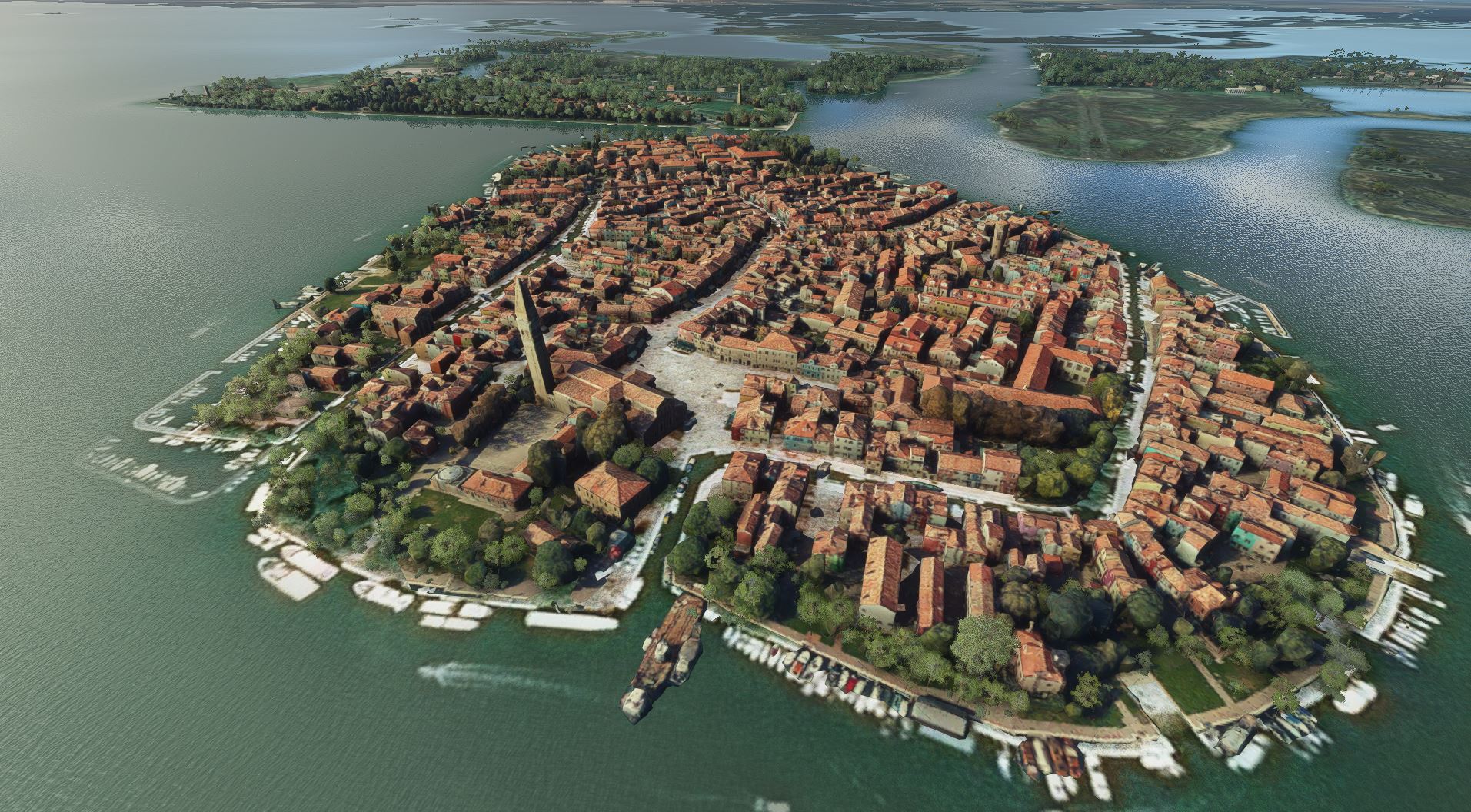
Burano (not Murano!) and Mazzorbo are two islands in the Lagoon of Venice, close to the Airport of Venice. Burano consists of several islands separated by canals and connected to many pedestrian bridges. It is famous for its colourful houses and the leaning campanile (clock tower).
The next airfields are LIPV Aeroporto San Nicolo (a grass airfield on Venice Lido) and LIPZ Venice Marco Polo Airport (Venezia-Tessera)
GPS: 45°29'07.7"N 12°25'08.0"E
File:
Ths file is created in LOD 16 to 20 for better details. It shows the two islands Burano and Mazzorbo.
Credits:
This scenery has been extracted from Google Maps, hence all 3D credits goes to Google.
This scenery has been generated with the Google Earth Decoder tool (credits to /u/Jonahex111):
https://www.reddit.com/r/FS2020Creation/comments/j3faaj/google_earth_decoder_now_userfriendly/
Installation:
Extract scenery_burano and move the folder into the Community folder. Don't forget to restart the Microsoft Flight Simulaor after that. Thats it!
Video: Special thanks to Osartawi for his video on youtube (see link in the screenshots)
Location
Burano-Mazzorbo, Italy
Explore the vibrant islands of Burano and Mazzorbo in the Venice Lagoon with this detailed add-on scenery. Discover the colorful houses, leaning campanile, and intricate canal network that define these unique locations. Also included are nearby airfields such as LIPV Aeroporto San Nicolo and LIPZ Venice Marco Polo Airport for convenient navigation. Install this scenery for a realistic flight experience in Microsoft Flight Simulator.

User Reviews
2 reviews
Version History
No version history available.
Related
Honolulu
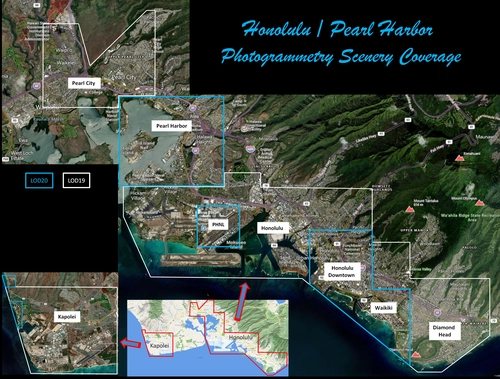
Explore the photogrammetry scenery of Honolulu, including the iconic Pearl Harbor area with optimized performance for better FPS. Discover Waikiki, Honolulu downtown, and more with this detailed addon. Enhance your experience by adding free mods for carriers, battleships, and military airplanes in Pearl Harbor and surrounding bases. Support the creator for future updates if you enjoy this mod.
by steveli
Downtown Los Angeles
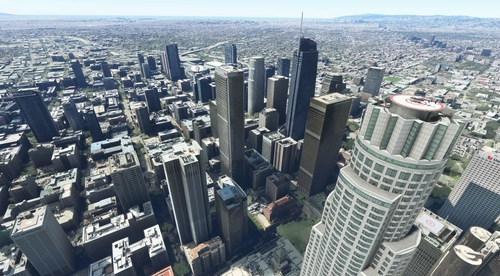
Various buildings and monuments that are missing from Los Angeles in the game that shoudn't be. Wilshire Grand Center, SoFi Stadium, 801 S Grand, 825 S Hill, 888 S Hope, 1000 Grand, Apex the One, Atelier, Aven Apartments, Metropolis Towers, Level Los Angeles
by senecadriver
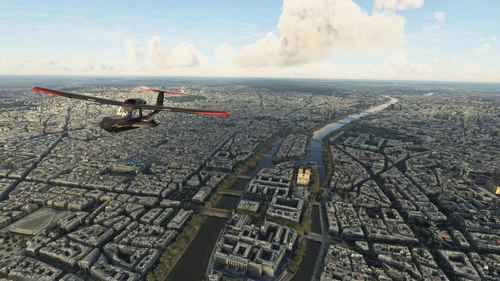
Paris
Explore the iconic cityscape of Paris in Microsoft Flight Simulator. This detailed add-on captures the essence of the French capital, featuring famous landmarks and architectural marvels. With accurate GPS coordinates, immerse yourself in the beauty of Paris, known for its historical significance and vibrant culture. Download now and experience the City of Light from a whole new perspective.
by Thalixte
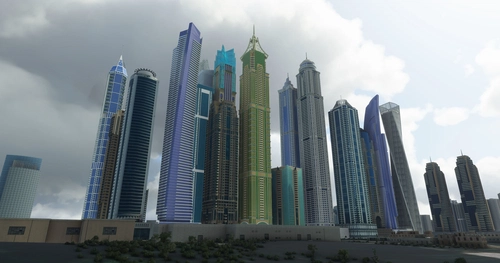
Dubai City Pack
Explore a detailed rendition of Dubai City and Jebbel Ali Port featuring over 250 custom buildings and various landmarks like the iconic hotels and tourist attractions. While focusing on enhancing the daytime visuals, this pack offers improved textures for select buildings, promising a refreshing experience for simmers. Additionally, adjustments have been made to SkyDive Dubai Airport to address previous elevation issues, ensuring a more immersive flight into this dynamic cityscape.
by risuali
Log in to join the discussion
Log InComments(17)
over 5 years ago
Thank you very much for this great addition to the venice scenery! The lagoon is only half as charming without Burano with its colorful fishermen's houses and the leaning church tower.
It would be great, if you could also add the neighbouring island, Torcello. As far as I remember the settlement of the lagoon started just here - Venice followed later.
over 5 years ago
Torcello is pretty and quiet in real. But its a little to small to get a nice scenery, i think. My next project in this area will be Chioggia. But for the moment my computer is not ready for a next project
over 5 years ago
Sto preparando anch'io alcuni scenari (Imola, Faenza, Cesena...), utilizzando lo stesso software che usi tu per estrarre i dati da Google Earth. Purtroppo ho un problema che non riesco a risolvere. Potresti gentilmente darmi una dritta scrivendomi a lucio.barelli@gmail.com ? Te ne sarei molto grato.
over 5 years ago
over 5 years ago
First of all, my compliments about your work (Murano).
My question. I'm trying to develope some sceneries, and I have published here some of them (Imola, Faenza, Forlì....), but all have the same problem; all my new sceneries are floating 20-30 feet over the standard scenery, because I'm not able to eliminate all buildings and trees of the default scenery; if I don't elevate my scenery, many details of the old one are visible.
Can you tell me how have you done?
To extract data from Google Earth I use the same software you use.
If you can help me.... a lot of thanks and gratitude!
My mail is lucio.barelli@gmail.com
Lucio Barelli
over 5 years ago
https://youtu.be/sP7oQaKPTlo
over 5 years ago
over 5 years ago
over 5 years ago
over 5 years ago
over 5 years ago
over 5 years ago
over 5 years ago
over 5 years ago
over 5 years ago
over 5 years ago
over 5 years ago