
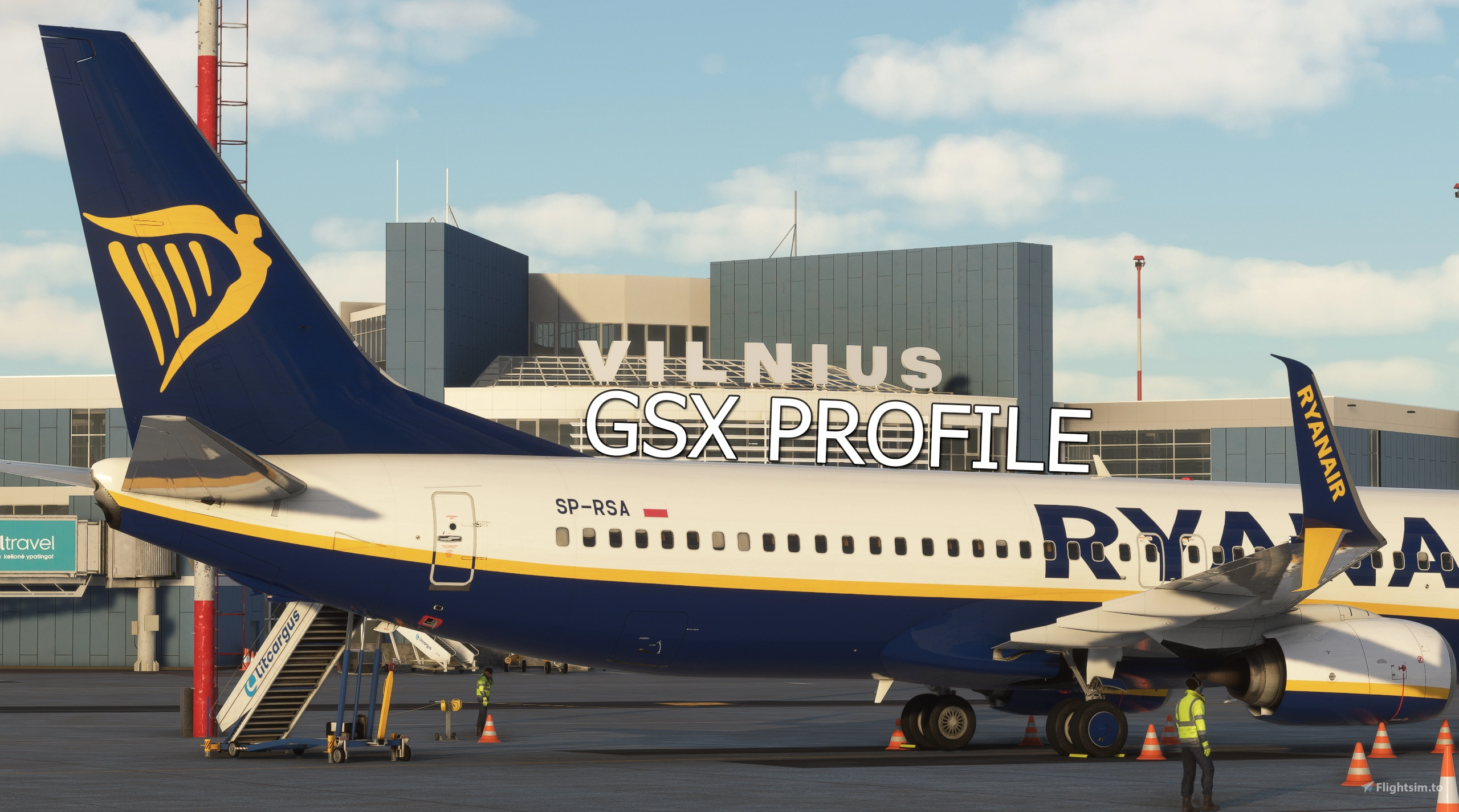
Description
Official GSX Pro Profile for Vilnius Čiurlionis International Airport (EYVI) of Lisium Design.
Compatible with Version 1.1.0 of EYVI (Lisium Design)
For use with wide-body and/or cargo aircraft, Standard (STD) profile must be used.
FOR THE SYNAPTIC A220 - MUST INSTALL THIS PROFILE FOR CORRECT VEHICLE POSITIONS!
All feedback and suggestions/recommendations are greatly appreciated, and don't hesitate to point out any mistakes that I can correct. Let me know, if there's any other aircraft that need adding to the custom stop position code.
Features
- Manually customized gates/stands
Excluding GA Apron (stands 62-67)
- Stand 29 as walk-in gate
- Pushback disabled for necessary remote stands
- De-icing Pads
W209, W211, W212 (North De-icing Apron)
- W1, W2 (South De-icing Apron)
- All ground vehicles positioned to avoid overlapping with scenery objects
- Custom pushback waypoints to Tug Release Points (as per Jeppesen charts)
- Python script with custom stop positions based on aircraft type - refer to "Aircraft Compatibility" below for list of tested and compatible aircraft and addons
- Handler script with automatic ground handling selection depending on airline ICAO code (Optional - Refer to Installation)
Based on information that could be found online - if any airline has the wrong ground handling operator selected, or is missing automatic selection - let me know in the comments!
- Custom gate naming and grouping via Python code:
Terminal
- VIP Terminal
- Remote Apron [6-26]
- Remote Apron [204-212]
- Remote/Cargo Apron [29-37]
- GA Apron
- Separate profiles for standard (STD), low-cost carrier (LCC) usage:
Standard (STD)
Uses all available jetways at terminal gates
- Low-cost Carrier (LCC)
Walk-in gates instead of jetways for terminal gates
- Slightly adjusted stop positions for Gates 50 & 49 (based on real-life references that I could find online)
- Gate 47 customized as Gate 47A (Please read additional information regarding this gate under Notes in the description)
Aircraft Compatibility
Tested and compatible with the following:
- Fenix Airbus A319 (A319)
- Fenix Airbus A320 (A320)
- Fenix Airbus A321 (A321)
- PMDG Boeing 737-700 (B737)
- PMDG Boeing 737-800 & 800BCF (B738)
- PMDG Boeing 737-900 & 900ER (B739)
- PMDG Boeing 777-300ER (B77W) [Stands 210 & 212]
- PMDG Boeing 777F (B77L) [Stands 210 & 212]
- iFly Boeing 737 MAX 8 (B38M)
- Asobo/Hans Hartmann ATR 72-600 & 72-600F (AT76)
- iniBuilds Airbus A350-900 (A359) [Stands 210 & 212]
- iniBuilds Airbus A330 & A330P2F (A333, A332) [FS24] [Stands 210 & 212]
- iniBuilds Airbus A300-600R(F) (A306) [Stands 210 & 212]
- iniBuilds Airbus A310-300 (A310) [Stands 210 & 212]
- Aerosoft Bombardier CRJ900 (CRJ9)
Untested, but should also be compatible with the following:
- iniBuilds Airbus A320neo (A20N)
- iniBuilds Airbus A321LR (A21N) [FS24]
- FlyByWire Airbus A320neo (A20N)
- Flight Sim Labs Airbus A321neo (A21N)
Installation
Move EYVI-LDSTD.ini and EYVI-LDSTD.py or EYVI-LDLCC.ini and EYVI-LDLCC.py into AppData/Roaming/virtuali/GSX/MSFS
Optional:
Move EYVI-LDSTD_handler.py or EYVI-LDLCC_handler.py into AppData/Roaming/virtuali/GSX/MSFS
If you do not wish to have automatic ground handling operator selection, skip this step!
Requirements
Lisium Design - Vilnius Čiurlionis International Airport (EYVI)*
* Link takes you to the iniBuilds store page, but the product can be purchased from other stores as well
Notes (Additional Information)
When using the Low-cost Carrier (LCC) profile and arriving at Gate 47A, the left wing of the aircraft will clip through the jetway as you taxi in to the gate. Unfortunately, due to a simulator limitation, it is not possible for the developers of the scenery to place the jetway in such a way that the wing will not clip through the jetway while maintaining proper functionality of the jetway.
When spawning at Stand 210, GSX will most likely either assume that you are at Stand 209, or move your aircraft to Stand 209 automatically. You will have to reposition to Stand 210 via the GSX menu in such a case.
The jetways at gate 50, 49 are incorrectly placed in the scenery by scenery developers and as such, the jetway will not properly connect to the aircraft door. There is nothing I can do about this, other than moving the aircraft onto the incorrect stop line, which I will not do.
Gate 50 features a mirror in real life for parking assistance. Since GSX currently lacks a viable mirror option (likely due to a simulator limitation), a marshaller has been added at the gate to provide parking guidance instead.
Official GSX Profile - EYVI (+ LCC Ver.) - Vilnius Čiurlionis International Airport (Lisium Design)
Official GSX profile of Vilnius Čiurlionis International Airport (EYVI) by Lisium Design. Please read main description!
Version History
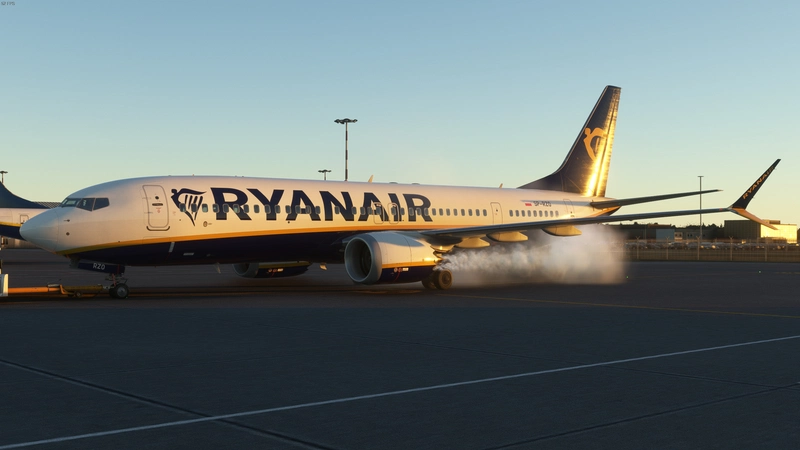
- Added handler script for automatic ground handling operator selection based on airline ICAO code - Added pushbacks 'TRP L3 facing WEST' and 'TRP M1 facing WEST' for gates 48, 49, 50 - Adjusted pushback stop positions for all gates to be more accurate on the TRPs - Corrected pushback 'J3 facing WEST' of stand 205, 206
Related
GSX Profile - RPLL - Manila - Ninoy Aquino International Airport (Cloudsurf Asia Simulations)
GSX Pro profile for Ninoy Aquino International Airport (RPLL) by Cloudsurf Asia Simulations.
by Aviyax
Official GSX Profile - EVRA (+ RIX Bus Texture) - Riga International Airport (Lisium Design)
Official GSX profile of Riga International Airport (EVRA) by Lisium Design. Please read main description!
by Aviyax
Official GSX Profile - LGIR - Heraklion International Airport "Nikos Kazantzakis" (Lisium Design)
Official GSX profile of Heraklion International Airport "Nikos Kazantzakis" (LGIR) by Lisium Design.
by Aviyax
GSX Profile - VQPR - Paro International Airport (IronSim)
GSX Pro profile for Paro International Airport (VQPR) by IronSim.
by Aviyax
Log in to join the discussion
Log InComments(4)
12 months ago
12 months ago
If you use the Low-cost Carrier (LCC) profile, the jetways will not be used.
I have just double checked the profile, and no jetways are active for any gates. If the passengers still board/deboard via jetways even with the LCC profile installed, it is likely an issue on your end.
11 months ago
11 months ago