
Description
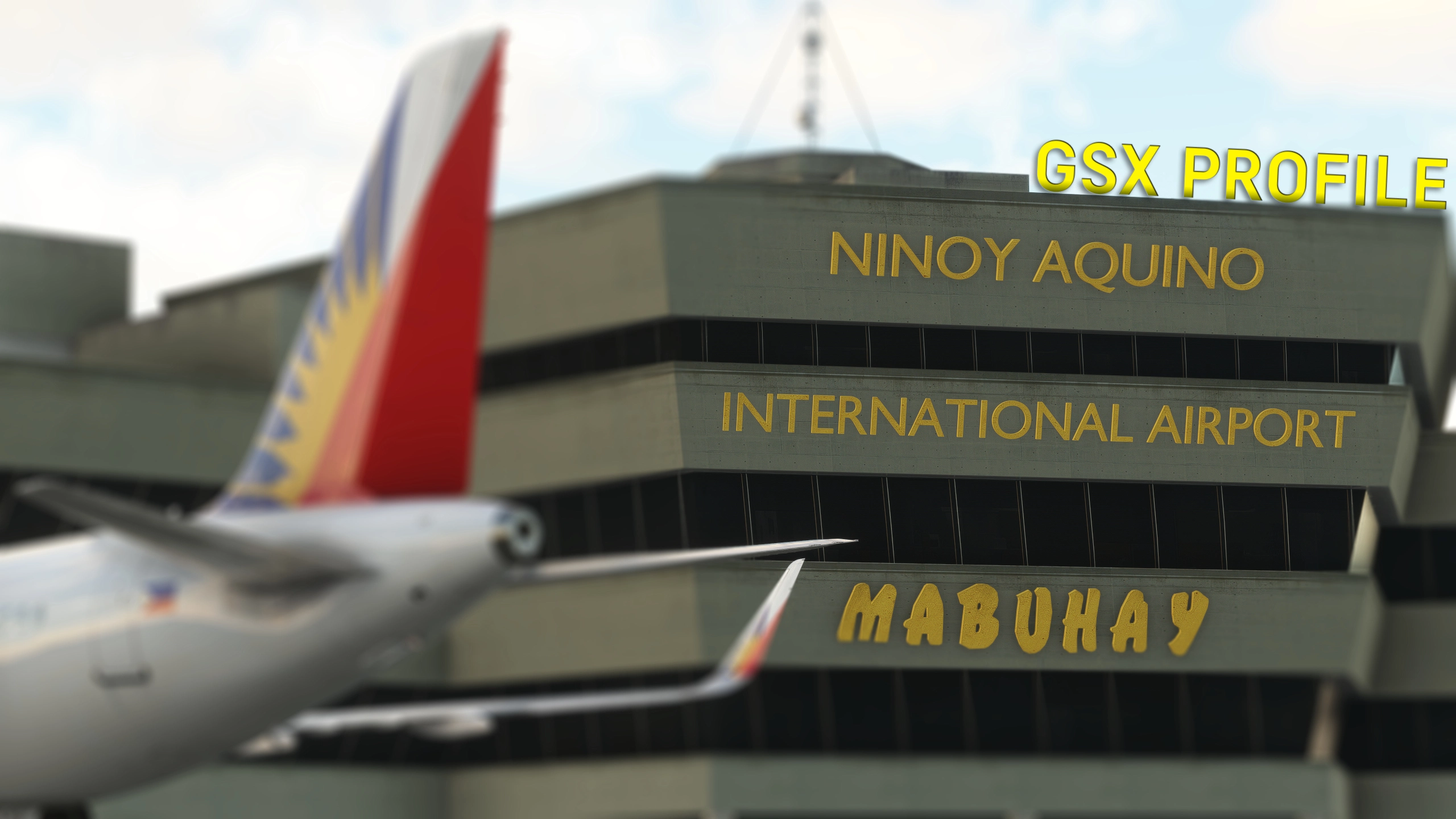
GSX Pro Profile for Ninoy Aquino International Airport (RPLL) of Cloudsurf Asia Simulations.
Base profile (main file) is for narrow-body aircraft.
All feedback and suggestions/recommendations are greatly appreciated, and feel free to point out any mistakes that I can correct. Let me know, if there's any other aircraft that you want added to the custom stop position code.
Features
- Manually customized gates/stands
- All ground vehicles positioned to avoid overlapping with scenery objects
- Custom pushback waypoints to start up points (as per Jeppesen and local charts), with engine start clearance only given at the end of the pushback
- Python code with custom stop positions (gate aircraft types as per Jeppesen charts) and custom gate naming and grouping
- Separate profiles for narrow-body or cargo/wide-body aircraft
- Changes between conveyor belts/cargo loaders
- Changes pushback paths/waypoints to have sharper/tigher turns for narrow-body aircraft and sharper turns for wide-body aircraft
- Changes position of marshallers and ground vehicles, including middle stairs
- Separate profile options for both previously mentioned profiles:
- Standard
- Staircases disabled at all jetway gates
- MSFS2024
- Staircases enabled at all gates to allow entry and exit via rear door in walk mode
- Both of these profiles work for both simulators! You may use the standard one if you wish to have the staircases disabled for jetway gates
- Standard
All of the above for the following:
- Terminal 1 (International Passenger Terminal)
- Terminal 2
- Terminal 3
- Terminal 4
- Bus gates as the terminal has been demolished in real life
- Remote Parking Apron Terminal 1 (RPA T1)
- Remote Parking Apron Terminal 2 (RPA T2)
- Remote Parking Apron Terminal 3 (RPA T3)
- Cargo Terminal Apron
- Balagbag Apron
- 5J Ramp 1
Aircraft Compatibility
Tested and compatible with the following:
- Fenix Airbus A319 (A319)
- Fenix Airbus A320 (A320)
- Fenix Airbus A321 (A321)
- PMDG Boeing 777-300ER (B77W)
- PMDG Boeing 777F (B77L)
- PMDG Boeing 737-800 & 800BCF (B738)
- iFly Boeing 737 MAX 8 (B38M)
- iniBuilds Airbus A320neo (A20N)
- iniBuilds Airbus A350-900 (A359)
- iniBuilds Airbus A350-1000 (A35K)
- iniBuilds Airbus A300-600R(F) (A306)
- iniBuilds Airbus A330 (A333, A332) (FS24)
- iniBuilds Airbus A321LR (A21N) (FS24)
- FlyByWire Airbus A320neo (A20N)
- Headwind Simulations A330-900neo (A339)
- Asobo/Hans Hartmann ATR 72-600 (AT76)
- Asobo/Hans Hartmann ATR 42-600 (AT46)
- Salty Simulations/Asobo Boeing 747-8i/8F (B748)
Untested, but should also be compatible with the following:
- Flight Sim Labs Airbus A321neo (A21N)
Installation
Move RPLL-CSASNB.ini / RPLL-CSASNB2024.ini or RPLL-CSASCWB.ini / RPLL-CSASCWB2024.ini and RPLL-CSAS.py into AppData/Roaming/virtuali/GSX/MSFS
Requirements
Cloudsurf Asia Simulations - Ninoy Aquino International Airport (RPLL)
Notes
Cloudsurf Asia Simulations RPLL scenery is a little outdated, especially in the Remote Parking Apron Terminal 3 (RPA T3) area. There is nothing that can be done about missing/outdated gates. To correct/include gates, I have done the following:
- Configured gate 101A as gate 102
- Changed stand name of 127L to 127
- Changed Balagbag Apron stand names as follows: B2 -> B1, B3 -> B2, B4 -> B3 (as per Jeppesen charts)
- Stand 81 and 82 marked as Not Available (N/A)
There have been reports from users that the jetways do not function for some reason. This is out of my control, and I cannot do anything about this - a decent amount of the jetways have been very poorly implemented by the devs and therefore do not connect properly, or in some cases, do not move at all. However, if none of the jetways function - please refer to the comments below for possible solutions.
In some aircraft types, you might not receive clearance to start engines during pushback. In such a scenario, assume clearance is given after you receive the command to set parking brake. A fix is planned at some point.
GSX Profile - RPLL - Manila - Ninoy Aquino International Airport (Cloudsurf Asia Simulations)
GSX Pro profile for Ninoy Aquino International Airport (RPLL) by Cloudsurf Asia Simulations.
Contributors

User Reviews
7 reviews
Version History
- Fixed 2024 versions of profiles not having correctly assigned Ground Handling operators to Terminal 2 Update may be skipped if you don't use the 2024 versions
Featured in Collections(1)


Related
Official GSX Profile - EVRA (+ RIX Bus Texture) - Riga International Airport (Lisium Design)
Official GSX profile of Riga International Airport (EVRA) by Lisium Design. Please read main description!
by Aviyax
Official GSX Profile - EYVI (+ LCC Ver.) - Vilnius Čiurlionis International Airport (Lisium Design)
Official GSX profile of Vilnius Čiurlionis International Airport (EYVI) by Lisium Design. Please read main description!
by Aviyax
Official GSX Profile - LGIR - Heraklion International Airport "Nikos Kazantzakis" (Lisium Design)
Official GSX profile of Heraklion International Airport "Nikos Kazantzakis" (LGIR) by Lisium Design.
by Aviyax
GSX Profile - VQPR - Paro International Airport (IronSim)
GSX Pro profile for Paro International Airport (VQPR) by IronSim.
by Aviyax
Log in to join the discussion
Log InComments(46)
3 months ago
3 months ago
Based on the information I had around 1 year ago from a pilot, T1 does not (or did not) have VDGS, and I could not, and cannot, find any images of the VDGS online. If you can confirm that T1 does indeed have VDGS, and send me some images of it, I will gladly add it. :)
As for the marshaller being inside the wall - after your comment, I checked every gate at T1 and noticed the marshaller spawns inside the wall only at gate 9, affecting also the NB profile. Can you confirm the gate you noticed this at was gate 9?
I will release an update some time after your reply, if you can confirm. Thank you!
3 months ago
about 1 month ago
7 months ago
7 months ago
It depends on what type of aircraft you wish to fly. You can find all information regarding both profiles in the description. A few comments down, you may also find a reply of mine regarding methods of using these profiles.
9 months ago
9 months ago
Thank you for your rating!
If you are flying a widebody aircraft (such as the 777 or 787), you must use the Cargo/Wide-body Profile for the highest accuracy to real life procedures.
10 months ago
10 months ago
Thank you for your rating! I just checked, and it works fine for me.
Sorry to hear you're experiencing this issue. Unfortunately, I'm not currently aware of the cause of this issue or of any possible solutions.
6 months ago
This comment has been deleted
12 months ago
12 months ago
about 1 year ago
about 1 year ago
about 1 year ago
Unfortunately, you'll have to switch between both depending on what you're planning to fly in that session. There's 2 options for how to switch as far as I know:
1. Place the one you need into the GSX folder, and remove the one you no longer need from it. If you were in-game at the moment you made this file change, reload GSX from the menu.
2. Place them both in the GSX folder. Once you are in the game, open the GSX Menu from the Toolbar, click 'Customize this Parking position', and at the top click 'Choose profile'. Choose the one you need for the current session, and click 'Ok'. GSX will then reload with your selected profile.
about 1 year ago
about 1 year ago
The CWB profile changes conveyor belts to cargo loaders and the positioning of marshallers and ground vehicles, including middle stairs, as well as adjusts pushback paths to prevent unrealistically sharp turns for large aircraft. If you don't want more accurate/realistic positions, baggage loader types and pushback paths, then you may pick any one of the two.