
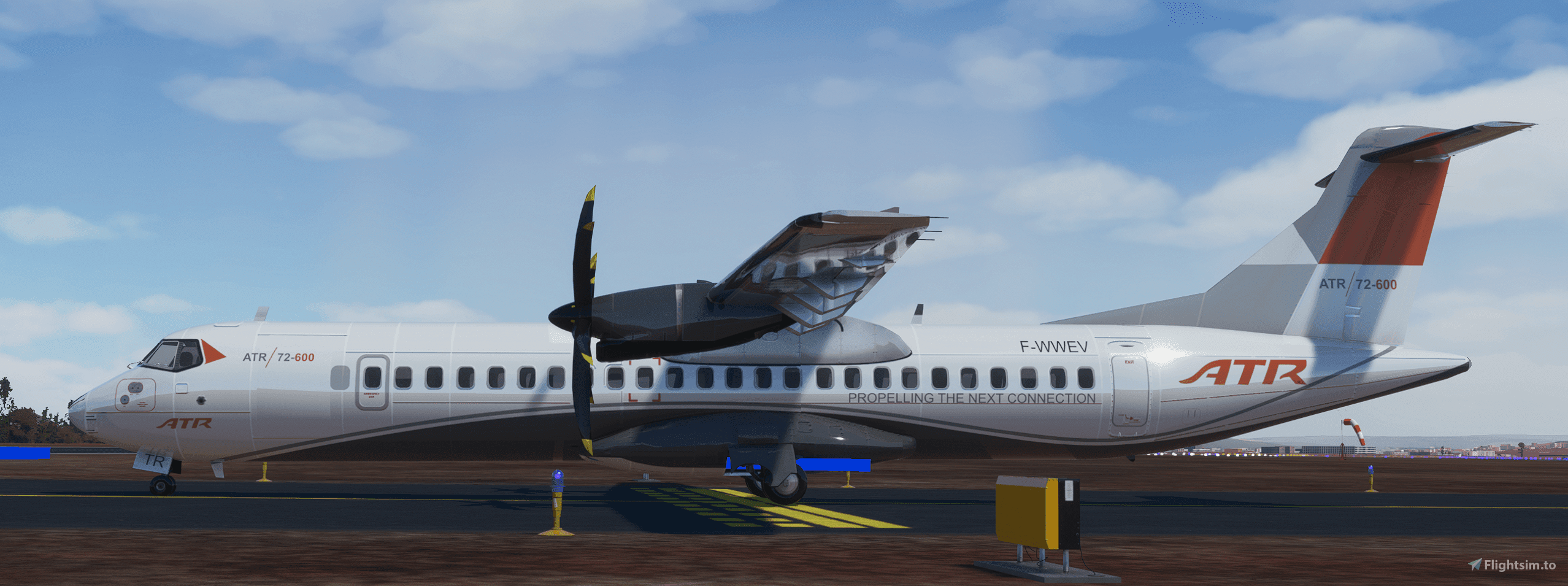
Description
Here is the ATR-72-600 with the working cockpit of the CJ4 for MSFS2020, this Addon was made by virtualcol for FSX and converted to MSFS. The interior cockpit features where made by Simviation. Permission to upload this file was obtained by virtualcol and was granted to us. This Item will be constantly updated and improved. To install these files you will need to drag and drop them into your MSFS Community Folder. Anyone who wants to make liveries for this aircraft is granted the permission to since there are only a limited amount of liveries that already come with this aircraft. Any questions comment below and any problems comment below. Enjoy!!
For Support Please Subscribe To My Youtube Channel:MultiGamer 0822
Thank You!
Discord: https://discord.gg/BBGH53JHrd
ATR-72-600 (Working Cockpit)
Experience the ATR-72-600 with a fully functioning cockpit, originally developed by virtualcol for FSX and now converted for MSFS2020. This Addon includes interior cockpit features from Simviation and will receive regular updates and enhancements. Custom liveries can be created for this aircraft, as only a few come pre-installed. Simply drag and drop the files into your MSFS Community Folder to enjoy this immersive experience.


User Reviews
63 reviews
Version History
No version history available.
Related
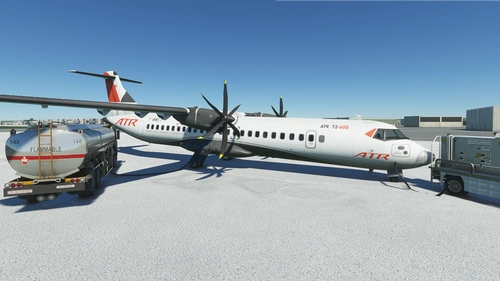
ATR 72-600 Community Version
A community version of the ATR 72-600 for Microsoft Flight Simulator, featuring remade animations, flight dynamics, and functioning lights. This addon is a native FS2020 aircraft with added ground interactions, without generating "_CVT_" folders. Adapted with formal permission from Virtualcol FS Software, with contributions from Capt22 and marajin. Visit the GitHub repositories for mod management and liveries conversion.
by kychungdotcom
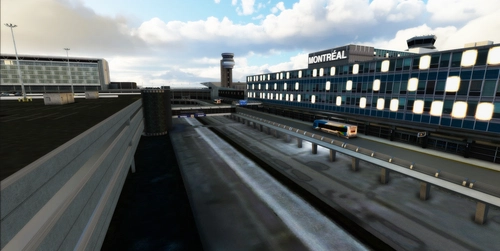
CYUL-Montreal
Enhance your Montreal flying experience with Version 2.2 of CYUL-Montreal. This update includes fixes for missing walls, addition of lights poles to the terminal with dynamic lights, and multi-level parking. Stay tuned for the next update which will improve FPS with an SD version of the project. Dont forget to delete previous folders before installation to prevent conflicts.
by Five1Four
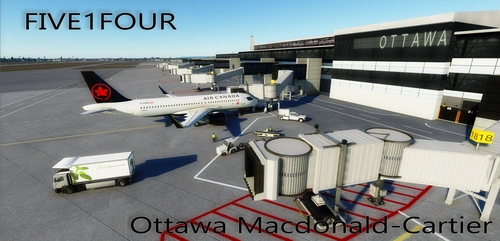
CYOW Macdonald-Cartier
Enhance your Microsoft Flight Simulator experience with the CYOW Macdonald-Cartier Ottawa add-on. Version 1.1 features a meticulously crafted model created with Blender and textures designed using Photoshop. Explore this detailed airport scenery and show your support to the creators. Follow their progress on Facebook and consider donating to further their development efforts.
by Five1Four

Montreal-Cross
Explore a handcrafted version of Montreal with Montreal-Cross. Ensure to remove version 1.0 before installing this update. Unzip and place the folder into your community folder for a seamless experience.
by Five1FourArt
Log in to join the discussion
Log InComments(259)
about 5 hours ago
about 2 months ago
2 months ago
This comment has been deleted
over 2 years ago
about 3 years ago
over 3 years ago
When I started my flight on the runway, it had a portable power unit hooked up, cones, and some people standing around the left side of the nose. When I took off, they all came with me. It was rather funny looking and then I over stressed the aircraft and it crashed. Also, when I have this plane already selected and then pick an airport, it crashes the entire game. I'm sorry, but I have to place this plane in the broken cart.
over 3 years ago
Exactly the same issues for me.
about 2 years ago
over 3 years ago
wenh i crashd on purpes it just clipt trhou the graond
over 3 years ago
Probably because your keyboard is broken?
about 3 years ago
over 3 years ago
The mod works perfectly fine for me! Thank-you, I really enjoy it! With the addition of the WIZZ airline skin by "frankpicard13" it's the perfect combo for me!
over 3 years ago
MFD gives red warning INCOMPATABLE LIVERY
over 3 years ago
Where can I find the liveries of this plane?
over 3 years ago
Update the CJ4 files in the model folder and it will work fine
Copy files from here (except model.cfg)
Your drive:\Microsoft Flight Simulator\Official\Steam\asobo-aircraft-cj4\SimObjects\Airplanes\Asobo_CJ4\model\
To your ATR72 working cockpit version's model folder
Your drive:\Microsoft Flight Simulator\Community\aircraft-ATR72-600-wc\SimObjects\AIRPLANES\atr725\Model\
And i also set the flight model to FSX in options menu
over 3 years ago
Where can I find the liveries of this plane?
over 3 years ago
https://flightsim.to/file/12249/atr-72-600-community-version the plane can never be controlled. after takeoff, it makes absurd movements and stalls. do you have a solution for this? (community version)
almost 4 years ago
Very good