
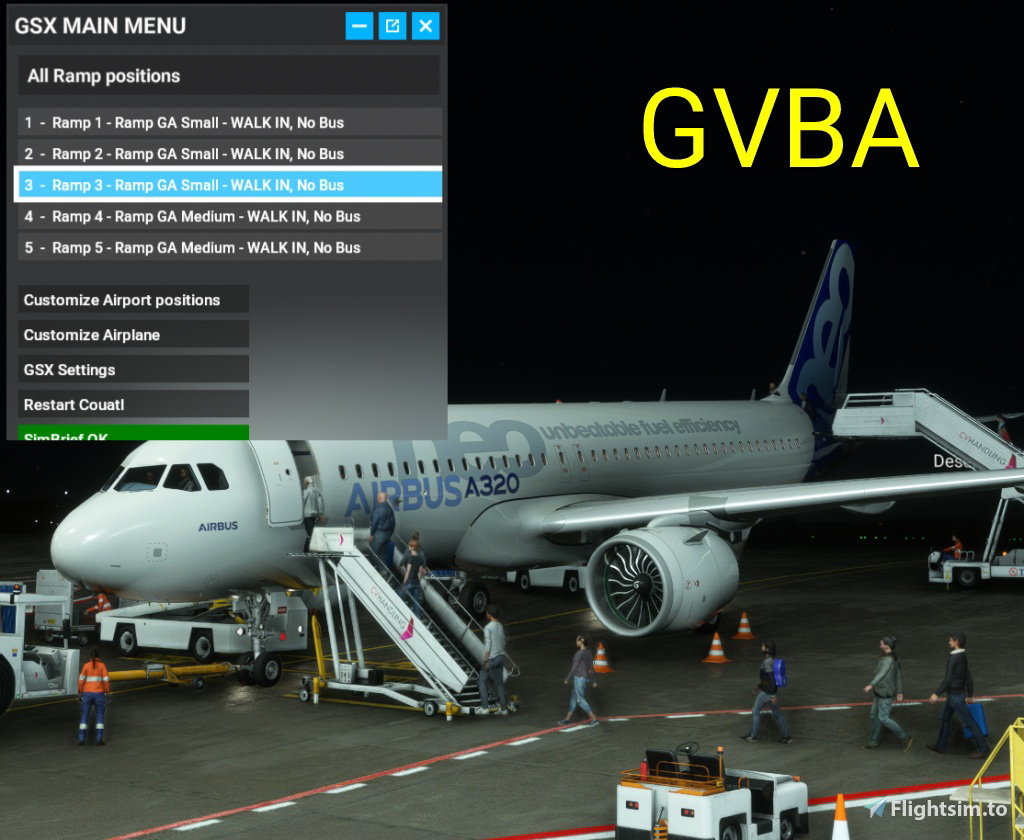
Description
GVBA GSX Pro Profiles
I have made three profiles for GVBA airport on Boa Vista Airport (Cape Verde)
=== Aeroporto Internacional Aristides Pereira (Boa Vista Rabil) ===
Attention, you can ONLY use ONE of the following three profiles:
1.) gvba-Chak991(flightsimTo).ini
Use this version if you have installed GVBA from Chak991, available on flightsim.to.
Unfortunately the airport building of Chak991 does not look like the real one.
2.) gvba-DSKY(aerosoft).ini
Use this version if you have installed GVBA from DSKY sold by Aerosoft.
Attention!!! The airport from DSKY has a bug. Taxiways have not been defined on its AFCAD file.
By this GSX does not work at all, when these taxiways are missing.
But there are two solutions to solve that issue.
Solution 1 is to create the taxiways by your own. See: https://youtu.be/7010EirtEQc?si=5OjXCOXM4XHmdzY1
Solution 2 is to use my third ini file (see 3.))
3.) gvba-Chak991andDSKY.ini
To get the taxiways running on the DSKY version of this airport, you can additionaly install GVBA from Chak991 available on fligjtsim.to too. By that the airport building of DSKY will be displayed.
So this third ini file should only be used when you installed both airports.
Sometimes it happens, that you see duplicated taxiway markers on the ground. Its very simple to get ride of them. Just deinstall the DSKY version and install it again. By this the order how both airports are loaded by MSFS gets changed and the duplicated taxi lines will be gone.
To install one of the three GSX profle of GVBA just drop it to C:\Users\Username\AppData\Roaming\virtuali\GSX\MSFS
Have fun!
GVBA GSX Pro profiles
This add-on provides three customizable GSX Pro profiles for Boa Vista Airport (GVBA) in Cape Verde. Users can choose between profiles tailored for different GVBA versions: Chak991, DSKY (Aerosoft), or a combination of both. Each profile is designed to address specific compatibility and functionality issues, ensuring that taxiways are properly recognized and managed. Installation instructions are included for seamless integration into the Microsoft Flight Simulator environment.


Version History
No version history available.
Related
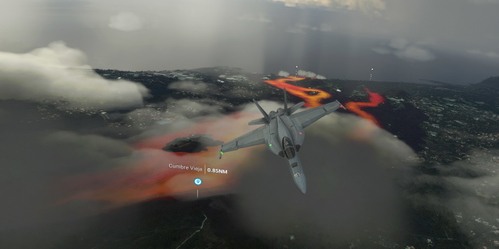
Active Volcano: Cumbre Vieja / La Palma
Explore the fiery landscapes of the active volcano Cumbre Vieja on La Palma in the Canary Islands. Witness the aftermath of the October 2021 eruption with this detailed scenery, featuring lava-covered terrain. Note: Night lighting is not included, so be sure to fly during daylight hours. Kindly install the additional NEOFLY smokes addon for an enhanced experience.
by just
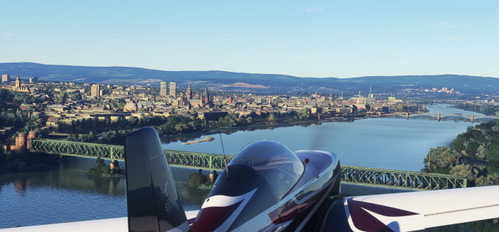
Mainz, Germany - Photogrammetry
Explore the city of Mainz, Germany with this photogrammetry add-on, showcasing detailed 3D material sourced from Google Maps. Credits to Google and Jonahex111 for their contributions. Dive into the immersive scenery of Mainz and discover neighboring Rhein-Main cities like Wiesbaden and Darmstadt.
by just
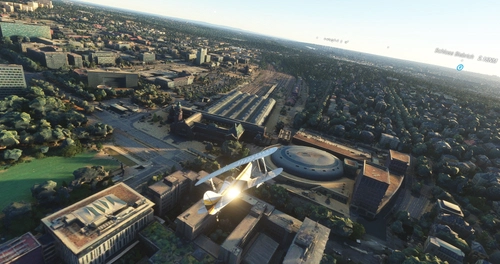
Wiesbaden, Germany - Photogrammetry
Explore the city of Wiesbaden, Germany with this photogrammetry add-on, showcasing detailed 3D material sourced from Google Maps. Credits to Google and Jonahex111 for their contributions. Also, check out photogrammetry mods for other Rhein-Main cities like Mainz and Darmstadt.
by just
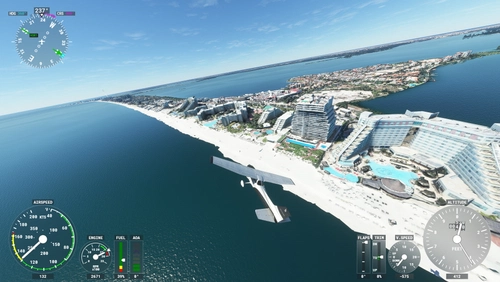
Cancún Zona Hotelera, Mexico - Photogrammetry
Explore the stunning beauty of Cancúns Zona Hotelera in Mexico with this photogrammetry add-on. Created using Google Maps data, this scenery offers a realistic representation of the island nestled between the Gulf of Mexico and the Caribbean Sea. All credits go to Google for their photogrammetry 3D material, ensuring a true-to-life experience for virtual pilots.
by just
Log in to join the discussion
Log In