
Description
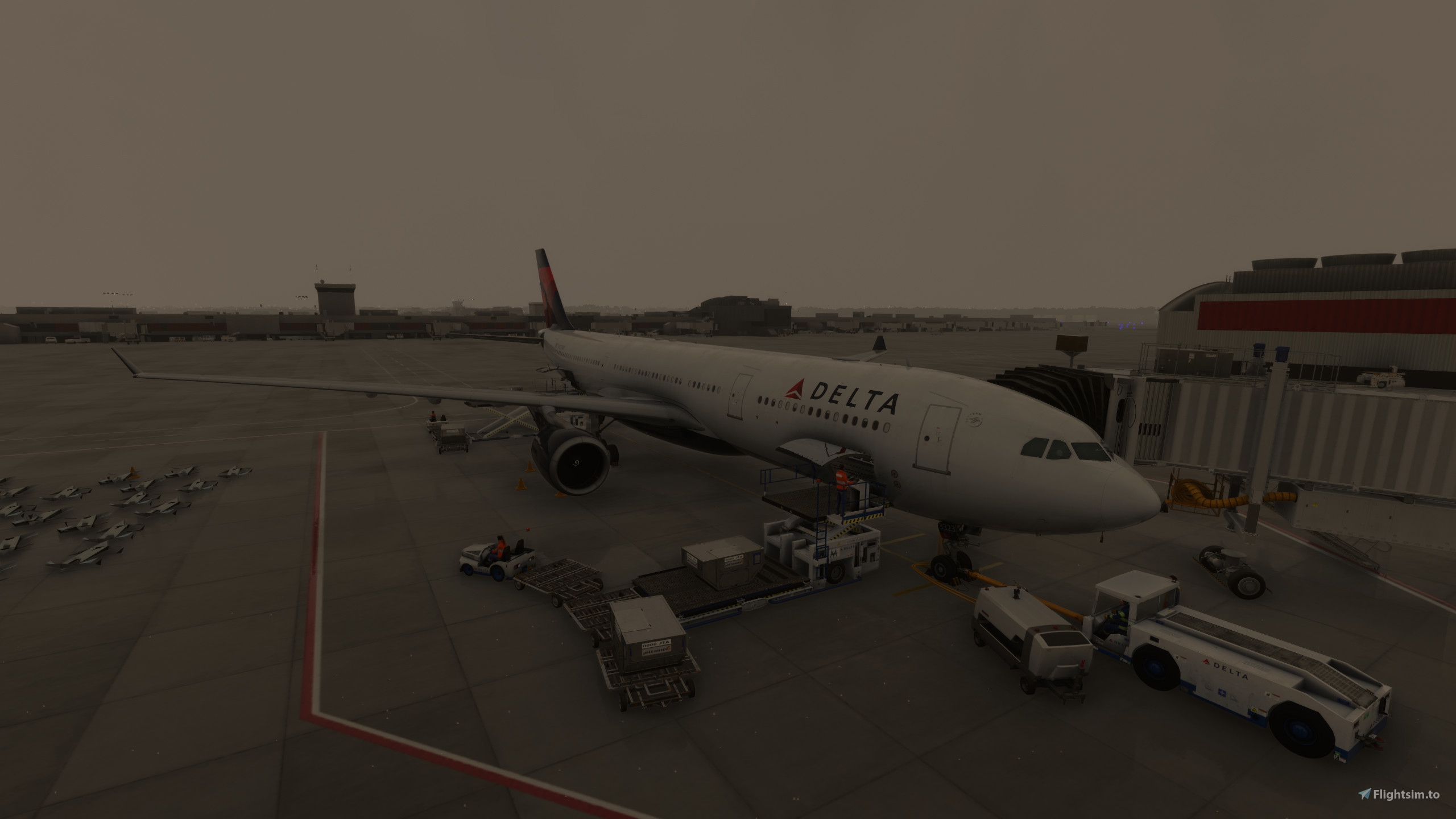
Created a quick GSX profile for the default A330-300 for MSFS2024. Requires GSX to be installed in 2024 (this can be done via FSDT installer). Two cargo doors, three passenger doors and two service doors. Probably won't fully work with the -200. I'll upload a profile for that probably soon(ish).
Note: at the moment, it only connects to door 1L, sorry.
To install: drag and drop gsx.cfg into C:\Users\[YourName]\AppData\Roaming\Virtuali\Airplanes\config
Note
With the latest GSX update adding support for the inibuilds aircraft in MSFS2024, this profile should hopefully no longer be needed, and I won't be updating it anymore.
GSX Profile for iniBuilds A330-300
This GSX profile is designed for the iniBuilds A330-300 in Microsoft Flight Simulator 2024. It features configurations for two cargo doors, three passenger doors, and two service doors, primarily connecting to door 1L. The profile is not fully compatible with the A330-200 version, but future updates may include a dedicated configuration for it. Installation is straightforward, requiring a simple drag-and-drop of the provided gsx.cfg file to the specified directory.


Version History
Changed it so cargo loading should hopefully be smoother.
Related
PMDG 737-900ER GSX Profile
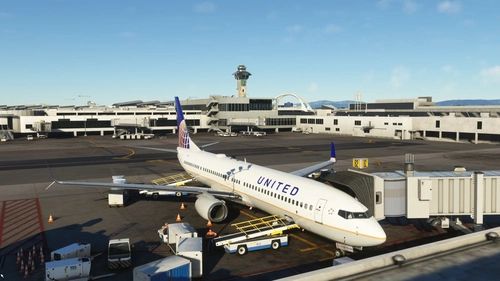
Enhance your PMDG 737-900ER experience with this GSX Profile, adding support for passenger and cargo doors, as well as proper de-icing functionality. Simply install the profile in the designated folder and manually open the doors in-sim.
by apjr
HAAB GSX Profile (Barelli MSFS Addons)
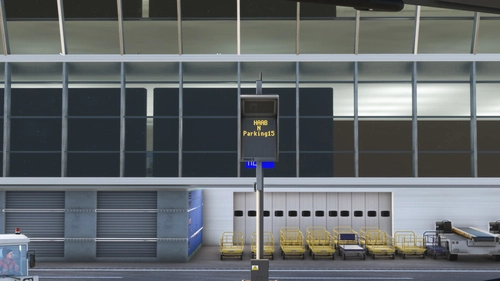
This GSX Profile is designed for the Barelli Addons Addis-Ababa scenery, specifically tailored for the iniBuilds A350. It includes functionality for jetway gates, with pushback options in both directions, VDGS, and ground handling services for Ethiopian Airlines. The profile currently supports gates 5N to 18N, while remote stands and cargo operations may be offered in future updates. Installation requires placement of the .ini file in the specified GSX directory.
by apjr
GSX Profile for the PMDG 777-200LR
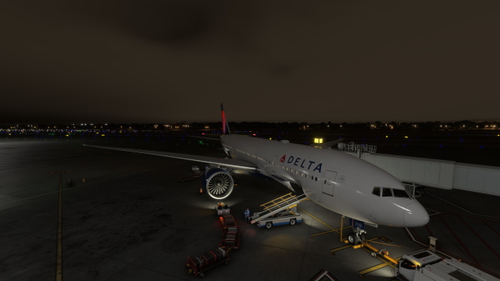
This add-on provides a temporary GSX profile for the PMDG 777-200LR, facilitating its use until official support is introduced. It includes basic features such as cargo door integration, a SimBrief ICAO code, and compatibility with GSX for operations with brakes off and chocks on. Installation is straightforward, requiring placement of the designated folder in a specific directory.
by apjr
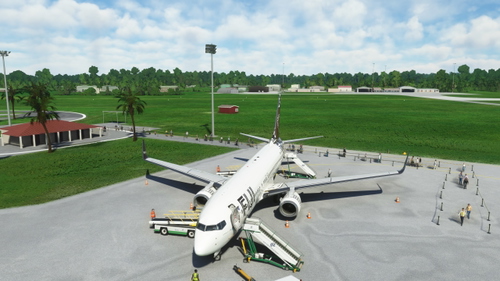
GSX Pro Profile - Mountainair Fua'amotu Tonga NFTF
Enhance your Fuaamotu, Tonga experience with this GSX Pro profile for Mountainairs scenic add-on, adding passenger waypoints for easier navigation without the need for a bus. The pushback truck location has been adjusted to enhance realism, focusing on the main apron area. Simply extract the files to the specified folder for easy installation.
by apjr
Log in to join the discussion
Log InComments(20)
10 months ago
in the airplanes folder
over 1 year ago
almost 2 years ago
almost 2 years ago
almost 2 years ago
almost 2 years ago
almost 2 years ago
almost 2 years ago
almost 2 years ago
almost 2 years ago
almost 2 years ago
almost 2 years ago
almost 2 years ago
almost 2 years ago
almost 2 years ago
The full path of where the cfg file is suppose to be located is:
%AppData%\Virtuali\Airplanes\microsoft-a330
almost 2 years ago
almost 2 years ago
almost 2 years ago
almost 2 years ago
almost 2 years ago