
Description
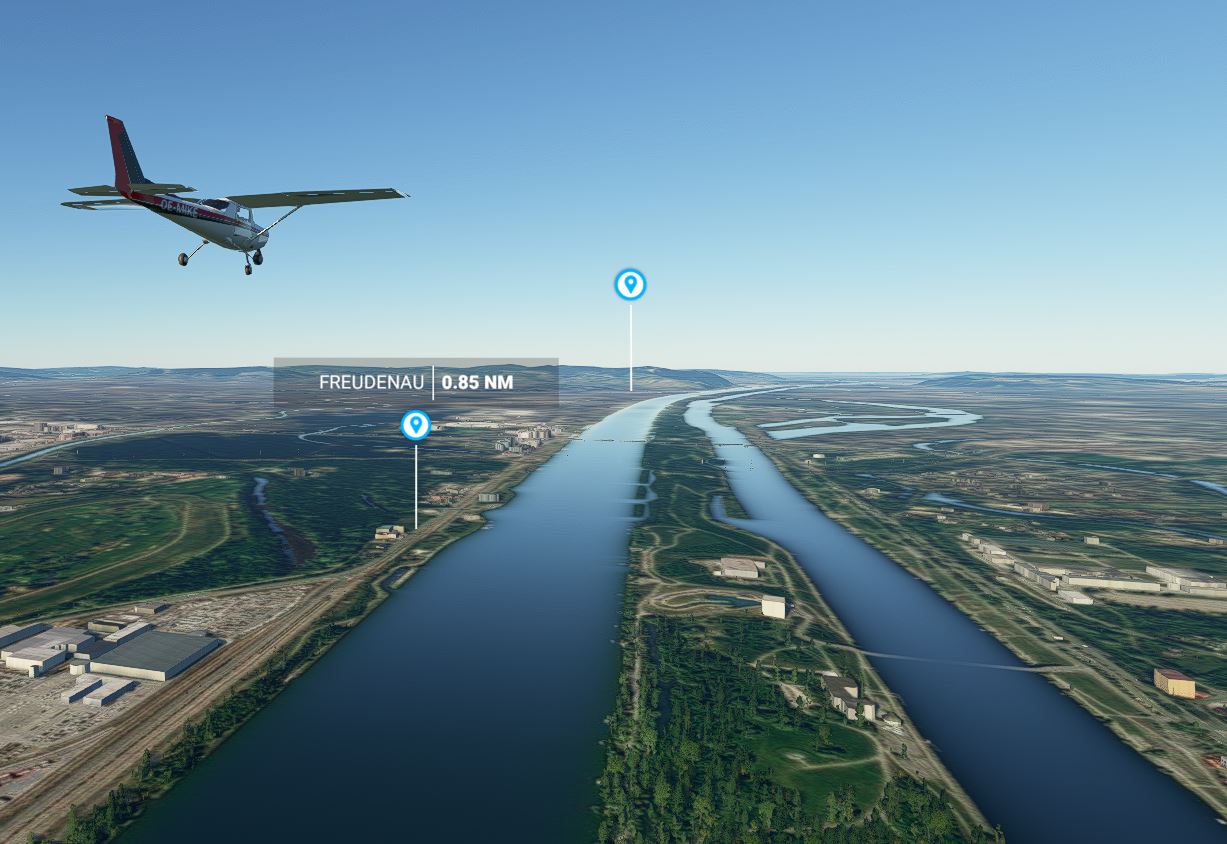
This Mod adds VFR Reporting Points as Point of Interest and GPS Waypoints for Austria.
There is also an .csv file witch you can import to Littlenavmap.
Primary Aerodromes
LOWG, LOWI, LOWK, LOWL, LOWS, LOWW
Secondary Aerordomes
LOAN, LOAV, LOIH, LOIJ, LOLW, LOWZ
Other Aerodromes
LOAB, LOAD, LOAG, LOAU, LOGF, LOGK, LOGO, LOIK, LOIR, LOKG, LOKL, LOKN, LOLG, LOLO, LOLU
Military Aerodromes
LOXA, LOXN, LOXT, LOXZ
GPS Waypoints
First 2 letters are the end of the ICAO Code of the airport
The rest are short therms of the reporting poins.
LOWK NOVEMBER 1 -> WKN1
I have done other VFR Reporting Points also
Czech Republic
Germany
if there are errors or if you would like to have added more airfields, please write me a message.
Dieser Mod fügt VFR Meldepunkte als Point of Interest und GPS Wegpunkte für Österreich hinzu.
Es ist auch eine .csv Datei beigefügt welche in Littlenavmap importiert werden kann.
Flughäfen
LOWG, LOWI, LOWK, LOWL, LOWS, LOWW
Flugfelder
LOAN, LOAV, LOIH, LOIJ, LOLW, LOWZ
Flugplätze
LOAB, LOAD, LOAG, LOAU, LOGF, LOGK, LOGO, LOIK, LOIR, LOKG, LOKL, LOKN, LOLG, LOLO, LOLU
Militärische Flugplätze
LOXA, LOXN, LOXT, LOXZ
GPS Wegpunkte
Die ersten beiden Buchstaben sind die letzten beiden der ICAO Flugplatzkennung.
Die anderen eine Abkürzung des Meldepunktes.
LOWK NOVEMBER 1 -> WKN1
Weitere VFR Meldepunkte finden sie hier.
Tschechische Republik
Deutschland
Sollte etwas falsch sein oder Flugplätze fehlen schreiben sie mir eine Nachricht
VFR Reporting Points Austria
Explore VFR Reporting Points in Austria with this mod, featuring Points of Interest and GPS Waypoints for major aerodromes and airfields. Enhance your navigation experience with this addition and import the included .csv file to Littlenavmap for seamless integration. Discover similar VFR Reporting Points for Czech Republic and Germany as well, and provide feedback for further improvements.


User Reviews
6 reviews
Version History
Is now fully compatible with MSFS 2024
Related
Global AI Ship Traffic Version 7.
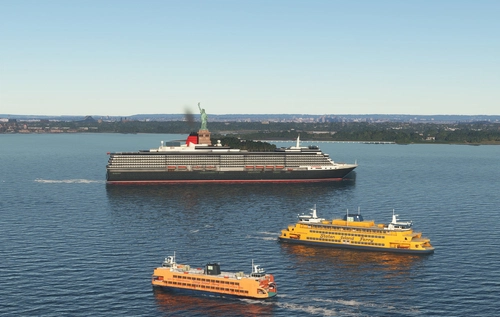
Global AI Ship Traffic Version 7 enhances Microsoft Flight Simulator with over 1,000 unique ship models and more than 2,400 liveries, alongside 80,000 programmed ship movements. Compatible with both MSFS 2020 and MSFS 2024, this add-on includes a wide variety of vessels, ranging from cargo ships and fishing boats to luxury cruise liners and military ships. Users can experience a realistic global shipping simulation by utilizing preprogrammed traffic or real-time AIS data in MSFS 2024. The project is the result of collaboration among international developers and enthusiasts, providing an immersive maritime experience.
by Henrik Nielsen, KL791
Realistic Taxi Signs Texture Pack
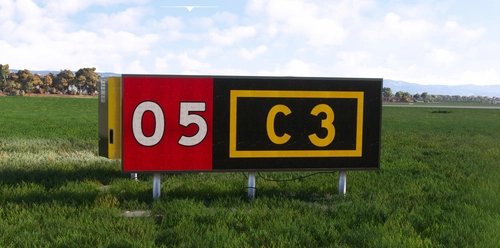
Enhance your taxiing experience with this Realistic Taxi Signs Texture Pack. This add-on provides higher resolution and realistic textures for taxiway signs in Microsoft Flight Simulator. Replace the original files in your Community folder for an improved visual experience. Remember to remove any other mods for taxi signs before installing this pack. Created by Pretzed, this pack aims to enhance the realism of your taxiing operations in the sim.
by PretZed

AirHispania - Libraries
Essential libraries containing objects necessary for displaying AirHispania sceneries. Required for enhancing the overall visual experience of AirSpain scenery addons.
by AirHispania
Japan world update scenery enhancement (no google imagery and no performance impact)
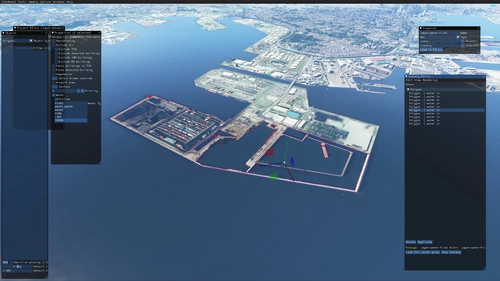
Enhance your Japan flying experience with this ongoing scenery update, featuring fixes for dark lines on river entrances, addition of cargo ships, and uncovering hidden features underwater. With no reported impact on performance, this add-on brings a more detailed and realistic landscape to explore in Microsoft Flight Simulator.
by DOR RAGER
Log in to join the discussion
Log InComments(25)
8 months ago
over 4 years ago
GREAT JOB !!
Any chance you do that for France VFR reporting points ?
Would be awesome.
BR
almost 5 years ago
Funktioniert das schon mit dem SU6? danke
almost 5 years ago
Hallo
Habs grade getestet.
Funktioniert nach wie vor.
Auch nach dem SU6.
lg Mike
almost 5 years ago
thanks for your hard work. is it compatible with SU5 and WU6?
over 5 years ago
over 5 years ago
I'm not planing to do a version of Germany.
If there is a list of all points with coordinates I can do it.
But without that it will be a pain to gather all the information.
over 5 years ago
over 5 years ago
over 5 years ago
over 5 years ago
Also no of my friends had any issues.
But I will keep it in mind and will investigate it.
over 5 years ago
over 5 years ago
You have the choice between individual airports or the whole of Austria....".
The Question: do I understand correctly that I can skip folder "separate aerodromes" and install Only "mharich-vfrpointsaustria" folder and I will have the WHOLE Austria (I mean the content of both folders is the same - just managed differently)?
over 5 years ago
So you have just one folder if you want whole Austria instead of 31. ;-)
over 5 years ago
over 5 years ago
I have a dream, what coulsd be very nice to have: some tool, which auto-imports all texts (like city names, road names, POIs, ...) from a source like googlemaps or open streatmap or something alike, so we could have a full coverage of a region or state or continent without the need of manual input.
Then a "something" which let´s us setup, what to display (like "only citynames" and/or "only streetnames" and/or "only POIs"...
To avoid ,spamming the monitor with too many markers, somethtimg which lets us target a marker and then choose to show the next or the previos marker instead. Just like in a military flightsim like IL2 series, where you can target something with a marker and the nselect the "next" or "previous" target to be displayed instead.
So, if you guys need a bit of a challenge, please create something like this. It could be very useful.