
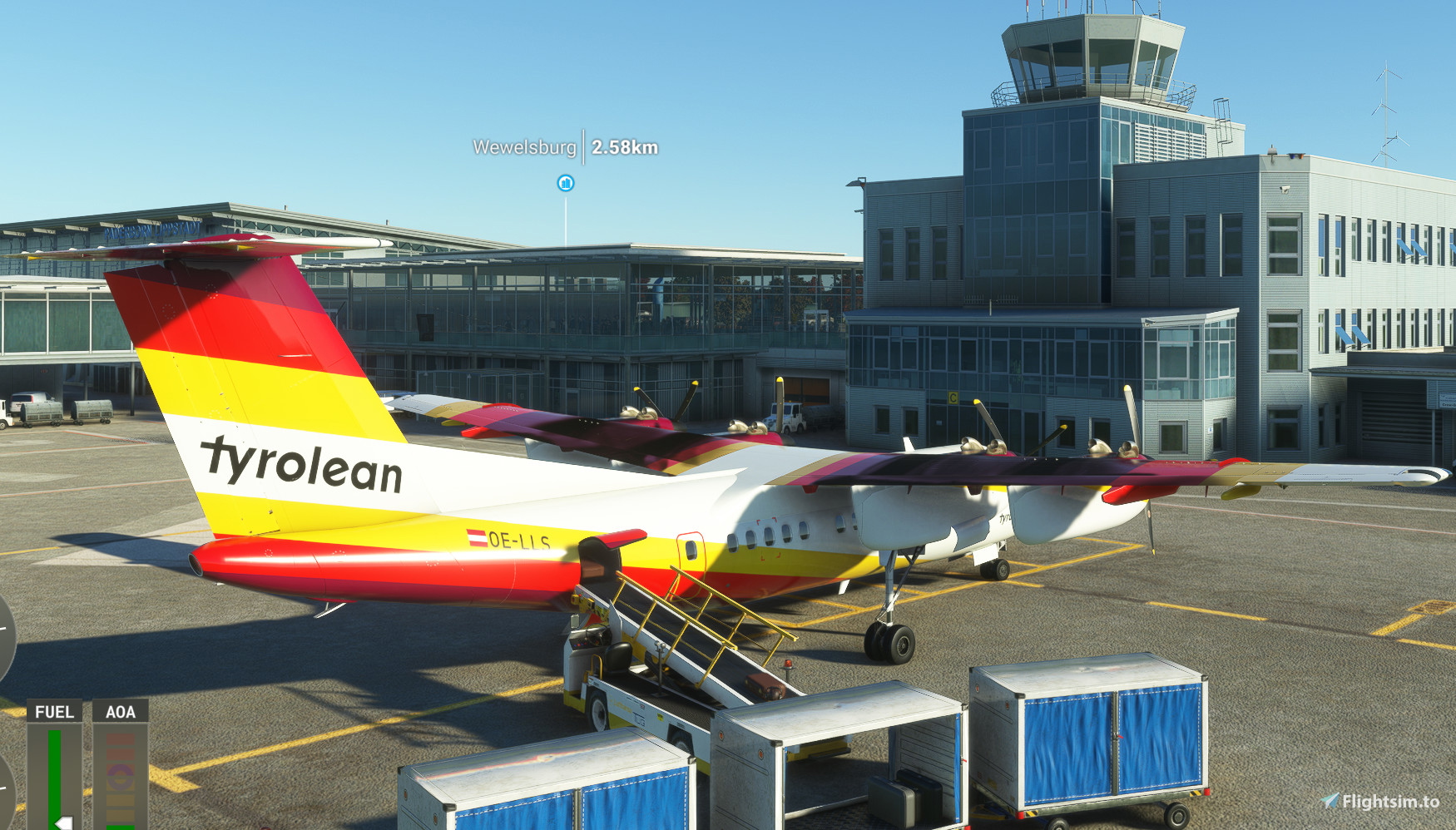
Description
GSX-Pro Profile for the de Havilland Canada DHC-7 (Dash-7).
Just unzip the downloaded file and put the unpacked directory "PILOTS_DHC7" to
%appdata%\virtuali\Airplanes
Have fun!
GSX-Profil for Pilot's Dash-7 (DHC 7)
Enhance your flight simulation experience with this GSX-Pro Profile add-on for the de Havilland Canada DHC-7 (Dash-7). Simply unzip and install the file to enjoy a new level of realism and immersion. Get ready to elevate your virtual aviation experience with this easy-to-use enhancement.


Version History
- You can now start the engines before pushback. - Position of the engines set.
Related
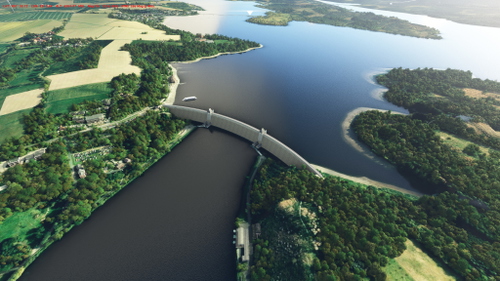
Möhnetalsperre
Explore the famous Möhne Dam and its large water reservoir in the Sauerland region of Northrhein-Westfalia. Enjoy popular boat trips and sailing activities at this historic location, heavily damaged during World War II. Enhance your flight simulation experience with corrected terrain details surrounding the dam.
by transwarp2010
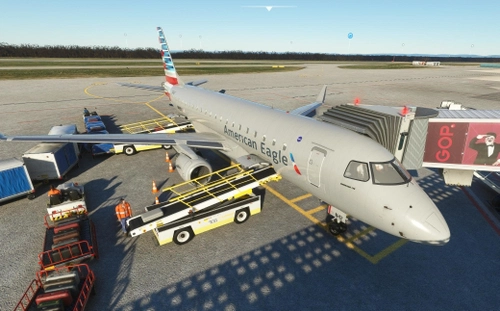
GSX-Profile Flightsim Studio Embraer E-170/175
Enhance your virtual experience with this GSX-Profile add-on for the Embraer E-175 from FlightSim Studio. Easily install the configuration file and enjoy immersive flights in Microsoft Flight Simulator 2020.
by transwarp2010
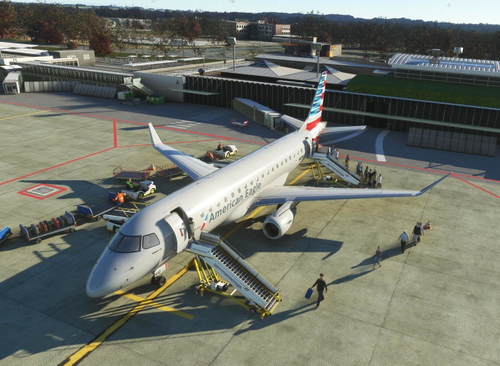
GSX-Profil EDLW Dortmund Regional (Chak991)
Enhance your GSX experience at EDLW Dortmund Regional Airport with this custom-made GSX Profile by Chak991. Simply unzip the file into your GSX directory and deactivate the EDLW-Jetways to enjoy a seamless ground handling experience in Microsoft Flight Simulator 2020.
by transwarp2010
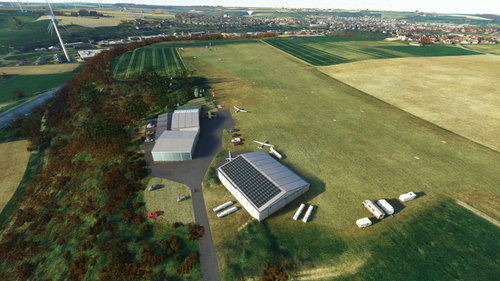
EDIP - Gliderfield Büren-Schwalenberg
Enhance the regional airport experience at EDIP Buren-Schwalenberg with this mod, featuring modifications to buildings, terrain, and added content like aircrafts and vehicles. Dont forget to download three additional libraries for full enjoyment. This is a first-time content creation in MSFS, with possible future updates and improvements.
by transwarp2010
Log in to join the discussion
Log InComments(5)
almost 3 years ago
almost 3 years ago
almost 3 years ago
almost 3 years ago
almost 3 years ago
Click on the Cargo Bay on the right (Cargo2).
Choose one value from the upper drop down list.
Click on 'open door'.
If the right door opens, this is the right configuration. If not, choose another value from the dropdown and check again.
Very simple ...