
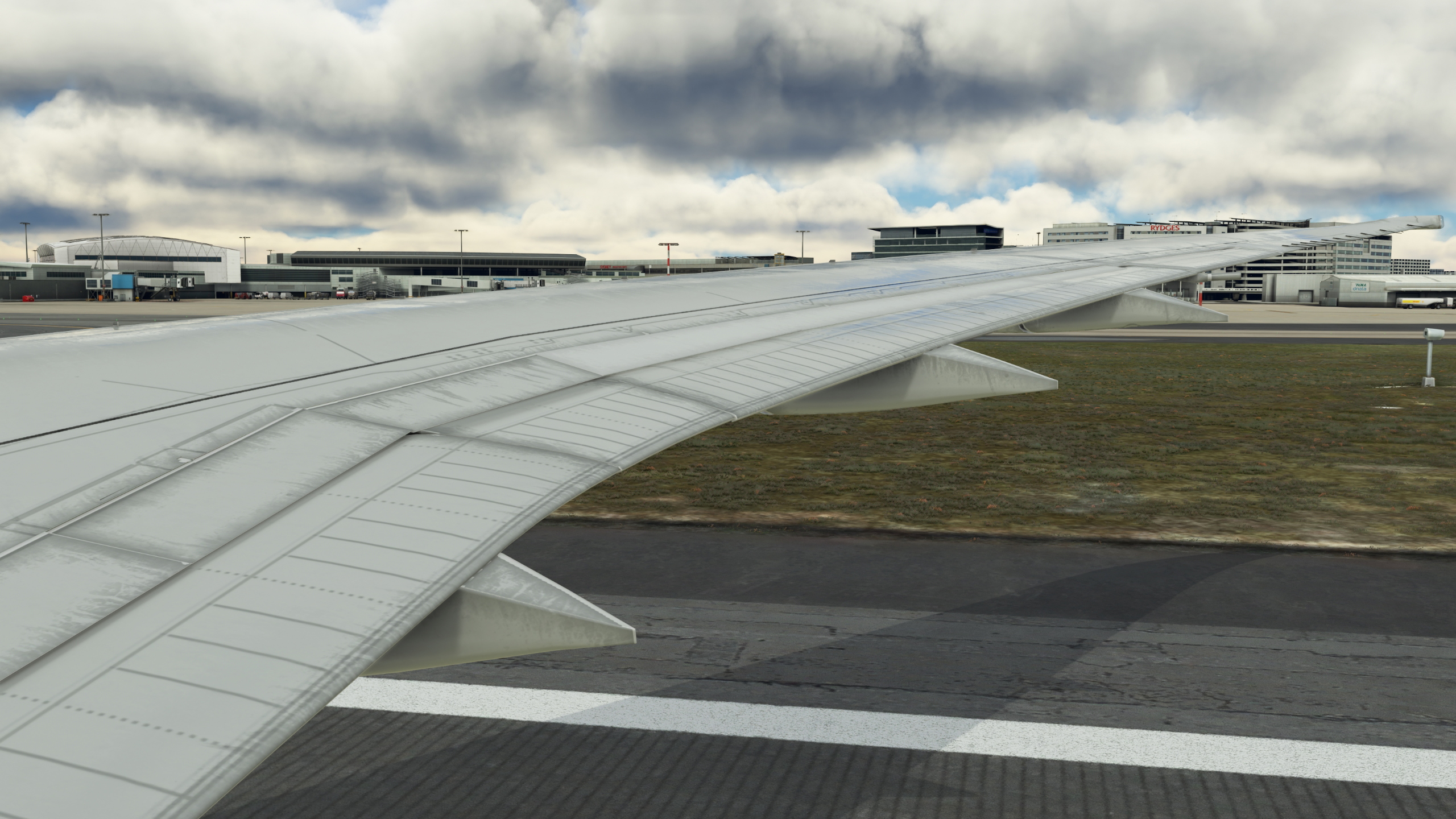
Description
To Install Simply add the Camera.cfg file and overite exsisting to the following
C:\Users\(USERNAME)\AppData\Roaming\Microsoft Flight Simulator\SimObjects\Airplanes\HorizonSim_B787_9_GENX
Also on
C:\Users\(USERNAME)\AppData\Roaming\Microsoft Flight Simulator\SimObjects\Airplanes\HorizonSim_B787_9_TRENT
The custom cameras:
Custom camera 1 - Pilot View
Custom camera 2 - Left Front Engine View
Custom camera 3 - Right Front Engine View
Custom camera 4 - Left Over Wing View
Custom camera 5 - Right Over Wing View
Custom camera 6 - Right Back Wing View
Custom camera 7 - Left Back Wing View
Custom camera 8 - External Right Nose Fusalage
To Change Views Press Left (ALT) Then followed by the Number (Example ALT+1) Takes you to the pilot view etc.
You can replace or change each view by using the Arrow keys on your Keyboard and to save the combination Press Left (CTRL)+ALT Followed by your Number to save that specific view.
Comments(12)
Log in to join the discussion
Log Inover 2 years ago
over 2 years ago
over 2 years ago
over 2 years ago
In the path i dont have the camera.cfg file. I copied it in \Microsoft flight simulator\Community\horizonsim-aircraft-787-9\SimObjects\Airplanes\HorizonSim_B787_9_GENX.
i use the Disk Version of MSFS...
over 2 years ago
over 2 years ago
C:\Users\xxxx\AppData\Local\Packages\Microsoft.FlightSimulator_8wekyb3d8bbwe\LocalCache\SimObjects\Airplanes\HorizonSim_B787_9_TRENT
C:\Users\xxxx
\AppData\Local\Packages\Microsoft.FlightSimulator_8wekyb3d8bbwe\LocalCache\SimObjects\Airplanes\HorizonSim_B787_9_GENX
over 2 years ago
over 2 years ago
over 2 years ago
over 2 years ago
over 2 years ago
Boeing 787-9 Horizon Simulations Custom Camera Views
Enhance your Boeing 787-9 experience with Horizon Simulations Custom Camera Views add-on. This mod offers 8 unique camera perspectives including Pilot View, Engine Views, Over Wing Views, Back Wing Views, and External Nose View. Easily switch between views using simple key combinations and save your preferred angles for a customized flying experience.
User Reviews
2 reviews
More Information
Version History
No version history available.
Related
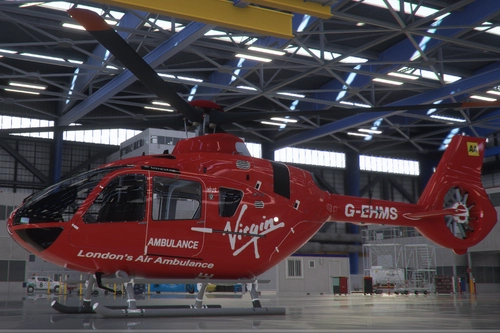
Airbus H135 London's Air Ambulance Helimed27
Experience the Londons Air Ambulance Helimed27 with this Airbus H135 add-on featuring a Virgin Sponsor livery. Perfect for fans of medical emergency aviation.
by aviationlover85- Cedarjet201
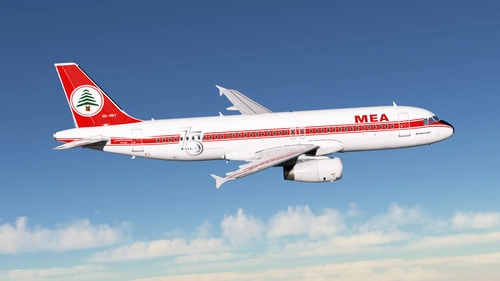
Middle East Airlines MEA 70s Retro OD-MRT 75th Anniversary Fenix A320 Block 2 IAE Engines
Middle East Airlines MEA 70s Retro OD-MRT celebrates its 75th Anniversary with this V2.00 livery featuring IAE Engines for Block 2 Update. Check out the creators YouTube and Instagram for more content. Simply extract the files into your community folder to install. Remember to respect the legal information provided.
by Aviationlover85 - Cedarjet201
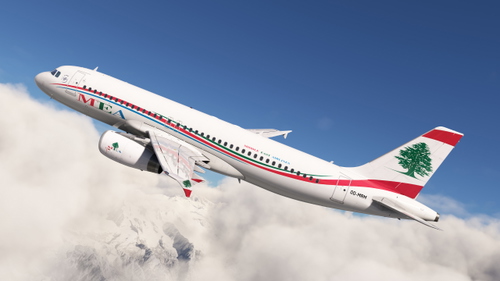
Middle East Airlines (MEA) OD-MRM | Fenix A320 IAE (V2B2)
Middle East Airlines (MEA) OD-MRM livery for the Fenix A320 with IAE Engines. Minor issues in this V1.00 version will be fixed in the upcoming V1.1 update. Detailed winglet repaint resembles the real-world aircraft. Installation is easy - just drag and drop the folder into your community folder.
by aviationlover85
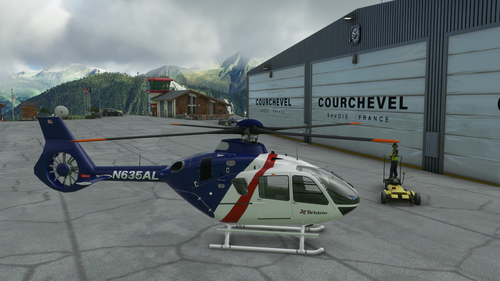
Bristow Helicopter N635AL v1.2
Fly the Bristow Helicopter Reg: N635AL in Microsoft Flight Simulator with this add-on version 1.2. A popular choice among users, come and enjoy the experience in the virtual skies.
by aviationlover85
5 months ago