
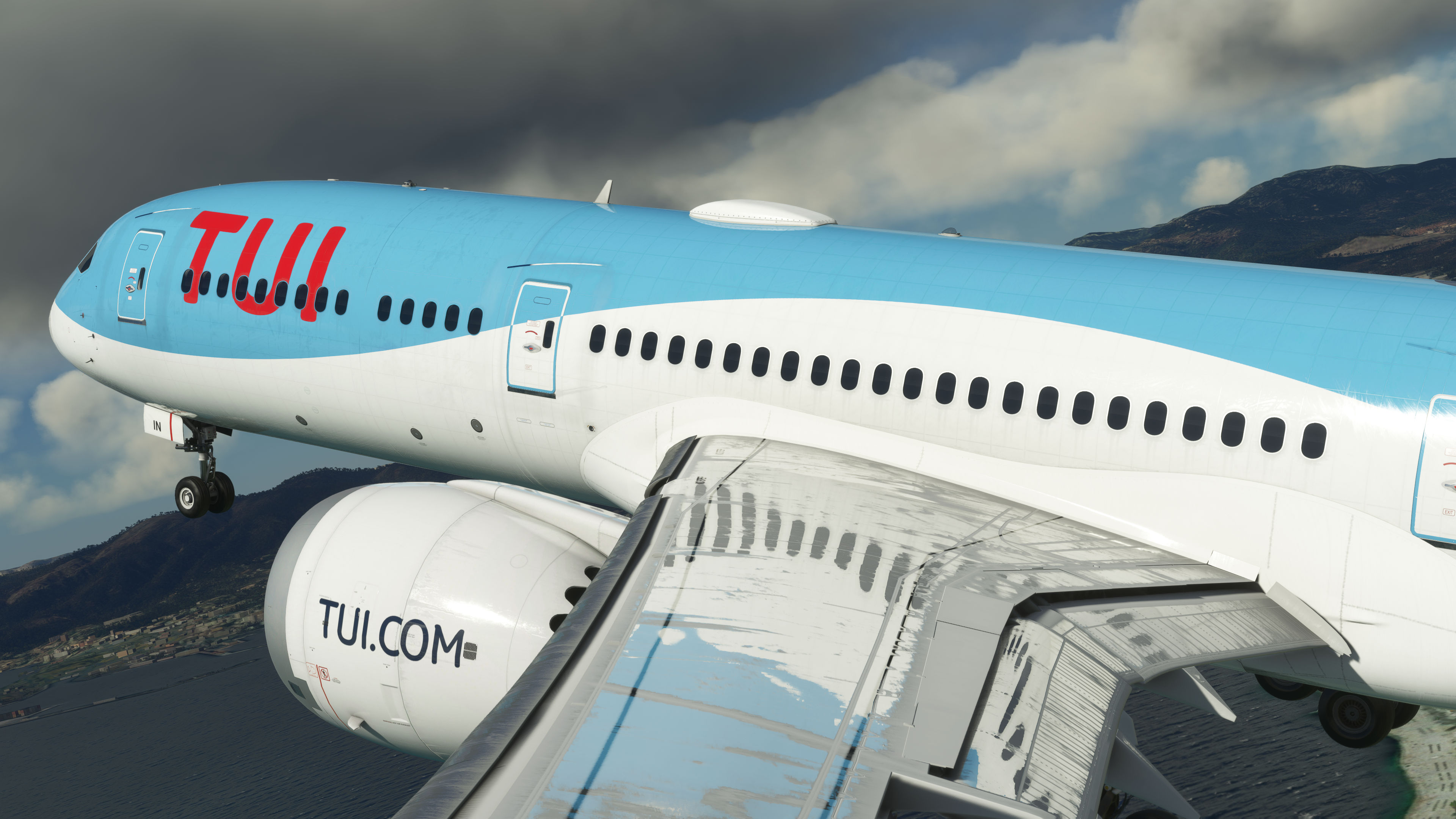
Description
This is for the Horizon Simulations Boeing 787-9 releasing on the 27th October for MSFS.
You need to have set a custom view prior to installation to make this much simpler to install so set one random extra custom view inside the flight deck before installing this pack. You'll need to do this for each variant - the GENX option and the Trent engine option.
When you've done this, exit the sim and locate your Sim Objects folder within the MSFS file's Local Cache, the file path will look something like this:-
Microsoft.FlightSimulator_8wekyb3d8bbwe\LocalCache\SimObjects\Airplanes
You will then see TWO folders. One for HorizonSim_B787_9_GENX and one for HorizonSim_B787_9_TRENT. Get the correct camera.cfg folder from within this pack and overwrite the one in the above folder path.
You'll then have juicy wing, engine, nose and tailcam custom views for your rather nice Boeing 787-9!
I'll be live at some point, so come tune in and say hello over on YouTube!
Horizon B787-9 Custom Views
Custom Views pack for Horizon Simulations Boeing 787-9 in MSFS, featuring wing, engine, nose, and tailcam angles. Instructions for installation included.


User Reviews
6 reviews
Version History
No version history available.
Related
Full VATSIM AIG Beta Model Matching
AIG Model Matching covering hundreds of airlines and operators around the world and hundreds of hours of work. After installing all of the required Airlines in AIG's OCI you need THIS to bring it to life in VATSIM. It has taken many many hours so I hope you enjoy it!
by BritishAvgeek
MSFS vPilot Modelmatching
Create a custom VMR model matching file for Microsoft Flight Simulator, tailored to the contents of your own community folder. This comprehensive tool covers a wide range of major airlines for use with VATSIM, including recent Aerosoft CRJ liveries. Easily edit the file to suit your specific liveries and aircraft, with ongoing updates to keep pace with new additions to MSFS. Support the creator by donating or subscribing to their YouTube channel for more aviation content.
by BritishAvgeek on Youtube
PMDG 737NG Summarised Normal Checklist
A Summarised Normal Operations Boeing 737NG Checklist covering all the important checklist items needed during each stage of flight with the PMDG 737-600, PMDG 737-700 and PMDG 737-800 for Microsoft Flight Simulator, created free for all to use and enjoy by British Avgeek.
by BritishAvgeek
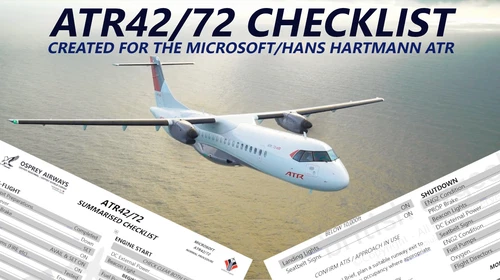
ATR 42/72-600 Normal Checklist
A comprehensive Normal Operations checklist for the ATR 42/72-600 in Microsoft Flight Simulator, designed to assist with "Hotel Mode," takeoff, and landing procedures. Ideal for those looking to familiarize themselves with this new aircraft in the MSFS Expert Series. Stay tuned for future updates and improvements to streamline the checklist process.
by BritishAvgeek
Log in to join the discussion
Log InComments(13)
over 1 year ago
over 1 year ago
over 1 year ago
almost 3 years ago
over 2 years ago
almost 3 years ago
almost 3 years ago
almost 3 years ago
almost 3 years ago
almost 3 years ago
almost 3 years ago
almost 3 years ago
This overwrites all views including normal pilot cockpit views. There is no way to get out of it to get back into the pilots' seat.
I had to remove this Custom Views this add-on plus the Horizon Sims B787_9.
I have now re-installed the B787_9 and works perfectly fine.
almost 3 years ago