
Description
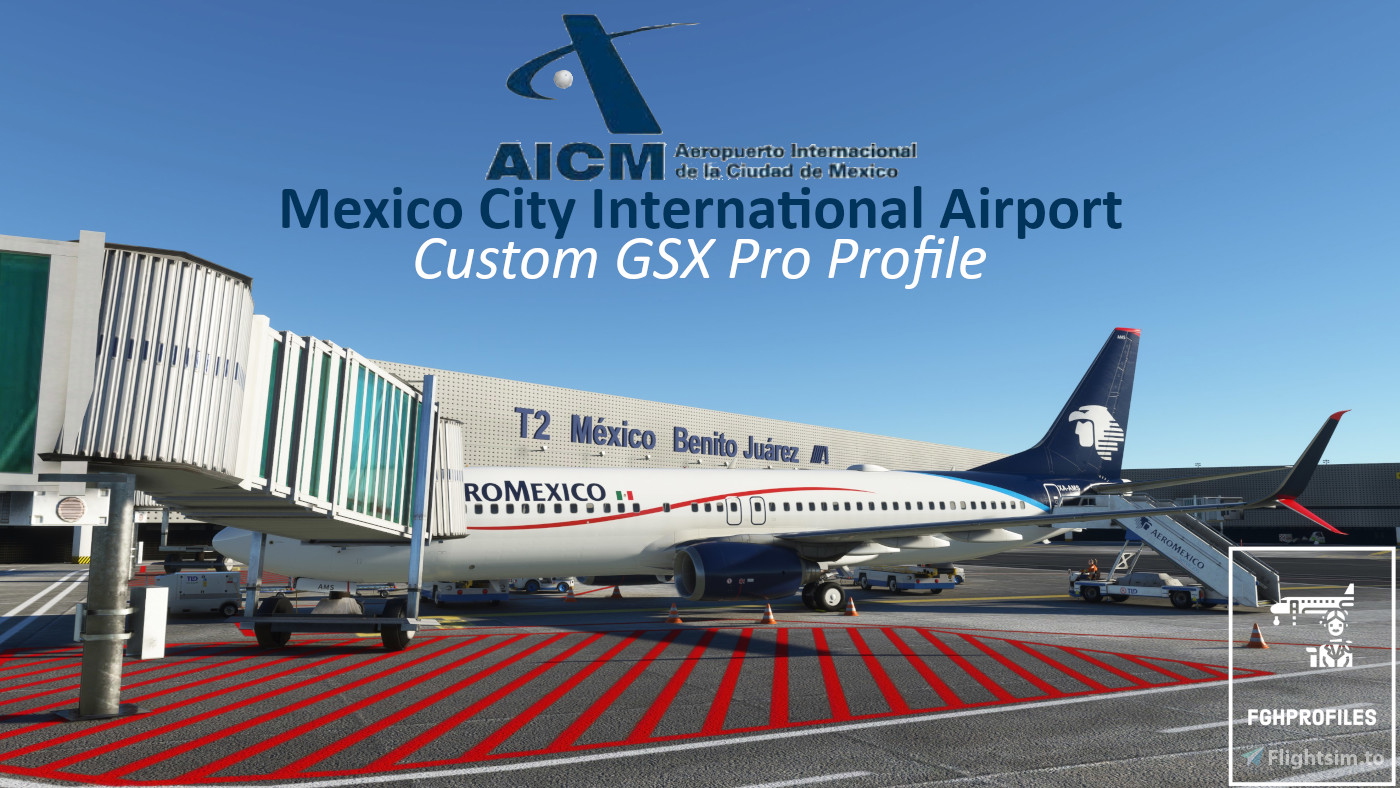
GSX Profile for MMMX (Mexico City) airport by FlyMex
A comprehensive profile featuring:
-Correctly and realistically placed GSE at every gate including cargo.
-Correct stop positions for all relevant aircraft at every gate.
-Real pushback procedures for all gates.
-Renaming of gates to make navigating the parking easier.
-Correct catering and handling agents at all gates.
For the easiest install I would recommend Dave’s GSX Proflie Installer.
Otherwise, extract the .zip and move the .ini AND .py file inside to the following route:
%AppData%\Roaming\virtuali\GSX\MSFS
Ensure you only have one profile per airport.
An instruction manual is provided within the .zip.
Take your GSX experience further with RealOps Handler for GSX. It automatically applies real-world airline handling, catering, fuel, hub, alliance and aircraft-specific logic, with automatic livery and SimBrief detection. Pair it with this profile for more authentic, airline-specific ground operations, backed by 8,500+ handling and 3,700+ catering assignments worldwide today.
NOTAMs:
Gates 75-81 have VDGS as you wouldn't be able to see a marshaller.
Gates 75-81 also have standardised stop positions not on the markings to make sure jetways operate normally.
Any feedback welcome either here or in the discord linked below.
Please rate my uploads!
Enjoy!
Discord:
If you´re a Creator or just a Profile User, feel free to join the GSX Creation Community and chat or discuss with other Users or Creators >>HERE<<.
MMMX (Mexico City Intl. Airport, Mexico) GSX Profile - (FlyMex)
Enhance your Mexico City Intl. Airport experience with this GSX Profile by FlyMex. Features realistic GSE placement, stop positions, pushback procedures, gate renaming, and more.


Contributors

User Reviews
3 reviews
Version History
-refined some GSE positioning to better connect with aircraft. -.py file improvements to gate names. -added Aerococina as catering agent and AMX to T1 handling as well as more variation for cargo.
Related
LCLK (Larnaca Intl. Airport, Cyprus) GSX Profile - (JustSim)
GSX Profile for LCLK (Larnaca, Cyprus) airport by JustSim. New Terminal building and apron gates complete (11-42) with custom pushback and direction. Walk-Ins on gate 42 as jetway is bugged and in an incorrect position. Walk-Ins also on 31,32 & 33. CURRENTLY EXPERIMENTING WITH PAX WAYPOINTS BUT JETWAYS ARE BUGGED IN THE SCENERY SO PAX TAKE A STRANGE ROUTE. UNFORTUNATELY THERE ISNT ANYTHING I CAN DO ABOUT THIS UNTIL THE SCNERY IS FIXED SO I HAVE REMOVED PAX FROM GATES WITH JETWAYS.
by FatGingerHead
ELLX (Luxembourg Findel Airport, Luxembourg) GSX Profile - (TheRedFox freeware)
Enhance your virtual experience at ELLX (Luxembourg Findel Airport) with this comprehensive GSX Profile by TheRedFox. Includes detailed walk-in paths, correct gate configurations, custom pushback paths, and visible passengers in the terminal. For easy installation, use the Drag&Drop Installer or follow the manual setup instructions provided. Feedback and community engagement available through the Discord channel.
by FatGingerHead
EKVG (Vagar Airport, Faroe Islands) GSX Profile - (superspud freeware)
Enhance your Vagar Airport experience with this official GSX Profile by superspud. Enjoy detailed passenger pathways, custom stop positions, hand-placed GSE, and more. Download now for a seamless installation process and realistic airport handling. Join the GSX Creation Community for feedback and discussions.
by FatGingerHead
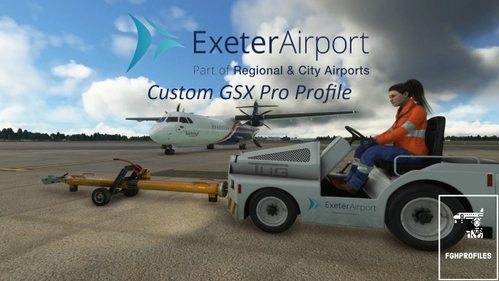
EGTE (Exeter Airport, England) GSX Profile - (superspud freeware)
GSX Profile for EGTE (Exeter) Scenery by Superspud (freeware) found here.. Vehicle and passenger configuration on all passenger gates (2-11) Custom pushback paths with direction stated at all gates, walk-ins on gates 2-7. To install, extract the .zip and move the .ini file inside to the following route: \Users\Your Username\AppData\Roaming\virtuali\GSX\MSFS Any feedback welcome.
by FatGingerHead
Log in to join the discussion
Log InComments(14)
6 months ago
9 months ago
8 months ago
over 1 year ago
about 2 years ago
about 2 years ago
about 2 years ago
over 2 years ago
over 2 years ago
almost 3 years ago
almost 3 years ago
almost 3 years ago
almost 3 years ago
almost 3 years ago