
Description
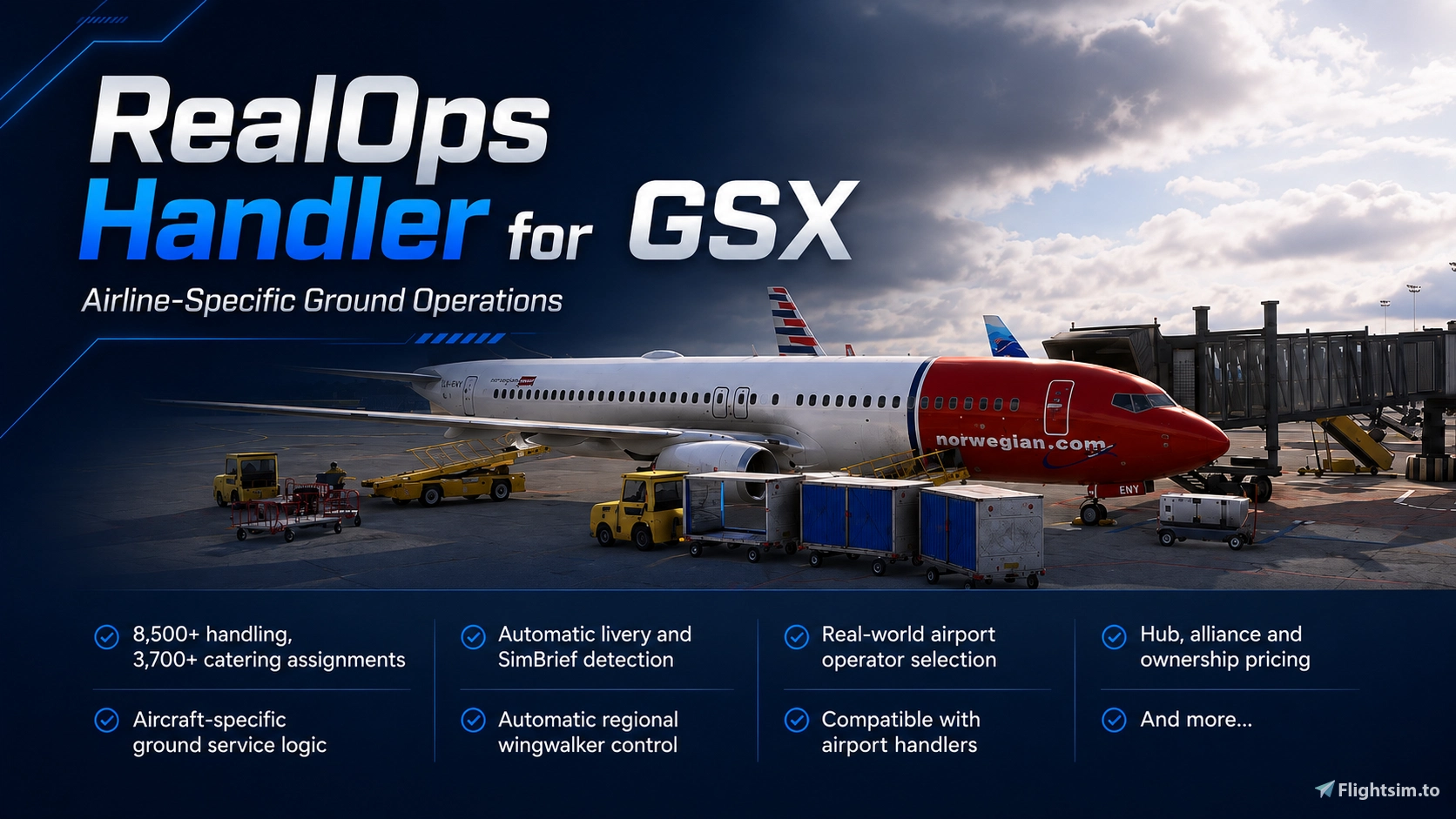
Take your GSX Pro ground operations a step closer to the real thing.
This package introduces custom airline handling logic designed to make GSX automatically behave according to the airline, aircraft and airport you are operating from using real-world data. Instead of every flight receiving the same generic GSX treatment, the handler dynamically applies airline-specific ground procedures in the background.
Features
Automatic airline detection
- Livery and SimBrief support, including 2 letter IATA and 3 letter ICAO codes.
Realistic airport handling and catering agents
- Correct agent selected based on airline and location using real-world data. Over 8,500 handling agents assigned and over 3,500 catering agents.
Realistic fuel companies
- Accurate refuelling companies depending on the airline and airport.
Over 130 airlines and 10 aircraft represented
- Check images for all airlines and aircraft included.
Aircraft-specific ground procedures
- Rather than one set of rules for every aircraft.
Wing Walkers at US Airports
- You will automatically have wing walkers on departure AND arrival at US airports.
Correct loading configurations
- Including airline-specific forward/rear hold usage, types of loaders and refuelling differences using official Trepel data.
More Realistic Baggage Loading
- Number of baggage carts will change based on the aircraft and airline, including support for GSX new multiple trips feature.
Custom stair logic
- Including support for integrated aircraft stairs (I hope this is made even more fluid soon).
Jetway and remote-stand behaviour
- Tailored to individual airlines and aircraft e.g. RYR will only allow jetways at permitted airports.
Custom pricing
- Ranging from free services and discounts to full pricing depending on the relationship between the airline, handling agent, caterer and airport.
Compatible with airport handlers
- Runs alongside airport handlers seamlessly.
Recommended to use alongside Any2GSX
Easy install
- Use the packaged installer for easy install and back up of old files or manually install yourself.
Important Read Me
RealOps Handler for GSX changes how GSX operates to introduce greater variation in ground services and provide a more realistic simulation experience. Some of these intentional changes may occasionally appear to be faults or unexpected behaviour. To help you distinguish intended RealOps behaviour from a genuine issue, the package includes a reference document explaining the changes you may encounter while RealOps Handler is installed.
Coming Soon
Expanded aircraft compatibility
- A220 and ini A380 when supported by GSX.
The aim is simple: Park at a gate, and the rest is done for you.
Load your aircraft, select your flight and let the handler take care of the rest.
If you have any information about which airlines use which handling agents at different airports any feedback would be appreciated.
WARNING BEFORE INSTALLING
When installing this, it will overwrite any AIRCRAFT handlers you have installed already IF you DO NOT use the installer. Please back these up if you wish to restore them at any point. It will not overwrite AIRPORT handlers.Discord:
If you´re a Creator or just a Profile User, feel free to join the GSX Creation Community and chat or discuss with other Users or Creators >>HERE<<.
For support, please either leave a comment, DM me here or on Discord (FatGingerHead).
Frequently Asked Questions
RealOps Handler for GSX
Bring more realism to your turnaround with RealOps Handler for GSX. RealOps automatically applies airline, aircraft and airport-specific ground handling logic in the background, helping GSX behave more like the real operation. That includes appropriate handling and catering providers, baggage configurations, stair logic, jetway behaviour and aircraft-specific procedures where supported. Different fleets can follow different rules, giving you more believable ground operations without constantly changing settings manually.


Contributors


User Reviews
11 reviews
Version History
- Improved the EGLL stands 501–527 yellow Mototok rule. - Restricted left-side refuelling for DLH A319/A320/A321 aircraft to jetway stands at EDDF and EDDM.
Related
LCLK (Larnaca Intl. Airport, Cyprus) GSX Profile - (JustSim)
GSX Profile for LCLK (Larnaca, Cyprus) airport by JustSim. New Terminal building and apron gates complete (11-42) with custom pushback and direction. Walk-Ins on gate 42 as jetway is bugged and in an incorrect position. Walk-Ins also on 31,32 & 33. CURRENTLY EXPERIMENTING WITH PAX WAYPOINTS BUT JETWAYS ARE BUGGED IN THE SCENERY SO PAX TAKE A STRANGE ROUTE. UNFORTUNATELY THERE ISNT ANYTHING I CAN DO ABOUT THIS UNTIL THE SCNERY IS FIXED SO I HAVE REMOVED PAX FROM GATES WITH JETWAYS.
by FatGingerHead
MMMX (Mexico City Intl. Airport, Mexico) GSX Profile - (FlyMex)
Enhance your Mexico City Intl. Airport experience with this GSX Profile by FlyMex. Features realistic GSE placement, stop positions, pushback procedures, gate renaming, and more.
by FatGingerHead
EKVG (Vagar Airport, Faroe Islands) GSX Profile - (superspud freeware)
Enhance your Vagar Airport experience with this official GSX Profile by superspud. Enjoy detailed passenger pathways, custom stop positions, hand-placed GSE, and more. Download now for a seamless installation process and realistic airport handling. Join the GSX Creation Community for feedback and discussions.
by FatGingerHead
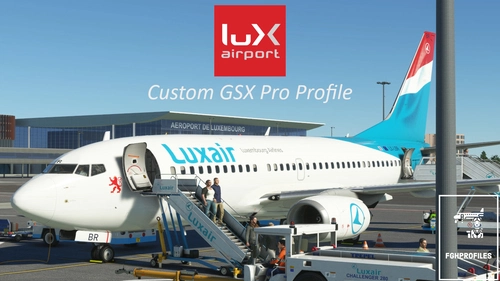
ELLX (Luxembourg Findel Airport, Luxembourg) GSX Profile - (TheRedFox freeware)
Enhance your virtual experience at ELLX (Luxembourg Findel Airport) with this comprehensive GSX Profile by TheRedFox. Includes detailed walk-in paths, correct gate configurations, custom pushback paths, and visible passengers in the terminal. For easy installation, use the Drag&Drop Installer or follow the manual setup instructions provided. Feedback and community engagement available through the Discord channel.
by FatGingerHead
Log in to join the discussion
Log InComments(88)
about 5 hours ago
Really adds immersion. :)
about 2 hours ago
about 8 hours ago
When selcting boarding with EZS, i got 2 AKH loaders, but those airlines only user Belts, any idea why?
Thank you!
about 8 hours ago
about 8 hours ago
For your Info:
320: Comp 1 first (FWD) AFT if not enough space in front.
319: Comp 4 first (AFT) FWD if not enough space at rear.
about 8 hours ago
2 days ago
i got this error
RealOps Handler v2.2.4 Installer
ERROR: The Handlers folder was not found beside this installer.
Extract the complete RealOps Handler folder before running this file.
Press any key to continue . . .
1 day ago
To make sure its installed properly, extract the WHOLE "RealOps Handler" folder onto your desktop and then run the installer from inside that folder, id recommend pressing N for backup. Then after it is installed you can delete that folder.
What you have done is installed the handlers and then tried to run the installer which should be in a folder next to the installer and not already in the handlers folder.
8 days ago
8 days ago
8 days ago
5 days ago
5 days ago
11 days ago
10 days ago