
Flightsim.to
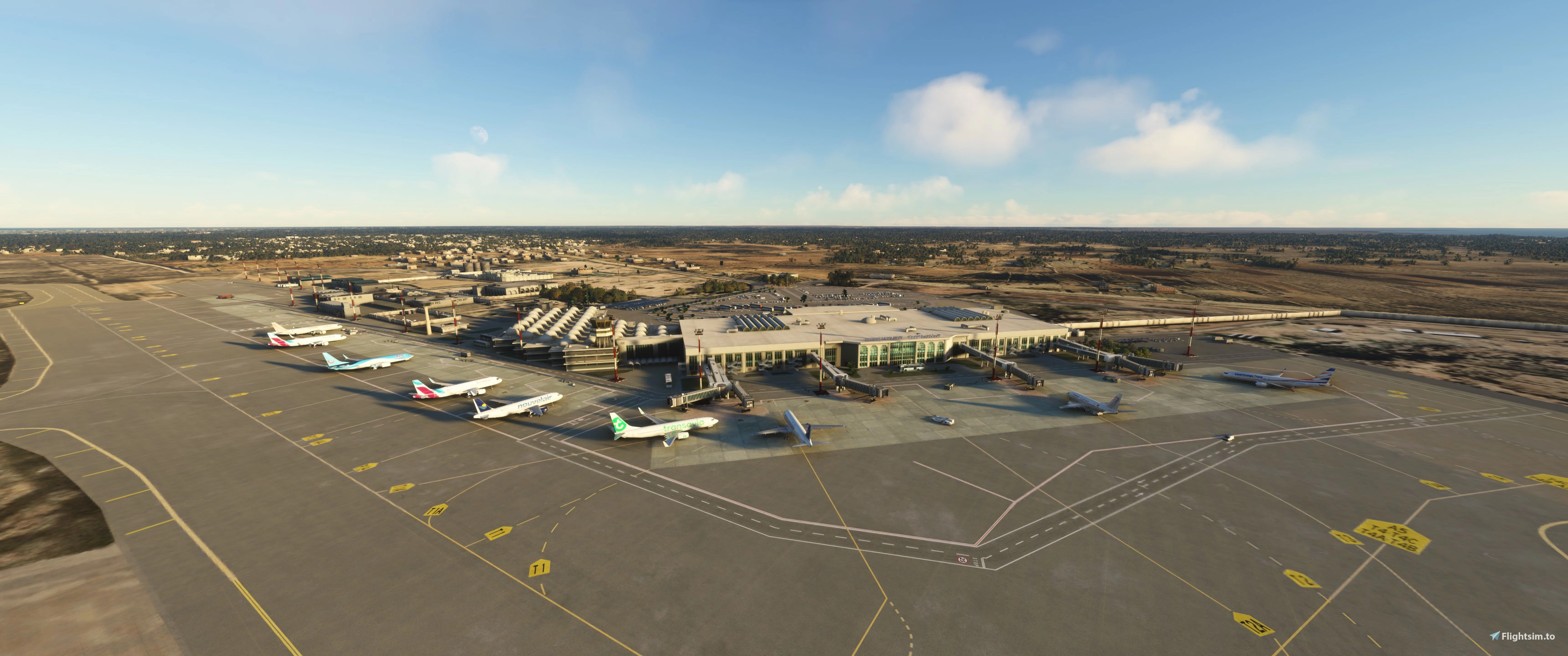
    GSX Profile - DTTJ Djerba-Zarzis Int. Aiport (FSDG) - Image 1

    Description

    GSX Profile for Djerba-Zarzis Int. Airport by FSDG


    Features:

    • Custom stopping positions (see note below)
    • Custom vehicle placement
    • Custom ground handling and catering operators
    • Custom pushback routes
    • Custom PAX-waypoints
    • Adjusted jetway floor height
    • Renamed parking position names

    Please Note:

    • I've never been to Djerba Airport in real life so if you find something missing or incorrect, please write a comment or contact me
    • At Gates T1A-T4B I had to put the stopping positions further back in order for the jetways to connect more or less properly

    Installation:

    Extract the .zip file and move the .ini and the .py files to %APPDATA%\Virtuali\GSX\MSFS

    Log in to join the discussion

    Log In

    Comments(17)

    D

    over 1 year ago

    One of my favourite destinations. Sad that some people don't read the information belonging to the product they downloaded which leads into "unfair" ratings. Nevertheless keep up the good work!
    J
    JulSomAuthor

    over 1 year ago

    Yeah, that's unfortunate. But thanks for the 5 stars :)
    m

    over 1 year ago

    Position at Gate T1A must be adjusted. Otherwise gates are working. GSX default gates must be suppressed in GSX config, if not nothing works
    J
    JulSomAuthor

    over 1 year ago

    As stated in the description, the aircraft is positioned before the stopping line on purpose, because otherwise the jetways won't move. I've tested it multiple times. And yes, as with every 3rd party scenery you have to disable the jetways in the FSDT installer config
    N

    almost 2 years ago

    So I installed the GSX profile as instructed and deactivated the default jetways but the custom jetways won´t move, neither with GSX nor with the Fenix EFB, how did you manage to operate them exactly?
    J
    JulSomAuthor

    almost 2 years ago

    The jetways are actually very poorly made and won't move if your aircraft is too close to them. Have you tried repositioning your aircraft at the curent gate via the GSX menu? You should do this with every profile, because this option places your aircraft to the stopping position the creator has defined in his profile. In my case I tried to set the stopping position to a point, where the jetway is able to connect to the aircraft
    N

    almost 2 years ago

    I haven't but I will certainly try this out, thank you very much for your advice! :)
    N

    almost 2 years ago

    So I was trying to use the editor for customizing the parking position in the GSX menu but it just wouldn't start up at all unlike in other custom airports, do you know the reason why? Do I need to remove your GSX profile for it in order to run the GSX editor for some reason?
    D

    almost 2 years ago

    My issues were addressed in a timely manner, I just wish the creator did some testing before releasing, because since Djerba is such a small airport, then it wouldn't take too much time...
    P

    over 2 years ago

    The Jetways are not working when I disconnect them from GSX and load your profile, when I add DTTJ back to GSX jetways, double parkings appear. Is this normal? Should I not disconnect DTTJ jetways from GSX?
    J
    JulSomAuthor

    over 2 years ago

    Yes, the jetways should be disabled in the GSX menu. I checked a few minutes ago and the jetways are working for me. Jetways are not controlled by GSX or the profile so therefore it's most likely a different problem. Sorry, I cannot help with that
    s

    almost 3 years ago

    Thanks. The *.ini file comes with *.py, do I also have to add the *.bgl location to it? Because with this airport I don't know whether to go to bgl in the main directory or in FSDG-Djerba_modellib.
    J
    JulSomAuthor

    almost 3 years ago

    No, just place these files into %APPDATA%/VIRTUALI/GSX/MSFS and you're good to go. No need to do anything else. Just be sure to have GSX up to date and don't run an old version. This could cause problems
    MSFS 2020MSFS 2024

    GSX Profile - DTTJ Djerba-Zarzis Int. Aiport (FSDG)

    Enhance your experience at Djerba-Zarzis Int. Airport with this GSX Profile add-on by FSDG. This mod offers custom stopping positions, vehicle placements, ground handling operators, pushback routes, PAX-waypoints, and more. Perfect for those wanting a more realistic airport experience.

    Downloads2K
    Version1.3
    File Size8.20 KB
    Published2 years ago
    Updated1 year ago
    Classification
    MiscellaneousDTTJ4.7 (3)

    User Reviews

    4.7

    3 reviews

    5
    67%
    4
    33%
    3
    0%
    2
    0%
    1
    0%

    Version History

    -disabled wing walkers at every position

    Related
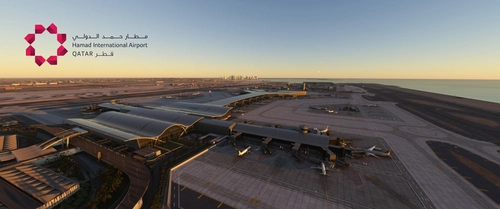
    GSX Profile - OTHH Doha Hamad Int. Airport (MXI Design)

    GSX Profile - OTHH Doha Hamad Int. Airport (MXI Design)

    Enhance your experience at Doha Hamad International Airport (OTHH) with this GSX profile designed for the MXI Design rendition. This add-on features custom stopping positions, vehicle placements, passenger waypoints, and pushback routes tailored for improved realism. Additionally, it includes adjustments for jetway height and reorganized parking positions for better navigation. Two profiles are provided: one with GSX-VDGS support and one designed for Aerosoft VDGS compatibility.

    by JulSom
    4.7
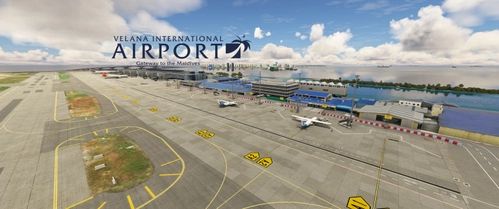
    GSX Profile - VRMM Malé/Velana Int. Airport (FSDG)

    GSX Profile - VRMM Malé/Velana Int. Airport (FSDG)

    This GSX profile enhances the ground handling experience at Malé/Velana International Airport (VRMM) by FSDG. It features customized stands for both domestic and international flights, with tailored passenger flow and bus stand configurations. The add-on includes specific stopping positions for aircraft, personalized vehicle placements, and optimized pushback routes alongside custom ground operators. Installation instructions provide guidance on integrating the profile into your Microsoft Flight Simulator setup.

    by JulSom
    5.0
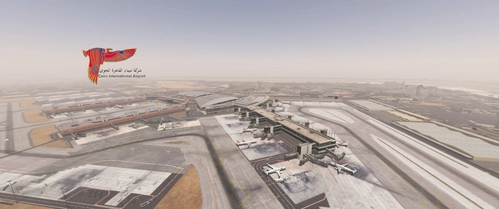
    GSX Profile - HECA Cairo Int. Airport (TAIMODELS)

    GSX Profile - HECA Cairo Int. Airport (TAIMODELS)

    Enhance your ground handling experience at Cairo International Airport with this GSX Profile by TAIMODELS. Features include custom stopping positions, vehicle placement, PAX and walker waypoints, pushback routes, jetway adjustments, parking position names, and VDGS additions. Please note the adjustments made for realistic aircraft positioning based on images and videos.

    by JulSom
    5.0
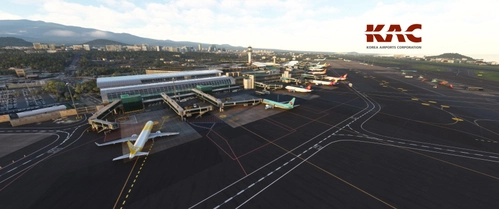
    GSX Profile - RKPC Jeju Int. Airport (SamScene3D)

    GSX Profile - RKPC Jeju Int. Airport (SamScene3D)

    Enhance your ground services experience at Jeju International Airport with this GSX Profile add-on by SamScene3D. Features include custom stopping positions, ground handling operators, pushback routes, and more. Note: Feedback for accuracy is welcomed, as the developer has not visited the airport personally. Installation is simple - just extract the files and move them to the designated folder in your MSFS directory.

    by JulSom

    5.0