
Description
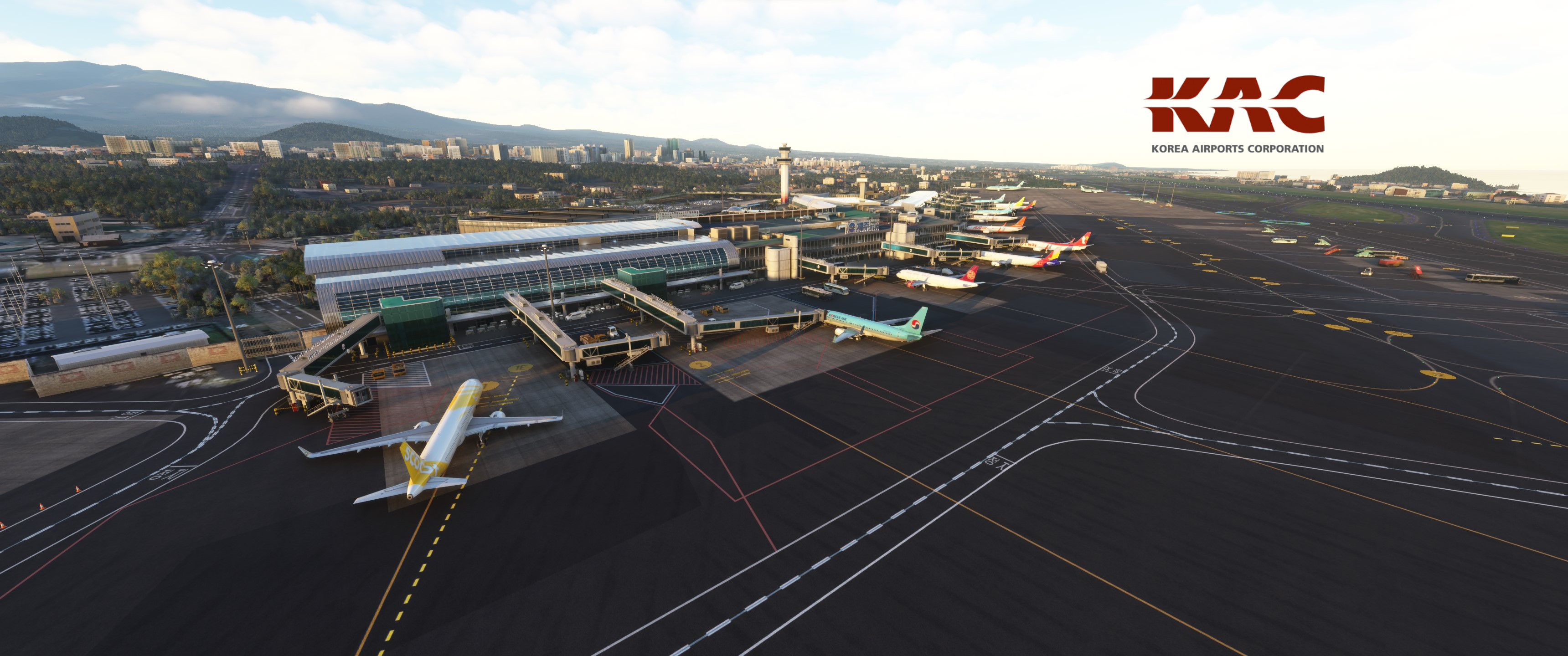
GSX Profile for Jeju Int. Airport by SamScene3D
Features:
- Custom stopping positions per aircraft type
- Custom vehicle placement
- Custom ground handling and catering operators
- Custom pushback routes
- Adjusted jetway floor height
- Renamed and reordered parking position names
Please Note:
I've never been to Jeju Airport in real life so if you find something missing or incorrect, please write a comment or contact me.
Installation:
Extract the .zip file and move the .ini and the .py file to %APPDATA%\Virtuali\GSX\MSFS
GSX Profile - RKPC Jeju Int. Airport (SamScene3D)
Enhance your ground services experience at Jeju International Airport with this GSX Profile add-on by SamScene3D. Features include custom stopping positions, ground handling operators, pushback routes, and more. Note: Feedback for accuracy is welcomed, as the developer has not visited the airport personally. Installation is simple - just extract the files and move them to the designated folder in your MSFS directory.

User Reviews
1 reviews
Version History
-adjusted jetway rootfloor height to match the newest version of RKPC -small other fixes Please note that you will still see PAX clipping through the floor of some jetways.. This is due to the way the jetways are designed and nothing I can change. I think I chose the best working rootfloor heights.
Related
GSX Profile - OTHH Doha Hamad Int. Airport (MXI Design)
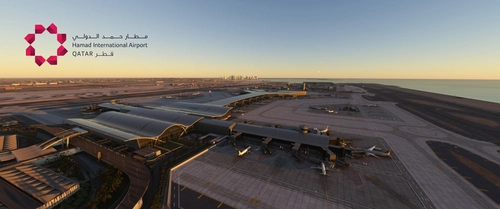
Enhance your experience at Doha Hamad International Airport (OTHH) with this GSX profile designed for the MXI Design rendition. This add-on features custom stopping positions, vehicle placements, passenger waypoints, and pushback routes tailored for improved realism. Additionally, it includes adjustments for jetway height and reorganized parking positions for better navigation. Two profiles are provided: one with GSX-VDGS support and one designed for Aerosoft VDGS compatibility.
by JulSom
GSX Profile - VRMM Malé/Velana Int. Airport (FSDG)
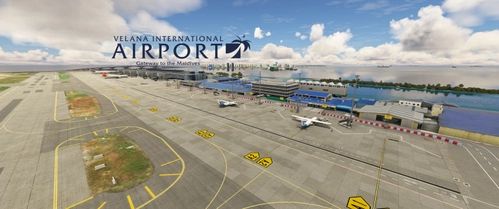
This GSX profile enhances the ground handling experience at Malé/Velana International Airport (VRMM) by FSDG. It features customized stands for both domestic and international flights, with tailored passenger flow and bus stand configurations. The add-on includes specific stopping positions for aircraft, personalized vehicle placements, and optimized pushback routes alongside custom ground operators. Installation instructions provide guidance on integrating the profile into your Microsoft Flight Simulator setup.
by JulSom
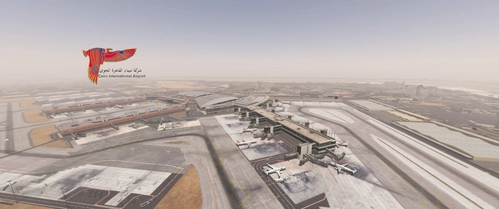
GSX Profile - HECA Cairo Int. Airport (TAIMODELS)
Enhance your ground handling experience at Cairo International Airport with this GSX Profile by TAIMODELS. Features include custom stopping positions, vehicle placement, PAX and walker waypoints, pushback routes, jetway adjustments, parking position names, and VDGS additions. Please note the adjustments made for realistic aircraft positioning based on images and videos.
by JulSom
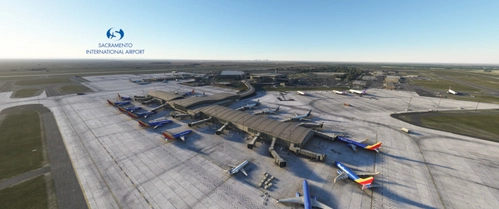
GSX Profile - KSMF Sacramento Int. Airport (Orbx)
Enhance your Sacramento International Airport experience with this GSX Profile add-on by Orbx. Enjoy custom stopping positions, ground handling operators, pushback routes, and more. Make sure to provide feedback for any inaccuracies in the representation of the airport. Installation is simple - just extract the files and move them to the specified directory.
by JulSom
Log in to join the discussion
Log InComments(1)
6 months ago