
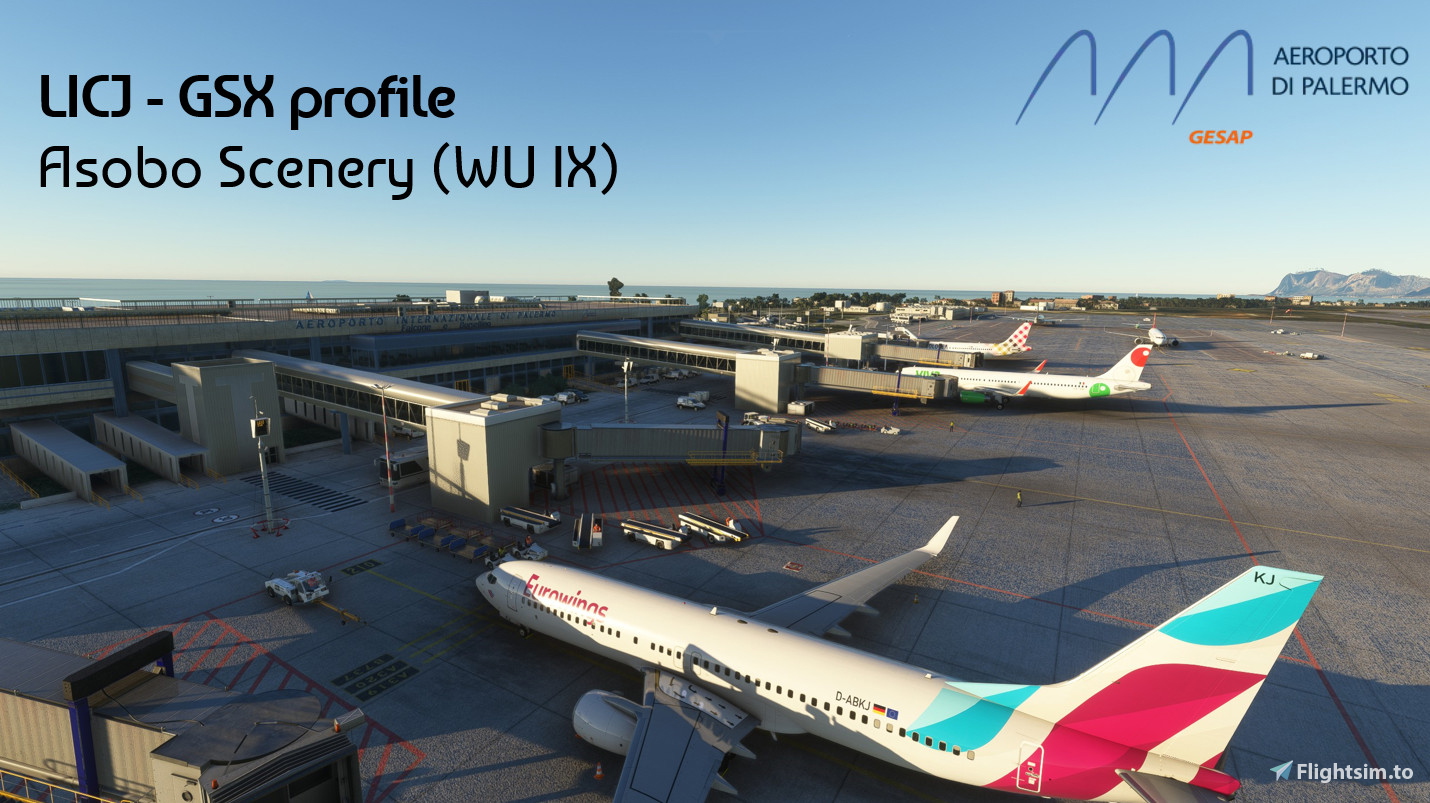
Description
GSX Profile for LICJ Palermo (Asobo - included in MSFS2020/24)
Choose between MSFS2020 and MSFS2024 version!
Remarks
All stands and gates are customized
- custom parking and ground vehicle positions; custom jetway-height
- custom pushback (shout-out to SimonTricks, who allowed me to use his pushback-configurations)
- custom VDGS screens
- Terminal walker
Installation
- Extract the zip file and move the .ini file to AppData\Roaming\Virtuali\GSX\MSFS
- Disable the jetway replacement for LICJ-jetway.bgl in the FSDT installer
Knwon issues
- No passenger visible in jetway due to buggy waypoint-placement
GSX Community Discord
>>> Click here <<< Me and many other creators are currently building up a community exclusively for a better overview of GSX Profiles. There are many duplicates of GSX Profiles and surely much frustration. This server is FROM Creators FOR Creators. Here you can ask for help or just have a nice chat with other GSX users or creators. We're waiting for you!
Please let me know if I made a mistake or if you want me to add, edit or improve something.
See you in the skies!
GSX Profile - LICJ Palermo (Asobo)
Enhance your ground handling experience with this GSX Profile for LICJ Palermo included in MSFS2020/24. Customized stands, gates, pushback configurations, and VDGS screens ensure a realistic airport environment. Note the absence of an airport-walker due to technical constraints. Join the GSX Community Discord for support and to connect with other creators in the community.

User Reviews
1 reviews
Version History
- Changed VDGS and vehicle placement for MSFS2024 compatibility - added terminal walker (due to buggy jetways no jetway-walker possible) - Added gate gourmet (catering) and set handling-operator to "default-white" (temporary, until GSX adds the official handling-operator) - Added the old version as an optional file for MSFS2020 Please leave a comment, if something doesn´t work as it should!
Related
GSX Profile - EDDV Hannover (JustSim)
GSX Community DISCORD >>> https://discord.gg/ubCkJQS6Mj ...
by Bayernjunge
GSX Profile - EDDW Bremen (BEAUTIFUL MODEL of the WORLD)
GSX Community DISCORD >>> https://discord.gg/ubCkJQS6Mj ...
by Bayernjunge
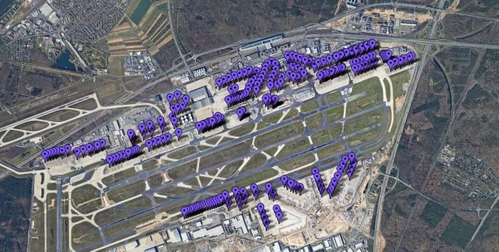
Pilot2ATC Frankfurt EDDF Taxiways and Gates
Enhance your virtual flying experience at Frankfurt Airport (EDDF) with this add-on, providing detailed gates and taxiways for Pilot2ATC. Follow the simple installation steps to seamlessly integrate the new data and navigate the airport with precision.
by Bayernjunge
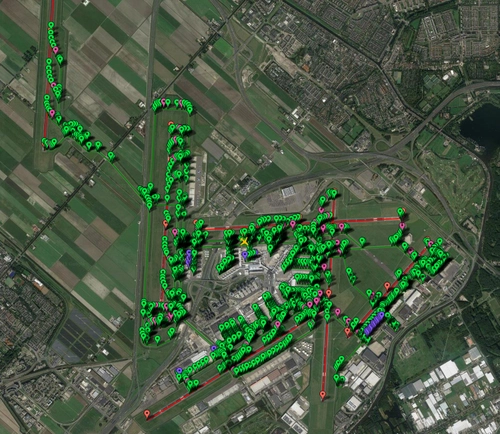
Pilot2ATC Amsterdam EHAM Taxiways and Gates
Enhance your Pilot2ATC experience with realistic gates and taxiways at Amsterdam Airport (EHAM). Easy installation process for seamless integration within the simulator. Detailed instructions provided to configure and load the files in Pilot2ATC.
by Bayernjunge
Log in to join the discussion
Log InComments(10)
over 1 year ago
over 1 year ago
about 1 year ago
almost 2 years ago
almost 2 years ago
over 2 years ago
I think this is probably a silly question but better to check... do we need to disable anything in FSDT installer (normally disable jetways) but, thinking about it, that is normally after installing new scenery not just a GSX profile... please confirm :)
about 2 years ago
Sorry for the late response.
Yes - you should disable the LICJ-jetway.bgl in the Jetway Configuration menu. You should do this for every third party airport or Asobo WorldUpdate airport. Though I would recommend not to disable the jetways of the Standard/Premium/Premium Deluxe airports, as those are really basic and the GSX jetways are far superior.
about 2 years ago
about 3 years ago
thank you
about 3 years ago