
Description
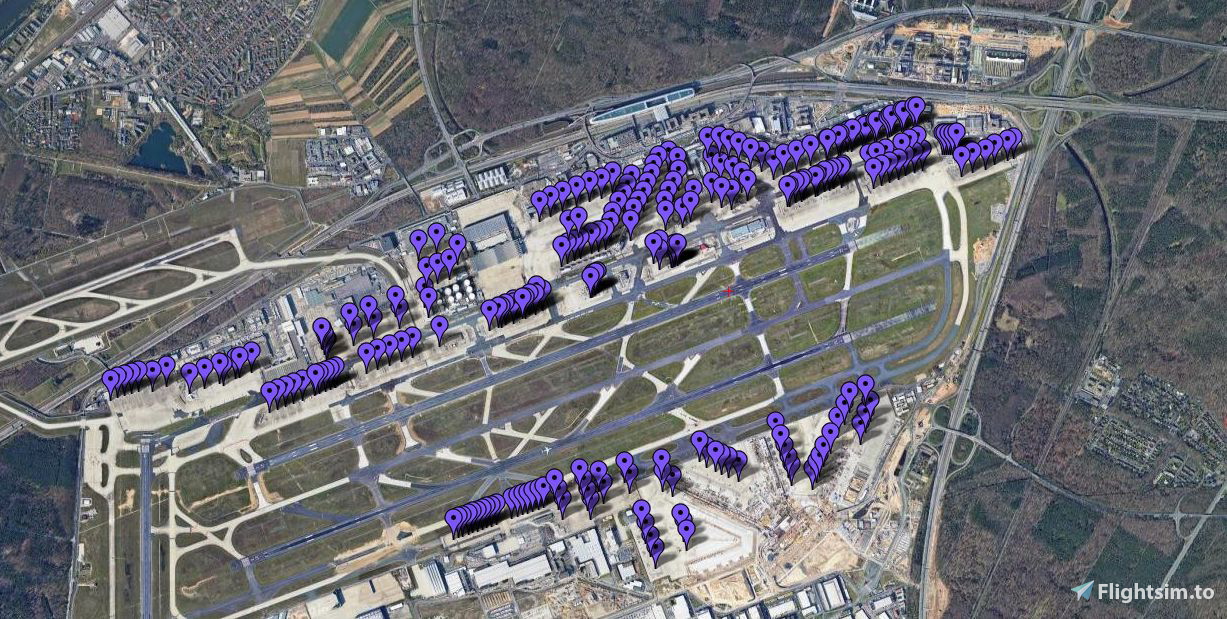
Gates and Taxiways for Pilot2Atc. Made with "MakeRunway".
Installation
1. Extract files
2. Open Pilot2Atc and click Taxi Mnt
3. Enter EDDF in the ICAO box
4. Select Save/Load and Load the files
Pilot2ATC Frankfurt EDDF Taxiways and Gates
Enhance your virtual flying experience at Frankfurt Airport (EDDF) with this add-on, providing detailed gates and taxiways for Pilot2ATC. Follow the simple installation steps to seamlessly integrate the new data and navigate the airport with precision.

Version History
No version history available.
Related
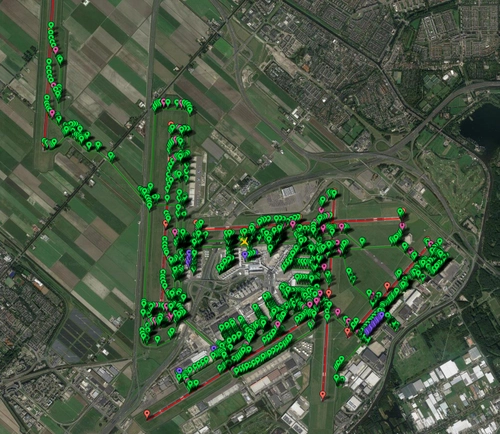
Pilot2ATC Amsterdam EHAM Taxiways and Gates
Enhance your Pilot2ATC experience with realistic gates and taxiways at Amsterdam Airport (EHAM). Easy installation process for seamless integration within the simulator. Detailed instructions provided to configure and load the files in Pilot2ATC.
by Bayernjunge
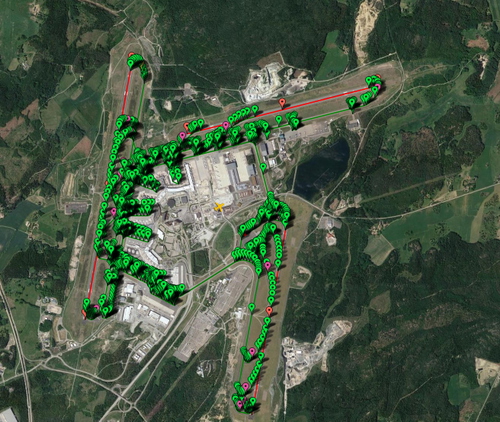
Pilot2ATC Stockholm Arlanda ESSA Taxiways and Gates
Enhance your airport experience with detailed gates and taxiways at Stockholm Arlanda Airport (ESSA) for Pilot2ATC. Simply extract the files, load them into Pilot2ATC using the provided steps, and enjoy improved navigation capabilities.
by Bayernjunge
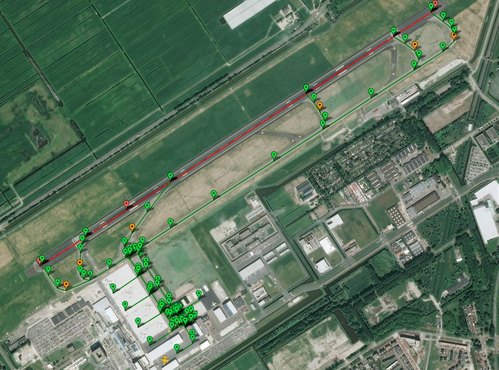
Pilot2ATC EHRD (Rotterdam The Hague; Netherlands) Taxiways and Gates
Enhance your Pilot2ATC experience with detailed taxiways and gates at EHRD (Rotterdam The Hague) in the Netherlands. Simply extract the files and follow easy installation steps to enjoy improved navigation for your flights. If you encounter any issues, feel free to leave a comment for assistance.
by Bayernjunge
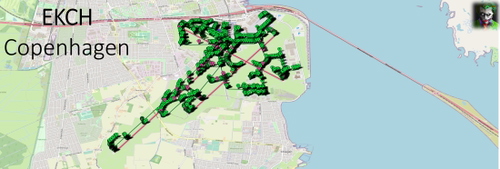
Pilot2ATC Copenhagen EKCH Taxiways and Gates
Enhance your Pilot2ATC experience with detailed taxiways and gates for Copenhagen Airport (EKCH). Easily install and load the files to navigate the airport with precision in your simulations.
by Bayernjunge
Log in to join the discussion
Log InComments5
Works perfectly, looks great
and is a great upgrade for the MSFS.
It is compatible with SU11,
thanks for that
When extracted I get none of that. I did get: EDDF_GATES.GXL AND EDDF_TAXIWAYS.TXL
Hi there - yes thats right. You have to load those two files in the Pilot2Atc Client as i stated in my installation instruction
thanks mate could you look at
yssy Sydney Kingsford Smith
ybbn Brisbain
ypad Adelaide Int'l,
Hi there - I´ll have those in mind next time when I´m editing Pilot2Atc airports