

Description
One of the things sorely missing in MSFS 2020 are floatplanes and amphibious planes. That is slowly being rectified by both payware and freeware content creators (Birddog L-19, OzX Grumman Goose and the Bush League Legends Xcub). There are also a lot of seaplane bases missing in the MSFS database. This is where this library comes in : a number of objects to create your own.
Check out my other libraries
https://flightsim.to/file/4696/dave-s-crooked-library
https://flightsim.to/file/5452/dave-s-3d-people-library
https://flightsim.to/file/6841/dave-s-3d-animals-library
https://flightsim.to/file/8652/dave-s-bush-league-legends-library
https://flightsim.to/file/15769/dave-s-higher-res-crooked-library
Creating libraries like this is very labour intensive.
Please consider contributing (a little or a lot) to my flightsim funds by clicking the Paypal button
Dave's Seaplane base object library
Expand your MSFS world with Daves Seaplane base object library, providing a variety of objects to customize seaplane bases. Bring life to your sim with this freeware collection, ideal for floatplanes and amphibious aircraft enthusiasts. Dont miss out on other libraries by Dave for even more immersive experiences!




User Reviews
10 reviews
Version History
Featured in Collections(1)


Related
Mikea.at - AssetPack
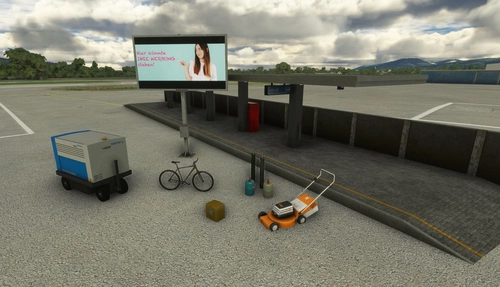
Discover Mikea.at - AssetPack, a collection of assets for enhancing your scenery projects in Microsoft Flight Simulator. This pack includes a variety of objects like gliders, signs, vehicles, and more, all available for easy access in your community folder. Keep an eye out for regular updates and additions to this growing pack of detailed assets.
by Mikea.at
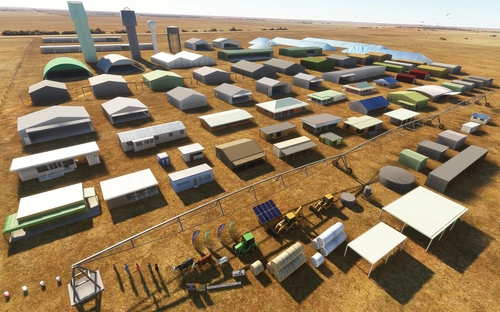
MSFS 2020 object library 200+ models - towers hangars to cones v14-11 UPDATE
Object library with a variety of useful objects designed to be frame rate friendly using LOD (level of detail) so simple models used in longer distances. Smaller objects will not disappear in short distance due to the addition of large triangles underground. Objects are high quality using PBR textures and with some animated.
by colinj
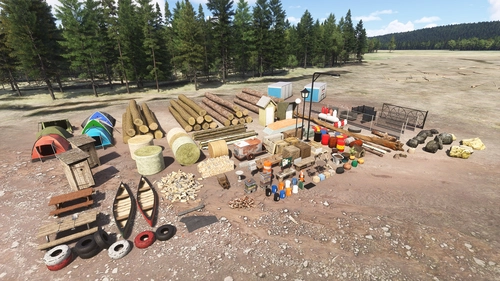
Emerald Object Library
A library for Emerald Scenery Design addons and freeware developers containing over 400 Models, Environmentally-Dynamic SimObjects, Visual Effects, Wwise Sounds, and Materials. Emerald Object Library is now available on the MSFS Marketplace for PC and Xbox!
by Emerald Scenery Design
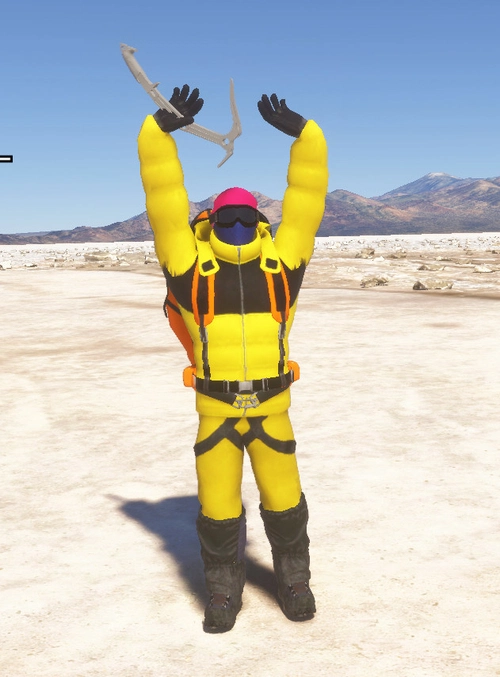
Animated Human 3D Models Library
A library of nearly 300 animated human models and animals for Microsoft Flight Simulator, offering a variety of actions and colors. Models include civilians, business people, airport staff, animals, and more. Includes SDK object search guidelines and a separate section for developers with tutorials on creating custom content. Version 1.3 update brings new models and props like cyclists, wheelchair users, and livestock for enhanced realism.
by superspud
Log in to join the discussion
Log InComments(36)
13 days ago
over 1 year ago
about 3 years ago
So are the FSX sceneries and missions converted to MSFS?
If so I now know why I was lost!
about 3 years ago
about 3 years ago
about 3 years ago
almost 4 years ago
Dave, your libraries are simply amazing - thank you for what you have done.
I have one question - In the Thumbnail download there is an HTML file -Does the HTML file also need to go into the Community folder?
almost 4 years ago
The HTML file is a list of all the objects in the library. No need to install it. It is meant for creators to be able to quickly look up an object.
over 4 years ago
Hi Dave I love flying seaplanes in MSFS Your download looks just what I am looking for .Just dont have the knowhow at present to impliment it. I use FSCHARTER in MSFS .I dont have anyseaplbases set up yet. But the client allows you to land pretty close to an existing airport close to a beach this would give me a sea plane base . All I want to try a do is create some nice objects on that stretch of beach to simulate a base. It doesnt have to be recognised by MSFS with a ICAO . Are there any tutorials that concentrate on this area just placing objects without creating a whole airfield ..... Thanks
over 4 years ago
I would have to check the SDK. Haven't been doing much in MSFS over the last few months due to some health issues and work.
over 4 years ago
Hi. On clicking "download" you're presented with two files:
DaveSeaplanebases103a_bkR8O.rar with the davesseaplanebase folder and a pdf in
Thumbnails103_siIA9.rar with a Thumbnails folder in
First file, obvious what to do with the davesseaplanebase folder.
Second file, not clear. It's not mentioned in the PDF or in here. Does the Thumbnails folder need to go into the davesseaplanebase folder?
Thanks and sorry if this is a silly question, this is the first library I've installed as it's required by another scenery package.
over 4 years ago
Ah, the thumbnails are just a quick way for scenery designers to browse the objects in the library yes? So not required for mere users like myself?
over 4 years ago
Correct. Not required unless you are a scenery designer.
almost 5 years ago
Easy to use and very helpful, thank you!
Quick question: How can I make the objects collidable? At the moment the planes just float through the platform, this makes it very hard to dock... how can I implement this in the SDK or is that something that would have to be done in Blender? Still new to this...
over 2 years ago
almost 5 years ago
I noticed that like most open boats as soon as you position the fd_rowboat with the keel (bottom of boat) lower than the water level it displays partly full of water. This can be corrected using an enclosed mesh with material set to MSFS envoronment occluder which I have done for this rowboat and am happy to send you the blender file if I know where to send it.
almost 5 years ago
Please contact me via a PM here.
over 5 years ago
Good work,
unfortunately you cannot use the piers, otherwise the compiler will make an xml error.
The reason is because of the two hyphens in a row in the name of the piers.
(e.g. fd--pier2-pt05) Since this name is used in the comment field of the scenario, the compiler interprets the following lines in the xml file as incorrect. With the help of the xml plugin for notepad ++ I was able to identify this error after a long search. It would be great if you correct this mistake.
over 5 years ago
You were right. A typo on my part.
New version uploaded.