
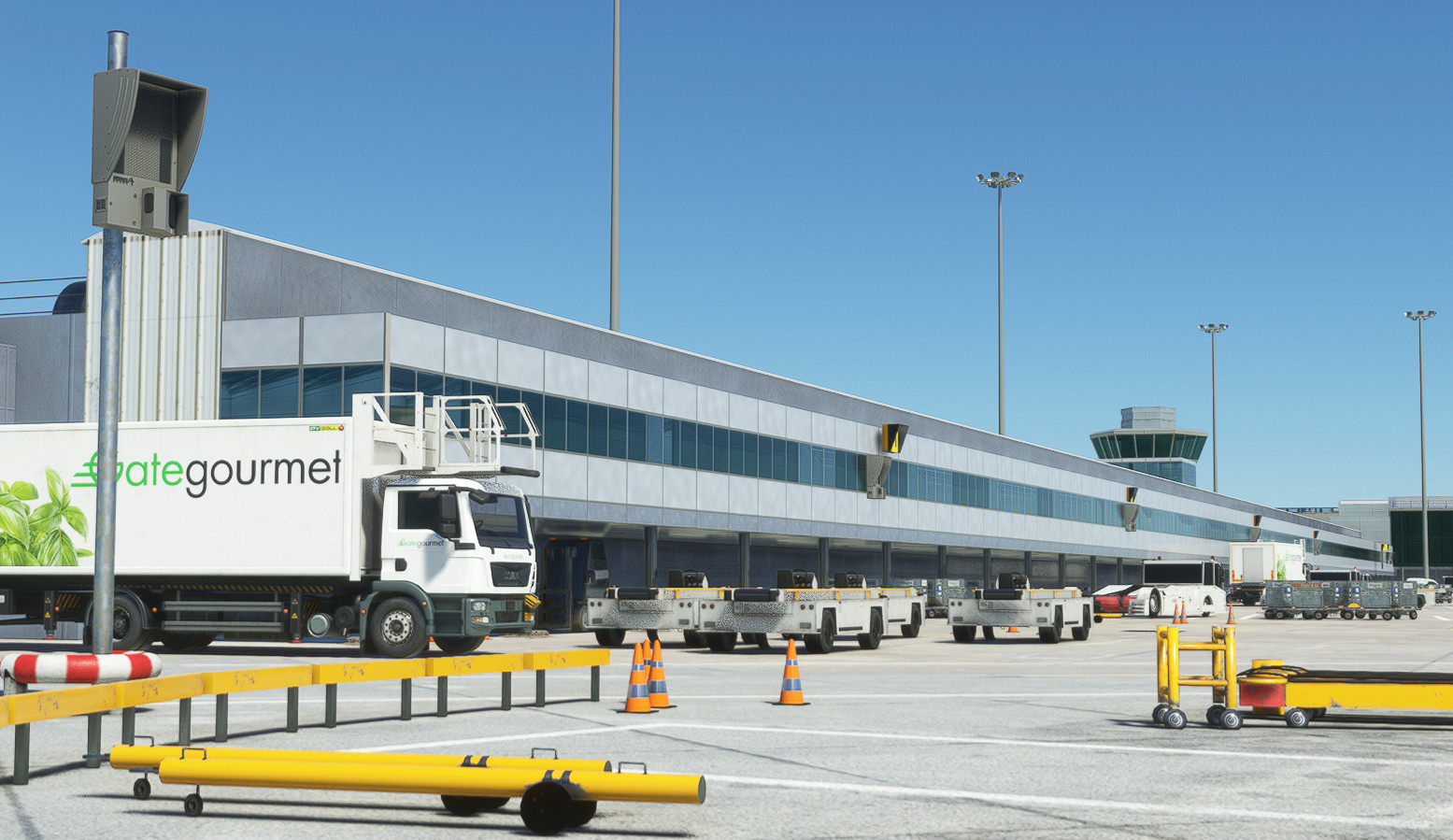
Description
This is the first version of the GSX Profile. It includes the gates below, all other gates will come in the future.
Terminal 1 - Gates 1 -> 32 (Including L & R)
Terminal 2 - Gates 101 -> 210 (Including L & R)
Terminal 3 - Gates 41 -> 58 (Including L & R)
----------------------------------------------------------------------------------
This profile includes:
- Accurate ground handlers & catering.
- True to life stands dependant on aircraft sizes.
- Accurate gate allocation for airlines.
- True to life pushback procedures.
- Accurate custom vehicle spawn locations.
- Custom walk-in gate walkways.
----------------------------------------------------------------------------------
TO INSTALL:
1. Locate your %appdata%\roaming\virtuali\GSX\MSFS folder & place egcc-vqumvn.ini in there.
2. That's it! Go and enjoy!
----------------------------------------------------------------------------------
IMPORTANT INFORMATION:
- Quite a lot of gates require the pushback to push you backwards, then pull you forwards onto a TRP/IHP/Abeam Stand. Sadly, GSX doesn't have the implimentation of a pull. I have just set it so it goes back abeam stands or best convenience.
- Quite a few of the L/R gates are not implimented in the scenery. I have shown which ones that are not in the sim in the image with the stands.
- Sadly there is no Auringy ground handling in GSX yet.
----------------------------------------------------------------------------------
A330 photos with thanks from a friend on the BETA team testing for me.
GSX Profile - EGCC Manchester (Maccosim)
A highly detailed and precise Manchester airport GSX profile. Complete with fully working VDGS, passenger walk-in/out gates, as well as true-to-life pushback procedures & ground handlers/catering. Accurate vehicle spawn locations & stand sizes depandant on aircraft size!


User Reviews
3 reviews
Version History
No version history available.
Related
GSX Profile - EGKK Gatwick (MKVY)
A highly detailed and precise gatwick airport GSX profile. Complete with fully working VDGS, passenger walk-in/out gates, as well as true-to-life pushback procedures & ground handlers/catering. Accurate vehicle spawn locations & stand sizes depandant on aircraft size!
by Krake802
GSX Profile - UK2000 Luton (EGGW)
This is an accurate GSX Pro profile for UK2000's Luton 2020 (EGGW) which includes custom made parking spots, vehicle spawn locations, walk-in gates. Also including accurate gate allocation for airlines, and accurate ground handling and catering companies.
by Krake802
GSX Profile - Inibuilds Luton (EGGW)
Enhance your ground handling experience at Inibuilds Luton (EGGW) with this GSX Profile add-on. It brings accurate ground operations, gate allocation, pushback procedures, and custom liveries to MSFS. Follow simple installation steps to enjoy a more realistic airport environment. Optional adjustments for the B737/A32X family are also included in this comprehensive package.
by Krake802
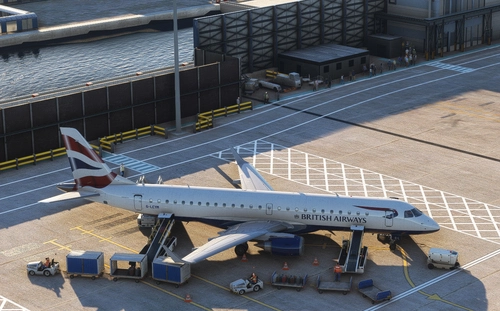
GSX Profile - EGLC London City Airport (ORBX V2)
GSX Profile - EGLC London City Airport (ORBX V2) enhances ground operations at the airport with accurate ground handlers, gate allocations for airlines, and custom vehicle spawn locations. This profile offers disabled pushback for straight-out departures, custom walkways, and nosewheel stop positions based on aircraft types. Simply delete old files and install the new ones in your GSX folder for a seamless experience.
by Krake802
Log in to join the discussion
Log InComments(24)
about 1 year ago
about 1 year ago
about 1 year ago
over 1 year ago
10 months ago
almost 2 years ago
over 2 years ago
over 2 years ago
over 2 years ago
For example:
- Stand 50, push to TRP 51 facing west.
- Stand 51, pushback for this would be to push nosewheel abeam stand 53 centreline, facing west.
- Stand 57, push nosewheel abeam stand 58 centreline facing West.
Stands 54 & 55 should push facing East however. - Hope this helps :)
almost 3 years ago
Thanks so much for this. I have done one profile already for Liverpool and it worked straight away. Did the same for Manchester Macosim and although I get the cargo loaders I dont seem to get passengers? Im sure its probably me but wondered if you could help ?
Thanks again
Scott
almost 3 years ago
over 2 years ago
almost 3 years ago
Gate 27 on pier C pushes back facing west as well.
Have a look here: https://www.flightradar24.com/data/flights/u22197#32a97c53
over 2 years ago
almost 3 years ago
almost 3 years ago
about 3 years ago