

Description
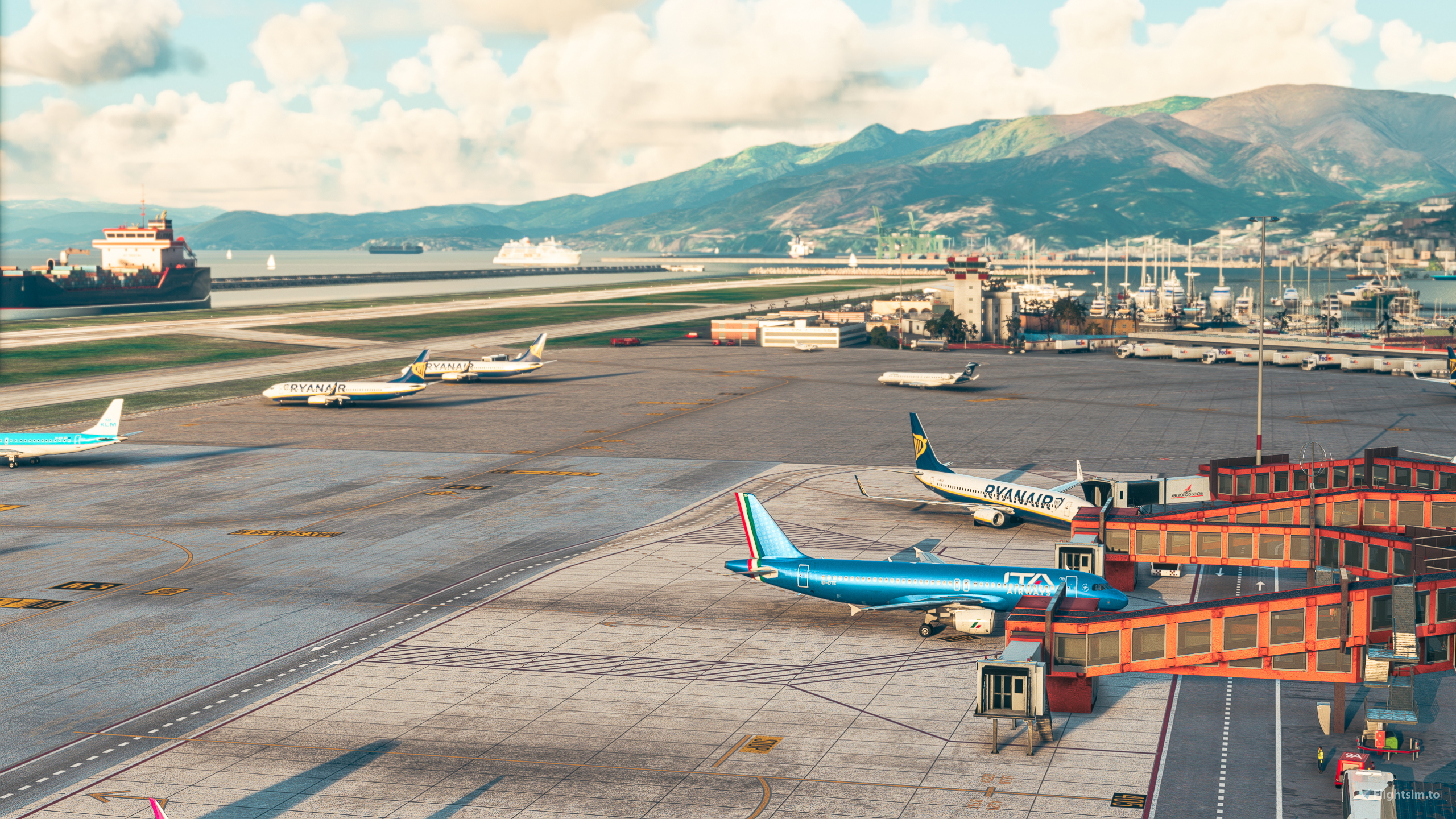
GSX Profile - LIMJ Genoa - BMW (Bueatiful model of the world)
Profile Includes -
- Vehicle Positions
- Pushbacks
- Pax walking through jetway Connector
- Walk In
- Jetway Floor Height
- UVAIR Handling
All Jetway gates are modeled in the profile (301-405) Ramp Positions with Vehicle Positions & Pushback Names (101-112) And Ramps next to jetway gates (408,407,404). Gate 404 is a walk in, and those last three ramps next to jetway gates are all no pushback, fly out. Some of the Ramps from 101-112 are fly out and some are pushback. Let me know if your really intersteed in having the rest of the airport, but atm the modeling is not very good past the main ramp which is why I didnt do it emmediatly now. Happy Flying!
You will need to have SU10 Navdata turned on in the GSX Installer under GSX Config menu
To Install:
Copy the downloaded file, ICAO-xxxxxx.ini, and place it in the GSX Config
directory. Typically found in:
C:\Users\\AppData\Roaming\virtuali\GSX\MSFS
GSX Profile - LIMJ Genoa - BMW
"Enhance your ground handling experience with this GSX Profile for LIMJ Genoa airport, featuring vehicle positions, pushbacks, and realistic passenger movements. Includes jetway gates (301-405), ramp positions with vehicle assignments (101-112), and UVAIR handling. Make sure to enable SU10 Navdata in the GSX Installer for full functionality. Copy the ICAO-xxxxxx.ini file to the GSX Config directory to get started. Happy Flying!"


Version History
Fixed Pushback on Gate 302
Related
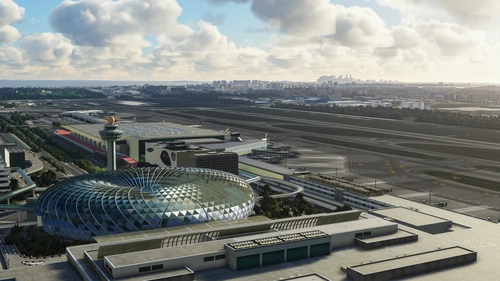
GSX Profile - WSSS Singapore Changi - Cloudsurf Asia
Enhance your GSX experience at WSSS Singapore Changi with this Cloudsurf Asia profile, featuring vehicle positions, VDGS, pushbacks, jetway floor heights, and more handling ops. This edited profile aims to provide comprehensive coverage of commercial stands, with ongoing refinements for a seamless ground handling experience. Simply install the file and start enjoying a more realistic and detailed airport environment.
by Jqro
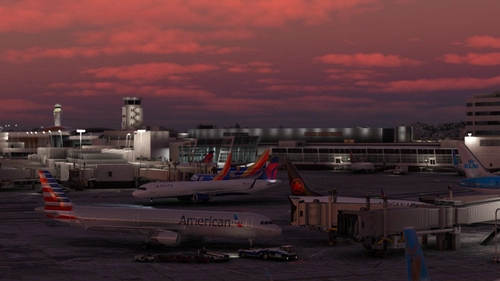
GSX Profile - KSEA Seattle Tacoma (bmworld & amsim)
Enhance your GSX experience with this KSEA Seattle Tacoma Airport Profile by BMWorld and AMSIM. Includes detailed terminal models for a realistic ground handling simulation. Simply download and copy the ICAO-xxxxxx.ini file to your GSX Config directory to enjoy this completed airport profile. Terminals A, B, C, D, N, Q, and S are all modeled for your immersion. Happy flying!
by Jqro
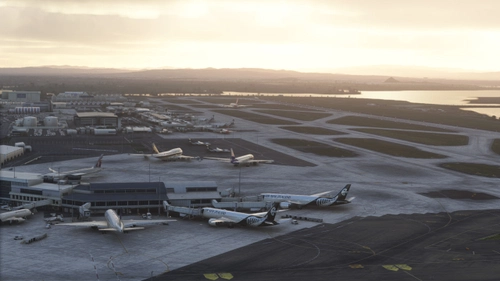
GSX Profile - NZAA Auckland - Flightbeam
Enhance your airport operations with the GSX Pro Profile for NZAA Auckland by Flightbeam. This detailed profile replaces default VDGS, featuring realistic vehicle positions, pax waypoints, pushbacks, jetway floor heights, and handling operators. Simply copy the downloaded file to your GSX Config directory for easy installation.
by Jqro
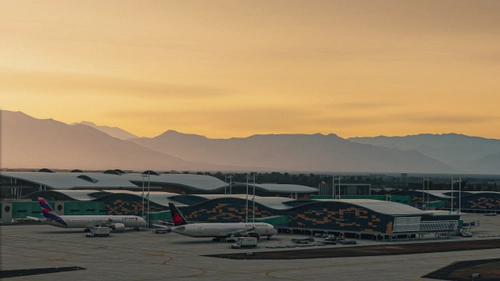
GSX Profile - SCEL Santiago - LVFR
GSX Pro Profile for SCEL Santiago Chile by Latin VFR. Enjoy realistic vehicle and stop positioning, pushbacks, VDGS placement, and jetway floor heights. All gates are included with ongoing updates planned. Simply copy the downloaded file to your GSX Config directory to install. Happy flying!
by Jqro
Log in to join the discussion
Log InComments(8)
3 months ago
about 1 year ago
push from 302 drags you on a tour of the ramp???
over 2 years ago
over 2 years ago
about 3 years ago
over 3 years ago
Hello sir, do I need to config the afcad path manually in the .ini file ? Thanks