

Description
H145 Action Pack Offshore Objects
Now Compatible With MISSION HUB by Miltech Simulations!!!
I have added the USCG RBS (USCG Rescue Boat 1) as a separate download for Mission Hub users who do not want the sinking ships
For HPG Action Pack there is an Offshore Rescue Anywhere Mission 68ponyGT Offshore - Water Rescue (Select Range) included. Objects will be chosen randomly. I used the HPG life raft for hoisting in all OFFSHORE missions. I will change this once I have humans on decks of ships. Once you select the range the accident will be generated in front of you with a bearing between 320 and 40 degrees. The vessels will sink once you have the last survivor hoisted. All objects drift with wind direction and speed so if you are having problems hoisting turn off live weather and set wind speed to 0. If you start the mission in the HEMS variant, a lake accident will be created at a random lake within selected range. This query works better in some locations than others.
HPG Action Pack variables
VAR 1 (FUTURE) displays survivors on deck
VAR 2 Controls sinking. 0 = 0% sunk, 50 = 50% sunk, 100 = completely sunk and out of sight, except the oil rig which doesn't completely sink and boats/ships that roll over. When you change the var 2 value it will not instantly move to that position, instead the ship/rig will slowly sink to that value and stop. You can then start sinking again by increasing var 2, say after survivors are rescued
Mission Hub RPN Code
To sink the ship in Mission Hub use RPN Code 20 (>L:Sink_Ship, percent). This will sink ship 20%, 100 will sink 100%
USCG Rescue Boat Small RPN Code:
1 (>L:RBS_Floodlights, bool) to turn on Floodlights, 0 to turn off
1 (>L:RBS_EmergLights, bool) to turn on Emergency Lights, 0 to turn off
1 (>L:RBS_Weapons, bool) to show M240's mounted, 0 to hide (default)
Sinkable ships are Oil Tanker 1, Cargo Ship 1, Container Ship 1, Fishing Boat 1, Fishing Boat 2, and Oil Rig 1
NOTE: These Simobjects are not solid so you can not land on any of these, oh, and they're sinking :)
Objects included in this update:
Oil Tanker 1
Cargo Ship 1
Container Ship 1 NEW in version 1.2
Fishing Boat 1
Fishing Boat 2
Oil Rig 1
Plane Crash MED 1
Plane Crash LG 1
USCG Rescue Boat 1
Lifeboat1
Cabin Boat 1
Cabin Boat 1 Fire
Pontoon Boat 1
Pontoon Boat 1 Damaged
Pontoon Boat 1 Fire
Sea Ray
Sea Ray Listing
Installation Instructions:
Delete previous version
Unzip in community folder
Run ..\Community\hpg-airbus-h145\Tools\Update Mission Index.cmd to update the missions and objects for HPG Action Pack
H145 Action Pack Offshore Objects
This is a pack of offshore simobjects to be used with H145 Action Pack Offshore Missions and Mission Hub by Miltech Simulations. There is an Offshore Rescue Anywhere Mission for HPG Action Pack included with each object chosen randomly


Supporters

User Reviews
3 reviews
Version History
Update 1.2 September 13, 2025 HEMS Offshore Pack Now Compatible with HPG Action Pack and Miltech Simulations Mission Hub Updated USCG RBS Boat Added Container Ship 1 Random Nearby Mission: Added RBS Boats to Offshore Missions Changed Destination to the nearest Airport Decreased range of random bearing to keep the mission in front of the aircraft
Related
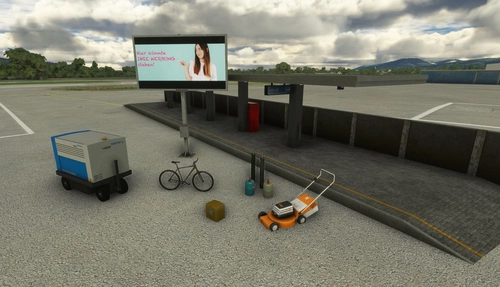
Mikea.at - AssetPack
Discover Mikea.at - AssetPack, a collection of assets for enhancing your scenery projects in Microsoft Flight Simulator. This pack includes a variety of objects like gliders, signs, vehicles, and more, all available for easy access in your community folder. Keep an eye out for regular updates and additions to this growing pack of detailed assets.
by Mikea.at
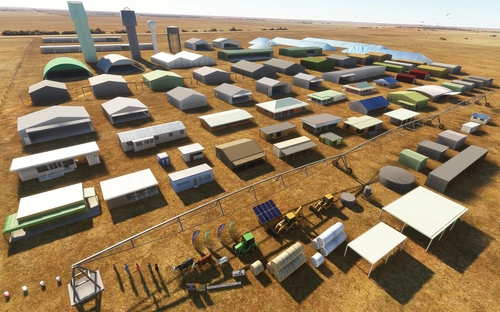
MSFS 2020 object library 200+ models - towers hangars to cones v14-11 UPDATE
Object library with a variety of useful objects designed to be frame rate friendly using LOD (level of detail) so simple models used in longer distances. Smaller objects will not disappear in short distance due to the addition of large triangles underground. Objects are high quality using PBR textures and with some animated.
by colinj
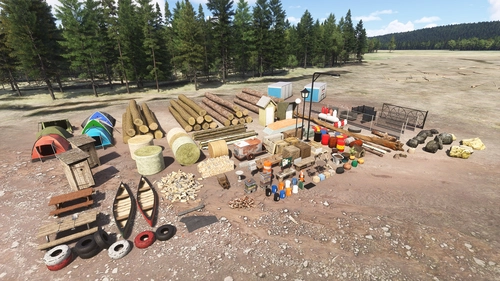
Emerald Object Library
A library for Emerald Scenery Design addons and freeware developers containing over 400 Models, Environmentally-Dynamic SimObjects, Visual Effects, Wwise Sounds, and Materials. Emerald Object Library is now available on the MSFS Marketplace for PC and Xbox!
by Emerald Scenery Design
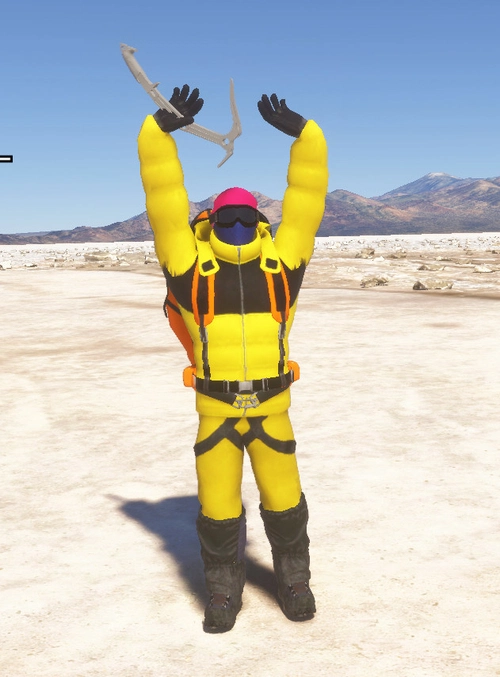
Animated Human 3D Models Library
A library of nearly 300 animated human models and animals for Microsoft Flight Simulator, offering a variety of actions and colors. Models include civilians, business people, airport staff, animals, and more. Includes SDK object search guidelines and a separate section for developers with tutorials on creating custom content. Version 1.3 update brings new models and props like cyclists, wheelchair users, and livestock for enhanced realism.
by superspud
Log in to join the discussion
Log InComments(35)
about 1 year ago
about 1 year ago
about 1 year ago
7 months ago
about 1 year ago
about 1 year ago
over 2 years ago
over 2 years ago
almost 4 years ago
Hi, i have an issue with the Hype Ops center, the missions appear clearly on the tablet of H145 but i didn't see the object in my HOC to create missions with..
over 3 years ago
I have this same issue. Followed instructions and still nothing.
almost 4 years ago
must i pay?
almost 4 years ago
My mod is free but the H145 Base Pack and Action Pack are required, these are payware https://www.hypeperformancegroup.com/products/xxxx
almost 4 years ago
Hello friend, are you ok? I'm here to say that yes, it's possible to create solid objects for any purpose, either to land with the helicopter or just not fly through the objects. If you need help with this, send me a private message. ;)
almost 4 years ago
Hi, I can create helipads and oil rigs that you can land on but only with scenery objects (modellib). This does not work for simobjects. I have looked on fsdeveloper.com and read it is not possible with simobjects. Even the aircraft carrier used in maverick mission is only landable in the mission using this in the mission code
<SimContain.Container InstanceId="{}">
<ContainerTitle>SimObjectName</ContainerTitle>
<IsCollidableWithUser>True</IsCollidableWithUser>
</SimContain.Container>
almost 4 years ago
Oh ok. I usually create my own 3d objects. Because often the library is not something we really need at that moment, for that scenario. I'm currently modeling a research station in Antartica, so there 95% needs to be created in 3d. And in this case it is necessary to make all the objects become, let's say, "solid". Greetings! :)
almost 4 years ago
Oh Antartica? That sounds great. Are you uploading? I like flying there
almost 4 years ago
unfortunately it will still take a while until it is finished, but I can show you exclusively the progress of the scenario, I put MSFS images and just below them I also put some real images. About this work, there are still a lot of things missing, like positioning everything correctly and modeling some other things. Modeling in 3d for me is fast and easy, what makes me waste a lot of time is checking the details (geopositioning of the items and working on the terrain elevation, etc, etc). the base is called: "Estação Antartica Comandante Ferraz", www.imgur.com/a/8lWKH3t
almost 4 years ago
You can make a simobject landable by nicking some of the code from the Top Gun carrier simobject and add on.
It works if it's a static object too.
However I think in this case the sinking thing is where it'll fail. I doubt the Asobo programming was designed for for altitude changes.
It's a right bugfest but it was only put together for one task.