
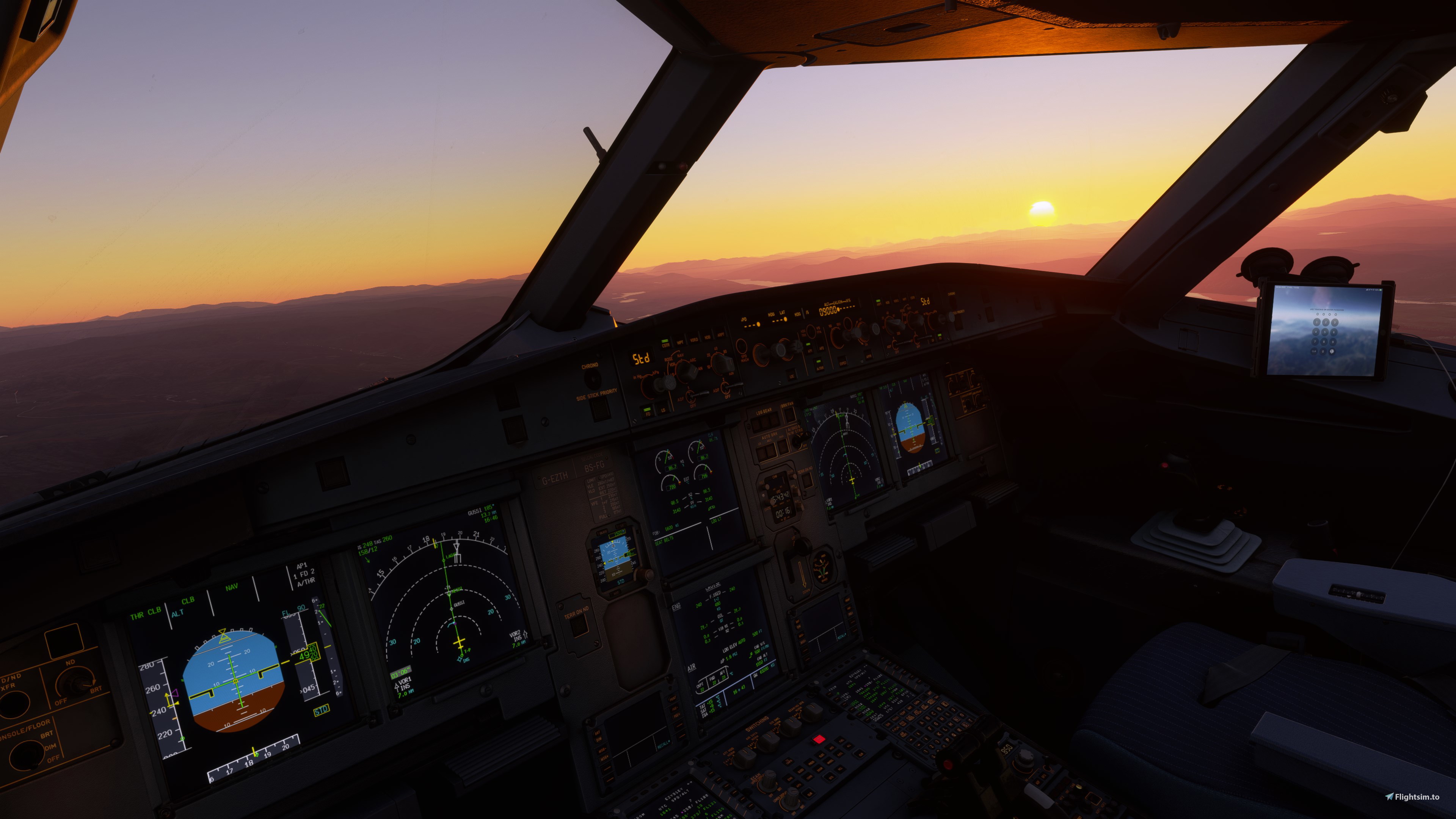
Description
A camera config for the Fenix A320, which includes captain seat, pedestal, FMC, overhead panel, dash cam, and four separate cabin wing views. Enjoy!
For Steam users: Extract the camera.cfg file, then drag and drop the cameras.cfg file to your %AppData%\Microsoft Flight Simulator\SimObjects\Airplanes\FNX320 folder
For non-Steam users: Extract the camera.cfg file, then drag and drop the camera.cfg file to your C:\Users\Username\AppData\Local\Packages\Microsoft.FlightSimulator_8wekyb3d8bbwe\LocalCache\SimObjects\Airplanes\FNX320 folder
Comments
Log in to join the discussion
Log InNo comments yet. Be the first to share your thoughts!
Fenix A320 Flightdeck and Cabin Views
Enhance your virtual cockpit experience with this camera configuration add-on for the Fenix A320, offering various detailed perspectives including captain seat, pedestal, FMC, overhead panel, dash cam, and cabin wing views. Optimized for both Steam and non-Steam users, easily install and immerse yourself in the full aviation environment.

More Information
Version History
No version history available.
Related
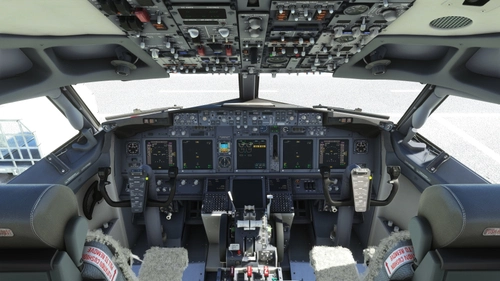
PMDG B737-800 Flight Deck & Wing Views
Enhance your PMDG Boeing 737-800 experience with this camera configuration add-on, featuring captain seat, pedestal, FMC, overhead panel, dash cam, and four cabin wing views. Compatible with both Steam and non-Steam versions of Microsoft Flight Simulator.
by Chewwy94
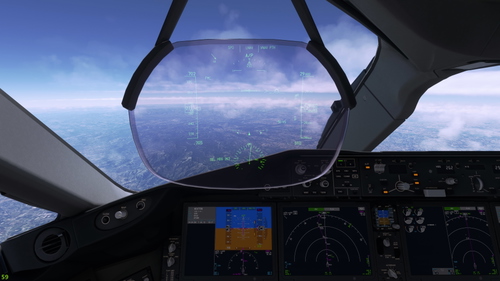
Kuro Boeing 787-8 Flightdeck & Wing Views
Experience detailed and immersive views with the Kuro Boeing 787-8 Flightdeck & Wing Views camera configuration. This addon provides various cockpit perspectives, including captain seat, CDU, overhead panel, dash cam, and cabin wing views. Installation is simple, follow the instructions to enhance your flight simulation experience.
by Chewwy94
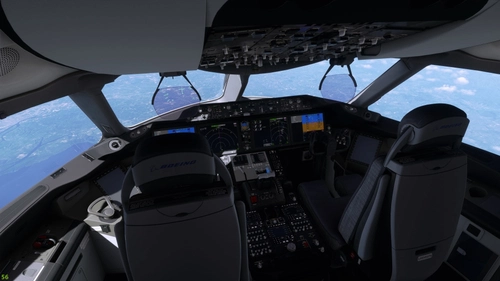
Asobo/WT Boeing 787-10 Cockpit & Wing Views!
Enhance your Boeing 787-10 experience with this camera config add-on, featuring captain seat, CDU, overhead panel, dash cam, and four unique cabin wing views. Install instructions provided for both Steam and non-Steam users.
by Chewwy94
![[CORRECTED] Horizon Boeing 787-9 Cockpit, HUD, and Wing Views](https://cdn.flightsim.to/images/26/corrected-horizon-boeing-787-9-cockpit-hud-and-wing-views-80678-1698598925-BLUsN.jpg?width=500)
[CORRECTED] Horizon Boeing 787-9 Cockpit, HUD, and Wing Views
Enhance your Horizon Simulation Boeing 787-9 experience with this camera configuration add-on, offering cockpit, HUD, and wing views, including separate views for GE and RR engine variants. Easily install the cameras.cfg file tailored for Steam and non-Steam users to enjoy a more immersive flight simulation experience.
by Chewwy94