
Description
Version 1.1 update ( I had the file folder path slightly wrong, it goes into AsoboPOI/ TEXTURE folder. (not Asobo POI folder) . thanks!!
===================================
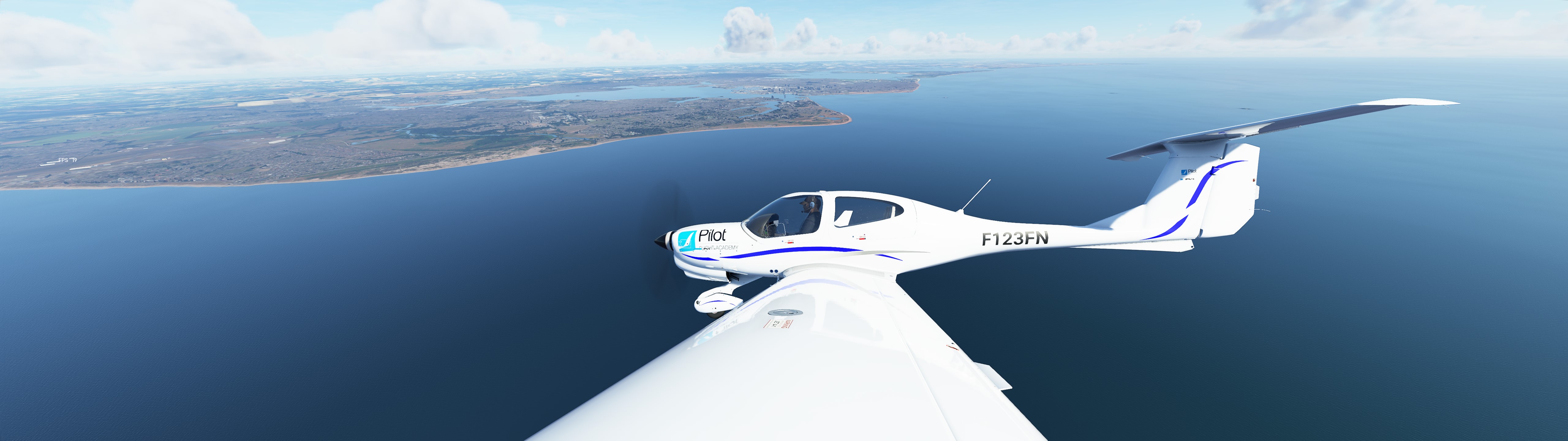
Even though MFS-2020 water looks much better than other sims, there are certain things that can be improved. For example, I noticed that the water towards the horizon looks faded, dull and somewhat pale.
Actual water is shimmering, has high contrast, reflects and scatters light and reflects the richness of its environment, whether a clear day ( very dark, deep blue), or a cloudy day or if there is haze in the sky.
So I adjusted the main water texture file ( there seems to be only one that codes for the blue water). Added contrast, brightened it up and added some saturation. I think the water will now look more rich / reflective and less ‘pale’ when seen closer to the horizon.
INSTALLATION : this does NOT go into the Community folder.
Open your MFS2020 folder and Navigate to FS-Base / Scenery / Global/ Asobo POI/ Texture
and drop this file “TILE_WATERBLUE01 _ALBEDO.PNG” file into it.
FOR STEAM USERS :
You may have a different folder path, but filename should be the same so you can search for it. Should still be in AsoboPOI/ TExture (TILE_WATERBLUE01 _ALBEDO.PNG)
The Steam Folder path may look like this :
C:\Users\YourName\AppData\Roaming\Microsoft Flight Simulator\Packages\Official\Steam\fs-base\scenery\Global\Asobo_POI\TEXTURE
You can backup the original file first, but my zip also included the Original / official MFS2020 file in case you want to revert back to it. Just delete "-ORIGINAL" at the end of the file name and drop it in the above folder .
Water Modification ( increasing saturation/ blue tint/ contrast) so it looks less dull / drab
Enhance the visual appeal of water in Microsoft Flight Simulator with this add-on. By increasing saturation, blue tint, and contrast, the water now appears less dull and more vibrant. Simply follow the installation instructions to update the main water texture file and enjoy a more realistic and immersive flying experience.

Version History
No version history available.
Related
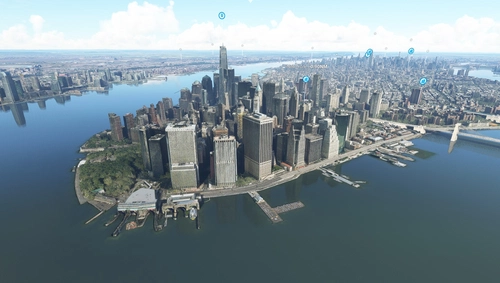
Water fix - New York City, New York, USA
Enhance the default scenery of New York City, USA with this mod that fixes water areas and removes misplaced trees near Kennedy and LaGuardia airports. Stay up to date with the modular installation feature and the latest bug fixes and improvements included in each update.
by mistercoffee1
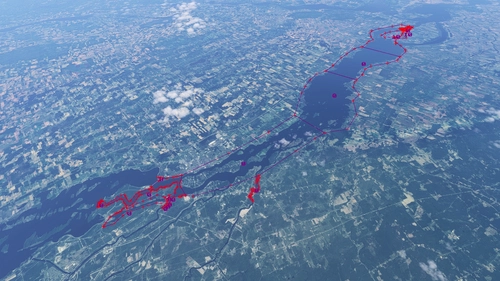
Worldwide Water Fix (WIP)
This add-on is a work-in-progress project for MSFS 2024 focusing on correcting water elevation issues encountered globally. The developer addresses problems as they are discovered during flights rather than systematically reviewing every location. Users can expect ongoing updates to enhance water accuracy throughout the simulators lifespan.
by AVCORP
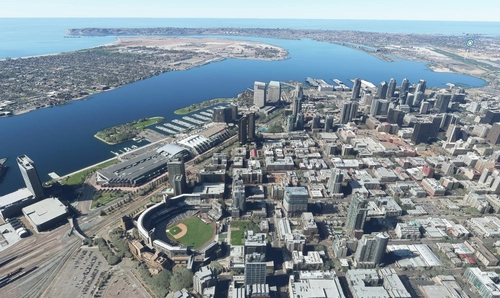
Water fix - San Diego County, California, USA
Enhance water visuals in San Diego County, California, USA with this mod. Corrects underwater roads, restores boat visibility, eliminates excess trees, and more. Please check out other water fix mods available for various locations across the USA.
by mistercoffee1
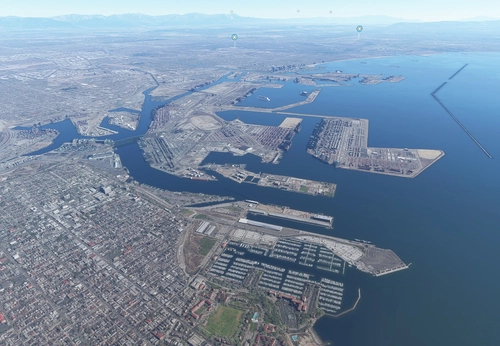
Water fix - Los Angeles County, California, USA
Enhance default scenery of Los Angeles County, California, USA with this mod fixing issues related to water and trees. Stay updated with V1.4 for World Update XIII compatibility and experience restored visibility of piers, jetties, and more. Install effortlessly by placing the "lawaterfix" folder in your community folder.
by mistercoffee1
Log in to join the discussion
Log InComments(3)
almost 6 years ago
I think this is the directory he is referring to.
almost 6 years ago
about 6 years ago