
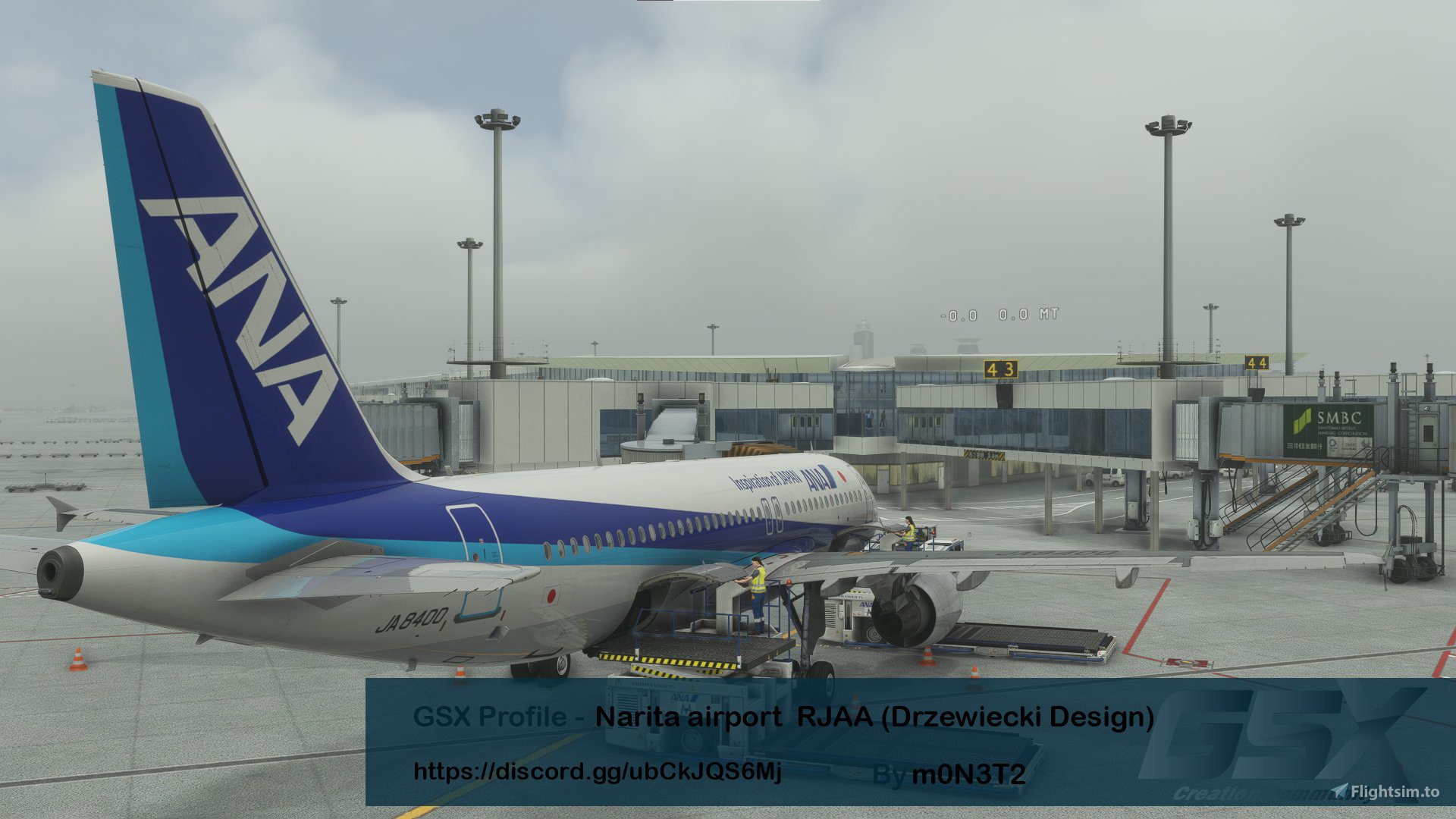
Description
This is not a complete version at the moment!!!
Blue represents plans for future version
Green represents the current version of Ramp already supported
Red represents aprons that cannot be supported at present for various reasons
Currently only available for Ramp in Terminal 1(except 36,53,56,58B,45,37,27,24,15) Terminal 2(except 68R,68L,67,66R,65,61,92,99,87,84,71,74,64R,63R,62R,61R,71R,72R,73R,74R)
As I have not been to Narita I do not know how the real apron is used for ground handling and therefore the ground handling may be very different from the reality. If you know how the real ground handling is used please contact me.
Please let me know if you have any questions!
Please give me a 5 star rating if you find the experience OK
To install, extract the .zip and move the .ini file inside to the following route:
\Users\Your Username\AppData\Roaming\virtuali\GSX\MSFS
Frequently Asked Questions
GSX Profile - Narita airport RJAA (Drzewiecki Design)
DISCORD >>> https://discord.gg/ubCkJQS6Mj <<<


User Reviews
4 reviews
Version History
Add:Added all Ramps at Terminal 2(except 68R,68L,67,66R,65,61,92,99,87,84,71,74,64R,63R,62R,61R,71R,72R,73R,74R)
Related
GSX Profile - Gatwick Airport EGKK (ORIGAMI/mkvy)
DISCORD >>> https://discord.gg/ubCkJQS6Mj <<<
by m0N3T2
GSX Profile - Sheremetyevo Airport UUEE (Drzewiecki Design)
DISCORD >>> https://discord.gg/ubCkJQS6Mj <<<
by m0N3T2
GSX Profile - London City Airport EGLC (ORBX)
DISCORD >>> https://discord.gg/ubCkJQS6Mj <<<
by m0N3T2
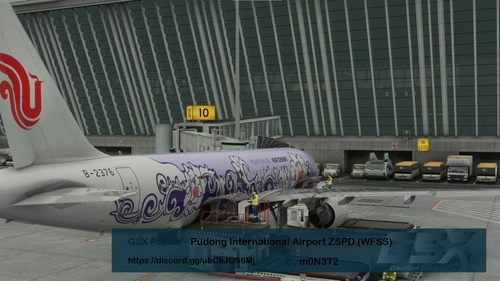
GSX Profile - Pudong International Airport ZSPD (WFScenery Studio)
DISCORD >>> https://discord.gg/ubCkJQS6Mj <<<
by m0N3T2
Log in to join the discussion
Log InComments(26)
about 2 years ago
over 2 years ago
over 2 years ago
almost 3 years ago
almost 3 years ago
over 2 years ago
over 2 years ago
over 2 years ago
over 3 years ago
this file may need to update as VDGS are all in wrong position (they are now float in air)
almost 3 years ago
almost 3 years ago
over 3 years ago
Gate 47 seems like the wrong direction, it shows nose right, you can't take if you push to nose right.
over 3 years ago
ok i will check this out
over 3 years ago
I checked this stand, but I don't understand why you need to push to the right? because the right of stand 47 is terminal.
over 3 years ago
correct, so I think you did the wrong direction? Right is the only direction for me there. I wanna turn left actually
over 3 years ago
I've checked the ini as well, for gate 47, the only option is Nose Right
over 3 years ago
thats weird should have other options call face East
over 3 years ago
this option is also shown in the ini file
[gate 47]
pushbacklabels = Nose Right/Tail Left (LEFT)|Face East
over 3 years ago
yes it is. It should be nose left instead of nose right. (right is face terminal, left if face taxiway)