
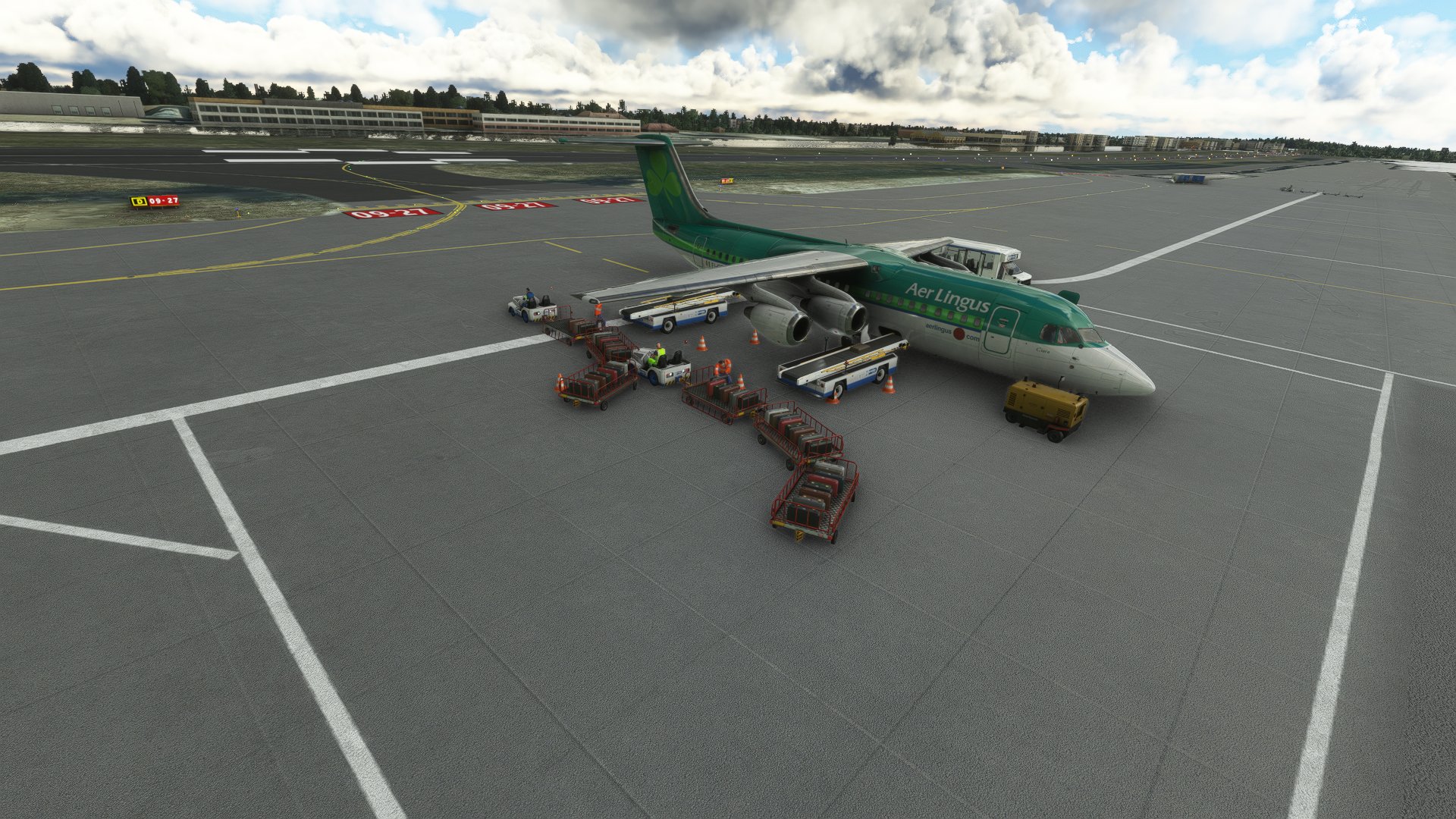
Description
This is an aircraft profile for the BAE-146 from JustFlight. currently only the 146-300 is included but i will upload the 100 & 200 when i've finished the profiles. Due to the small size of the aircraft the cargo vehicles do clip into one another and the aircraft. Other than that the profile has worked fine in testing. GSX is unable to automatically open the doors so you will need to do this using the EFB when asked.
UPDATE 09/09/2022
Look like the issues with the editor have been resolved so i've resumed work on the profile.
To install unzip the zip file into the %appdata%\virtuali\Airplanes directory.
GSX Pro BAE 146 Aircraft Profile
A detailed aircraft profile for the JustFlight BAE-146 series, featuring the 146-300 variant. Please note that due to the small aircraft size, cargo vehicles may clip into each other and the aircraft. Updates have been made to address earlier issues, allowing for a smoother experience. Installation instructions are included in the update.


User Reviews
1 reviews
Version History
Added check for embedded stairs to all profiles. Added all variants of 146-200.
Related
Flow Pro Scripts for PMDG 73x Doors & Ground Handling
Enhance your PMDG 73x experience with Flow Pro Scripts, allowing you to control doors and ground handling efficiently by simulating keypresses on the FMC. Simply power on the FMC for the scripts to work and easily switch between different ground handling elements like stairs, catering, and loaders.
by theegg52
Aerosoft A340-600 Winctrl MCDU CAPT+FO Profile for Mobiflight
This Mobiflight profile enables full functionality of all buttons and LEDs, including backlight and LED brightness, for the Winctrl MCDU Captain, First Officer and 3rd MCDU panels on the Aerosoft A340-600. Mobiflight 11.1.0.3 or newer and Aircraft 1.0.3 required for full compatibility
by theegg52
Flow Pro Script for PMDG 73x External Lights
Enhance your control over the External Lights on the PMDG 73x aircraft with these Flow Scripts. Toggle On/Off for two position switches and cycle through different modes for multi position switches, including Position Light, Landing Lights with Pulse, and Retractable Landing Lights.
by theegg52
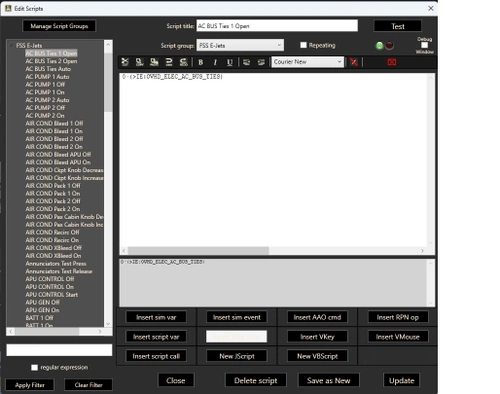
AAO RPN Scripts for FSS E-Jets
Enhance your FSS E-Jet experience with this collection of RPN scripts, designed to improve performance across the E-Jet family. Tested on the E175 model, these scripts are adaptable for use on other jets within the series.
by theegg52
Log in to join the discussion
Log InComments(14)
over 1 year ago
about 2 years ago
about 2 years ago
about 4 years ago
Hi,
Great profile, thanks !
However, i've got an issue with the conditionnal embedded stairs option.
Everytime I restart couatl (by quitting my game then restarting it, or just restarting couatl ingame), the "embedded stair" case is unticked, and the XML expression is gone.
But the thing that i don't understand is that, in the gsx configuration file for this plane (virtuali/airplanes/JF146-300/gsx), there's the line "embeddedStair = -2.19 8.38 -0.60 -3.69 8.47 -2.10 (L:EXT_Door_stairs, number)"
But nothing in the customization windows in GSX (ingame), and the custom rule isn't working exept if i tick the case again...
Is this the same on your side ?
about 4 years ago
On the 146-100 all doors and embedded stairs are recognized OK by GSX by default. Not sure why it works on the -100 but not the others.
about 4 years ago
Can you make one for the Concorde please?
about 4 years ago
Heeeeey,
First thanks alot for the nice profile, could you think of making a profile for the CS 777-300ER?
about 4 years ago
This is great! Shall have to test it out.... in addition to the PAX variants, are you able to do one for the freighter variants? I wasn't quite able to get it to work for the rear cargo door, GSX keeps yelling at me to open it.
about 4 years ago
Hello All,
I've discovered an issue with gsx ignoring the positions set in the 3d editor. I've emailed FSDT for support. Until I hear back i'll delay releasing the other profiles.
about 4 years ago
When I was playing about with it, it seemed to work fine if you set it, but as soon as you opened the configuration again (even if you didn't do anything) it would reset all the positions.
about 4 years ago
i don't have this folder... %appdata%\virtuali\Airplanes ?
about 4 years ago
Same here
about 4 years ago
Try C:\Users\YOURUSERNAME\AppData\Roaming\virtuali\Airplanes. also check if you have the folder C:\Users\YOURUSERNAME\AppData\Roaming\virtuali. if that folder exists then create the Aircraft folder manually.
about 4 years ago
Also didnt have the folder. Should the structure should include JF_146_300? ie \AppData\Roaming\virtuali\Airplanes\JF_146_300\gsx.cfg