Flightsim.toFlightsim.to
    Aerosoft A340-600 Winctrl MCDU CAPT+FO Profile for Mobiflight - Image 1

    Description

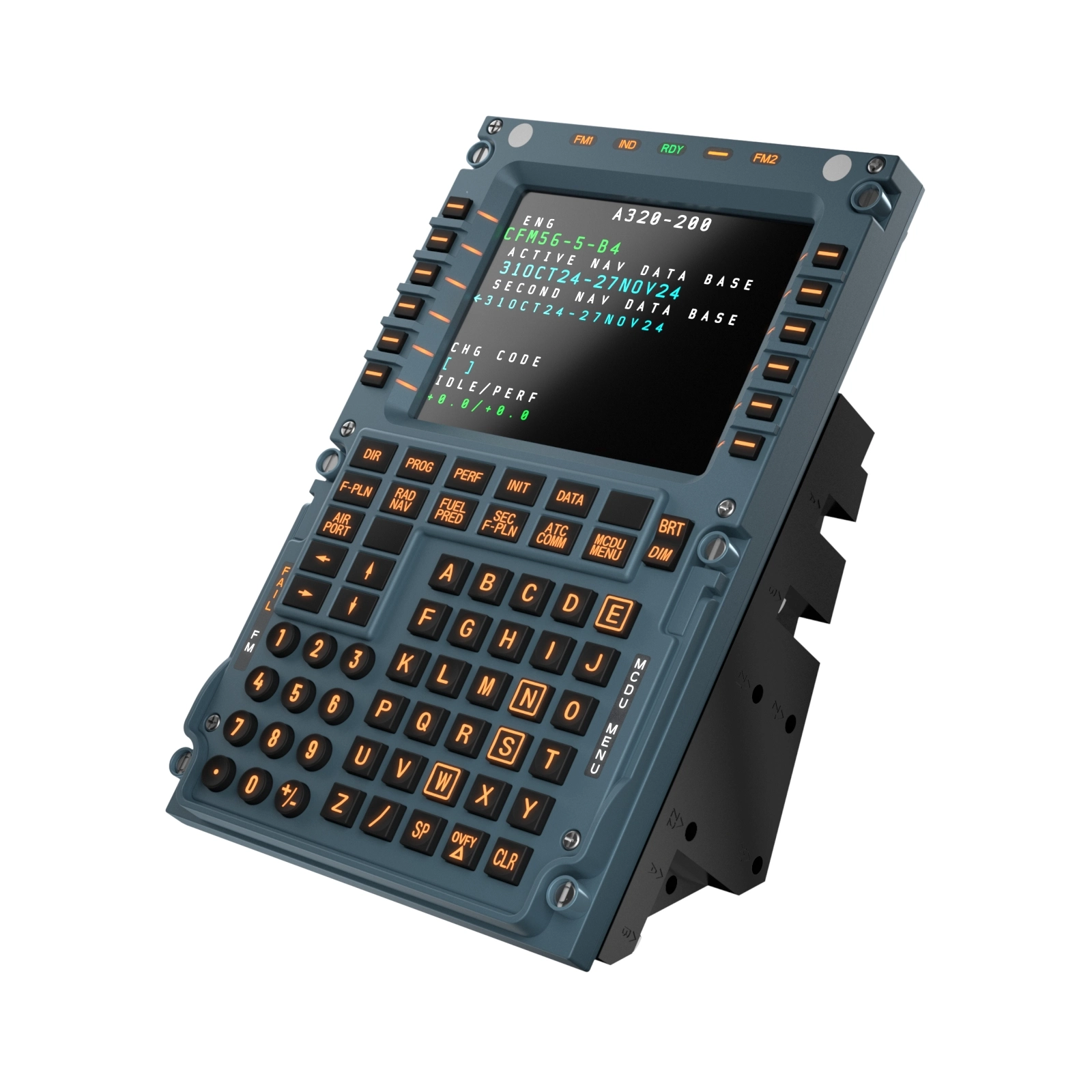
    Mobiflight profile for the Winctrl MCDU Capt + FO.

    IMPORTANT NOTE!!!

    Currently the screen display is not working. Aerosoft have said they are currently testing their hardware interface api and it will be released as soon as it is ready. Once we have the details of this we should be able to add screen compatibility.

    All buttons and LEDS working. backlight and LED brightness working. Currently screen brightness is not synced to the sim as I could not find a var for this.

    Mobiflight 10.5.3.24 or newer required.

    Comments(14)

    Log in to join the discussion

    Log In

    about 3 hours ago

    Any chance for an update with v1.0.3, or is it still not compatible with Mobiflight? Thanks

    21 days ago

    Any news w.r.t the display?
    theegg52Author

    21 days ago

    Still waiting for Aerosoft to release the next update which they have said will contain the API to be able to access the screen data.

    about 2 months ago

    Would be great to see the profile working for the display. On basis of latest Aerosoft update, any dates available?
    theegg52Author

    about 2 months ago

    At first glance is appears that the data is not fully exposed in this update. the Mobiflight team has all the details and are talking to Aerosoft to confirm.

    about 2 months ago

    update 1.0.2 released today with "Added data output for hardware MCDUs via the Aerosoft interface"
    theegg52Author

    about 2 months ago

    At first glance is appears that the data is not fully exposed in this update. the Mobiflight team has all the details and are talking to Aerosoft to confirm.

    2 months ago

    hey there, any updates regarding the display integration?
    theegg52Author

    2 months ago

    Unfortunately not. Still awaiting details of the SDK from aerosoft.

    3 months ago

    Very much appreciated. Unfortunately only buttons work, no screen. Any suggestions?

    3 months ago

    read the note.
    theegg52Author

    3 months ago

    Screen currently will not work as the data is not available form the aircraft. aerosoft have an api in testing which once released will allow the screen to work.

    3 months ago

    thank you very mych, unfortunately the fcu/efis are not working. Any idea what to do ?
    theegg52Author

    3 months ago

    give this profile a go that someone from the community has uploaded - https://flightsim.to/addon/105834/a340-600-mobiflight-winctrl-fcu-l-efis
    MSFS 2020MSFS 2024

    Aerosoft A340-600 Winctrl MCDU CAPT+FO Profile for Mobiflight

    This Mobiflight profile enables full functionality of all buttons and LEDs, including backlight and LED brightness, for the Winctrl MCDU Captain and First Officer panels on the Aerosoft A340-600. The current version does not support screen display due to pending hardware API updates from Aerosoft. Screen brightness synchronization is also not available. The profile requires Mobiflight version 10.5.3.24 or newer.

    Downloads650
    Version1.0
    File Size7 KB
    Published3 months ago
    Updated3 months ago

    User Reviews

    5.0

    1 reviews

    5
    100%
    4
    0%
    3
    0%
    2
    0%
    1
    0%

    More Information

    Simulator
    MSFS2020/24

    Version History

    No version history available.

    Related

    GSX Pro BAE 146 Aircraft Profile

    GSX Pro BAE 146 Aircraft Profile

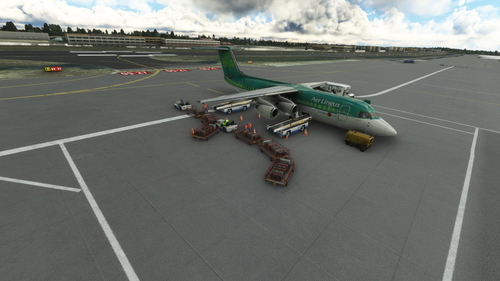
    A detailed aircraft profile for the JustFlight BAE-146 series, featuring the 146-300 variant. Please note that due to the small aircraft size, cargo vehicles may clip into each other and the aircraft. Updates have been made to address earlier issues, allowing for a smoother experience. Installation instructions are included in the update.

    by theegg52
    5.0
    Flow Pro Scripts for PMDG 73x Doors & Ground Handling

    Flow Pro Scripts for PMDG 73x Doors & Ground Handling

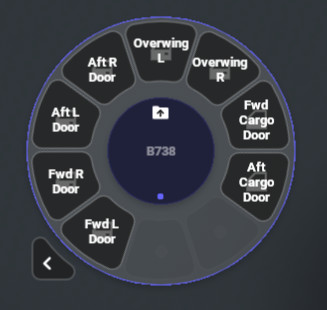
    Enhance your PMDG 73x experience with Flow Pro Scripts, allowing you to control doors and ground handling efficiently by simulating keypresses on the FMC. Simply power on the FMC for the scripts to work and easily switch between different ground handling elements like stairs, catering, and loaders.

    by theegg52
    5.0
    Flow Pro Script for PMDG 73x External Lights

    Flow Pro Script for PMDG 73x External Lights

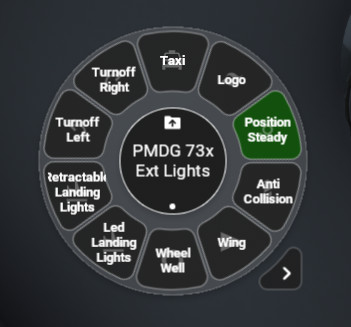
    Enhance your control over the External Lights on the PMDG 73x aircraft with these Flow Scripts. Toggle On/Off for two position switches and cycle through different modes for multi position switches, including Position Light, Landing Lights with Pulse, and Retractable Landing Lights.

    by theegg52
    0.0
    AAO RPN Scripts for FSS E-Jets

    AAO RPN Scripts for FSS E-Jets

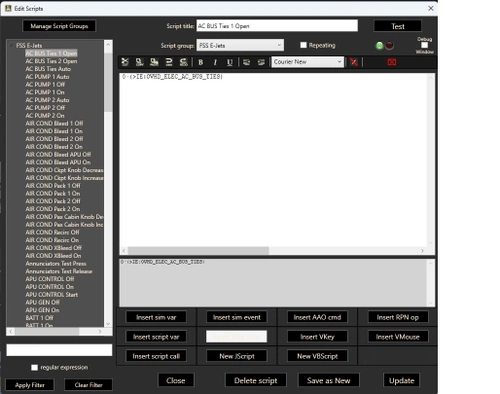
    Enhance your FSS E-Jet experience with this collection of RPN scripts, designed to improve performance across the E-Jet family. Tested on the E175 model, these scripts are adaptable for use on other jets within the series.

    by theegg52

    0.0