

Description
Flow Scripts to control the External Lights on the PMDG 73x aircraft. For the two position switches the scripts will toggle On/Off. for the multi position switches they toggle in the order below. Position Light - Off > Steady > Strobe and Steady > Off Landing Lights with Pulse - Off > Pulse > On > Off Retractable Landing Lights - Off/Retracted > Extended > On > Off/Retracted
Flow Pro Script for PMDG 73x External Lights
Enhance your control over the External Lights on the PMDG 73x aircraft with these Flow Scripts. Toggle On/Off for two position switches and cycle through different modes for multi position switches, including Position Light, Landing Lights with Pulse, and Retractable Landing Lights.


Version History
No version history available.
Related
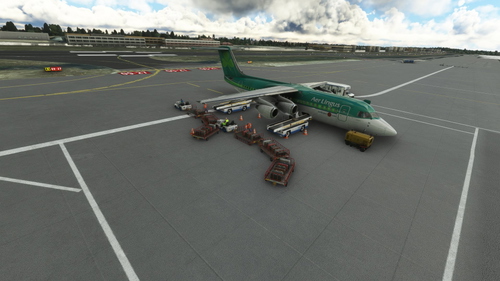
GSX Pro BAE 146 Aircraft Profile
A detailed aircraft profile for the JustFlight BAE-146 series, featuring the 146-300 variant. Please note that due to the small aircraft size, cargo vehicles may clip into each other and the aircraft. Updates have been made to address earlier issues, allowing for a smoother experience. Installation instructions are included in the update.
by theegg52
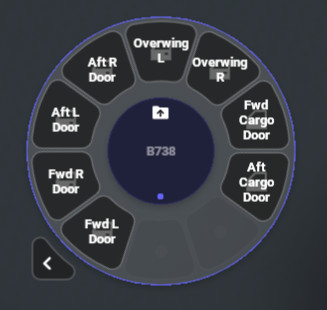
Flow Pro Scripts for PMDG 73x Doors & Ground Handling
Enhance your PMDG 73x experience with Flow Pro Scripts, allowing you to control doors and ground handling efficiently by simulating keypresses on the FMC. Simply power on the FMC for the scripts to work and easily switch between different ground handling elements like stairs, catering, and loaders.
by theegg52
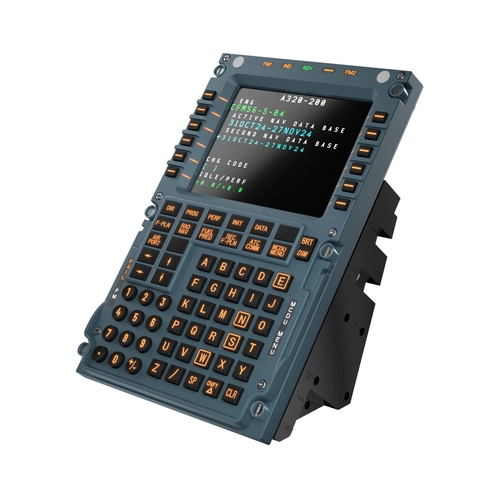
Aerosoft A340-600 Winctrl MCDU CAPT+FO Profile for Mobiflight
This Mobiflight profile enables full functionality of all buttons and LEDs, including backlight and LED brightness, for the Winctrl MCDU Captain, First Officer and 3rd MCDU panels on the Aerosoft A340-600. Mobiflight 11.1.0.3 or newer and Aircraft 1.0.3 required for full compatibility
by theegg52
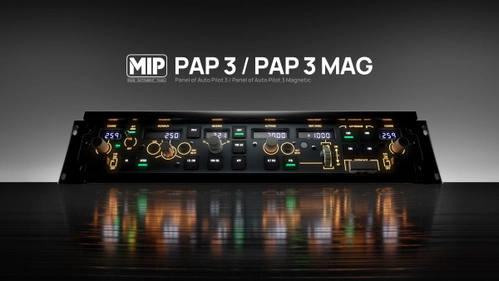
WinCtrl PAP3 Mobiflight Profile for the BlueBird B757-200
This Mobiflight profile enables full control of the BlueBird B757-200 using the WinCtrl PAP3 hardware panel. All buttons, switches, and displays are functional, with custom mappings provided for various flight functions. The configuration includes specific assignments for autopilot and mode selector controls. PDC support is planned for future updates.
by theegg52
Log in to join the discussion
Log InComments6
Quick question: Does flow reflect the current status set in the plane? I.e. if I change say landing lights in the top panel it will be shown as set in Flow?
THANKS ! Just a confirmation, this file is to be put in Community? There is nothing else to do for it to be integrated into Flow?