

Description
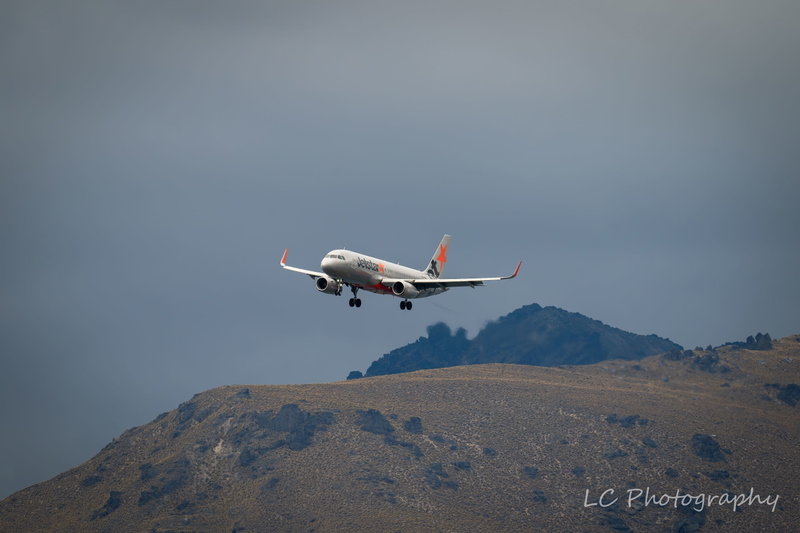
This mod makes the thumbnail for Black Square's Velocity XL look vanilla (Match the style of Microsoft's thumbnails)
To install:
Open the Velocity XL Thumbnails" folder
Copy the "SimObjects" folder
Go to your Velocity XL folder location
Paste the "Simobjects" folder into the Velocity XL folder
Click "replace all"
Done!
Note: Does not require sim restart for changes to take place
Vanilla Thumbnails for Black Square's Velocity XL
This mod makes the thumbnail for Black Square's Velocity XL look vanilla (Match the style of Microsoft's thumbnails) To install: Open the Velocity XL Thumbnails" folder Copy the "SimObjects" folder Go to your Velocity XL folder location Paste the "Simobjects" folder into the Velocity XL folder Click "replace all" Done! Note: Does not require sim restart for changes to take place
More Information
Version History
No version history available.
Related
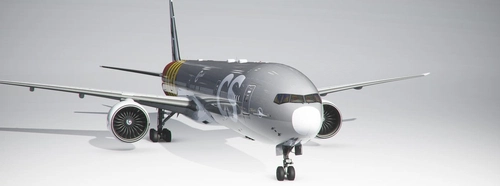
Vanilla Thumbnail for CS Boeing 777-300ER
This mod makes the thumbnail for Captain Sim's B777-300ER look vanilla (Match the style of Microsoft's thumbnails) To install: Open the "B777-300ER Thumbnails" folder Copy the "SimObjects" folder Go to your Boeing 777-300ER folder location Paste the "Simobjects" folder into the Boeing 777-300ER folder Click "replace all" Done!
by Storm Tuber
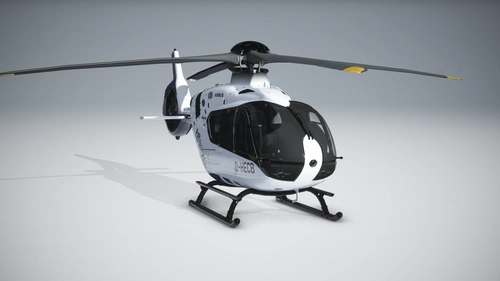
Vanilla Thumbnails for HPG Airbus H135
This mod makes the thumbnail for Hype Performance Group's H135 look vanilla (Match the style of Microsoft's thumbnails) To install: Open the "H135 Thumbnails" folder Copy the "SimObjects" folder Go to your H135 folder location Paste the "Simobjects" folder into the H135 folder Click "replace all" Done!
by Storm Tuber
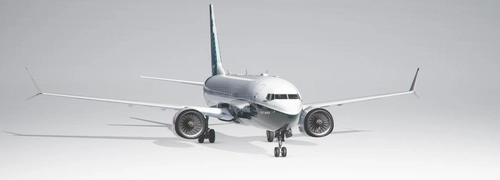
Vanilla Thumbnails for BREDOK3D Boeing 737 Max
This mod makes the thumbnail for Bredok3d's B737 Max look vanilla (Match the style of Microsoft's thumbnails) To install: Open the "B737 Max Thumbnails" folder Copy the "SimObjects" folder Go to your Boeing 737 Max folder location Paste the "Simobjects" folder into the Boeing 737 Max folder Click "replace all" Done!
by Storm Tuber
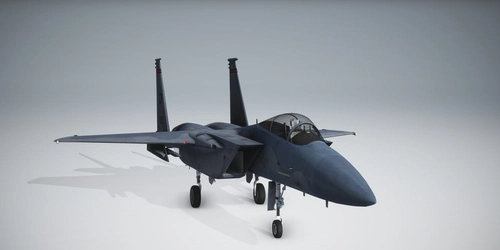
Vanilla Thumbnails for DC Designs F-15
Fix the default cropped thumbnails for the DC Designs F-15 with this add-on. Simply unzip and drag the folder to your community folder to replace the files.
by Storm Tuber

Comments
Log in to join the discussion
Log InNo comments yet. Be the first to share your thoughts!