

Description
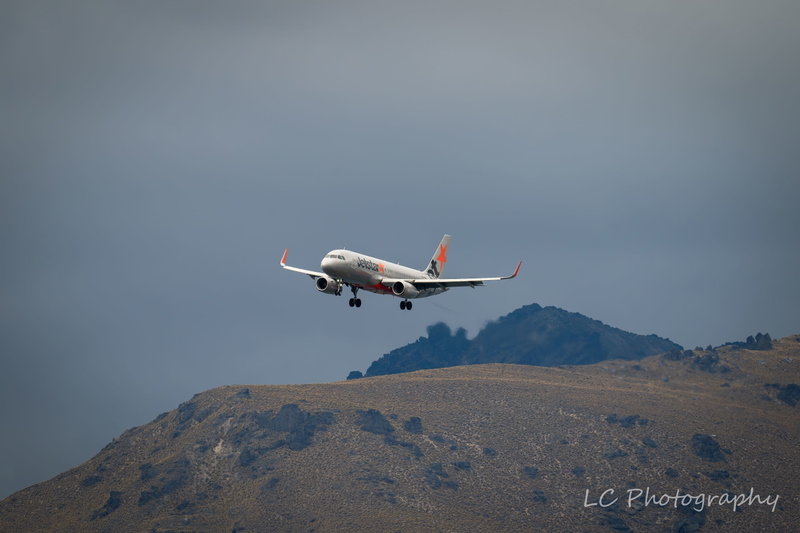
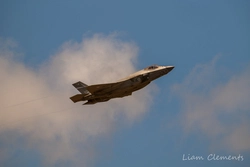
This mod makes the thumbnail for Bredok3d's B737 Max look vanilla (Match the style of Microsoft's thumbnails)
To install:
Open the "B737 Max Thumbnails" folder
Copy the "SimObjects" folder
Go to your Boeing 737 Max folder location
Paste the "Simobjects" folder into the Boeing 737 Max folder
Click "replace all"
Done!
Vanilla Thumbnails for BREDOK3D Boeing 737 Max
This mod makes the thumbnail for Bredok3d's B737 Max look vanilla (Match the style of Microsoft's thumbnails) To install: Open the "B737 Max Thumbnails" folder Copy the "SimObjects" folder Go to your Boeing 737 Max folder location Paste the "Simobjects" folder into the Boeing 737 Max folder Click "replace all" Done!
Version History
No version history available.
Related
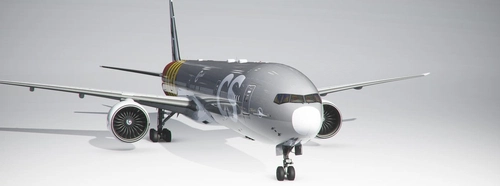
Vanilla Thumbnail for CS Boeing 777-300ER
This mod makes the thumbnail for Captain Sim's B777-300ER look vanilla (Match the style of Microsoft's thumbnails) To install: Open the "B777-300ER Thumbnails" folder Copy the "SimObjects" folder Go to your Boeing 777-300ER folder location Paste the "Simobjects" folder into the Boeing 777-300ER folder Click "replace all" Done!
by Storm Tuber
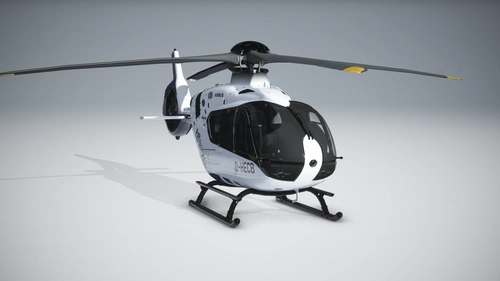
Vanilla Thumbnails for HPG Airbus H135
This mod makes the thumbnail for Hype Performance Group's H135 look vanilla (Match the style of Microsoft's thumbnails) To install: Open the "H135 Thumbnails" folder Copy the "SimObjects" folder Go to your H135 folder location Paste the "Simobjects" folder into the H135 folder Click "replace all" Done!
by Storm Tuber
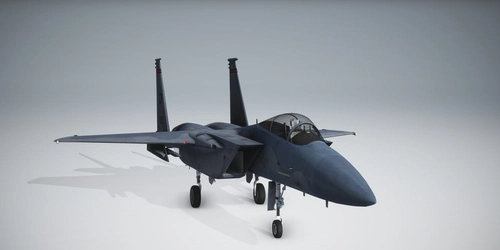
Vanilla Thumbnails for DC Designs F-15
Fix the default cropped thumbnails for the DC Designs F-15 with this add-on. Simply unzip and drag the folder to your community folder to replace the files.
by Storm Tuber
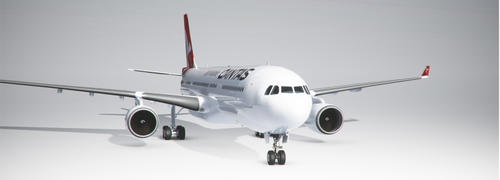
Vanilla Thumbnails for PMP Airbus A330
Enhance your A330 liveries with this add-on that provides vanilla thumbnails for the Project Mega Pack liveries. Simply install the folders into your community folder to enjoy a consistent and standardized visual experience.
by Storm Tuber
Log in to join the discussion
Log InComments(15)
over 2 years ago
about 4 years ago
i see alot of comments saying its fake, this is thumbnails for the 737
about 4 years ago
Bro whare 737 its fake
about 4 years ago
This mod doesn’t give you a B737 Max! I’ve stated this multiple times, it’s an adjustment who already have the B737 Max mod!!!
over 4 years ago
i dont see 737 max in game too
over 4 years ago
What do you mean? BTW whatever it is isn't this mod's fault.
over 4 years ago
its a livery only not an aircraft
about 5 years ago
Would it make more sense to install (but make sure to copy original files) the files into each individual texture of these files into the Boeing files installed ? Just curious giving that this process is typical of mods to installed models on other games/sims......
about 5 years ago
If you want, it’s just that the method I provided is the easiest and there’s not really any need to keep a backup of the original files
about 5 years ago
Alrighty Then. Thx......
about 5 years ago
It doesnt work
about 5 years ago
Did you follow the instructions correctly?
about 5 years ago
i dont see the 737 max in the game
about 5 years ago
That is not the fault of this mod, make sure you have the newest version of the 737 max
about 4 years ago
Yes fake