
Description
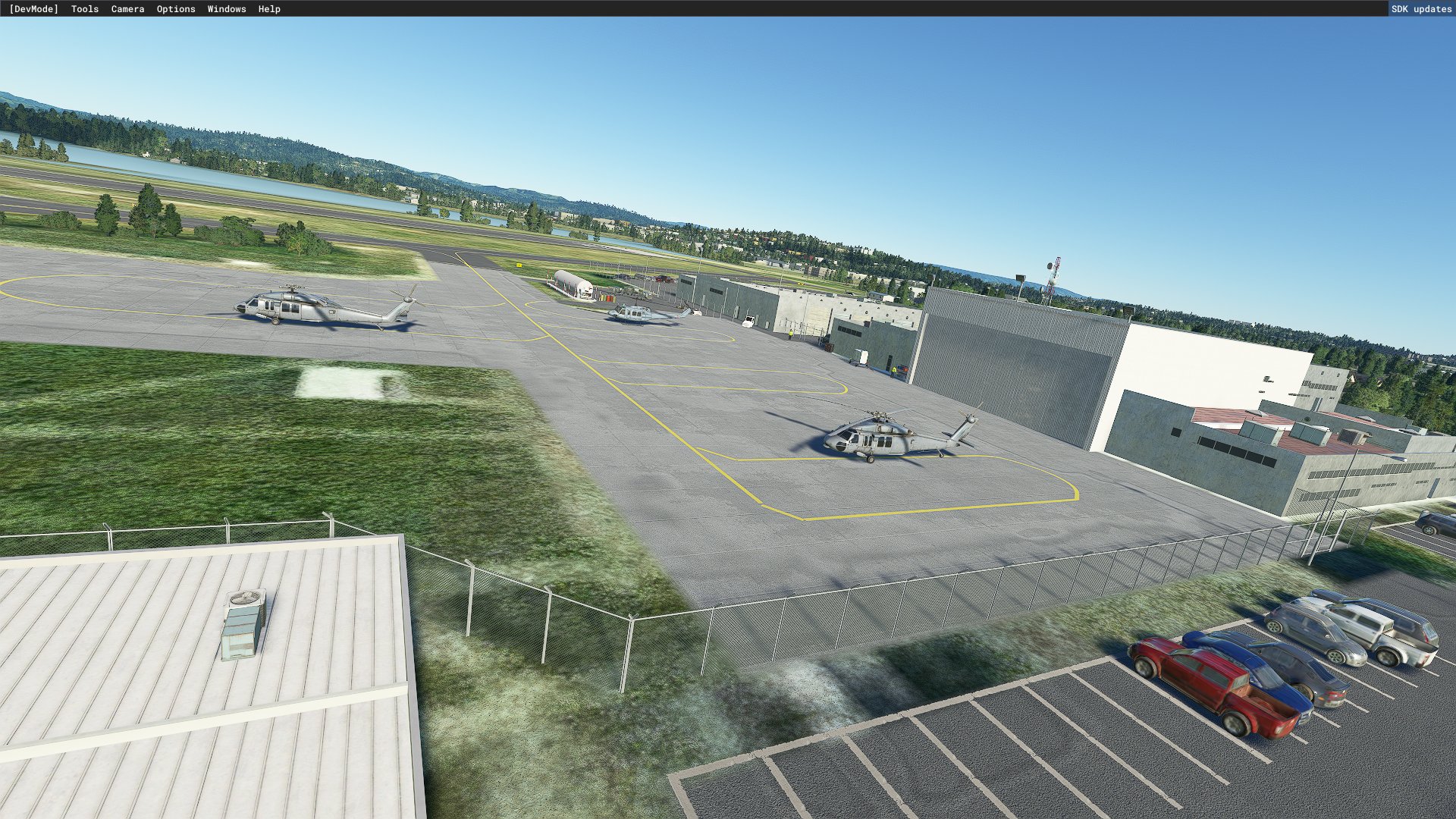
(KOTH) Southwest Oregon Regional Airport, Oregon Coast, US.
Southwest Oregon Regional Airport, formerly North Bend Municipal Airport, is a public airport in North Bend/Coos Bay on the Southern Oregon Coast, United States. It is the only airport on the Oregon coast with passenger service. KOTH is served by United Express (SkyWest) which flies nonstop to San Francisco International Airport. The United Express flight to San Francisco is a Bombardier CRJ200; and the seasonal United Express flight to Denver, Colorado is a 76-passenger Embraer E-175.
KOTH has two major paved runways 5-23 (5980 x 150) and 31-13 (4470 x 150). Runway 5 also has ILS and Rnav instrument approaches.
A Coast Guard Air Station (CGAS North Bend) is based out of the airport. The unit operates five Eurocopter HH-65 Dolphin helicopters.
The airport is seeing more private and corporate jets bringing golfers to world famous Bandon Dunes Golf Resort. The resort is a 20-minute drive from the OTH airport. The Coos County Airport District designed and opened a new terminal facility in July 2008, and in February 2009 a new air traffic control tower opened.
Update: version 1.10
1) Corrected runway markings from 4-22 to 5-23. Google and Bing maps show it as 4-22 which is what I used to create the airport.
2) Adjusted all taxiway signs to the correct side of the taxiways (Left), and corrected nomenclature for runway 5-23.
3) Corrected elevation issues with the hill and the building on the west side of the airport created by WU10.
4) Removed random windsocks created by another recent world update (wu11 or 12).
5) Improved the appearance of one of the FBO buildings to better match reality.
Thanks to Flightsim.to member "Crewchief408" for pointing out the runway 4-22/5-23 error many months ago.
Improvements: version 1.001) ) Removed all auto generated MSFS structures, then added all buildings including hangars, assorted other structures, fences, people and scenery.
2) Placed the correct number of hangars and other buildings and objects in their proper location.
3) Added commercial structures and scenery objects bordering the airport perimeter and taxiways.
4) In order to make many of the improvements, not only did I have to do scenery; but in the process, I had to redo the whole airport including runways, taxiways and aircraft parking, etc.
5) Removed and replaced huge and out of place default tower/beacon.
6) Installed airport night lighting.
7) Runways in both directions have correct glide slope indicator lights (Papi4, MIRL or HIRL and REIL systems). Added correct approach lights (MALSR) to runway 5.
8) Added runway 5 approach light bridge.
9)Replaced all taxiways with their real world taxiway lettering (per airport chart), and installed all new taxiway signs with the correct identification.
10) Re-did all taxiway lights by hand.
11) removed and placed windsock to the correct location.
To make this a simple and easy install, all the enhancements I've done use only the default objects, buildings etc. built into the SDK/MSFS2020. In order to make the Coast Guard, airport terminal and fixed-base operator (FBO) buildings look as close to reality, I combined different default structures into one. In my opinion, they turned out very nice.
Installation:Unzip the file and take the downloaded folder "airport-koth-southwest-oregon-regional" and place it into your FS2020 Community folder. Once installed, the airport will be highlighted with a star in the FS2020 "world map".
Reference:https://skyvector.com/airport/OTH/Southwest-Oregon-Regional-Airport
Past completed projects:1) (S45) Siletz Bay State Airport, Oregon coast, US.
https://flightsim.to/file/17684/s45-siletz-bay-state-airport-oregon-coast-usa
2) (KONP) Newport Municipal Airport, Oregon coast, US.
https://flightsim.to/file/18251/konp-newport-municipal-airport-oregon-coast-usa
3) (6S2) Florence Municipal Airport, Oregon coast, US.
https://flightsim.to/file/20432/6s2-florence-municipal-airport-oregon-coast-usa
Thanks for your interest in Southwest Oregon Regional airport. I hope you enjoy my version.
Location
KOTH - Southwest Oregon Regional Airport, Oregon coast, USA
Explore the Southwest Oregon Regional Airport, located on the Oregon Coast, USA. This add-on features accurate details of the airport, including runways, taxiways, and buildings. Experience improved visuals, night lighting, and realistic airport elements for a captivating flight simulation experience. Add this to your FS2020 Community folder for a seamless integration into your simulator.


User Reviews
8 reviews
Version History
1) Corrected runway 4-22 to 5-23. 2) Adjusted and corrected taxiway signs. 3) corrected elevation issues with hill and building. 4) Removed random windsocks.
Featured in Collections(1)

Related
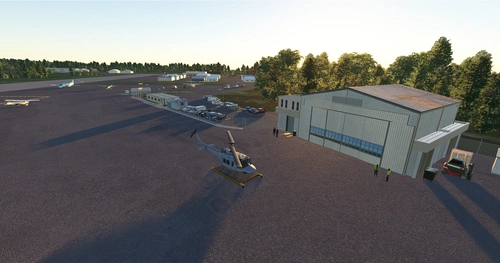
KONP - Newport Municipal Airport, Oregon coast, USA
Explore KONP - Newport Municipal Airport on the enchanting Oregon coast in the USA. This add-on includes accurate instrument approaches, custom buildings, and improved airport details, enhancing your flight simulation experience. Download now to discover the beauty of this general aviation facility surrounded by stunning coastal scenery.
by AlphaRecon
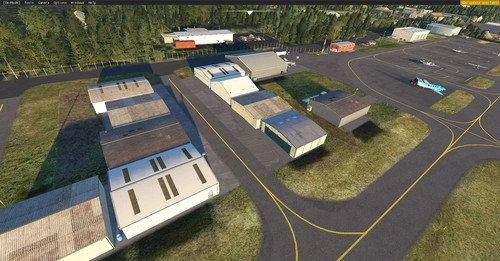
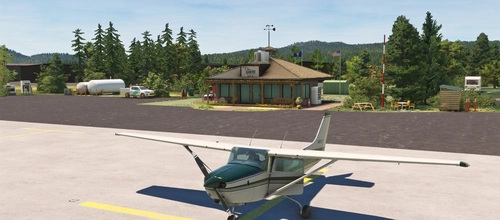
6S2 - Florence Municipal Airport, Oregon coast, USA
Enhance your virtual aviation experience with the meticulously detailed scenery enhancement for Florence Municipal Airport, located on the stunning central Oregon coast. This add-on enriches the default airport with accurately placed buildings, night lighting, and redesigned infrastructure for a more realistic flying experience in Microsoft Flight Simulator. Explore the beauty of the Oregon coast from the skies with this refined airport rendition.
by AlphaRecon
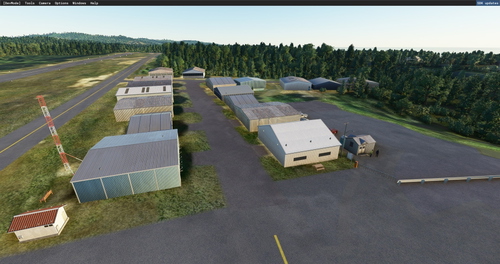
S45 - Siletz Bay State Airport, Oregon coast, USA
Explore the scenic Siletz Bay State Airport, situated on the captivating Oregon coast. This detailed add-on enhances the airport with accurate structures, runway adjustments, and more. Dive into a realistic flying experience with improved visuals and fixed issues. Upgrade your MSFS2020 with this impressive rendition today.
by AlphaRecon
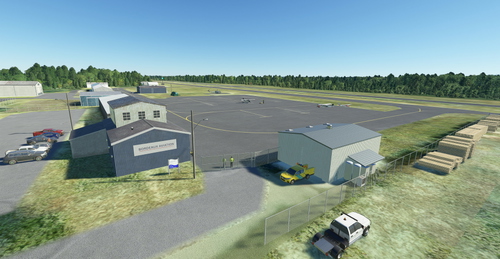
S05 - Bandon State Airport, Oregon coast USA.
Enhance your virtual Oregon coastal experience with the S05 - Bandon State Airport add-on for Microsoft Flight Simulator. This public airport features a single asphalt runway, buildings, hangars, and detailed scenery improvements enhancing the overall airport environment. Enjoy correct runway lighting, commercial structures, and accurate placement of objects for a realistic simulation experience. Simply unzip and install the folder in your Community folder to explore this beautifully crafted airport on the scenic southern Oregon coast.
by AlphaRecon
Log in to join the discussion
Log InComments(33)
10 months ago
almost 2 years ago
over 2 years ago
(..seems, that i will also have to inspect your other ones ;-)
over 2 years ago
over 2 years ago
over 3 years ago
Hey, awesome scenery! I just cant get my terminal building to appear no matter what. I would love to do commercial Ops out of OTH but the terminal is not there and the jetway is ran into the ground. Thank you in advnace!
over 3 years ago
The scenery I used for the terminal building is from KDFW, Dallas/Fort Worth International Airport, which is part of World Update II, USA. The specific piece of scenery is "Dallas_Skylink_Station" Make sure you have WU II installed in your PC. In fact, make sure you have all the FREE scenery installed from the Marketplace. The only content I don't use any of the scenery from is the free "vessels" or ships download. Hope this helps. Thanks for the 5 stars, I appreciate it.
over 3 years ago
I installed the WUII and it worked, THANK YOU SO MUCH!! I can use this airport for my virtual airline now! Much appreciated!
over 3 years ago
As always, looks good! I just flew from here to KMFR and really enjoyed the flight. Great work as usual.
over 3 years ago
Not sure why, but seeing two towers now, yours and a more modern one next to it. I do have the Oregon Bridge download as well, however, even though I inactivate it the second tower shows.
over 3 years ago
I am not having two towers on my end.
over 3 years ago
I guess there is some other scenery causing it. I will remove all Oregon scenery and test by adding one at a time.
almost 4 years ago
Thanks for this scene!
over 4 years ago
I'm not sure if others are experiencing this but when I load the scenery, the runways 5-23 show-up as 4-22, which is what they were about 3 years ago. Hopefully, someone else can confirm this too. Thanks for looking into it. Chris
over 4 years ago
Chris, I will correct this (runway markings 5-23) in an update. I did notice that the airport charts state 5-23, yet Google and Bing maps images still have 4-22 and that is what I used to create the airport. I also will fix other minor errors I noticed and some terrain issues that WU10 created with the hill to the west of the airport.
over 4 years ago
I appreciate it, thank you so much! :)
about 4 years ago
I am experiencing the same. WU10 issue?
over 3 years ago
Thank you so much! You just made my weekend! :)