
Description
(6S2) Florence Municipal Airport, Oregon coast, US.
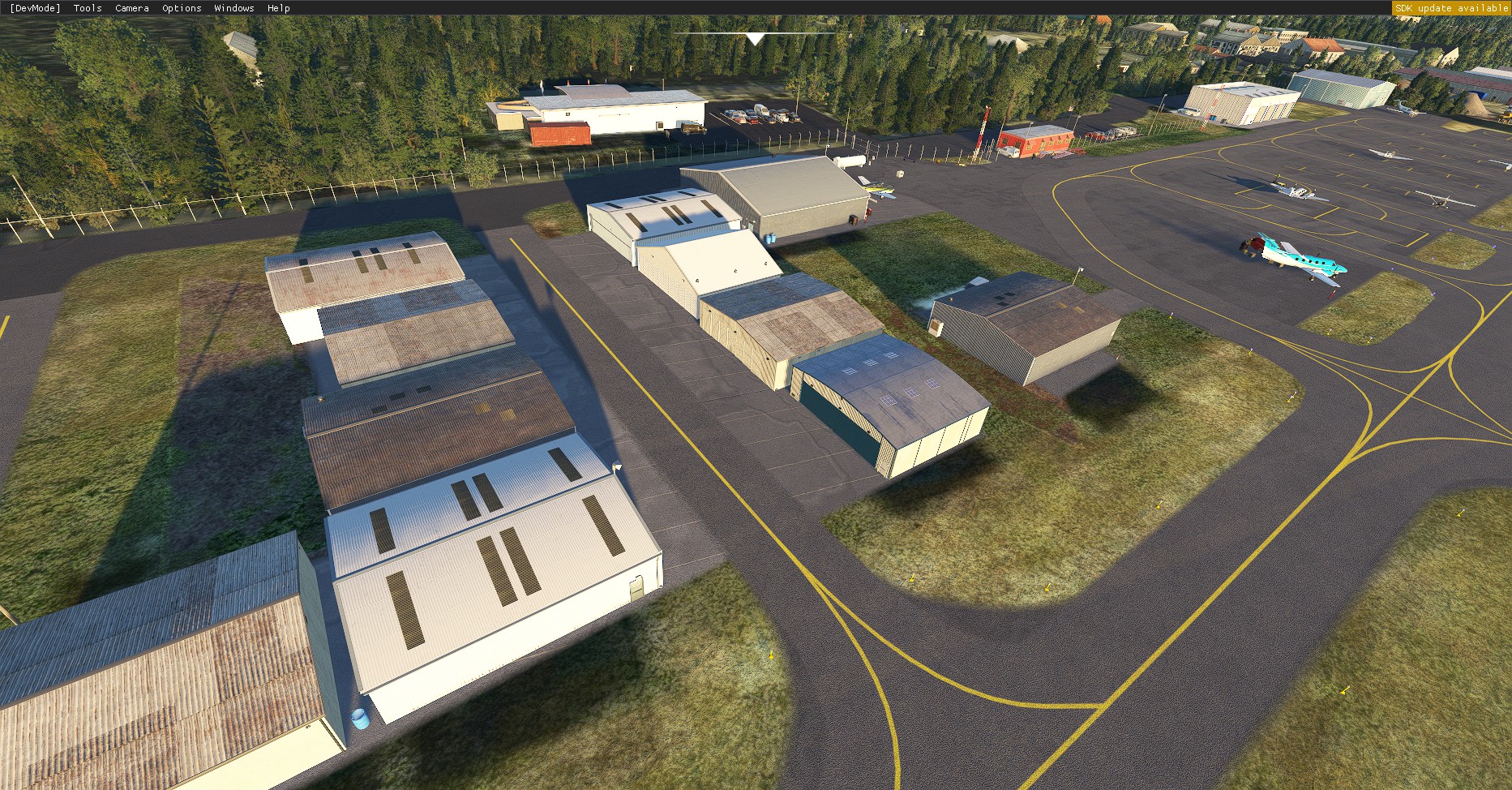
Florence Municipal Airport is a public airport located in the city of Florence, on the beautiful central Oregon coast, USA. It is mostly used for general aviation. The Airport contains one asphalt paved runway, 15/33, which measures 3000 x 60 ft (914.4 x 18.3 m).
I decided to add scenery to this airport since the FS2020 default version does not have any airport buildings (except for a few generic buildings at the north end of the field). This is my third airport enhancement; and like the first two, I did this for my own enjoyment and decided to share it with all of you.
Improvements:1) Added all buildings including hangars, assorted other structures, fences, people, static aircraft and scenery.
2) Placed the correct number of hangars and other buildings and objects in their proper location.
3) Added commercial structures and scenery objects bordering the airport perimeter and taxiway.
4) Installed airport night lighting.
5) Removed and replaced huge and out of place default tower/beacon.
6) Put aircraft parking spots to the correct location and orientation.
7) In order to make many of the above improvements, not only did I have to do scenery but in the process I had to redo the whole airport including runway, taxiways, aircraft parking, etc.
8) Runway in both directions has correct glide slope indicator lights (Papi2, MIRL and REIL systems).
9) Re-did all taxiway lights by hand.
10) Positioned the windsock to its correct location.
11) Added and removed stands of trees, to match reality.
To make this a simple and easy install, all the enhancements I've done use only the default objects, buildings etc. built into the SDK/MSFS2020.
Installation:Unzip and take the downloaded folder "alpharecon-airport-6S2-florence" and place it into your FS2020 Community folder. Once installed, the airport will be highlighted with a plug in icon in the FS2020 "world map".
Reference:https://skyvector.com/airport/6S2/Florence-Municipal-Airport
Other completed projects:- 1) (S45) Siletz Bay State Airport, Oregon coast, US.
https://flightsim.to/file/17684/s45-siletz-bay-state-airport-oregon-coast-usa - 2) (KONP) Newport Municipal Airport, Oregon coast, US.
https://flightsim.to/file/18251/konp-newport-municipal-airport-oregon-coast-usa - 3) (KOTH) Southwest Oregon Regional Airport, Oregon coast, US.
- https://flightsim.to/file/34994/koth-southwest-oregon-regional-airport-oregon-coast-usa
Thanks for your interest in Florence Municipal Airport, and I hope you enjoy my version.
Location
6S2 - Florence Municipal Airport, Oregon coast, USA
Enhance your virtual aviation experience with the meticulously detailed scenery enhancement for Florence Municipal Airport, located on the stunning central Oregon coast. This add-on enriches the default airport with accurately placed buildings, night lighting, and redesigned infrastructure for a more realistic flying experience in Microsoft Flight Simulator. Explore the beauty of the Oregon coast from the skies with this refined airport rendition.


User Reviews
5 reviews
Version History
No version history available.
Featured in Collections(2)


Related
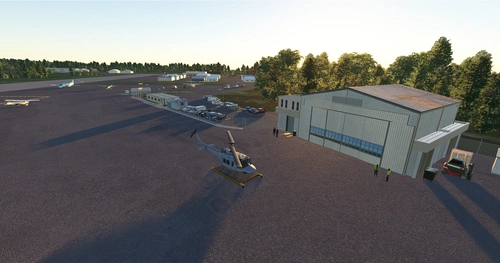
KONP - Newport Municipal Airport, Oregon coast, USA
Explore KONP - Newport Municipal Airport on the enchanting Oregon coast in the USA. This add-on includes accurate instrument approaches, custom buildings, and improved airport details, enhancing your flight simulation experience. Download now to discover the beauty of this general aviation facility surrounded by stunning coastal scenery.
by AlphaRecon
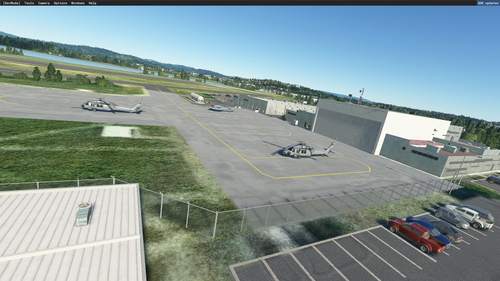
KOTH - Southwest Oregon Regional Airport, Oregon coast, USA
Explore the Southwest Oregon Regional Airport, located on the Oregon Coast, USA. This add-on features accurate details of the airport, including runways, taxiways, and buildings. Experience improved visuals, night lighting, and realistic airport elements for a captivating flight simulation experience. Add this to your FS2020 Community folder for a seamless integration into your simulator.
by AlphaRecon
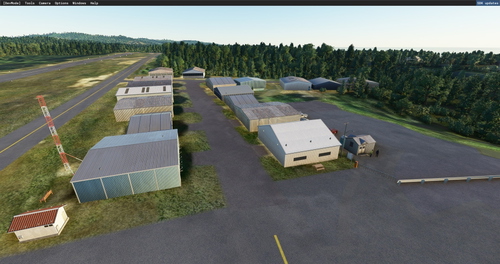
S45 - Siletz Bay State Airport, Oregon coast, USA
Explore the scenic Siletz Bay State Airport, situated on the captivating Oregon coast. This detailed add-on enhances the airport with accurate structures, runway adjustments, and more. Dive into a realistic flying experience with improved visuals and fixed issues. Upgrade your MSFS2020 with this impressive rendition today.
by AlphaRecon
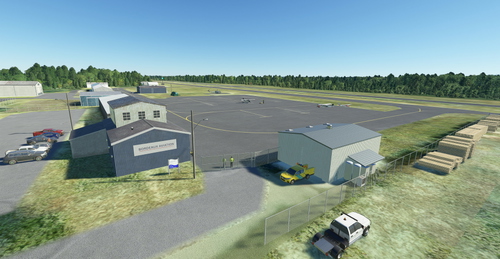
S05 - Bandon State Airport, Oregon coast USA.
Enhance your virtual Oregon coastal experience with the S05 - Bandon State Airport add-on for Microsoft Flight Simulator. This public airport features a single asphalt runway, buildings, hangars, and detailed scenery improvements enhancing the overall airport environment. Enjoy correct runway lighting, commercial structures, and accurate placement of objects for a realistic simulation experience. Simply unzip and install the folder in your Community folder to explore this beautifully crafted airport on the scenic southern Oregon coast.
by AlphaRecon
Log in to join the discussion
Log InComments(11)
8 months ago
10 months ago
over 1 year ago
over 2 years ago
Also here many thanks from Germany for designing this now to a cool place to fly :-)
almost 3 years ago
almost 5 years ago
Love your stuff - great work! Gold Beach, next? I was born there! :)
about 5 years ago
This is great! So happy to get more of these Oregon little gems. I love your previous airports as well. Adding what Asobo/MS leaves out makes the world of difference.
I used an addon linker to go back and forth between default and your version. It's sad how much detail was left out of the default sim.
Would you be interested in doing another airport?
about 5 years ago
Glad you and others enjoy my airport enhancements. Thanks for the 5 stars, I appreciate it. I started working on KOTH, Southwest Oregon Regional Airport in North Bend (another Oregon coast airport). Again, thanks for your kind comments.
about 5 years ago
Beautiful scenery, making the Oregon Coast even better! Excellent job, I look forward to more projects from you.
about 5 years ago
Beautiful scenery, making the Oregon Coast even better! Excellent job, I look forward to more projects from you.
about 5 years ago
Thanks for the kind comments, and the 5 stars. I appreciate it.