

Description
SCRIPTS FOR PMDG B737-600/700/800
Here is a complete set of scripts for the B737 from PMDG to use with Axis and OHs. Get it from here.
This set includes all the functions for the B737s.
Just import this scripts into your AAO via "import script" function. For questions just drop a line or join my discord server for help.
If you find some missing codes just let me know by dropping a comment or join my discord server for help.
Please also consider a small donation as finding VARs and writing scripts is a very time consuming work, as this will keep up the progress for further developments. Thank you!
Enjoy!
SCRIPTS FOR PMDG B737 to use with AXIS AND OHs
Complete set of scripts for PMDG B737-600/700/800 to be used with Axis and OHs, including all functions for the aircraft. Easily import the scripts into your AAO via "import script" function. Join the Discord server for any questions or assistance. Donations are appreciated to support ongoing development efforts.
Supporters

User Reviews
11 reviews
Version History
Changes in this update: - added scripts for MANUAL GEAR EXTENSION Import and replace scripts in AAO.
Related
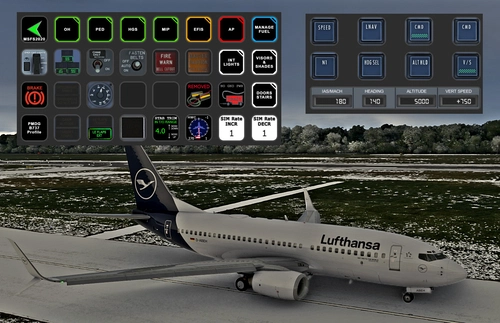
PMDG B737 (600/700/800/900) STREAMDECK XL AND SD PLUS PROFILES (need Lorby's AXIS and OHs)
Enhance your PMDG B737 experience with this meticulously crafted StreamDeck XL and SD+ profile. Enjoy a wide range of features like AIRCOND, AP, EFIS, and more. Customizable and compatible with all PMDG B737 variants (600-700-800), this profile is designed to elevate your cockpit setup. Simply follow the installation instructions and explore the possibilities for a more immersive flying experience.
by Chris_PU_A320
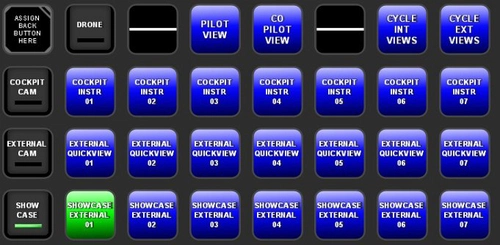
MSFS2020 CAMERA VIEWS STREAMDECK XL PROFILE (need Lorby's AXIS and OHs)
Customize your camera views in Microsoft Flight Simulator with the MSFS2020 Camera Views Streamdeck XL Profile. This pre-configured profile allows you to easily access a variety of internal cockpit, external, and showcase views directly from your Streamdeck. Simply import the profile, set up Lorbys Axis and OHs, and enhance your sim experience with personalized camera settings at the click of a button.
by Chris_PU_A320
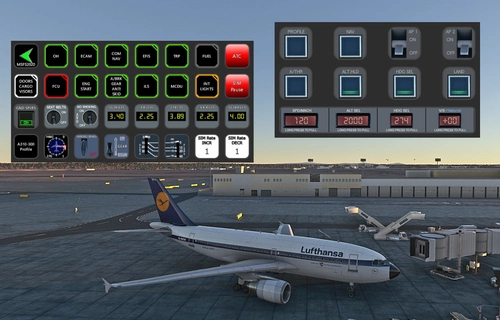
A310-300 STREAMDECK XL AND SD+ PROFILE (need Lorby's AXIS and OHs)
Enhance your A310-300 experience with the A310-300 STREAMDECK XL and SD+ Profiles, designed by iniBuilds. Offering various detailed pages and functionalities, this profile requires Lorbys Axis and OHs SD plugin. Installation instructions and ongoing updates are provided for optimal performance.
by Chris_PU_A320
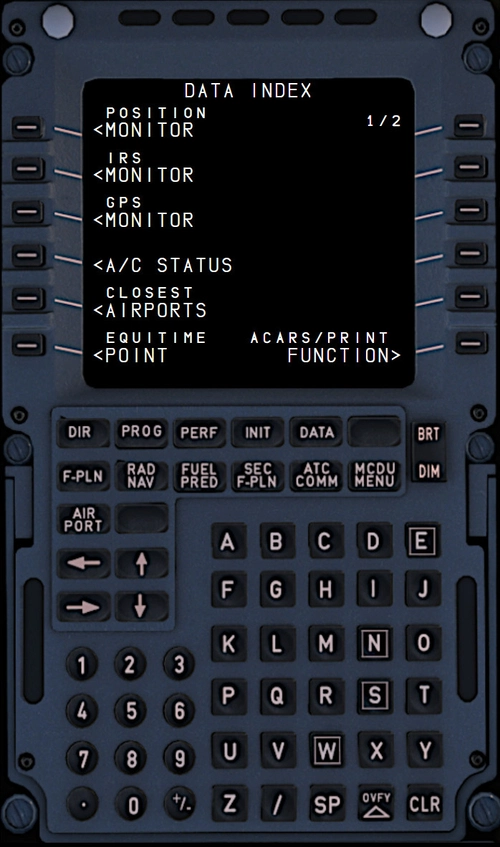
MCDU for FBW A320/HEADWIND A339 to use with AAO W/O SimBridge
Enhance your FBW A320neo and Headwind A330Neo experience with this MCDU addon, no SIMBRIDGE required. Compatible with AAO Version 3.02+, it can be accessed on local browsers or remote devices. Simply install in your Community folder and AAO WebPages Folder, then start AAO, connect to the sim, and load your aircraft.
by Chris_PU_A320
Log in to join the discussion
Log InComments(45)
over 1 year ago
my download result is in CHINESE language. Please tell me why.
Sorry, I am new with your work
Brg Jo
over 1 year ago
over 1 year ago
Rgds
Chris
over 2 years ago
over 2 years ago
over 2 years ago
over 2 years ago
Rgds
Chris
almost 3 years ago
almost 3 years ago
almost 3 years ago
over 3 years ago
Hello!
Is it possible to to select flaps lever 40 direct with a keybind?
Thank you!
over 3 years ago
Yep it sure is.
join my discord server for support.
over 3 years ago
thanks man finaly can turn on vnav and lnav with keys :)
don't know why this isn't in the sim by default
over 3 years ago
Because ever developer use their own codes/scripts.
almost 4 years ago
Thank you very much for your work!
almost 4 years ago
It is all within the script group. Search within the EFIS section for RANGE/MODE dec and inc.
cheers
Chris
almost 4 years ago
Danke
almost 4 years ago
about 4 years ago
Hello, I installed Axis and Ohs yesterday so that I could finally use the switches on my HC Alpha and Bravo. It worked great after the install until I closed MSFS to start another flight. Now, it does not function with the sim. The AAO control panel is working, connected and button lights function with my controllers, just no functionality with the aircraft. Has anyone else seen this? Jerry
about 4 years ago
Hi, if you are using a different livery of the same aircraft you have to mount the template to this aircraft as well. AAO saves according to liveries.
cheers Chris