
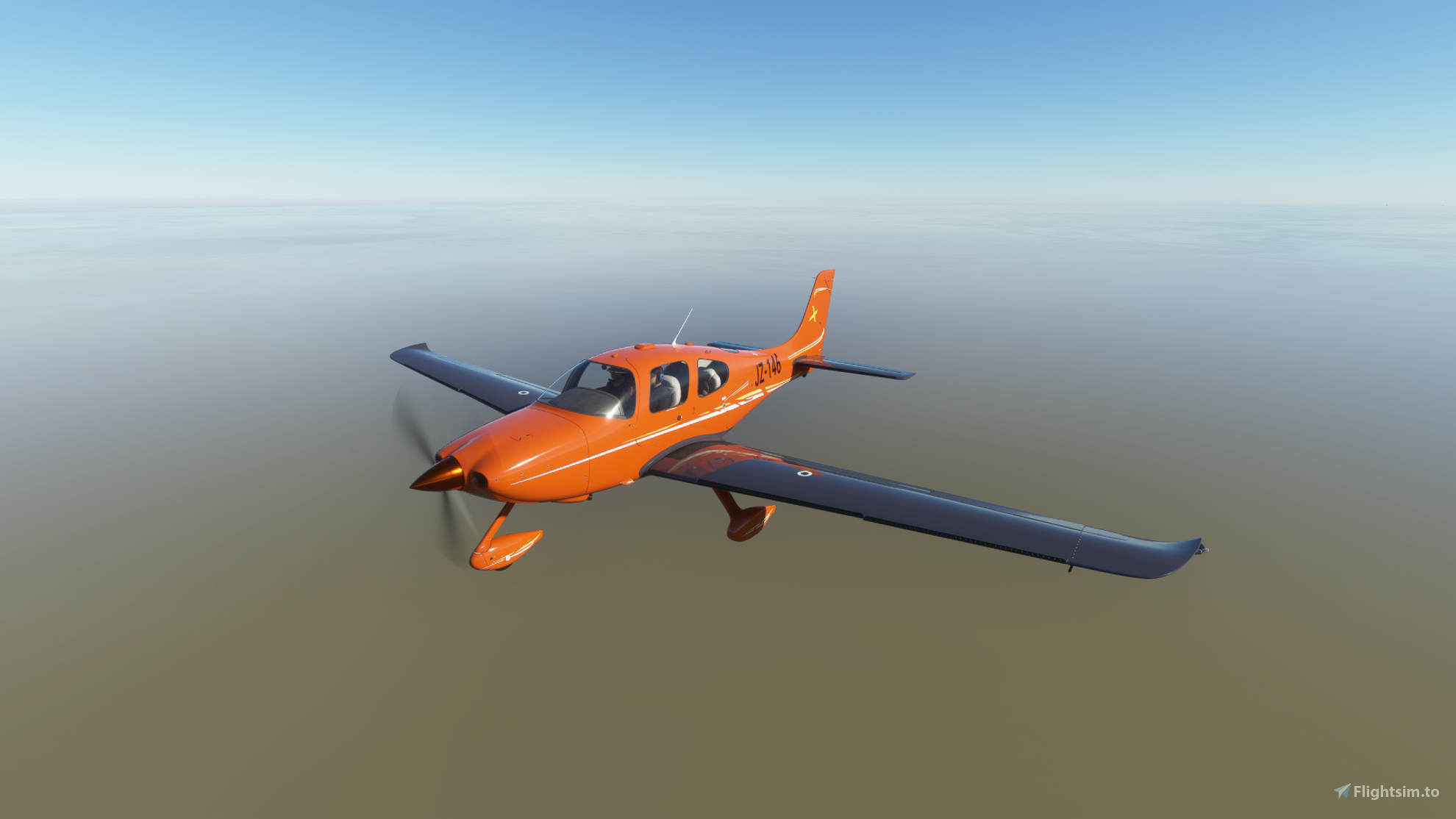
Description
These are not just coloured in SR22's; the are coloured using a rich, classic colour range delicately mixed with special carbon belly and wings and finished off with sympathetic flashes and a golden 'x' to complete the look.
Smeary hopes you like these alternative colours for the SR22. Please let me know what you think and, if you havent already, look for them on the majority of small and medium aircraft (as well as one heavy).
Sadly, while I have been updating the colour of the registration numbers I have found, ironically as this is the livery it was asked for, that the SR22 is missing an xml file that will enable it... so it seems it is the only livery unable to change! Pah!
As with all multi colour packs: unzip the main container and extract the colour folders from within (there are 8 called something like 'Asobo_SR22_XXXX'). Drag these kicking and screaming* into your community folder.
o7
*They won't kick and scream... I have trained them well.
Note: Since finding that another site was uploading my liveries without permission, I have chosen to assert my copyright (written into the documentation for the livery). Please.. please... do not upload these files to any other sites without my express permission. This is for made available freely for your own personal use.
Cirrus SR22 X Series (9 colours)
Dive into a world of vibrant colors with the Cirrus SR22 X Series add-on, offering 9 unique color variations with special carbon belly and wings. Enjoy a fresh look for your SR22 and customize your flight experience with these striking liveries. Please ensure to follow the installation instructions to add these colorful liveries to your aircraft collection.


User Reviews
4 reviews
Version History
Removed adjustments for tail numbers which was simply causing a white triangle. Raised issue of tail number colour with Asobo...
Related
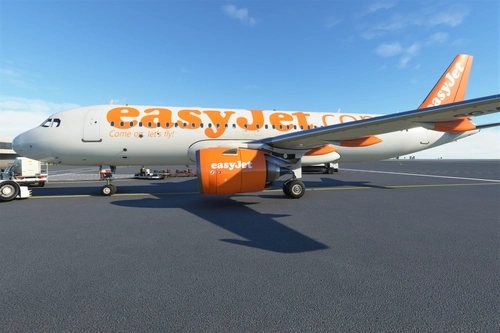
Airbus A320neo EasyJet (DotCom livery)
Introducing the classic Airbus A320neo EasyJet livery, replacing the original telephone number with the iconic .com design. This nostalgic livery, featuring the famous orange color scheme, is a must-have for aviation enthusiasts. Thanks to community requests, this add-on brings back a piece of aviation history to Microsoft Flight Simulator.
by SmearyGrain
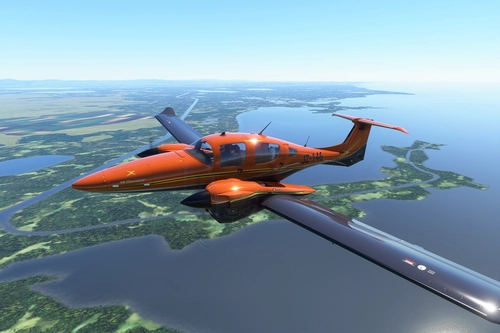
Diamond DA62 X Series (9 colours)
Enhance your Diamond DA62 experience with the X Series add-on, featuring 9 unique liveries by SmearyGrain. Stand out from the crowd with vibrant colors like Burnt Orange, gold, and silver inlays. Simply unzip the folder and select your preferred color to customize your aircraft. Remember to respect the creators copyright by not uploading these files to other sites.
by SmearyGrain
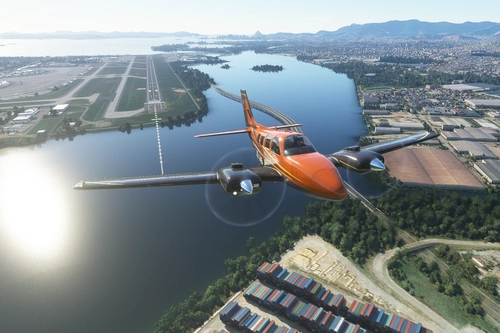
Beechcraft Baron G58 X series (9 colours)
Add a touch of style to your Beechcraft Baron G58 with the X series, featuring 9 vibrant color schemes and sleek carbon wings. Easily unzip and install the packs to customize your flying experience. Share your feedback and suggestions for future X series designs.
by SmearyGrain
![[A32NX] Airbus A320 NX EasyJet.com (FlyByWire)](https://cdn.flightsim.to/images/13/93zyL_lQ.png?width=500)
[A32NX] Airbus A320 NX EasyJet.com (FlyByWire)
"Experience the classic EasyJet.com livery for the Airbus A320 NX with this FlyByWire mod. Originally introduced in 1998, this livery pays homage to the iconic design that represents EasyJets history. Created based on requests from the flightsim.to community, this mod brings a touch of nostalgia to your virtual flights."
by SmearyGrain
Log in to join the discussion
Log InComments(25)
about 4 years ago
can we set our own reg numbers that show on the fuselage?
about 4 years ago
Hi - yes, just change it as in the flight configuration page within game. All the best
about 4 years ago
Sold! Thank you!
about 4 years ago
Now you have asked me again I am going to check. It should be really simple...
about 4 years ago
Hey, just checked. Yes. Go to customisation (click on the plane in the world map) and change the tail number. Works just fine :-)
about 5 years ago
Hi all - happy to say I have tested this in update 5 and its working. Let me know if there are any issues out there
about 5 years ago
Hello. The only thing I experienced was the pink interior if you zoom out all the way on an external view. Otherwise it works well.
about 5 years ago
Agh, really - I suspect I know what that is.... I will need to have a look and play with the texture file (it has changed for a few models).
Thanks for letting me know
about 5 years ago
If you look at the Emirates SR22 livery on this website there's a conversation about the issue and how to fix it. I have yet to try it myself.
about 5 years ago
Thanks - I have a new Baron livery to release and will then work my way through the list of liveries and check things out - It is to do with the 'aircraft' cfg in the texture file... it is missing a reference that Asobo have now included.
over 5 years ago
over 5 years ago
over 5 years ago
over 5 years ago
over 5 years ago
thanx for your fast answer. I just tried it and yes, it works fine again. I don´t know what it was but i had the problem twice.The first time the MFD showed just some green circles and I couldn´t chaged that and the second time both displays were black.
For the mods I´m using "addon-linker" so I just have to enable or disable the mods. Btw I´m using burgundy (I love that colour).
Thank you a lot again.
over 5 years ago
On top of that, the camera's in game are fairly sketchy too at the moment. Am designing a llivery for the Baron at the moment and does some very odd things depending on how far out you zoom!
All the best
over 5 years ago
over 5 years ago
Many thanks for letting me know
over 5 years ago
I have now used 3 different colours (black, cream and red) in game and both Garmin screens seem to be working fine. Which colour are you using (may be one in particular is giving the problem).
If it isnt just one colour, then I would reinstall them to your community folder (i.e. delete them from the folder and then reinstall).
Hope this helps - let me know if I can help more