
Description
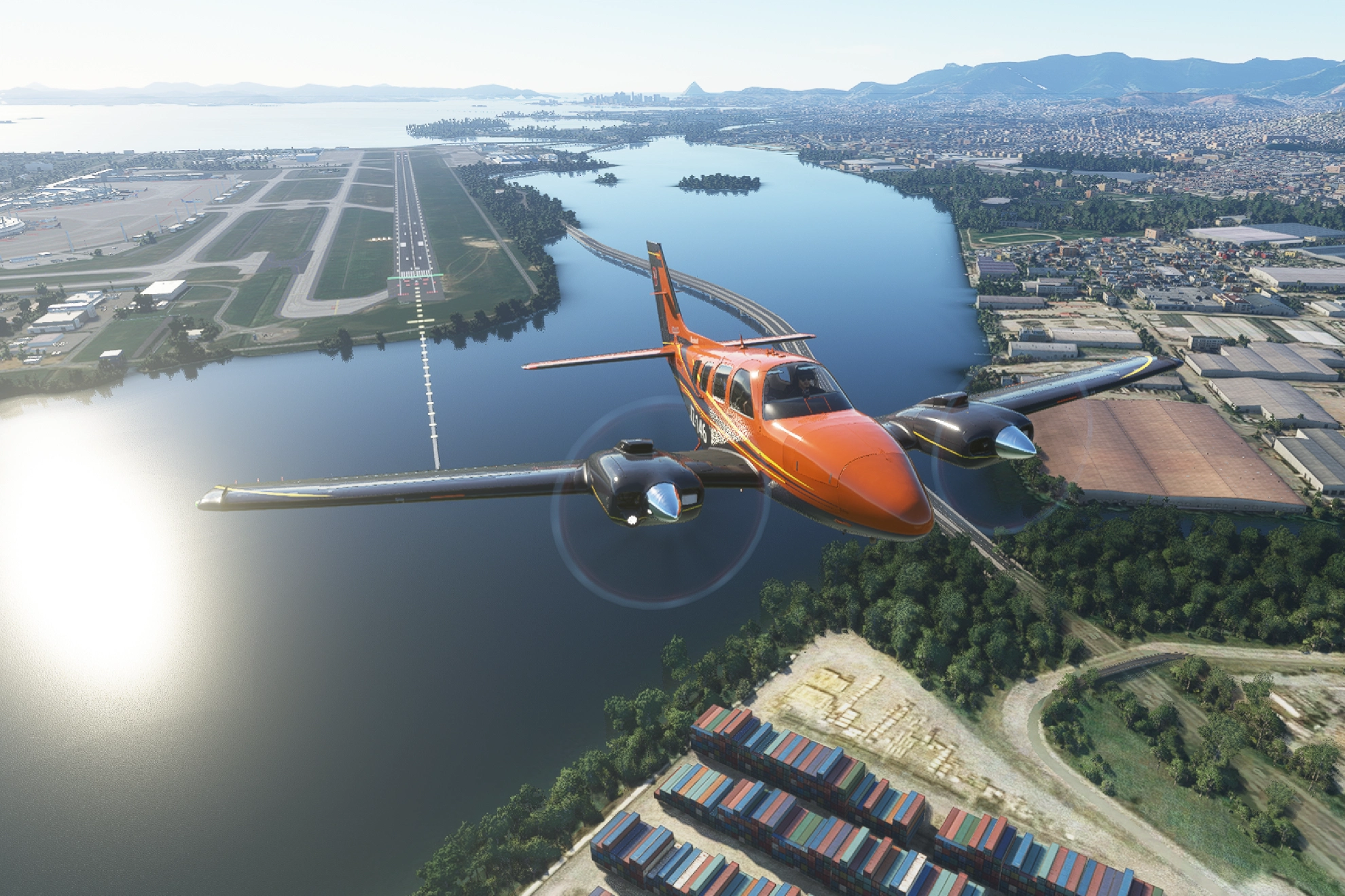
As the G58 is the flight of choice for the Smeary livery company, it is only right that the X series of liveries is launched to compliment the other special edition designs. Choose from 9 colours schemes which are offset by the robust and complimentary carbon wings.
As usual, packs containing several colour schemes need unzipping, and then the files in the main folder need to be taken out of the folder before dragging them into the community folder.
Comments, feedback and all praise are most welcome. Let me know if there is a model that needs an X series range and I will add it to the list... as long as the plans are available (or I can get a Harlequin design to help me work it all out).
o7
[Oct '21 - updated to remove the pink cockpit view]
Beechcraft Baron G58 X series (9 colours)
Add a touch of style to your Beechcraft Baron G58 with the X series, featuring 9 vibrant color schemes and sleek carbon wings. Easily unzip and install the packs to customize your flying experience. Share your feedback and suggestions for future X series designs.


User Reviews
4 reviews
Version History
Updated to remove the pink cockpit
Related
Beechcraft Baron G58 Cream & Burgundy
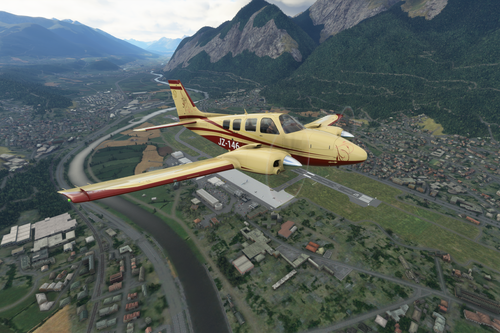
Experience a touch of elegance with the Beechcraft Baron G58 Cream & Burgundy livery. This add-on features a sophisticated cream and burgundy design with added decals for extra flair. Update includes a fix for the pink cockpit. Simply unzip and install to your Community folder.
by SmearyGrain
Beechcraft Baron G58 Blue Fusion
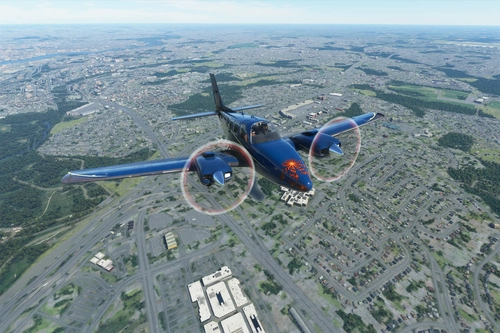
Add a touch of uniqueness to your Beechcraft Baron G58 with this Blue Fusion livery. Deep colors and a golden stripe offer a fresh look to your aircraft. Simply unzip the file and enjoy this updated design in your community folder. (Oct 21 update: Pink cockpit fixed)
by SmearyGrain
Beechcraft Baron G58 'World Tour' (2 liveries)
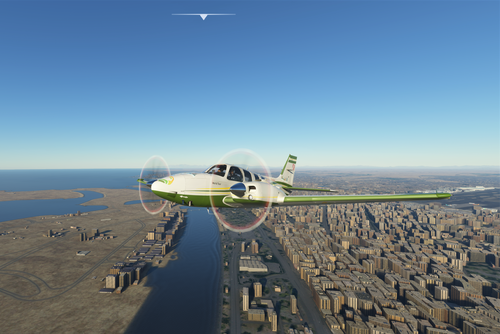
Embark on a global adventure with the Beechcraft Baron G58 World Tour add-on, featuring 2 unique liveries to accompany your journey. Customize your aircraft with the world touring livery or opt for a sleek vanilla design for a different flying experience. Explore new destinations and enjoy a realistic flight simulation in Microsoft Flight Simulator.
by SmearyGrain
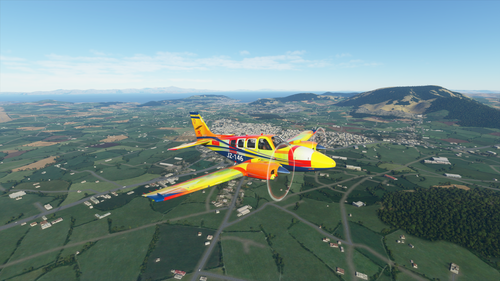
Beechcraft Baron G58 "Harlequin"
Introducing the Beechcraft Baron G58 "Harlequin" livery, a unique addition to your aircraft collection. This custom livery, with a touch of color, is perfect for those seeking a fresh look for their Baron G58. Simply drag and drop the file into your community folder to enjoy this eye-catching design.
by SmearyGrain
Log in to join the discussion
Log InComments(32)
about 5 years ago
Hi all - happy to say I have tested this in update 5 and its working. Let me know if there are any issues out there
about 5 years ago
OK... The website says SU5 compatibility unknown, but I'm gonna go out on a limb and trust you...
about 5 years ago
I do fly my own designs:-) Once you have tried them, please remember to tick the box
over 5 years ago
these are in the livery list, but when I choose one, i can't see it when i fly
over 5 years ago
The G58 is my favourite aircraft, so I am using them a lot... it will work :-)
If you get further issues please do should - there are other things we can try if that fails
All the best
over 5 years ago
If i try to select one of the 9 livery, i see always the basic livery (with stripes and SMYGN on the side)
if I try to put a basic livery, i see a strange one
over 5 years ago
I installed BeechBaron G58 (9 Colors) and Harlequin.
All liveries appear correctly in FS2020.
But neither in the "Hangar" nor in the aircraft selection are the liveries adopted? Only the default version is always displayed.
Unfortunately I cannot attach a screenshot.
Regards
Heinz
over 5 years ago
How have you added them? If you unzip the folder outside of the community folder there should be 9 files inside - each with the colour reference. Drag those into your community folder and you should be OK. If you already have some in the folder delete these first.
Let me know how you get on, o7
over 5 years ago
I see the Liviries in the little aircraft window on the world page
is the selected livery displayed correctly, only in the hangar and on the runway?
I did some more research. When I load the default machine, the ID is ASXGS. For example, when I charge the Burnt OrangeX, the ID is SMYGN .. but that is Orange, that's the problem?
Regards
Heinz
over 5 years ago
I have tested the G58 and can confirm that, without any installer, they are working fine.
I will have to have a look at the addon linker that you have - but I suspect the issue is there... are you able (and OK) to try them there?
Again, thanks for the feedback - I want these liveries to work for people although RL has been pretty harsh on stuff this year si far
over 5 years ago
Heinz
over 5 years ago
over 5 years ago
over 5 years ago