
Description
Open Hangar Library
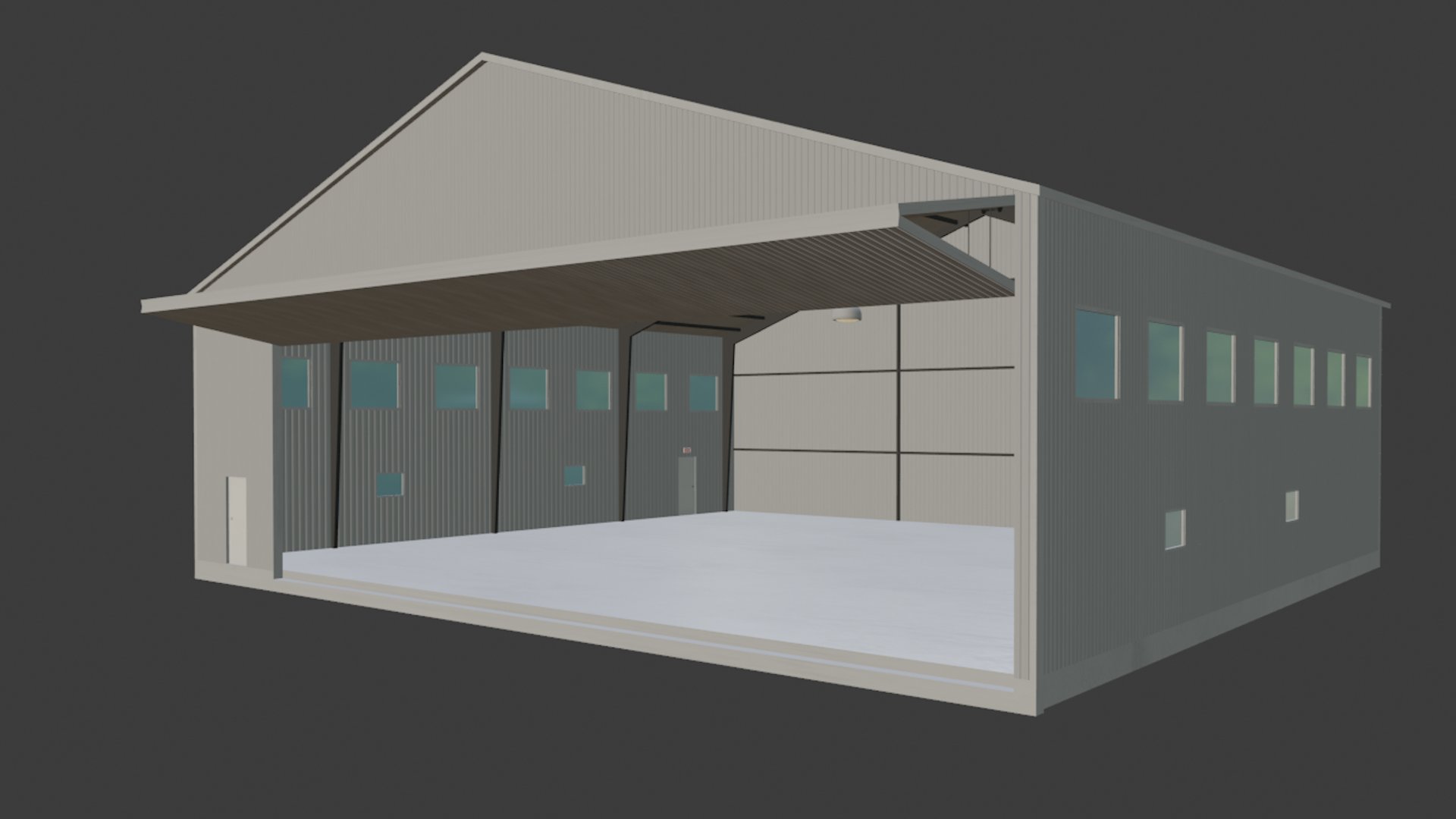
This is going to be a constant work in progress as I make more hangar models. This is only meant to be used by scenery devs looking to add open hangars to their projects. This does not replace or generate open hangars to the entire sim. I've designed this library so that it does not have to be a dependency, scenery devs can include these models natively in their own projects without having to make this download a requirement to other users.
The models I'm adding are repurposed from my previous scenery projects, so as I make more sceneries I will update this with new models as appropriate. I've tried to include a decent mixture of common hangar styles and sizes. If you include any of these models in your projects do not feel like you need to credit me in any way. I already made these models for my own scenery projects and the files are just sitting on my PC doing nothing, if they can help make some cool sceneries for other people then that's all I care about.
Instructions for using the models are included in the download, hopefully they make enough sense to get things up and running smoothly. I've also included an index with pictures of the models and their file names so it isn't a royal pain to figure out what each hangar looks without opening the game.
Keep in mind that I'm not the world's greatest 3D modeler. Not so long ago I taught myself how to use Blender through Youtube videos for the sole purpose of making buildings for MSFS airport projects so my experience is limited to say the least. Lastly, I apologize in advance for my sloppy and inconsistent naming system of the textures.
Version 1.1 (Experimental):
- Added the raw Blender files. I don't know for sure if the textures stayed linked to the .blend files. If you open the model in Blender and everything is pink, try going to: File > External Data > Find Missing Files , and then select the 'texture' folder for that model.
- I do not want to teach people how to use Blender. This is only meant for people looking to practice on their own or people that already know how to use Blender and want to further customize the hangar models
Version 1.0:
- 3x T-hangars
- 6x small to medium sized standard hangars
Open Hangar Library
The Open Hangar Library is a collection of hangar models designed for scenery developers wanting to incorporate open hangars in their projects for Microsoft Flight Simulator. The library includes various common hangar styles and sizes, with models repurposed from previous scenery projects. With no need for crediting, developers can seamlessly integrate these models into their own projects. Additionally, an index with pictures and file names is provided for easy reference, along with Blender files for further customization in version 1.1.


Supporters

User Reviews
11 reviews
Version History
- (Experimental) Added raw Blender files for 3D modelers
Related
Mikea.at - AssetPack
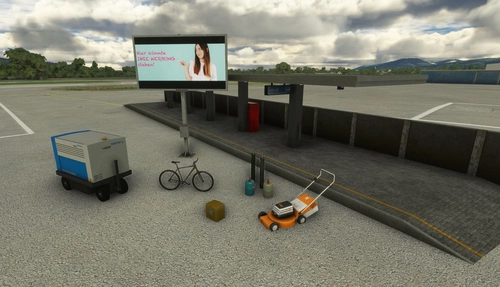
Discover Mikea.at - AssetPack, a collection of assets for enhancing your scenery projects in Microsoft Flight Simulator. This pack includes a variety of objects like gliders, signs, vehicles, and more, all available for easy access in your community folder. Keep an eye out for regular updates and additions to this growing pack of detailed assets.
by Mikea.at
MSFS 2020 object library 200+ models - towers hangars to cones v14-11 UPDATE
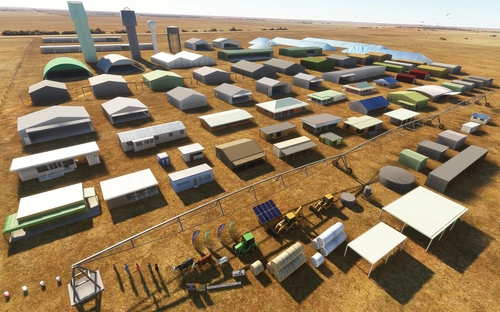
Object library with a variety of useful objects designed to be frame rate friendly using LOD (level of detail) so simple models used in longer distances. Smaller objects will not disappear in short distance due to the addition of large triangles underground. Objects are high quality using PBR textures and with some animated.
by colinj
Emerald Object Library
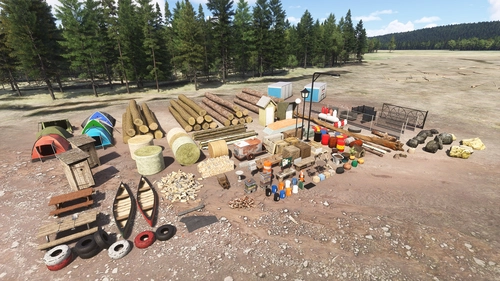
A library for Emerald Scenery Design addons and freeware developers containing over 400 Models, Environmentally-Dynamic SimObjects, Visual Effects, Wwise Sounds, and Materials. Emerald Object Library is now available on the MSFS Marketplace for PC and Xbox!
by Emerald Scenery Design
Animated Human 3D Models Library
A library of nearly 300 animated human models and animals for Microsoft Flight Simulator, offering a variety of actions and colors. Models include civilians, business people, airport staff, animals, and more. Includes SDK object search guidelines and a separate section for developers with tutorials on creating custom content. Version 1.3 update brings new models and props like cyclists, wheelchair users, and livestock for enhanced realism.
by superspud
Log in to join the discussion
Log InComments(35)
10 months ago
5 months ago
about 2 years ago
over 2 years ago
over 2 years ago
over 2 years ago
over 2 years ago
over 2 years ago
almost 3 years ago
Two questions:
1. Will this library gets updated one day?
2. Can we adapt some hangar (initialy to our specific needs) but then afterward, share it again updated in this "open hangar library" ?
Thank you again!
over 2 years ago
1) I want to update it "soon" but I've just been too busy at work lately to make any progress on it.
2) You can use and modify the files however you want and there is no requirement to credit me in any way. I will say, though, that I can't commit as much time to MSFS as I used to so even if you share a new file with me there is a good possibility I won't get around to incorporating it into the library.
over 2 years ago
almost 3 years ago
about 4 years ago
Thank you so much! This is exactly what I was needing for the small airport I am designing.
over 4 years ago
Perfect complement to map-modding community. Would love one flat roof open bay hangar, although uncommon one would be a great addition. Nice work!
over 4 years ago
Hi Windhover
As promised I have started on the LODs models using your Blender files. Began with the hardest one gen_open_hangar09. Results so far - original model has had all the redundant surfaces (ones that could not be seen) removed and some split up surfaces combined into one. Result 10670 triangles now 7897. 36% reduction. I am still working on the simpler LOD models as you move into the distance. I would like to send you the updated files (compiled with the same GUID of course) so you can replace the ones on your web site with the easier on the frame rate versions. Could you drop me your email address please. colinj87@hotmail.com.au I will be away from my computer for the next week so will have the first file sent over after that.
cheers
colinj
over 2 years ago
over 4 years ago
Thank you for these. Helps me spruce up my sceneries!
over 4 years ago
Glad to see that, looks great!
over 4 years ago
Big thank you! These high quality models look really great, and the night lighting give them that extra pop.
over 4 years ago
Thank you very much!