
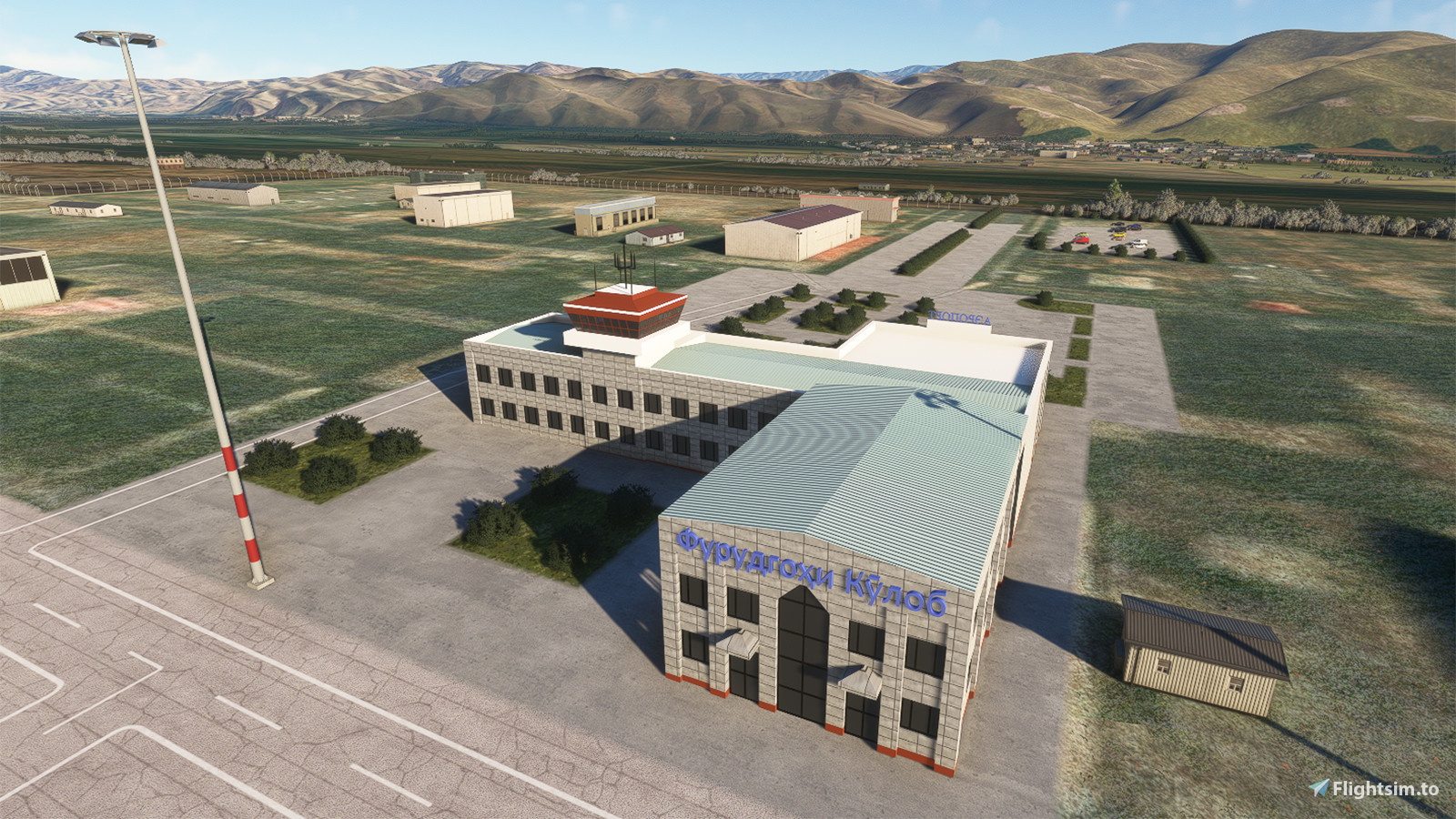
Description
* It is known that there are obvious MISALIGNMENT between the ILS localizer track and the runway in case you are using navdata from 3rd vendors like Navigraph or payware aircraft like Fenix A32X. However the runway for this airport is placed in alignment with satellite imagery, which is most accurate so I decided not to make the runway to align with the ILS for the case stated above. DO NOT USE AUTOLAND and fly manually on short final*
When I was making the Afghanistan Airstrip Pack, I found this airport on Google Map at the border between Tajikistan and Afghanistan, and it is missing in the game. I search on this website, no one made this, so it's my turn again.
The runway of this airport is obviously inclined, which the elevation difference between runway thresholds is more than 40M. Takeoff and landing could only be conducted at the south of the airport, although I don't think it is technically challenging at the opposite side. The only precaution is that don't fly at the east of the airport if you are not flying to/from Afghanistan, as it is very close to the border.
The size of the terminal is very small comparing with the size of the apron. All the parking spaces are taxi-in taxi-out, which means no pushback is needed although there will be one in the sim. Although the runway is longer than 3KM, you are recommended to land not faster than 140KIAS if you can, otherwise you maybe unable to stop the plane before the last exit (TWY C), then you need to keep taxi forward to the end of the runway and then turn back to enter TWY C.
Now the navdata and the scenery have been separated. Just delete the file "navdata-utdk.bgl" if you have subscribed 3rd party global navdata from vendors like Navigraph to prevent conflicts. Also check here if you experience the very common "double runway" issue:
https://www.youtube.com/watch?v=JzOTMAh7wIw
--
Welcome to subscribe my channels for MSFS live game-play:
https://www.youtube.com/channel/UC21efZOlIujoYpzzCGoiYfQ
https://www.twitch.tv/kychungdotcom
Location
UTDK - Kulob (Kulyab) Intl. Airport
UTDK - Kulob (Kulyab) International Airport is a scenery add-on for Microsoft Flight Simulator, replicating this notable airport located on the border between Tajikistan and Afghanistan.

User Reviews
4 reviews
Version History
Reconfigured ILS (It is known that Fenix aircraft loads its own set of navdata rather than loading from the sim so it has no effect)
Related
Paro Airport (VQPR) Remake with Restored RNAV Procedures
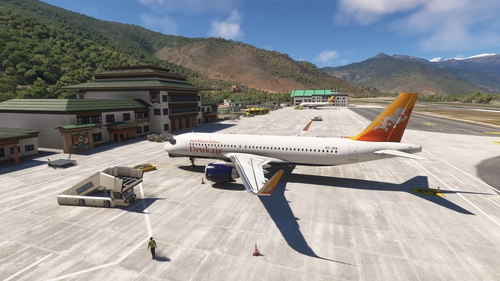
Discover the enhanced Paro Airport (VQPR) and nearby landmarks with this addon. Experience updated runway, apron, and taxiway layouts, as well as revised parkings for improved realism. Enjoy a detailed tutorial and separate navdata and scenery files for enhancing your flight simulation experience
by kychungdotcom
FHSH - St. Helena Airport
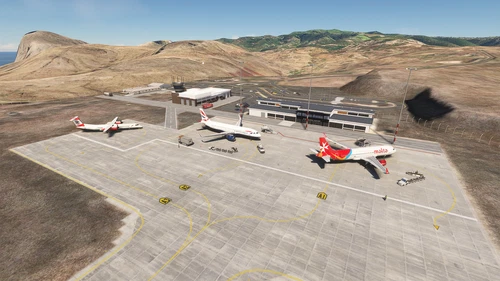
St. Helena Airport (FHSH) offers a detailed representation of this unique airport, known for its challenging approaches and distinct geographical features. The add-on includes handcrafted terminal and tower buildings, as well as three documented approaches.
by kychungdotcom
Pokhara Intl. Airport (VNPR)
Explore Pokhara International Airport with this handcrafted scenery mod, featuring a custom terminal building.
by kychungdotcom
VGHS - Dhaka (Hazrat Shahjalal) Intl. Airport
Hazrat Shahjalal Intl. Airport add-on for Microsoft Flight Simulator offers handcrafted buildings, precise runway placement with ILS localizers, and revamped taxiway system with corrected names. This enhancement includes detailed elements like airport gardens and car parkings, taxiway signs, and custom paint elements for a more realistic airport experience. Regular updates are expected as the airport progresses, making it a must-have for virtual pilots.
by kychungdotcom
Log in to join the discussion
Log InComments(20)
about 1 year ago
about 1 year ago
about 2 years ago
My previous images have not attached...
I can try to send it in private message.
about 2 years ago
Here is screens from Fenix navdata database and part of AIP.
May it can help to resolve the problem?
I have tried to change data in Fenix by your data, and the result was that offset changed to the other side...
about 2 years ago
There is only with Fenix A320...
about 2 years ago
about 2 years ago
A320 neo(v2) begins work properly with priorities:
Package name="navigraph-navdata-base" priority="1"
Package name="navigraph-navdata" priority="2"
Package name="kychungdotcom-airport-utdk-kulob" priority="3"
But Fenix still have the offset. (((
May you send here coordinates and other properties of ILS and runway in scenery?
I will compare it with data in Fenix.
about 2 years ago
lat: 38.00652413014347
lon: 69.81214323335850
alt: 706.08405600000003
magvar: 357.070007
heading: 13.00000000000000
about 2 years ago
Screenshot is attached.
about 2 years ago
about 2 years ago
I have the same problem: ILS 01 have offset about 80m to the right from visible runway.
I'm using fenix, pmdg 777, 737 and current Navigraph subscribtion
about 2 years ago
about 2 years ago
about 2 years ago
about 2 years ago
about 2 years ago
almost 3 years ago
about 3 years ago
over 3 years ago
Excellent scenario, I have a request to make an update, in the latest version of MSFS I observe 2 runways.
over 3 years ago
I guess you are subscribing Navigraph, where the "double runway" problem is very common for those airport not built-in with the sim. You may refer to the Navigraph official forum for possible workarounds. I did made an updated version for this airport, but I got stuck at somewhere which prevented me from releasing it.