
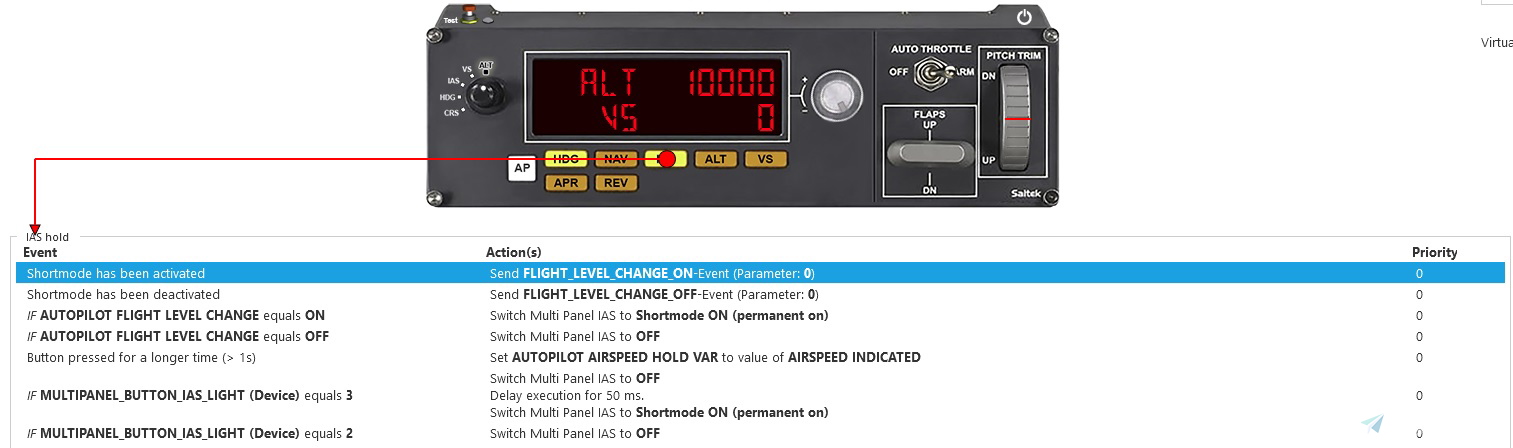
Description
This SPAD.neXt profile is designed for Logitech/Saitek panels, including multi, switch, and radio panels, to make them compatible with the TBM930. If you come across any bugs, mistakes, or have suggestions, please don't hesitate to reach out to me!
I recommend using a lower multi panel tuner pollrate. You can change it in settings > devices > multipanel (image)
Lower values will give you a smoother experience.
Installation:
Put "TBM930 Logitech Panels (current version) by Pollot.xml" into your SPAD.neXt profiles folder.
[Default location: C:\Users\[your name]\Documents\SPAD.neXt\profiles]
Version with [inHg] at the end, displays and changes QNH in inHg units
Description of profile functions (also located in the .zip file):
TBM930 Logitech Panels SPAD.neXt Profile - version 1.1 / created by Pollot (don't copy my work without my permission)
/////////////////////////////////////////////////////////
Switch Panel:
Master Battery [BAT] - Turns source BATT/OFF (switch does nothing when the source is set to GPU)
Master Alternator [ALT] - Turns generator MAIN/OFF (switch does nothing when the generator is set to standby)
Avionics Master - Changes screens brightness to 80%/30%
Fuel Pump - Turns auxiliary fuel pump AUTO/OFF
De-Ice - Turns airframe, prop and windshield de-ice ON/OFF (prop de-ice switch doesn't change its position, use light above it to recognize if it's on or not)
Pitot Heat - Turns both pitot heats (including stall heater) ON/OFF
Close Cowl - Turns lower G3000 unit charts pan/zoom control mode ON/OFF
Panel Lights - Turns panel lightning ON/OFF (doesn't affect panel light knob, so you need to set it manually first)
Beacon Lights - Turns pulse lights ON/OFF
Navigation Lights [NAV] - Turns navigation lights ON/OFF
Strobe Lights - Turns strobe lights ON/OFF
Taxi Lights - Turns taxi Lights ON/OFF
Landing Lights - Turns landing lights ON/OFF
Magneto OFF - Sets fuel tank selector to OFF
Magneto R - Sets right fuel tank
Magneto L - Sets left fuel tank
Magneto BOTH/ALL - Does nothing, use it as a neutral position when using auto fuel selector
Magneto START - Turns starter ON
Gear Lights:
Green - Fully extended
Yellow - Fully extended, but with airspeed equal to, or greater than 150 knots
Red - Not fully extended
Off - Retracted
Landing Gear Lever - Controls landing gear lever position
/////////////////////////////////////////////////////////
Multi Panel: value after "/" is with REV enabled & function after "/" is activated when you press and hold a button for longer than one second
Alt tab:
- Displays selected altitude and selected vertical speed
- Knob changes selected altitude by 100ft / 1000ft
VS tab:
- Displays selected altitude and selected vertical speed
- Knob changes selected vertical speed by 100ft / 500ft
IAS tab:
- Displays selected autothrottle speed
- Knob changes selected speed by 1kt / 10kt
HDG tab:
- Displays selected heading
- Knob changes selected heading by 1° / 10°
COURSE tab:
- Displays selected course (for NAV1)
Autopilot [AP] - Turns autopilot (and yaw damper if it's disengaged) ON/OFF
Heading [HDG] - Turns heading hold mode ON/OFF / Synchronizes selected heading to the current one
Navigation [NAV] - Turns navigation mode [NAV] ON/OFF / Synchronizes selected course (for NAV1) to the current heading
Indicated Airspeed [IAS] - Turns flight level change [FLC] mode ON/OFF / Synchronizes selected speed for FLC to the current one
Altitude [ALT] - Turns altitude hold mode ON/OFF / Synchronizes selected altitude to the current one
Vertical Speed [VS] - Turns vertical speed mode ON/OFFs / Sets selected vertical speed to 0
Approach [APR] - Turns approach mode ON/OFF
Reverse Course [REV] - Makes altitude/speed/degrees increments bigger and enables faster frequency changes on radio panel / Turns back course mode ON/OFF
Auto Throttle - Turns AP/TRIM switch ON/OFF
Flaps UP - Flaps up by a 1 notch / Opens cockpit door (works even when it's armed)
Flaps DN - Flaps down by a 1 notch / Opens cabin door (works even when it's armed)
Pitch Trim - Changes selected vertical speed
/////////////////////////////////////////////////////////
Radio Panel:
The inner knob changes COM1/2 frequency by 0.005 MHz and outer by 1 MHz
The inner knob changes ADF1/2 frequency by 1 MHz and outer by 10 MHz
With REV ON inner knob changes COM1/2 frequency by 0.025 MHz and outer still by 1 MHz
With REV ON inner knob changes ADF1/2 frequency by 10 MHz and outer by 100 Mhz
ADF changes active ADF, not standby
DME shows a distance from NAV1 on the left side and the NAV2 on the right side
In the XPDR tab, you can change your QNH using the outer knob, and squawk using the inner (press transfer button to change between squawk numbers)
Holding the transfer button in the XPDR tab for longer than one second will set QNH to a standard value
/////////////////////////////////////////////////////////
That's all, fly safe!
TBM930 Logitech Panels SPAD.neXt Profile
Enhance your TBM930 cockpit experience with this SPAD.neXt profile designed for Logitech/Saitek panels, offering seamless compatibility and functionality adjustments. The profile includes detailed functions for Switch Panel, Multi Panel (with REV enabled), and Radio Panel, optimizing your flight controls for a smoother simulation. Installation is simple - just place the provided file in your SPAD.neXt profiles folder to unlock the full potential of your Logitech/Saitek panels with the TBM930 aircraft.

User Reviews
2 reviews
Version History
- Fixed approach mode button not illuminating while doing RNP (RNAV) approach - Added holding multi panel buttons functions
Related
FBW A32NX Logitech Panels SPAD.neXt Profile
Enhance your FBW A32NX experience with this discontinued Logitech Panels SPAD.neXt profile. Designed for Logitech/Saitek panels, this profile offers compatibility with the Airbus A320neo. It requires a SimConnect connection and LVAR Bridge for optimal performance. Installation is simple – just place the file in your SPAD.neXt profiles folder. Fly safe with improved functionalities and added Honeycomb Alpha support.
by Pollot
Fenix A320 Logitech Panels SPAD.neXt profile
Enhance your Fenix A320 experience with this SPAD.neXt profile designed for Logitech/Saitek panels, including multi, switch, and radio panels. Ensure SimConnect connection and LVAR Bridge are installed for full compatibility. Install the profile, make adjustments, and fly safe while enjoying various panel functionalities.
by Pollot
PMDG B737 Logitech Panels SPAD.neXt Profile
This SPAD.neXt profile by Pollot is tailored for Logitech/Saitek panels, enhancing compatibility with the PMDG Boeing 737. The profile necessitates SimConnect connection, LVAR Bridge installation, and PMDG SDK activation. Included are detailed instructions for installation and profile functions such as multi, switch, and radio panel capabilities for an optimized flight simulation experience.
by Pollot
CRJ Logitech Panels SPAD.neXt Profile
Enhance your Logitech/Saitek panel experience with this SPAD.neXt profile designed for the Aerosoft CRJ. Install SimConnect connection and LVAR Bridge for full functionality. Enjoy smoother operation with lower multi panel tuner pollrate settings. Explore various panel functions and improvements in the detailed profile documentation.
by Pollot
Log in to join the discussion
Log InComments(9)
over 2 years ago
about 4 years ago
Muchas gracias por tu excelente trabajo.
over 4 years ago
Hello! may i know why the LVARS when i pressed avionics switch didnt work? thank you im in msfs2020 su8 spad next registered but subscription expired.
thank you
over 4 years ago
Have you installed the Lvar bridge? If not, you can do this in the SPAD settings.
over 4 years ago
Thank you , the profile are awesome!!!big thank you again
almost 5 years ago
Thanks! You are doing very important and necessary work! For those who do not have enough time and sufficient knowledge. I look forward to further developments.
almost 5 years ago
Thanks! I will make more of these for sure. I also want to make current profiles better, so feedback is always welcomed.
almost 5 years ago
Thanks for the great job! Tell me if this profile is suitable for EMB110P nextgensim bandeirante? Thanks!
almost 5 years ago
It could work, but it depends. The best way is to try it and change variables that weren't used in this aircraft to the correct ones