
Description
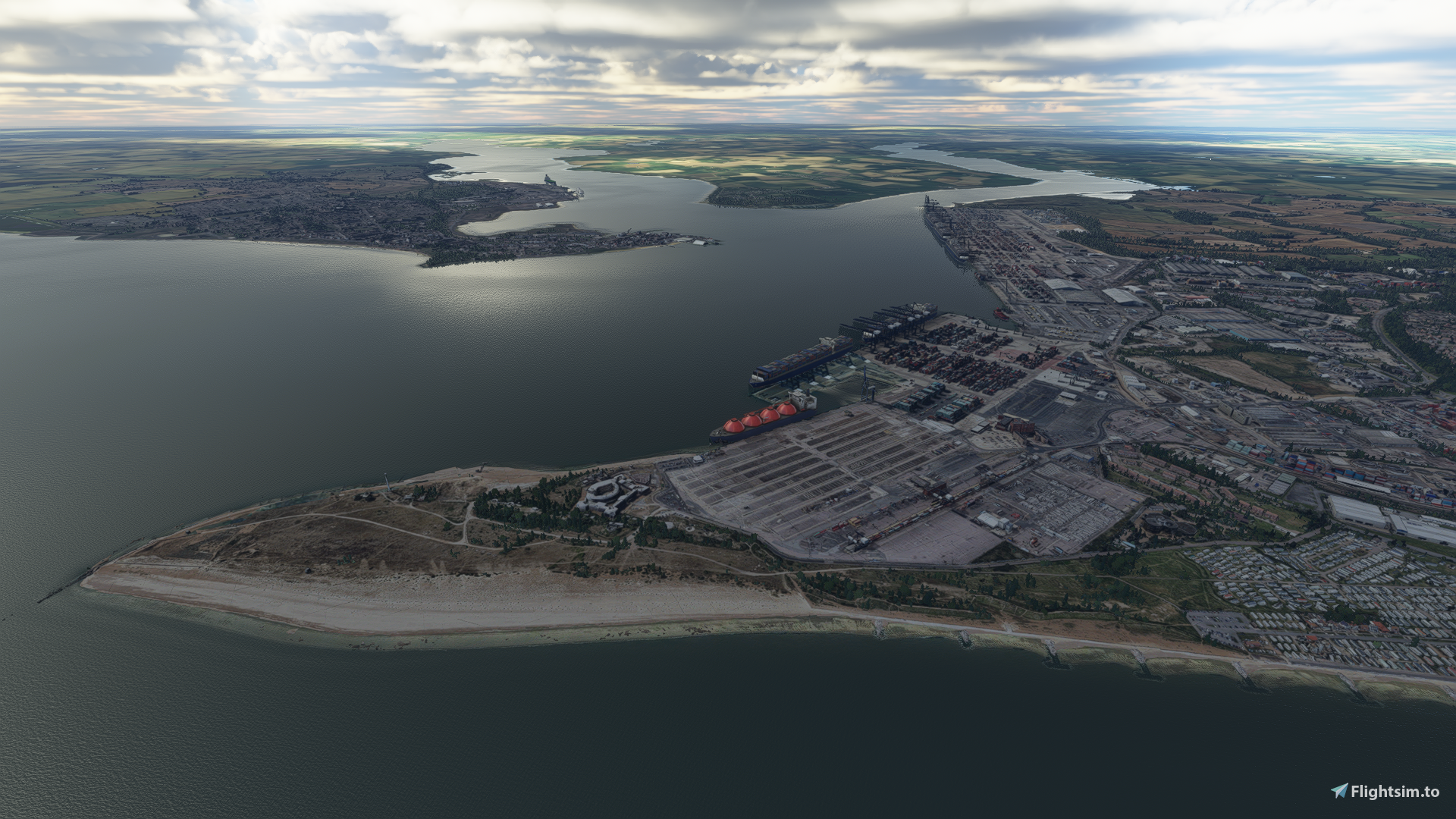
I am pleased to release my latest scenery pack, Felixstowe & Harwich
Special features
- Huge coverage area of 33 sq miles
- Optimized for performance - Using Thalixite's Google Earth Decoder Optimization tools.
- Captured in High LOD detail - I have captured all of Felixstowe in 17-20 LOD*. This gives better quality and crisper textures in lower down flight**
- Real Trees Terraforming - A special techinque I have utilized. With a precision use of terraforming, this replaces/hides the oblique google tree textures with real trees
- Colour Corrected Textures - Blends better and almost seamlessly with the surrounding default
- Added Extra Night Lighting - Over 1000 extra points of night lighting hand placed
To install, please see instruction in the user guide with this download
* Only Felixstowe is captured in 17-20 LOD. Harwich is in 17-19 LOD. I might update Harwich to 17-20 LOD later on depending on feedback here I get on performance.
** For users with lower end PCs that may struggle to run this high LOD version, please message me for a lower LOD option captured in 17-19 LOD.
Location
Felixstowe & Harwich - With Real Trees Terraforming
Enhance your virtual world with the Felixstowe & Harwich scenery pack, covering an expansive 33 sq miles. Optimized for top performance using Google Earth Decoder Optimization tools, it boasts high LOD detail, real trees terraforming, color-corrected textures, and extra night lighting elements. Dive into this meticulously crafted add-on for an immersive flight experience like never before.

User Reviews
7 reviews
Version History
Added new scenery Shotley. If you have previously downloaded version 1.0, you don't need to download the main file again. You only need to download the Shotley file
Related
Honolulu
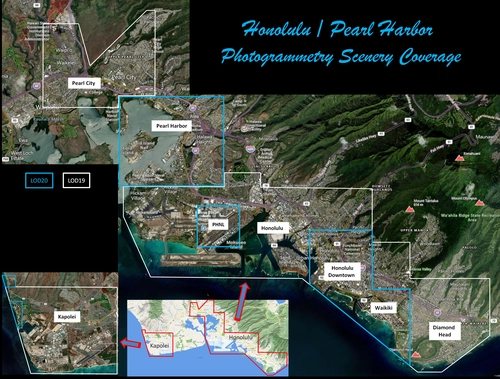
Explore the photogrammetry scenery of Honolulu, including the iconic Pearl Harbor area with optimized performance for better FPS. Discover Waikiki, Honolulu downtown, and more with this detailed addon. Enhance your experience by adding free mods for carriers, battleships, and military airplanes in Pearl Harbor and surrounding bases. Support the creator for future updates if you enjoy this mod.
by steveli
Downtown Los Angeles
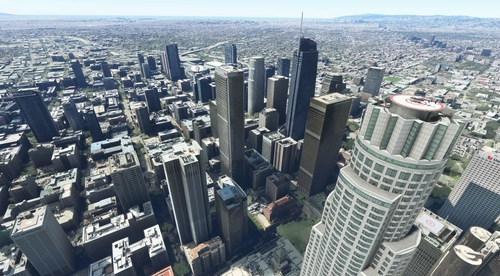
Various buildings and monuments that are missing from Los Angeles in the game that shoudn't be. Wilshire Grand Center, SoFi Stadium, 801 S Grand, 825 S Hill, 888 S Hope, 1000 Grand, Apex the One, Atelier, Aven Apartments, Metropolis Towers, Level Los Angeles
by senecadriver
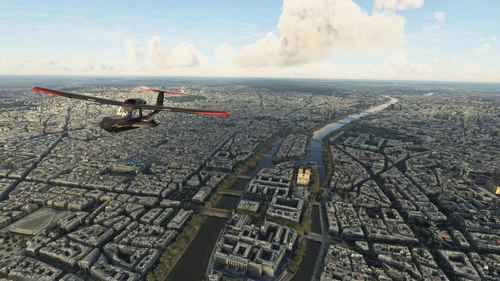
Paris
Explore the iconic cityscape of Paris in Microsoft Flight Simulator. This detailed add-on captures the essence of the French capital, featuring famous landmarks and architectural marvels. With accurate GPS coordinates, immerse yourself in the beauty of Paris, known for its historical significance and vibrant culture. Download now and experience the City of Light from a whole new perspective.
by Thalixte
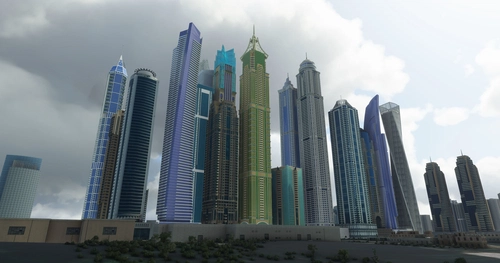
Dubai City Pack
Explore a detailed rendition of Dubai City and Jebbel Ali Port featuring over 250 custom buildings and various landmarks like the iconic hotels and tourist attractions. While focusing on enhancing the daytime visuals, this pack offers improved textures for select buildings, promising a refreshing experience for simmers. Additionally, adjustments have been made to SkyDive Dubai Airport to address previous elevation issues, ensuring a more immersive flight into this dynamic cityscape.
by risuali
Log in to join the discussion
Log InComments(38)
over 2 years ago
almost 4 years ago
Does this no longer work? Tried downloading and no luck
almost 4 years ago
Have just tried and seems to be working my end... might just have been a temporary glitch
about 5 years ago
Brilliant! Thanks so much for creating this. I was sad when I saw the 'in game' scenery for this area with ships under water and flat cranes! Your hard work has made MFS2020 an almost 'acceptable' expense by my wife! By the way i note that on my system the first few cranes from landguard still appear flattened, but again brilliant work. Thanks again.
about 5 years ago
Thank you, much appreciated and nice to get the wife approval... I call this the WAF (Wife Acceptance Factor)
I think I know the area with those flattened crane. I will try and revisit and add an update patch to complete this.
May expand this scenery soon to include Ipswitch
about 5 years ago
Ipswich would be amazing. The only Orwell Bridge I can find has the AI cars running across the surface of the river.. not terribly realistic.. apart from after closing time.
over 5 years ago
over 5 years ago
Congratulations on this scenery. This is by far the best Google Photogrammetry scenery I have seen. It's amazing how much work and love you put into creating it. I understand very well that you put so much effort into hiding the ugly Google trees. They usually spoil my enjoyment of the Google Photogrammetry sceneries. But not so with your scenery. Again, fantastic work.
I'm really looking forward to your announced tutorial so I can try my luck with my Italian longing places.
Have fun with your next projects, Luca.
over 5 years ago
over 5 years ago
over 5 years ago
over 5 years ago
over 5 years ago
over 5 years ago
Please try this version, it is a lot more fps friendly
https://drive.google.com/file/d/1LUkIC-kiVthen0oVlqGcFCr-jyctTpvP/view?usp=sharing
over 5 years ago
What I particularly like about your scenery is the Real Trees terraforming. Could you do a tutorial on this? Unfortunately, Google doesn't provide anything useful.
over 5 years ago
The latest update in Thalixite's tools gives better scope to create multiple LODs. Something I am now going to do with all my sceneries.
The method is
1)Create your base scenery in 17-19
2)Edit, terraform etc
3)Create your 17-20 LOD areas you wish to implement
4)Load the higher LOD into the sim and move into place until it matches with the 17-19 LOD..... build the package.
5)Re load your lower LOD and start deleting the over lapping tiles so your higher LOD shows. Save and build package
6) Run the clean up tools to delete those tiles
I also batch process the textures in photo shop. I have presets saved within that I have made to almost match with the bing colour/tones etc
For the terraforming, when I create the scenery, I try to respect much the trees as possible.. I work all my editing around the trees. Terraforming the google imagery textures around those ugly tree blobs. I draw polygon round them and, select terraform and move very slightly micro movements the scenery down until the google image breaks through. I set a small terraform fall off distance of 5.0 for this detail. That way it doesnt touch the mesh within the google trees texture. After that, I then draw polygon around the google trees, select vegetation and move slider up to maximum vegetation...... if still no trees are showing, you can select the terraform, fall off distance of 5.0 and move the mesh up until the trees start cutting through.
Doing trees around steep terrain is a real challenge. I do these in layers.
Though only problem is, it now takes me 10 times the amount to make my scenery... where I could usually have a scenery made in a couple of days, my average now is 2-3 weeks with the extra workload.... but I think it is worth it.. I can no longer make scenery without this method.
I have been thinking of putting a tutorial together... might try something this weekend :)
over 5 years ago
over 5 years ago
over 5 years ago
I will keep you in the loop on its progress.... might be looking for some willing volunteers to beta test as I develop it ;)
over 5 years ago