
Description
Enjoy sightseeing as never before !
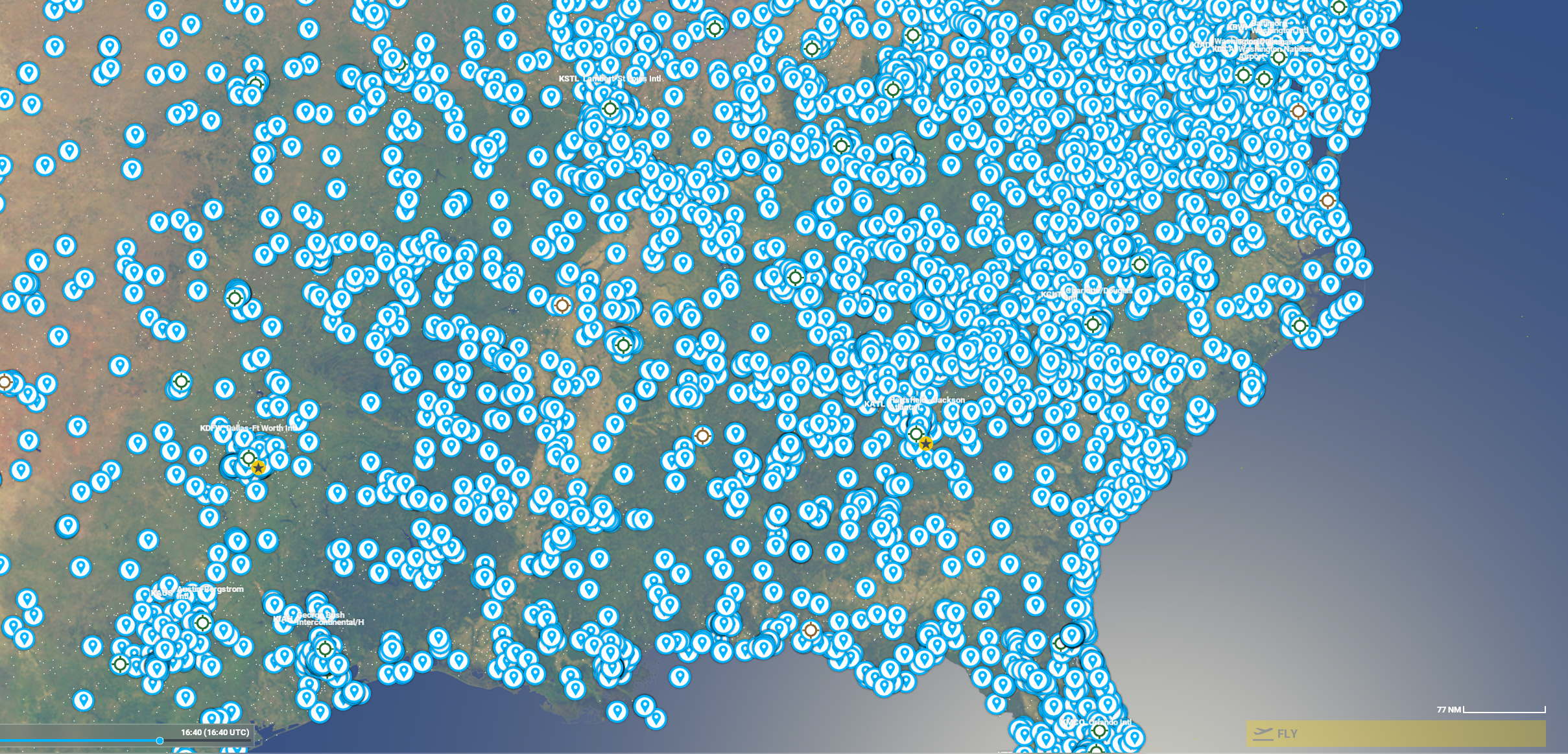
This scenery file contains over 16.000 (!!!!) Points of Interest for USA, including Alaska and Hawaii.
The largest file so far. Impossible to capture in just 4-5 screenshots.
These include castles, mountains, battlefields, statiums, cathedrals and much more.
Also see the POIs for many other countries. One new country every few days....
These are the markers only, not the objects.
Install in the community folder.
Scenery is just over 1 MB. No FPS hit.
Subject to Asobo limitations of POI markers.
Make sure to:
- disable POI makers in the map / world view (it will clutter and hang-up MSFS)
In Map view : open filters -> points of interest -> landmark -> set to OFF
- enable POI makers in the inflight menu
In flight : Settings (escape) -> assistance -> navigations aids -> POI markers-> set to ON
World Points of Interest - USA
Explore over 16,000 Points of Interest across the USA, including Alaska and Hawaii, with this scenery add-on for Microsoft Flight Simulator. From castles to stadiums, cathedrals to battlefields, this file offers a vast array of landmarks to discover. Additionally, stay tuned for POIs from new countries added regularly. Install effortlessly in your community folder with minimal impact on your FPS.


User Reviews
1 reviews
Version History
No version history available.
Related

San Pedro Bay Port Facilities, Los Angeles & Long Beach CA USA (V3.0 MSFS2020) / (V1.3 MSFS2024)
This add-on provides detailed scenery enhancements for the San Pedro Bay port facilities in Los Angeles and Long Beach, California, specifically optimized for both MSFS2020 and MSFS2024. Version 3.0 for MSFS2020 features improved models, with significant updates including new cargo crane designs and streamlined asset management. The MSFS2024 version introduces additional upgrades and new details while ensuring compatibility with the latest simulator features.
by FreakyD
Kennedy Space Center
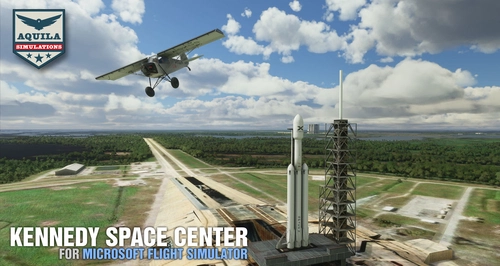
Explore the iconic Kennedy Space Center in Microsoft Flight Simulator with this detailed add-on, featuring key landmarks such as the VAB Building, Launch Control Building, and Launch Complexes 39A & 39B. Witness the impressive Falcon Heavy Rocket and SpaceX Rocket Assembly building as you embark on virtual space missions. Additional updates promise more buildings and assets to enhance your experience.
by Acktu
US Navy - San Diego V3.0.1
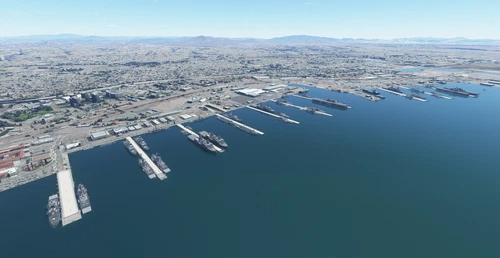
The US Navy - San Diego V3.0.1 add-on enhances the naval scenery around San Diego in Microsoft Flight Simulator. It includes a variety of updated ship models and improved textures, ensuring compatibility with both MSFS2020 and MSFS2024. Key features include detailed representations of the Rosecrans Submarine Base, multiple naval shipyards, and various classes of ships, including attack submarines and aircraft carriers. Recent updates have focused on model clean-up and the addition of interactive landing pads for helicopters.
by FreakyD

HungaryVFR FS2020
HungaryVFR is a package covering Hungary with airports and landmark sceneries, with its own library. The main goal is to bring as many airports and landmarks to Hungary as many we can, to have an authentic library for the are. The library can be used by other 3rd party scenery developers!
by ekre
Log in to join the discussion
Log InComments(11)
over 4 years ago
Loading these POI in the SIM made my computer so sluggish and stuttering. And I have the latest Alienware with GTX 3080 and 32 GB RAM.
The same happened to the Canadian POI. I had to delete both folders.
over 4 years ago
Sorry to hear....What was slow? In flight, or in the world map / menu ?
over 4 years ago
It started stuttering in the world map. I almost became non-responsive. I had to immediately shut down and restart and I took off both the files.
I still have them but I am not sure if I would like to try to use them again.
over 4 years ago
Recommend to disable POIs display on the world map. Clutters it up. Otherwise the addon is very small (few MB only).
- disable POI makers in the map / world view (it will clutter and hang-up MSFS)
In Map view : open filters -> points of interest -> landmark -> set to OFF
over 4 years ago
Thank you for this, but without the POIs enabled, how can I make a flight plan and travel to various POIs?
over 4 years ago
Ah I see. I usually just fly along, and be surprised at what's there. I did no think of that requirement.
over 4 years ago
When will the SU8 compatibility be confirmed?
over 4 years ago
Haven't tried yet, but 99.9% certain to work with SU8.
over 4 years ago
Thanks, I'll try it then.
over 5 years ago
over 5 years ago