
Description
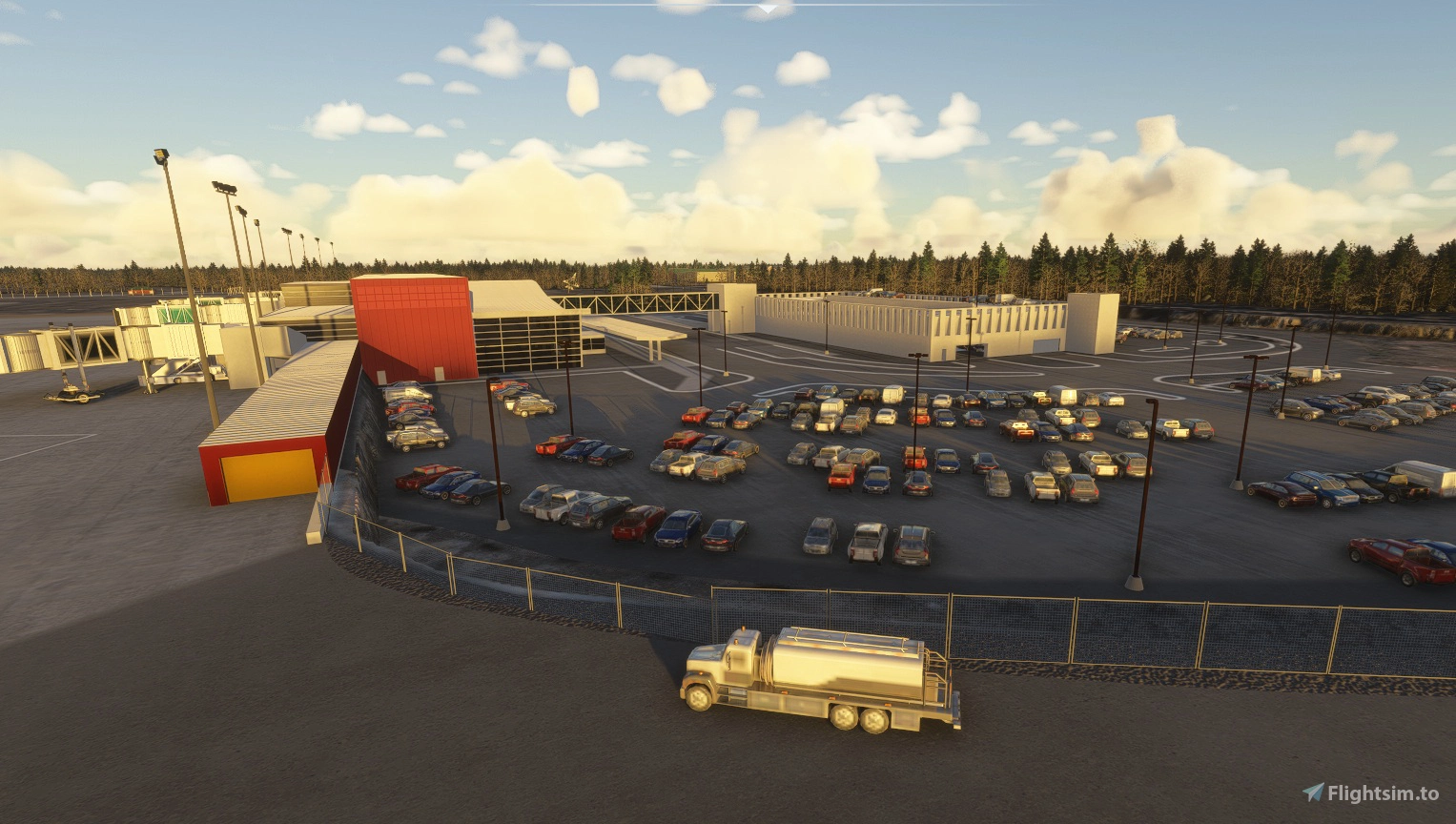
Opened as Williamson-Johnson Municipal Airport in 1930, the airport began with two 2,650 foot grass runways. During the 1940’s, it developed into an important site for Military Training, and the latter half of the decade the 148th Fighter Group (Minnesota National Guard) were operating from the field, leading to the rapid development of paved runways and hangars.
In the early 1960’s improvements were made to the runways and the formation of the Duluth Airport Authority took place in 1969. A new Terminal was built in 1970, which lasted until 2013 when the current building replaced it.
It is currently undergoing a major update, with taxiway improvements, and plans for a replacement to the Control Tower. The FBO has recently changed hands, and Cirrus have leased the huge hangar and offices that were previously used by AAR.
This 2024 Version
This version, 3.0 takes advantage of the new lighting model, providing better control over color temperature and power. Every model created for 2020 has had to be modified to accommodate the new lighting, and Levels of Detail (LODS) implemented to stop buildings popping in and out according to distance. The Data source is largely Google Earth, but 3D data is out of date, and newer 2D imagery dates to Oct 2025. The Taxiway signage and marking has not been verified as correct.
Installation
There are four files to be unzipped into your Community Folder. The main is mnsd-kdlh-intl_Version_3_0. The library files are mgc-streetandbldlighting_Version_3_1, mgc-taxisignobjectslib_Version_1_0 and mnsd-modellib-airport-models-24_Version_3_3.
If you have other airports by MNSceneryDesign or connomar, you may already have versions of these libraries. If you use MSFS-AddonLinker, you can see the version numbers of your installed packages there. If not, open the folder in the community directory and then use notepad or similar app to open the manifest. Look for package_version, and make sure the version you are about to copy is a higher number than the one you already have.
Location
KDLH - Duluth International Airport for 2024
This add-on features an updated recreation of Duluth International Airport (KDLH) for Microsoft Flight Simulator, reflecting its current 2024 layout and key facilities. Version 3.0 utilizes a new lighting model for improved visual realism and performance, with updated building models and levels of detail. The scenery is based on recent satellite imagery, though some taxiway markings and signage may not be fully accurate. Installation requires four files, including specific library dependencies for optimal functionality.

User Reviews
3 reviews
Version History
No version history available.
Featured in Collections(1)


Related
mnsd-modellib-airport-models
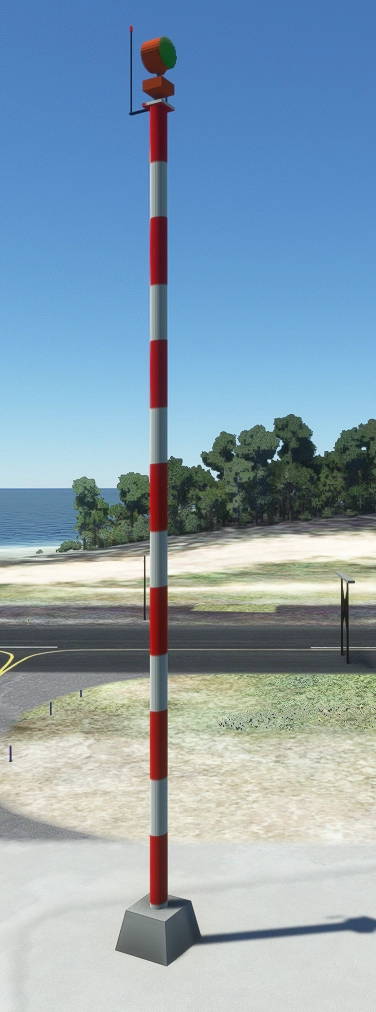
This library contains a variety of objects created for Minnesota Scenery Design airports, including airport beacons, reflective markers, roof fans, umbrellas, windsocks, WindTees, and more. Version 1.2 also offers additional SimObjects like ceiling fans, garage doors, and runway safety lights, along with scenery objects such as pergolas, road signs, and fire hydrants.
by MNSceneryDesign
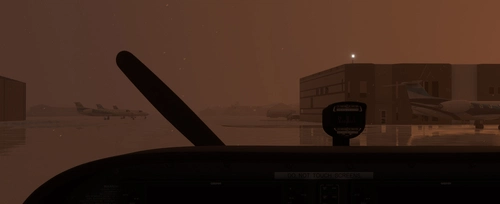
KDLH - Duluth International Airport - Duluth, Minnesota
Enhance Duluth International Airport with this beta add-on, incorporating updates from a multi-year project to modernize taxiways and introduce new GA Hangar spaces. Delve into a detailed rendition featuring over 40 models, including changes such as enhanced hangars, airport services modifications, and improved lighting elements. Stay tuned for upcoming releases to further refine this evolving airport scenery.
by MNSceneryDesign
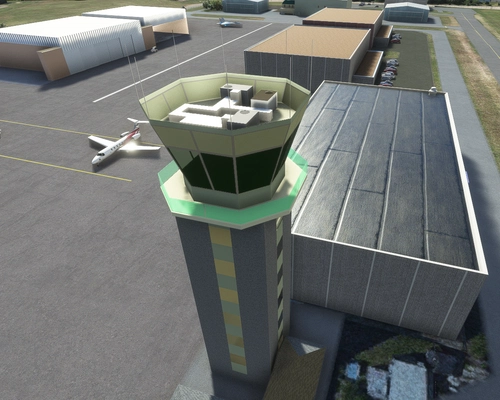
KSTP - St. Paul Downtown - Holman Field - St. Paul, MN - 3.1
Explore KSTP - St. Paul Downtown/Holman Field in Minnesota with this detailed add-on. Discover the top reliever airport, business hangars, Blackhawk helicopter operations, and more. Updates include CHS Field landmark, accurate taxi signs, enhanced lighting, and detailed tower complexes. Created by MNSceneryDesign, this add-on elevates your flight simulation experience.
by MNSceneryDesign
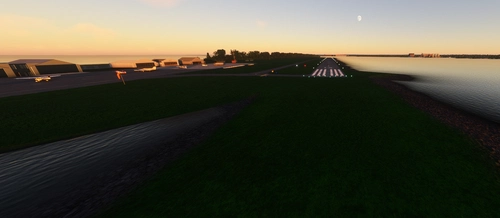
Sky Harbor Airport, Duluth, Minnesota
Explore Sky Harbor Airport, KDYT in Duluth, Minnesota with this MSFS model featuring a newly built runway and detailed airport features like lit windsocks, waterways for float planes, reflective markers, and a rotating beacon. Experience added realism with the main hangar door that opens during the day, immersive effects with Grain Silos and Ore Handling buildings, and a ship sailing in the canal. Join the aviation community and enhance your flight simulation experience at this historic airport.
by MNSceneryDesign
Log in to join the discussion
Log InComments(7)
3 months ago
5 months ago
5 months ago
6 months ago
6 months ago
6 months ago
6 months ago